
Can I send new members a welcome DM?
Everyone who joined in the last 30 days waits on your Community dashboard. Write a hello, or have one suggested, and send it when you are happy. Nothing goes without you.
Updated 6 October 2026
Open Community, then Dashboard
Dashboard is the first line under My community. On a phone, press the menu button at the top right first.
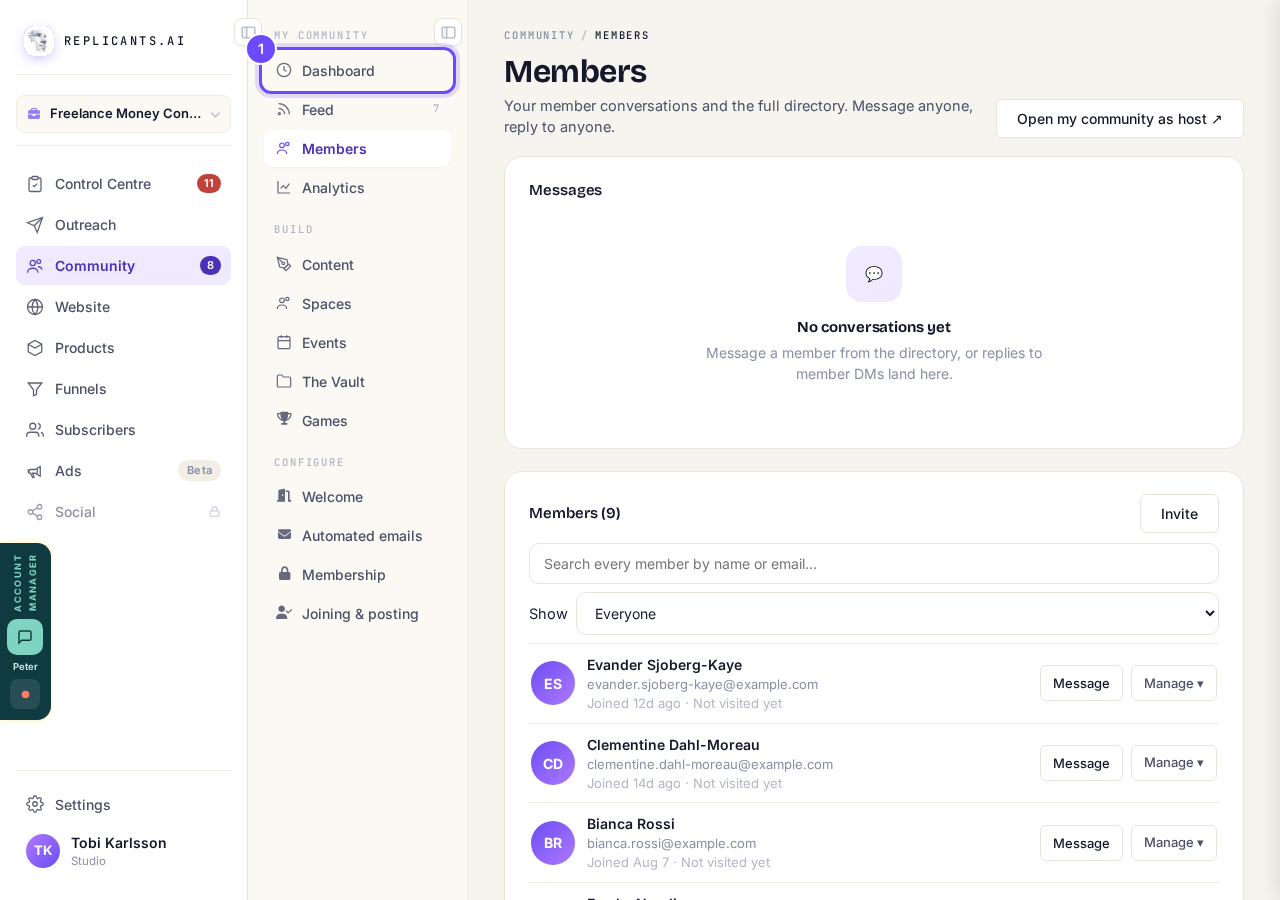
Dashboard, at the top of the Community list.
Open my communityFind Welcome new members
Everyone who has just joined is listed here, with what they told you when they joined. The number beside the heading is how many are waiting.
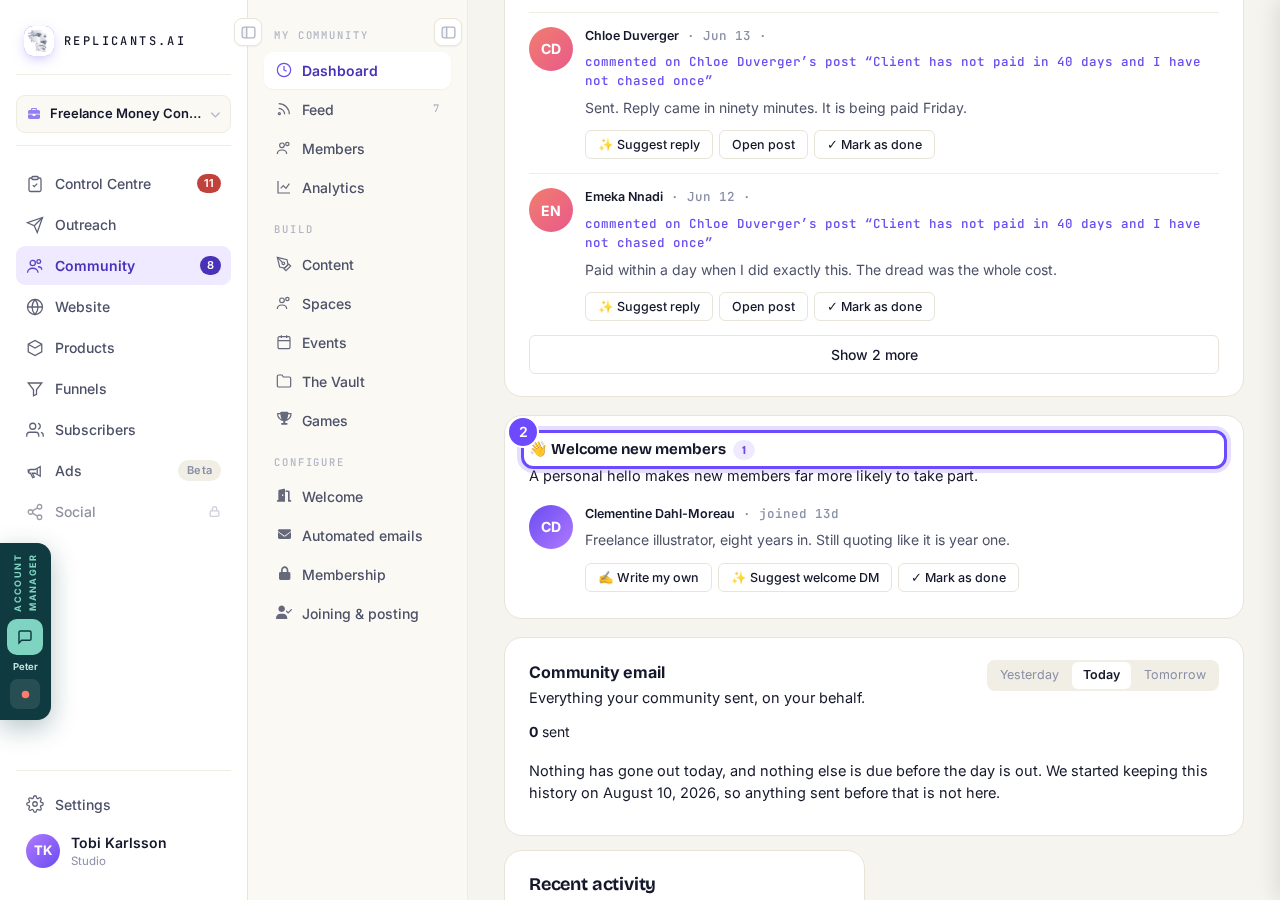
Welcome new members, with each new person.
Press Write my own or Suggest welcome DM
Write my own opens a box for your own words. Suggest welcome DM drafts one from what they told you when they joined, for you to change. Mark as done takes them off the list without a message.
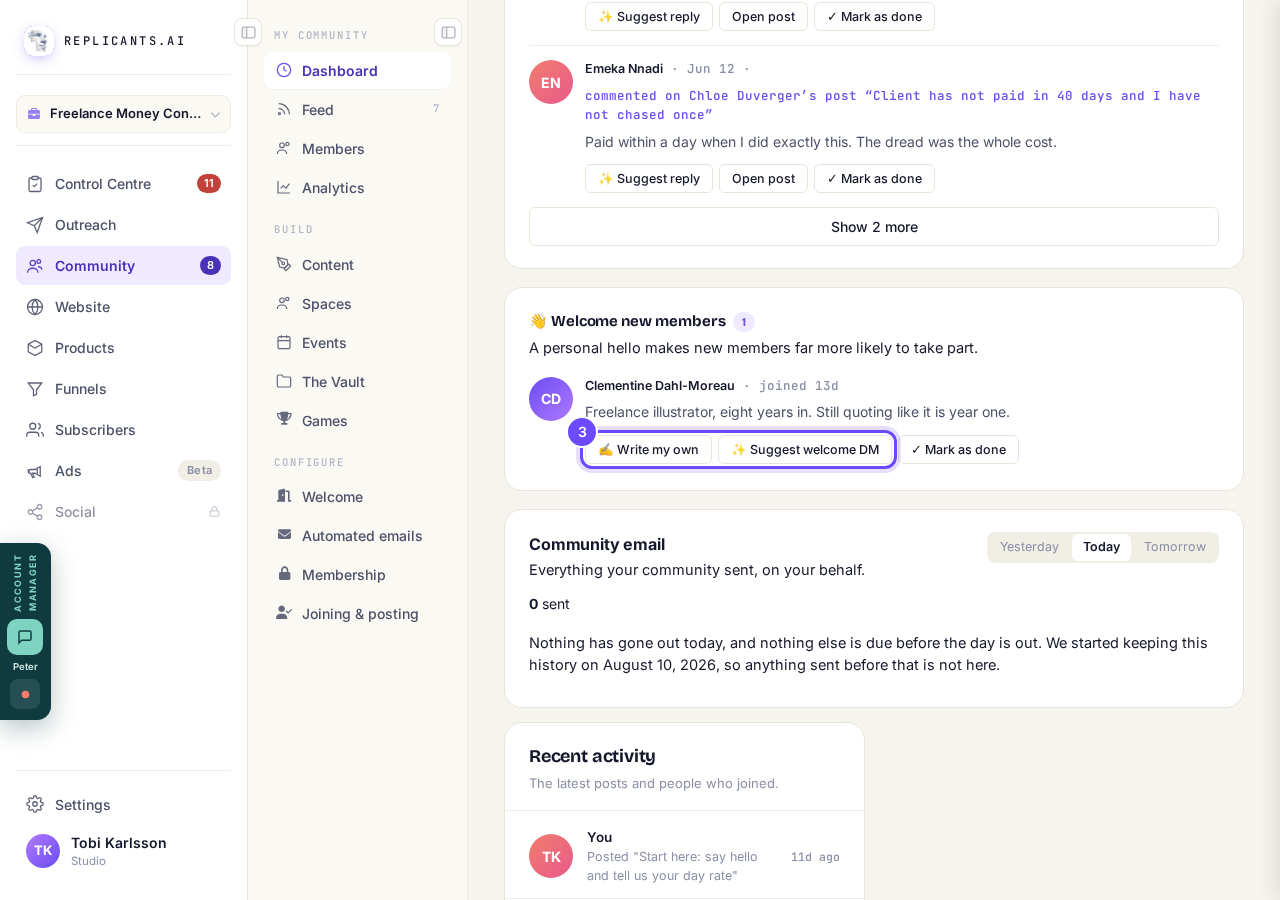
Write my own and Suggest welcome DM, beside each name.
Press Approve & send DM
It goes to their messages, and they drop off the list. Nothing sends until you press it.
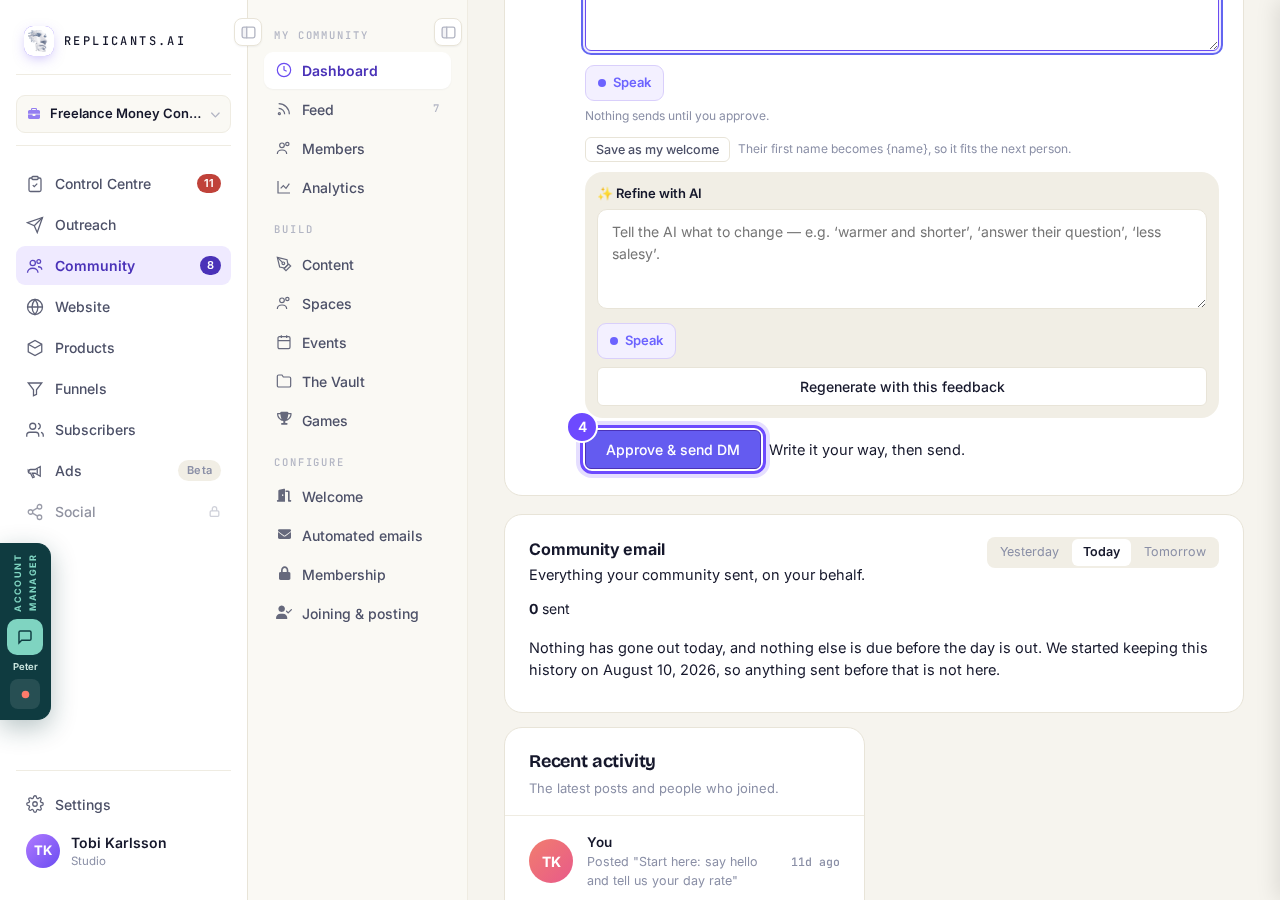
Approve & send DM, under the message.
Save it for next time
Press Save as my welcome under a message you like. Their first name becomes {name}, so next time Write my own starts from your saved words with the new person's name already in.
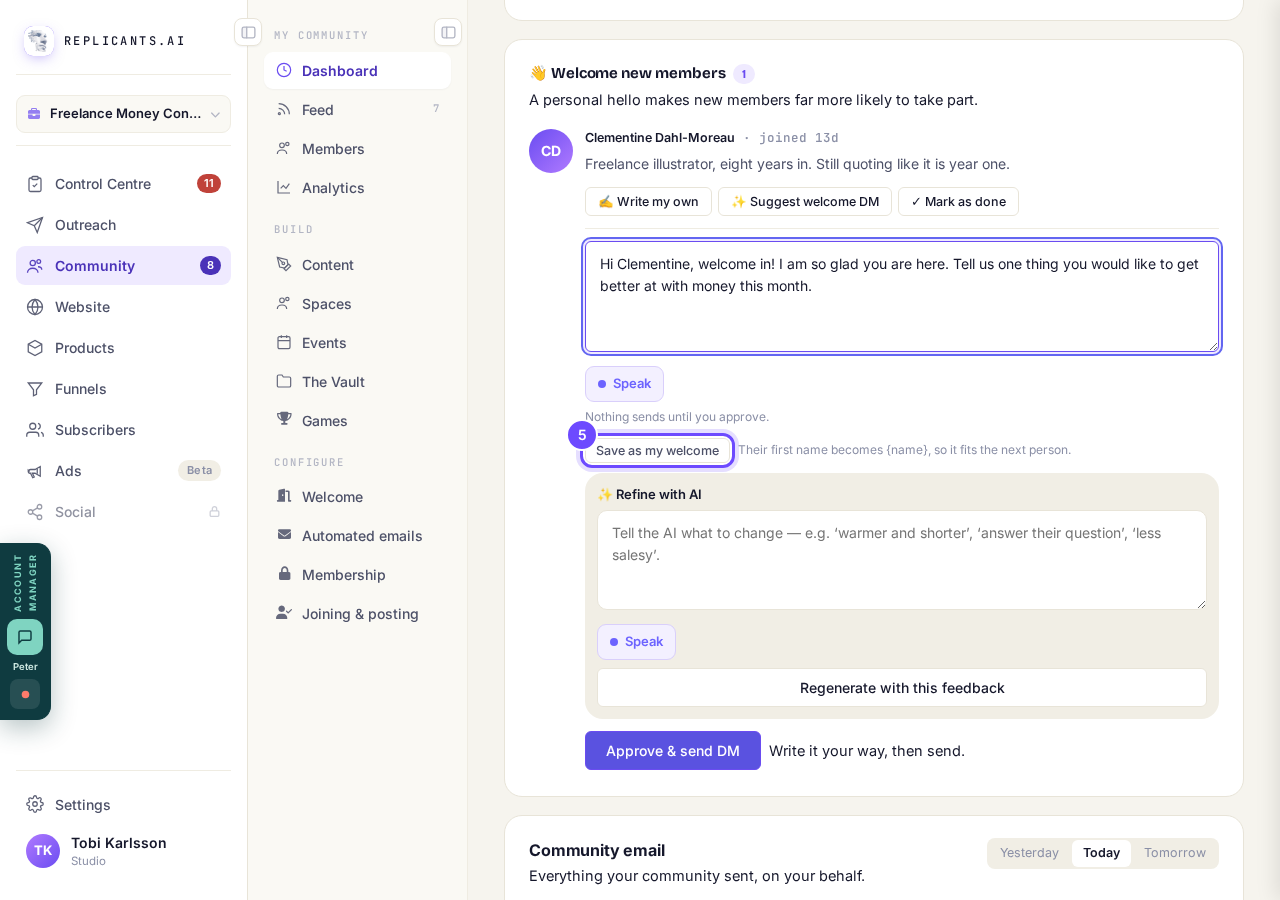
Save as my welcome, under the message box.


How do I remove a member from my community?
Related articles
Can I approve new members before they get into my community?
Yes. Switch on approval and anyone who asks to join waits in a Requests list in Members until you let them in, the way a private LinkedIn or Facebook group works. People you invite, and people who pay, still go straight in. About five minutes to set up.
Can I check comments before they go up?
Turn on comment approval and every member comment waits for you. It's a separate switch from the one for posts.
Can I keep my community hidden until I'm ready to launch?
Your community goes live once it is made and your email is confirmed, and there is no switch that takes it offline. Two settings work together instead: one keeps your posts from anyone who isn't a member, the other means nobody gets in until you let them.