
How do I remove a member from my community?
Open Members, press Manage beside the person, then Remove from community. It takes about a minute, and you are asked once more before anything happens.
Updated 6 October 2026
Open Community, then Members
Members is in the list under My community. On a phone, press the menu button at the top right first. Members is under Community.
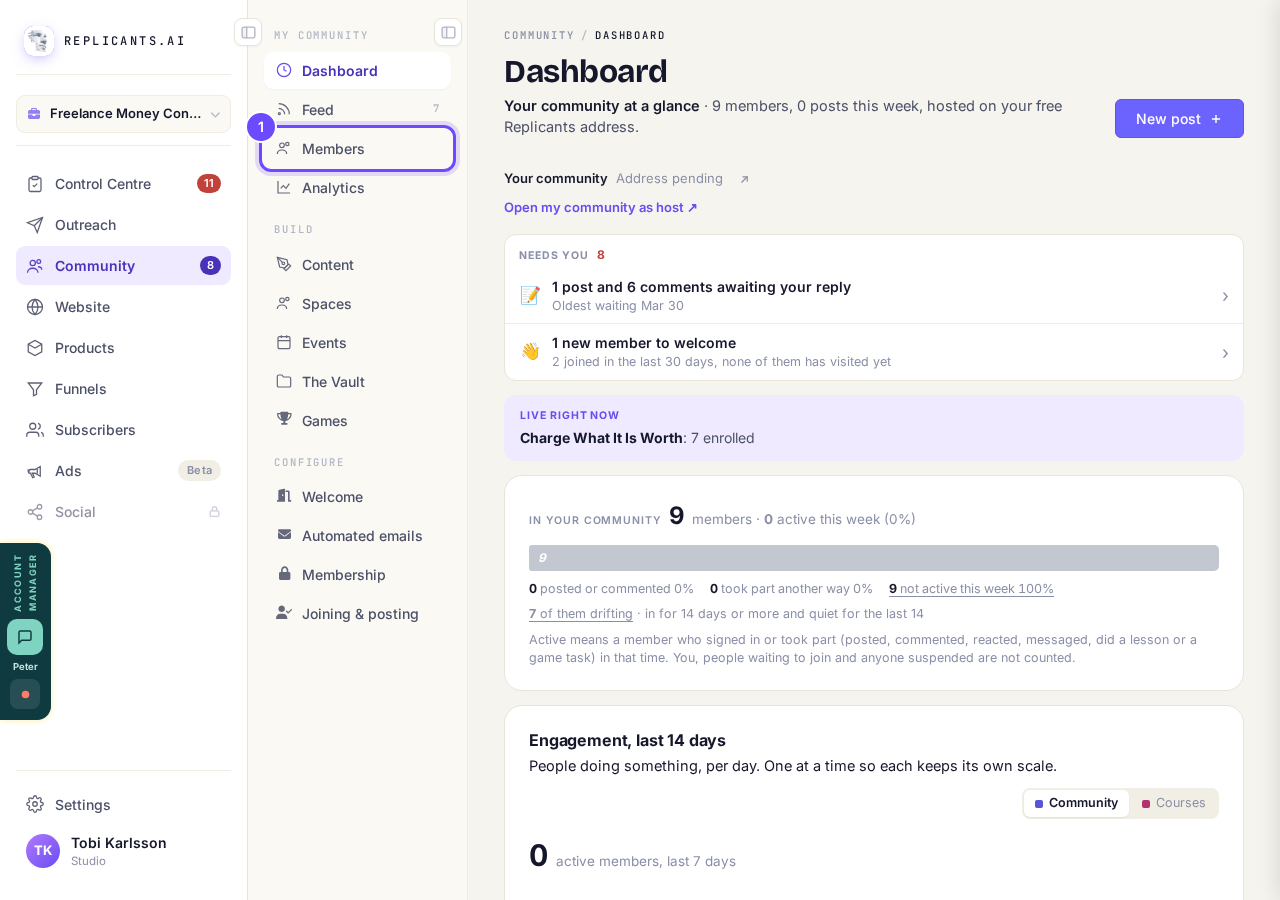
Members, under My community.
Open my communityPress Manage beside their name
Every member has Message and Manage on their row. If you cannot see the person, type their name or email in the search box, or press Show more at the bottom of the list.
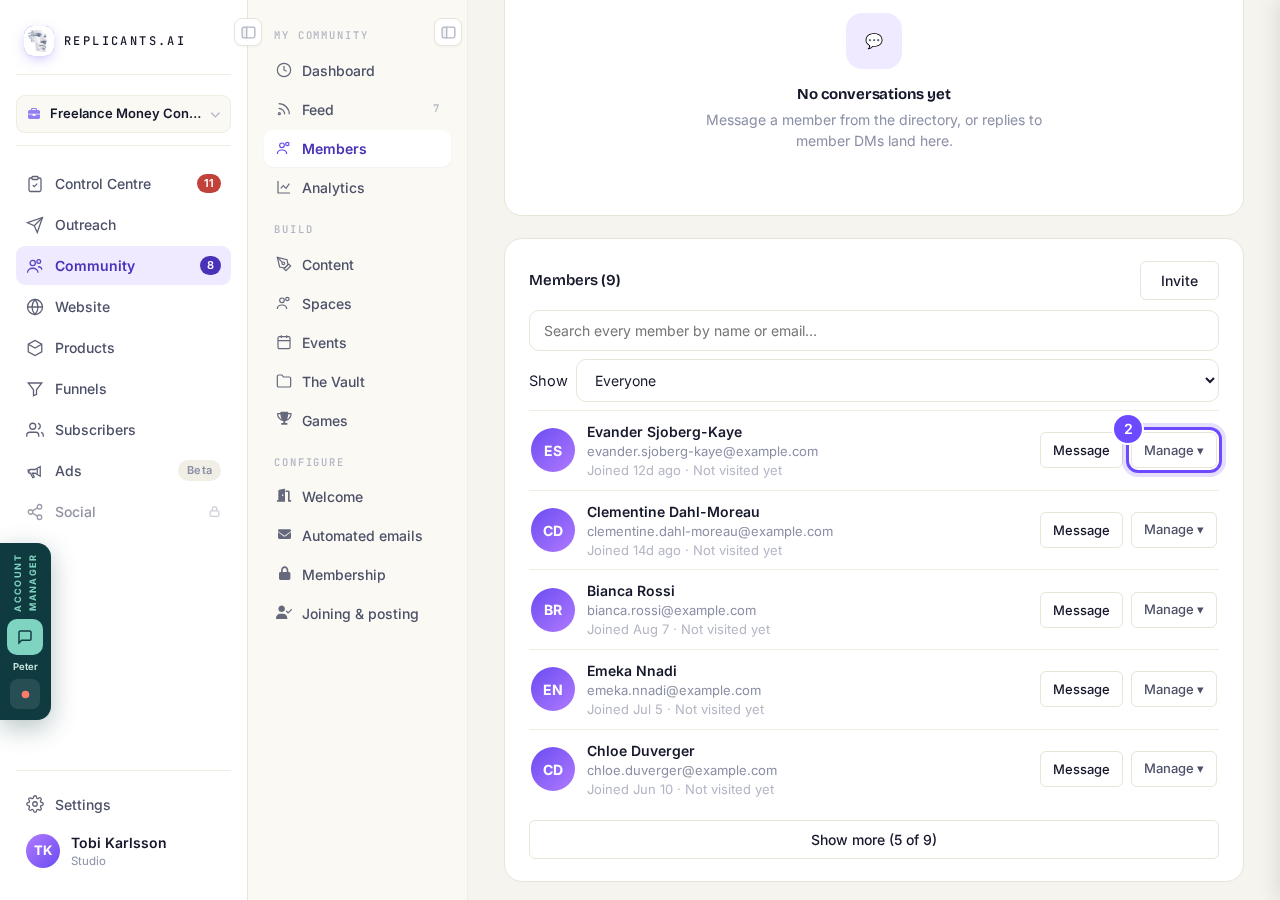
Manage, beside Message, on every row.
Press Remove from community
It is the red line at the bottom of the small menu that opens.
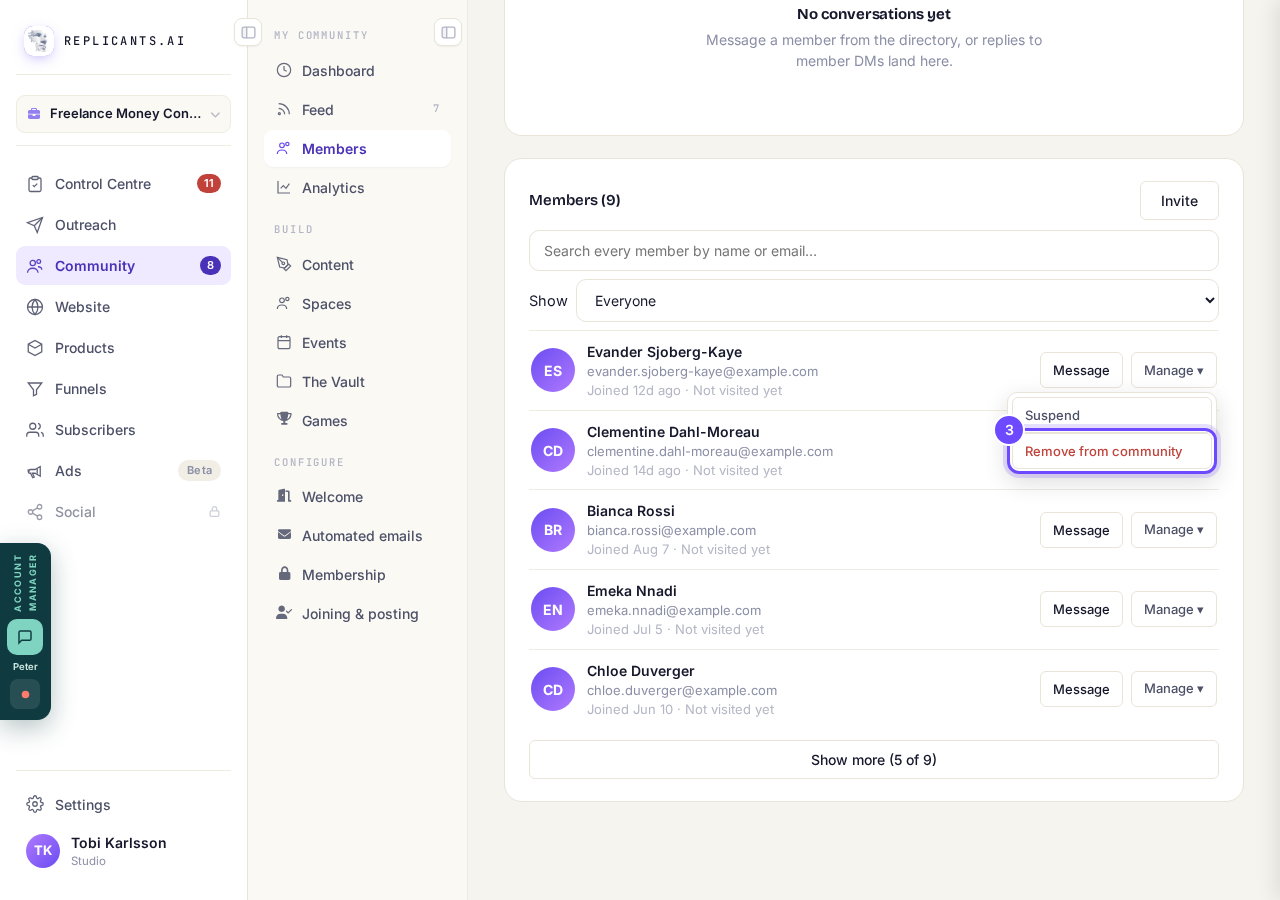
Remove from community, in red, under Suspend.
Press Remove them to confirm
A box asks once more, with the person's name in it. They lose access straight away, and any sign-in links already emailed to them stop working. This cannot be undone: they would have to join again.
Keep them closes the box and changes nothing.
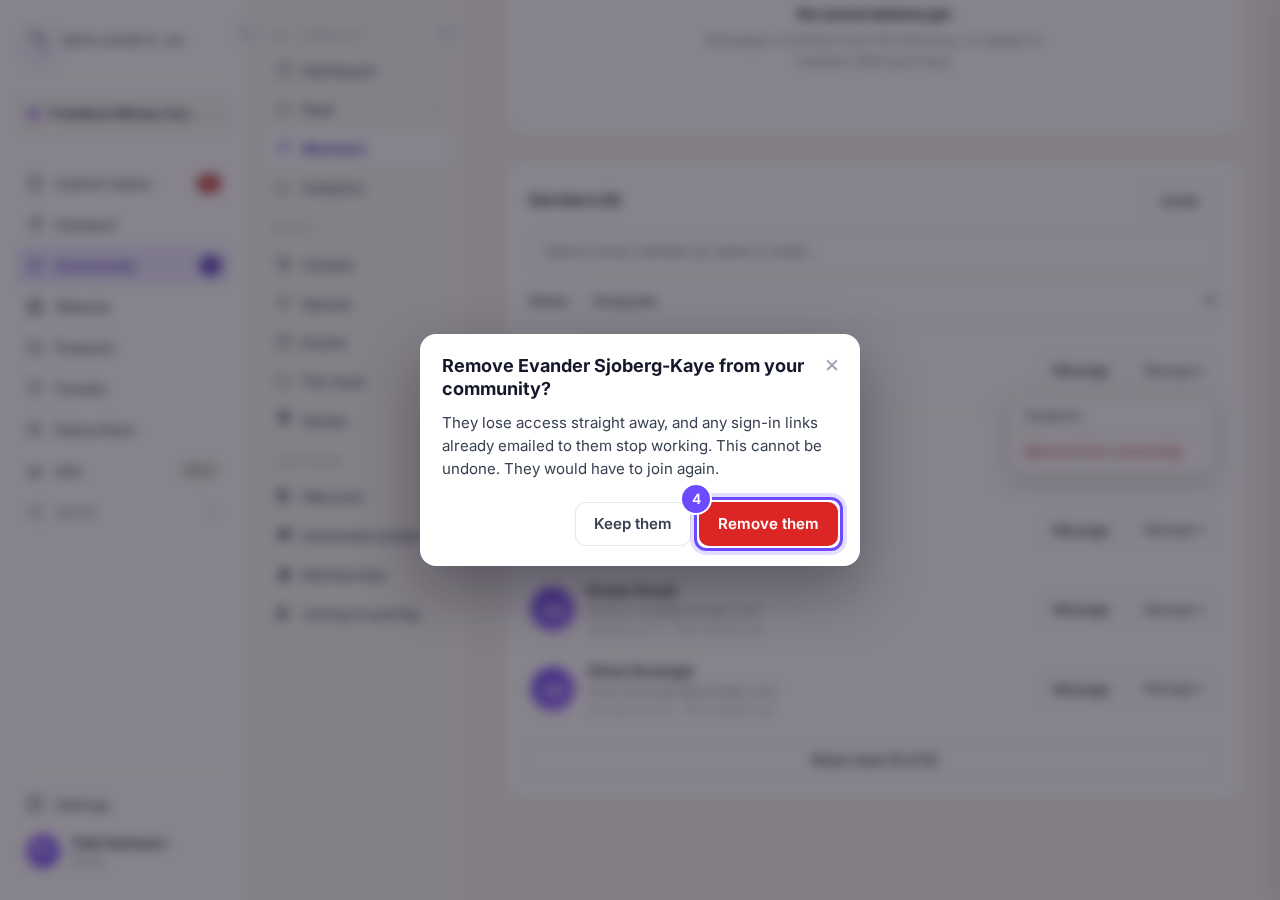
The box names the person before anything happens.
Or press Suspend to stop them for a while
Suspend is the first line in the same menu, and it asks you once before it happens. They can still sign in and read, but cannot post, comment, react or message. An Unsuspend button then sits on their row for when you are ready. We do not tell them.
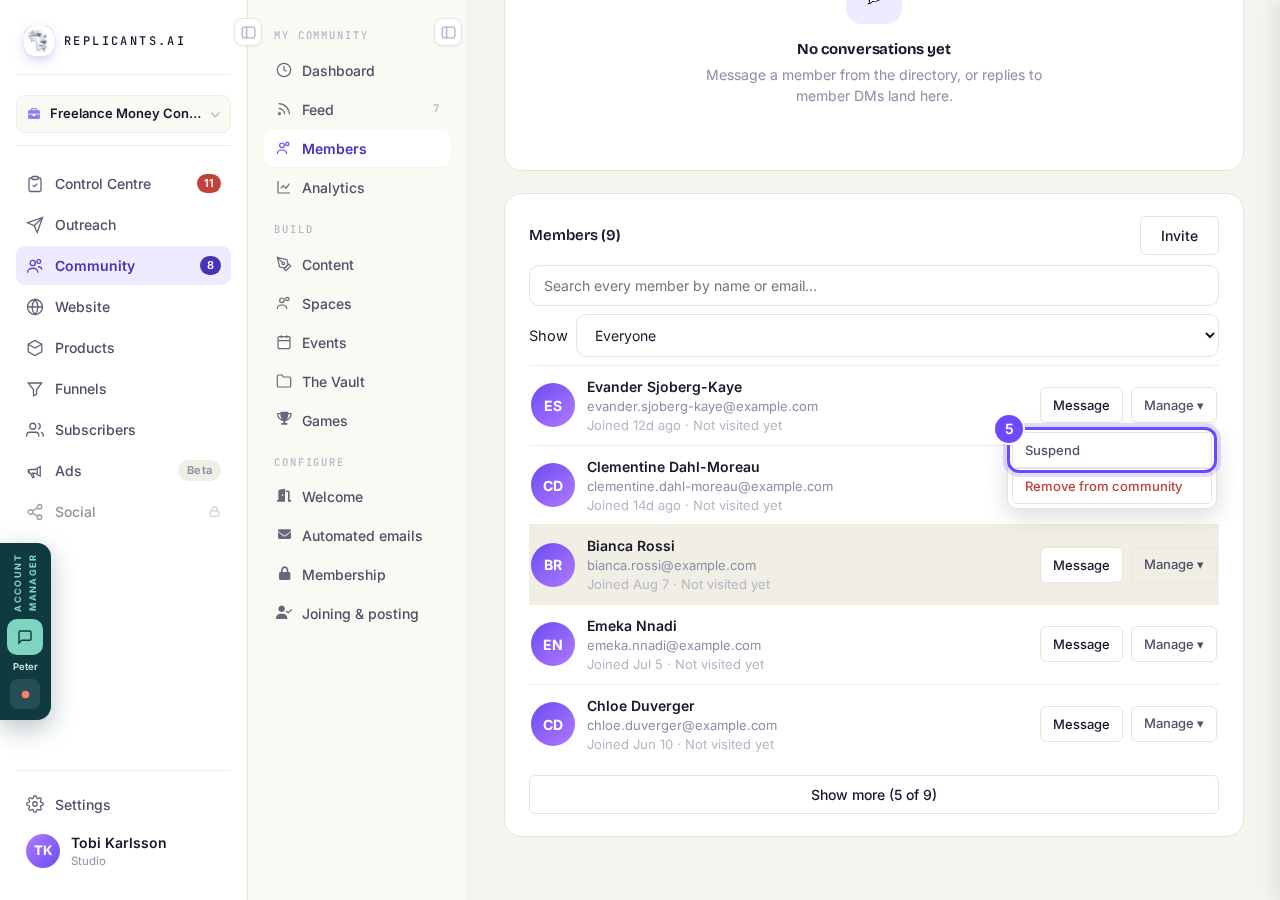
Suspend, the first line in the Manage menu.


How do I keep my community friendly when anyone can join?
Related articles
Can I approve new members before they get into my community?
Yes. Switch on approval and anyone who asks to join waits in a Requests list in Members until you let them in, the way a private LinkedIn or Facebook group works. People you invite, and people who pay, still go straight in. About five minutes to set up.
Can I check comments before they go up?
Turn on comment approval and every member comment waits for you. It's a separate switch from the one for posts.
Can I keep my community hidden until I'm ready to launch?
Your community goes live once it is made and your email is confirmed, and there is no switch that takes it offline. Two settings work together instead: one keeps your posts from anyone who isn't a member, the other means nobody gets in until you let them.