
What is Spaces, and how do I get it?
A space is a private group, program or course inside your community, with lessons each week, live calls and 1:1 calls. Spaces is in beta: you can see exactly how it works today, and ask to join.
Updated 6 October 2026
Open my community
Open Community, then Spaces
Spaces is under the grey BUILD heading. On a phone, press the menu button at the top right first.
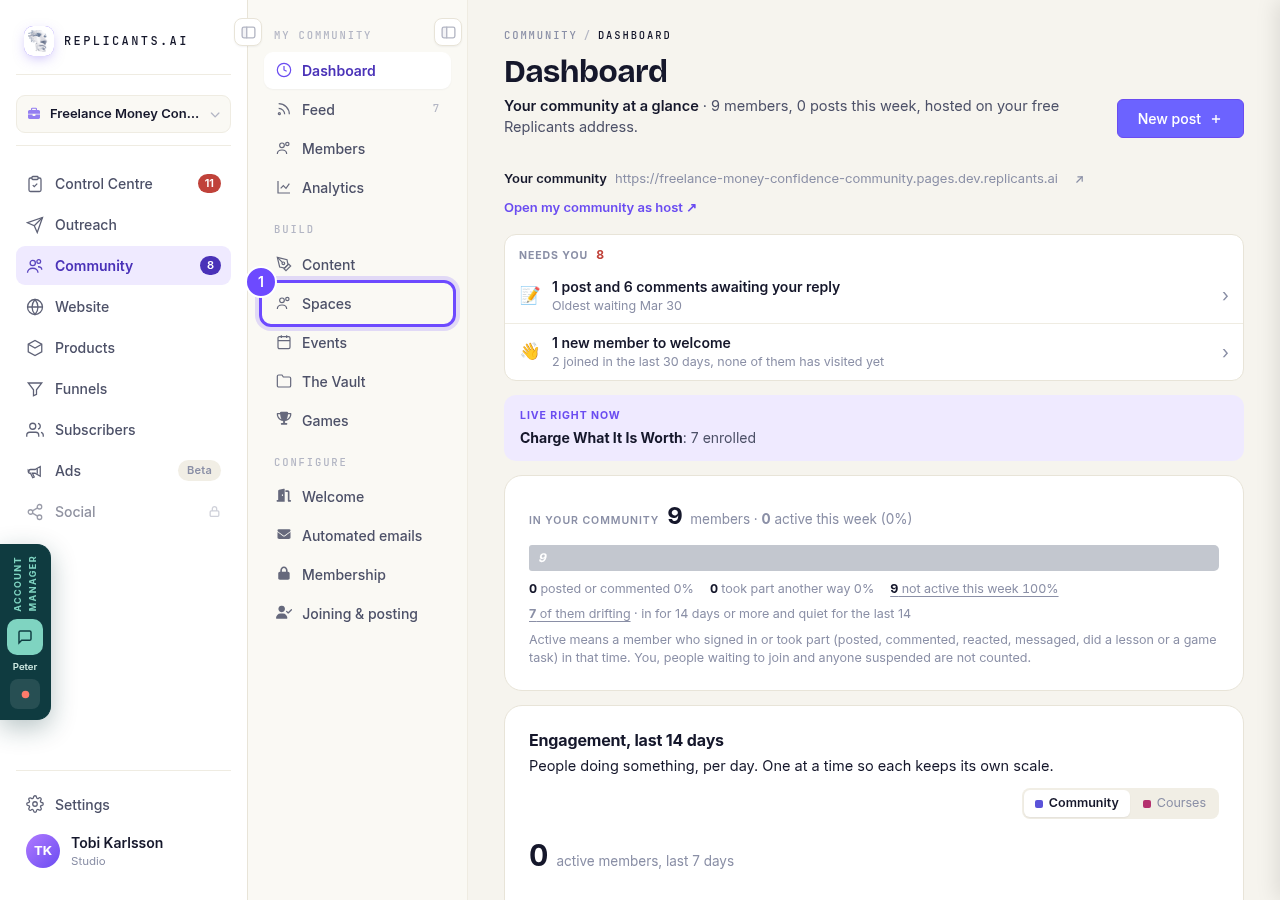
Spaces, under Build.
Open my communityWatch the short film
There are two: How it works for you and How it works for your clients. Each takes under three minutes.
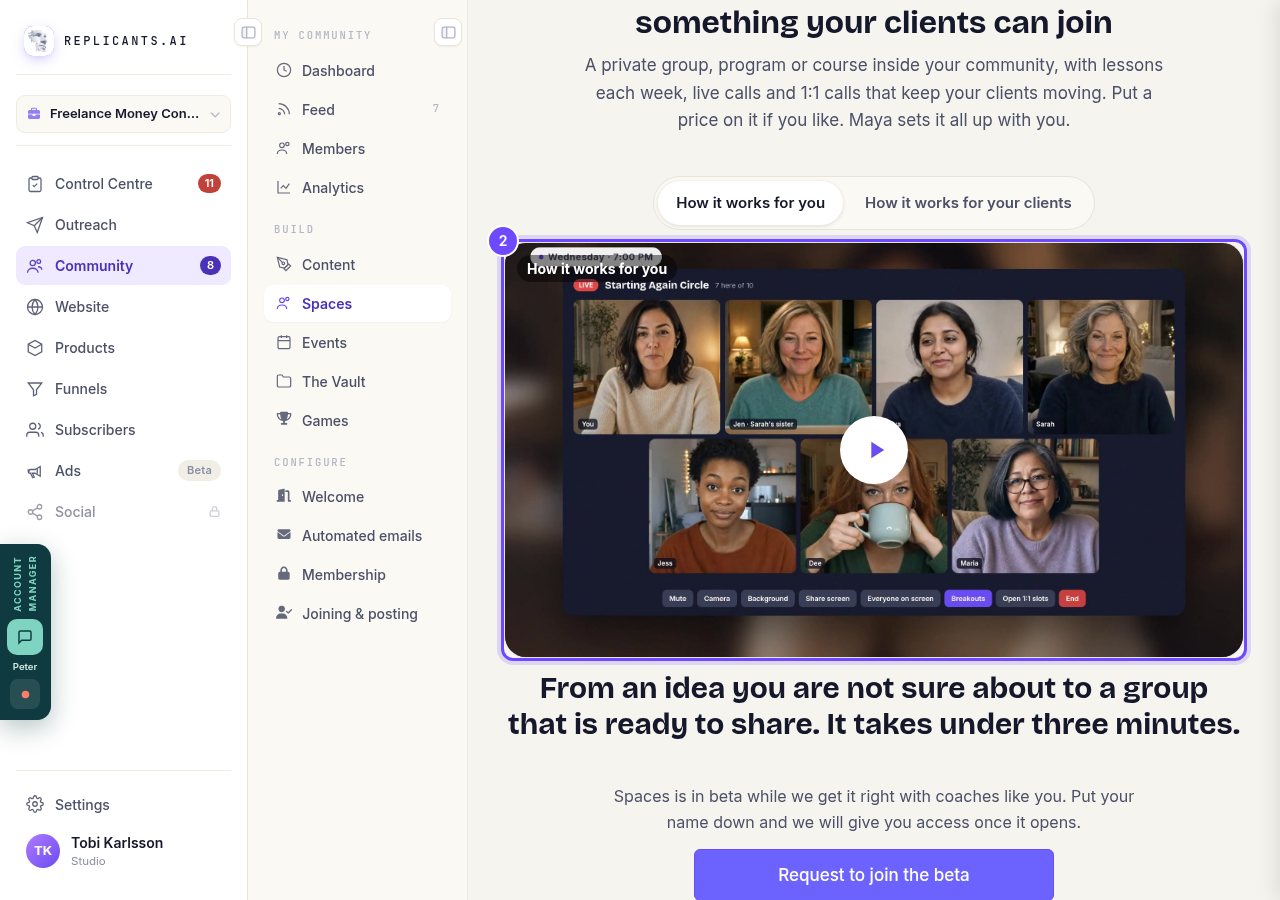
The film, at the top of Spaces.
Try a space as a member
Under Try it as a member are demo spaces run by Claire, a made-up coach: a free weekly group, a six-week paid program and a short challenge. Press Join as a member on one to see what your clients would get. It is a demo: nobody sees or hears you.
Below that, See what your clients get has short clips of each part.
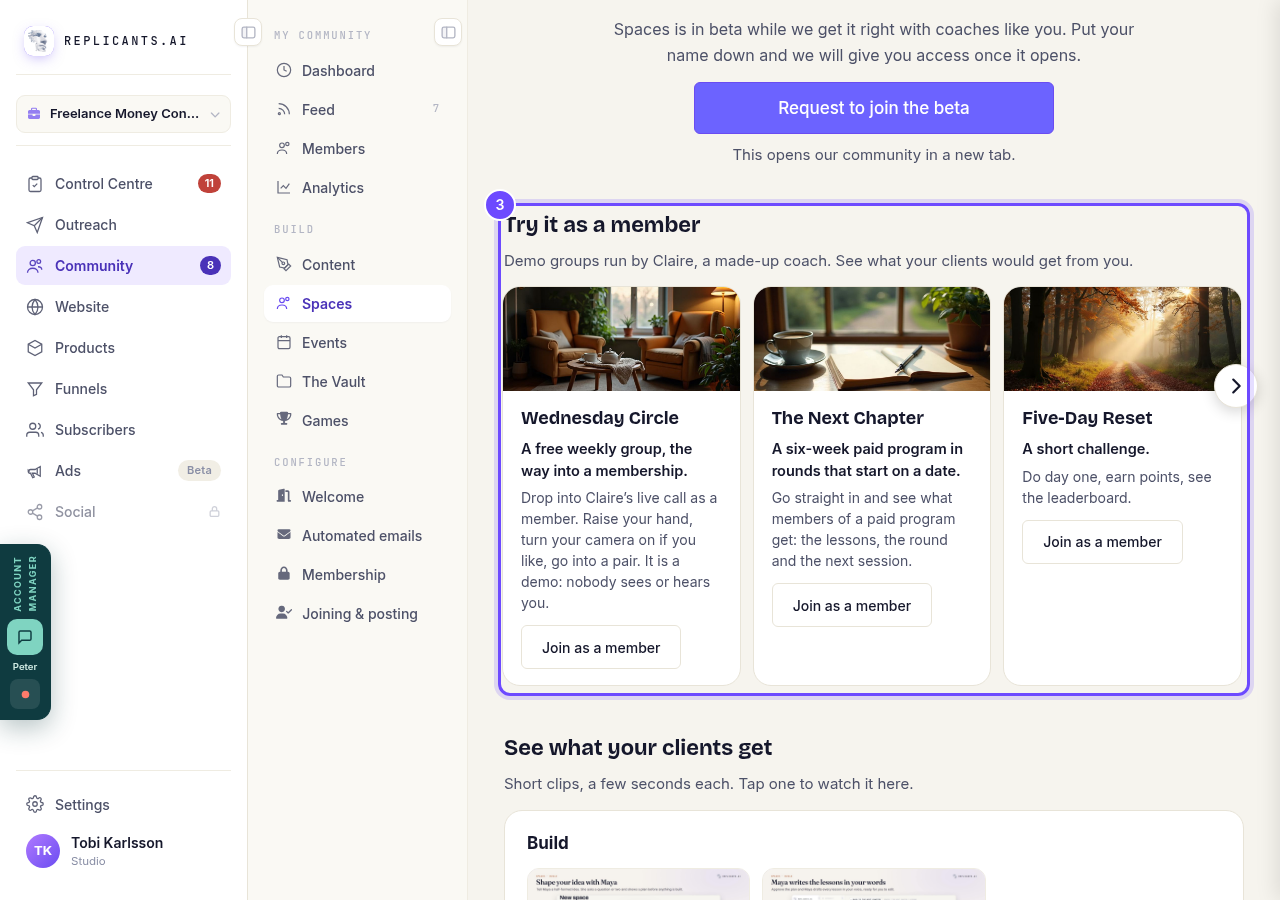
Try it as a member, with three demo spaces.
Press Request to join the beta
It opens our community in a new tab, where you put your name down. We give you access as places become available.
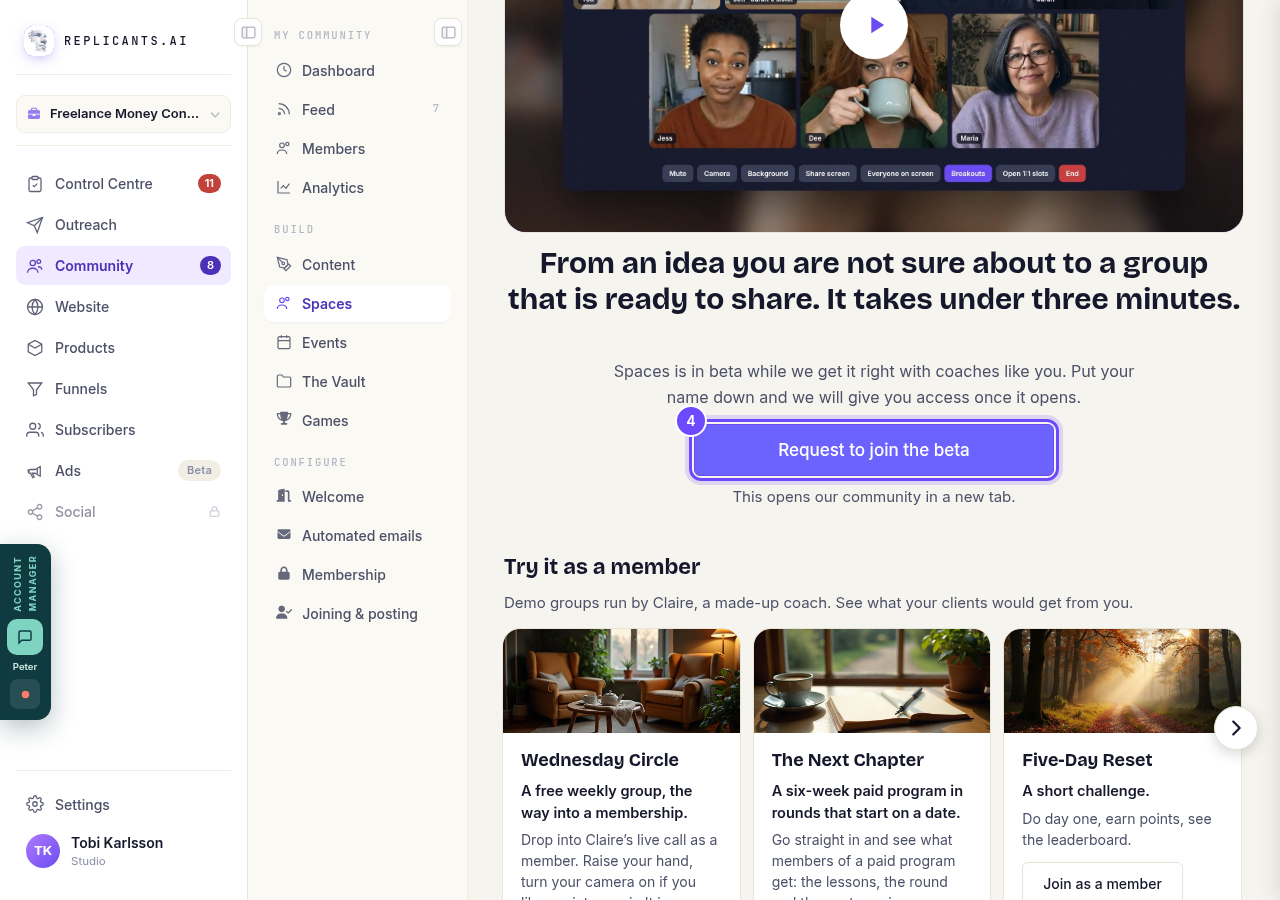
Request to join the beta, under the film.


Can I set up events in my community?
Related articles
Can I approve new members before they get into my community?
Yes. Switch on approval and anyone who asks to join waits in a Requests list in Members until you let them in, the way a private LinkedIn or Facebook group works. People you invite, and people who pay, still go straight in. About five minutes to set up.
Can I check comments before they go up?
Turn on comment approval and every member comment waits for you. It's a separate switch from the one for posts.
Can I keep my community hidden until I'm ready to launch?
Your community goes live once it is made and your email is confirmed, and there is no switch that takes it offline. Two settings work together instead: one keeps your posts from anyone who isn't a member, the other means nobody gets in until you let them.