
How do I show a Members directory and Leaderboard on my community?
Members (everyone in your community) and Leaderboard (who has the most points) are tabs across the top of your community. You choose whether they show, and in what order. About a minute.
Updated 6 October 2026
Open Community, then Welcome
Welcome is under the grey CONFIGURE heading. On a phone, press the menu button at the top right first.
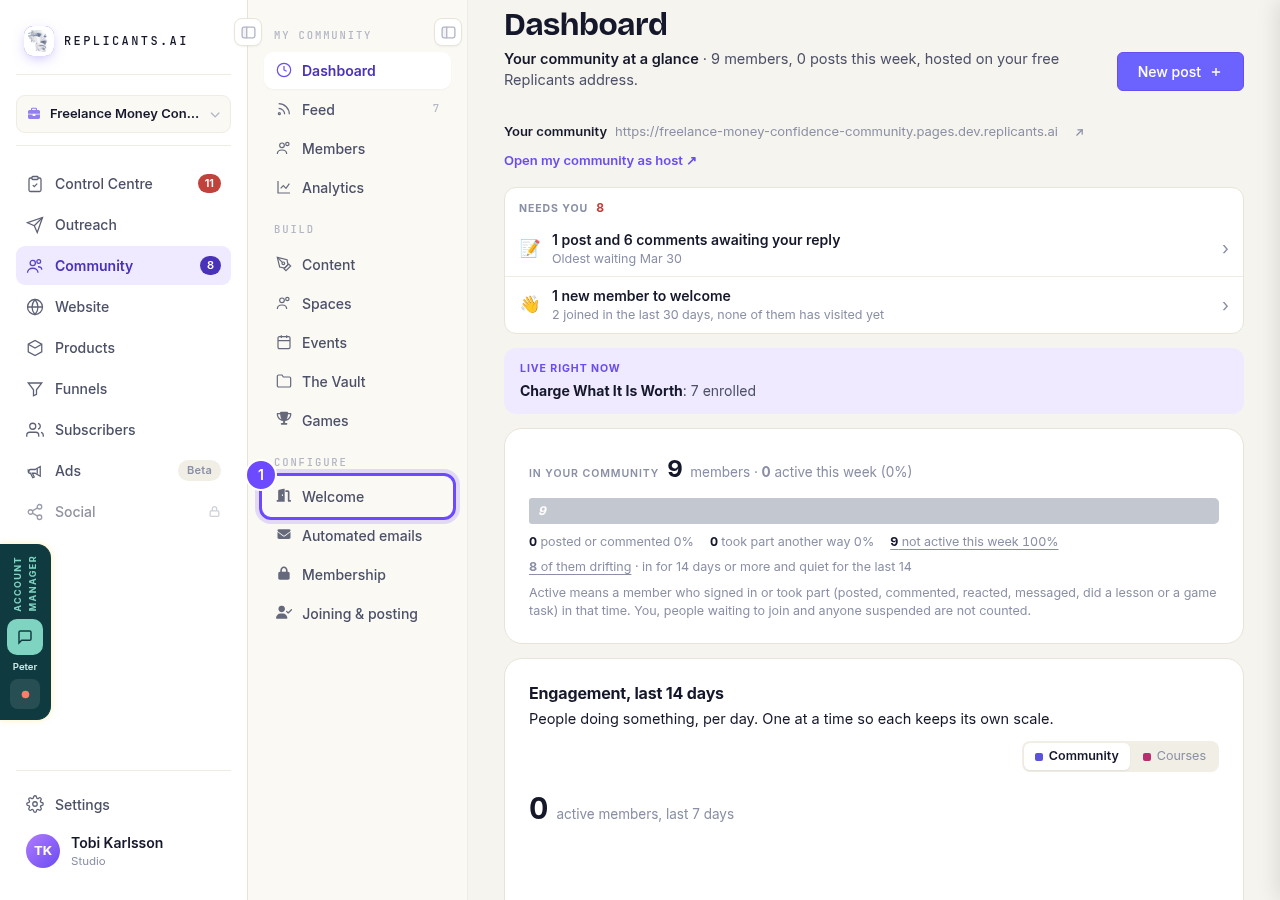
Welcome, under Configure.
Open my communityPress Navigation
It is along the top of the Welcome page, under Content.
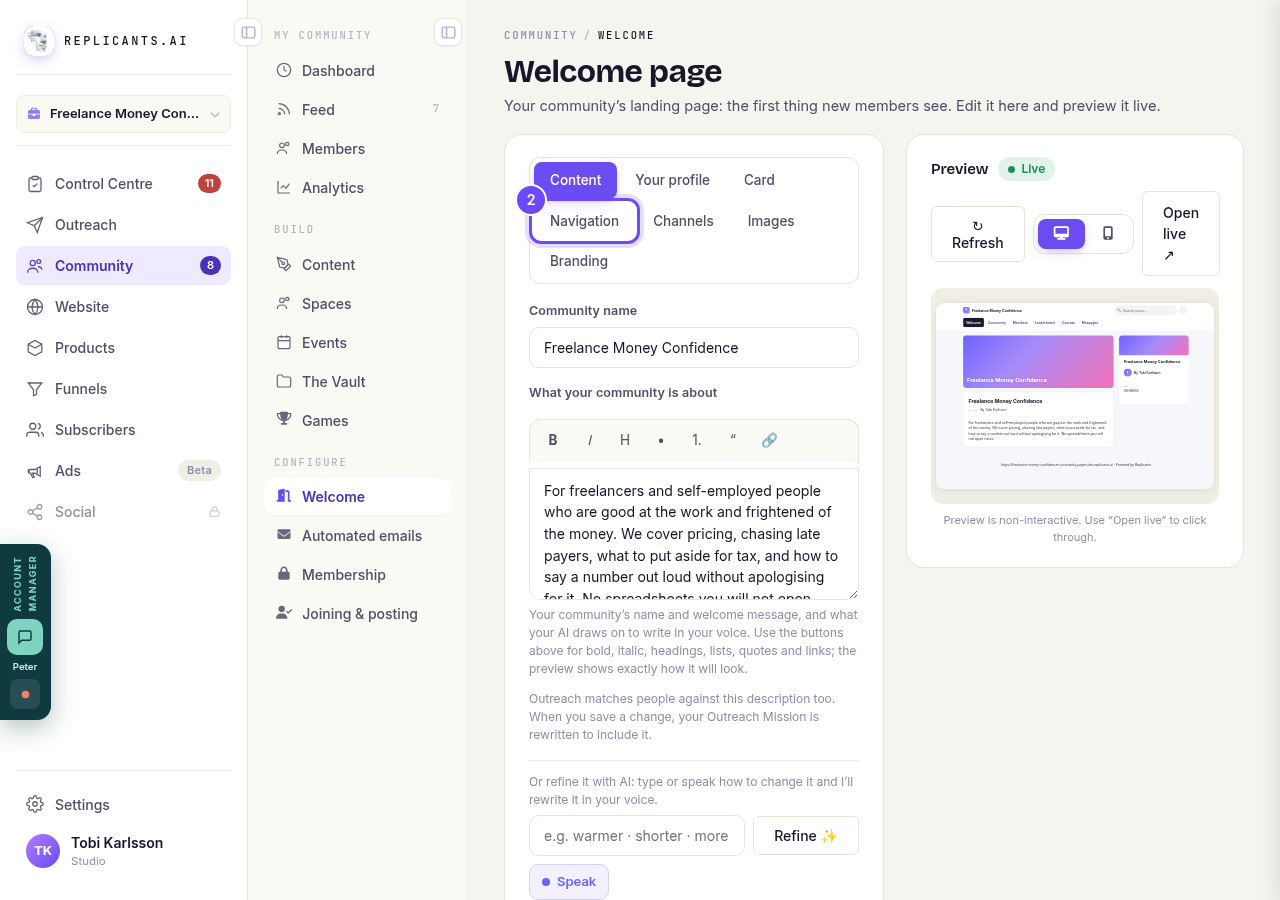
Navigation, along the top.
Switch Members and Leaderboard on or off
Each tab across the top of your community has a switch. The arrows on the left move it up or down the order. Welcome always comes first.
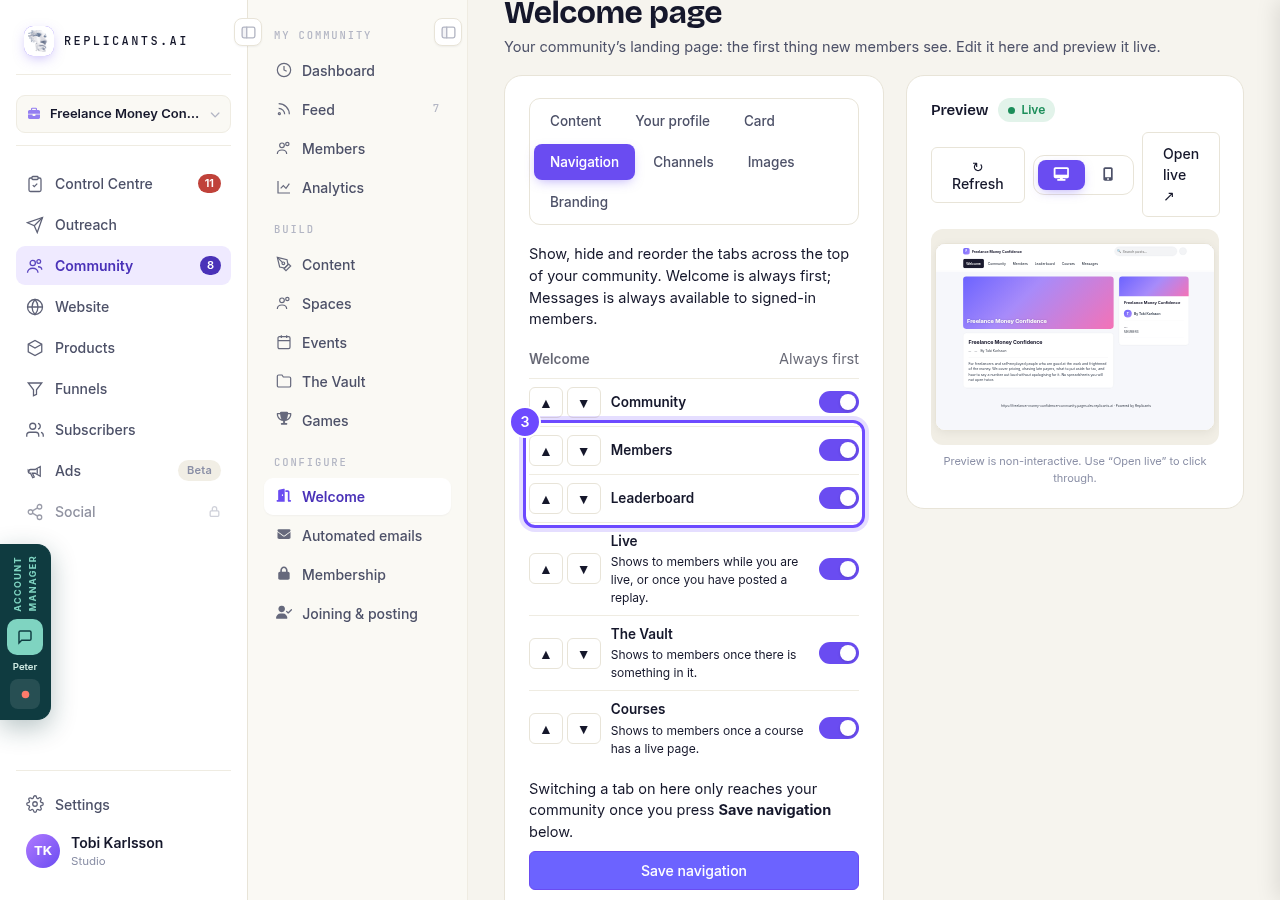
Members and Leaderboard, with their switches.
Press Save navigation
A switch only reaches your community once you press it.
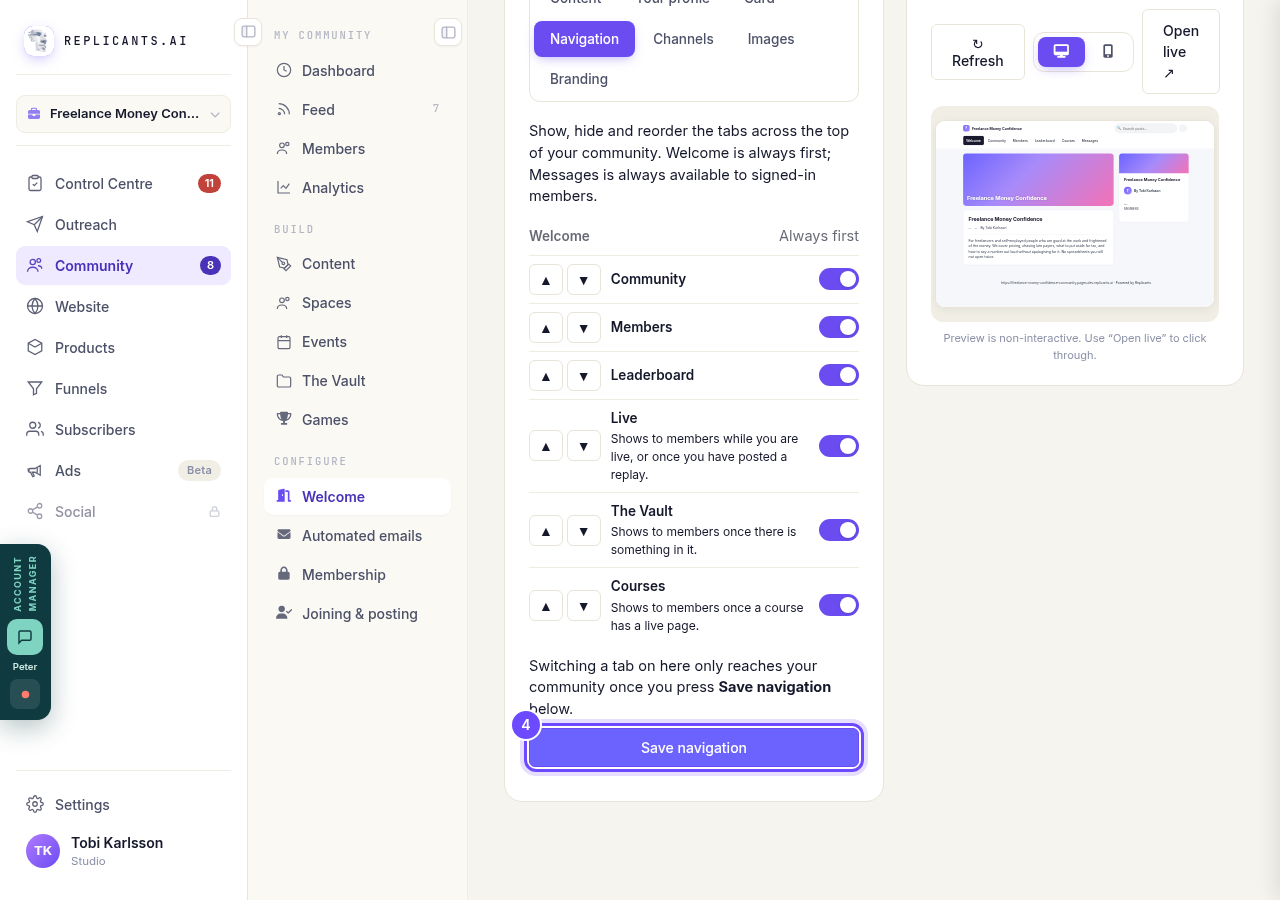
Save navigation, at the bottom.


Related articles
Can I approve new members before they get into my community?
Yes. Switch on approval and anyone who asks to join waits in a Requests list in Members until you let them in, the way a private LinkedIn or Facebook group works. People you invite, and people who pay, still go straight in. About five minutes to set up.
Can I check comments before they go up?
Turn on comment approval and every member comment waits for you. It's a separate switch from the one for posts.
Can I keep my community hidden until I'm ready to launch?
Your community goes live once it is made and your email is confirmed, and there is no switch that takes it offline. Two settings work together instead: one keeps your posts from anyone who isn't a member, the other means nobody gets in until you let them.