
How do I run a game in my community, and how do members join it?
A game is a time-boxed challenge that rewards the things you want your members to do. You build it with the guide, publish it, and members join it themselves from its page.
Updated 6 October 2026
Open Community, then Games
Games is under the grey BUILD heading. On a phone, press the menu button at the top right first. The coach's menu always says Games, whatever word your members see.
If you have the Spaces beta, Games is not in the menu: open Spaces instead. A game lives inside a space, and games for your whole community are listed on the Spaces home under For your whole community.
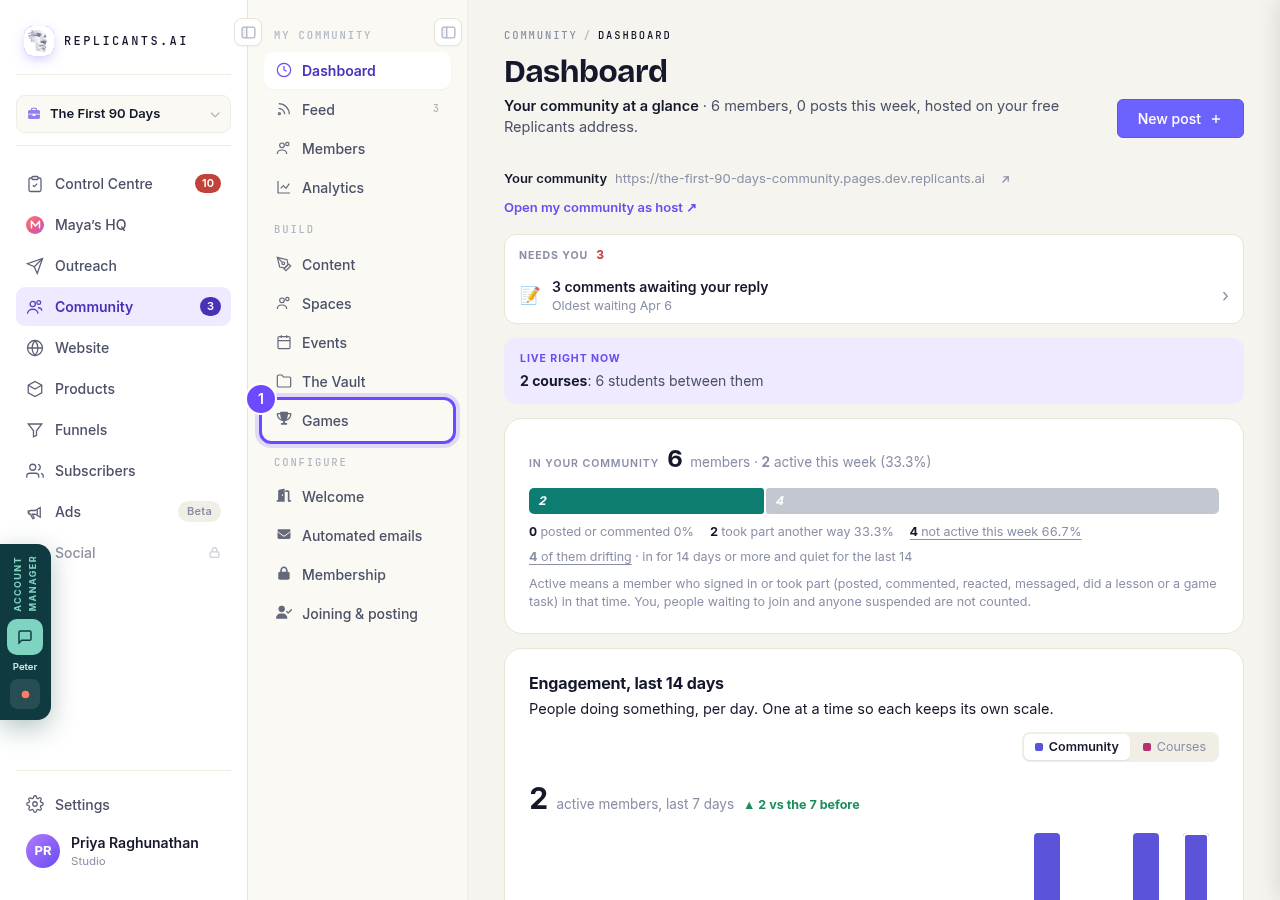
Games, under Build.
Open GamesPress Set up a game
The card says Start the guide. The guide asks about your people in plain English and drafts the tasks, posts and reminders. New game at the top does the same. Your answers save as you go.
The Community-wide points card beside it is always on for every member; it is not a game.
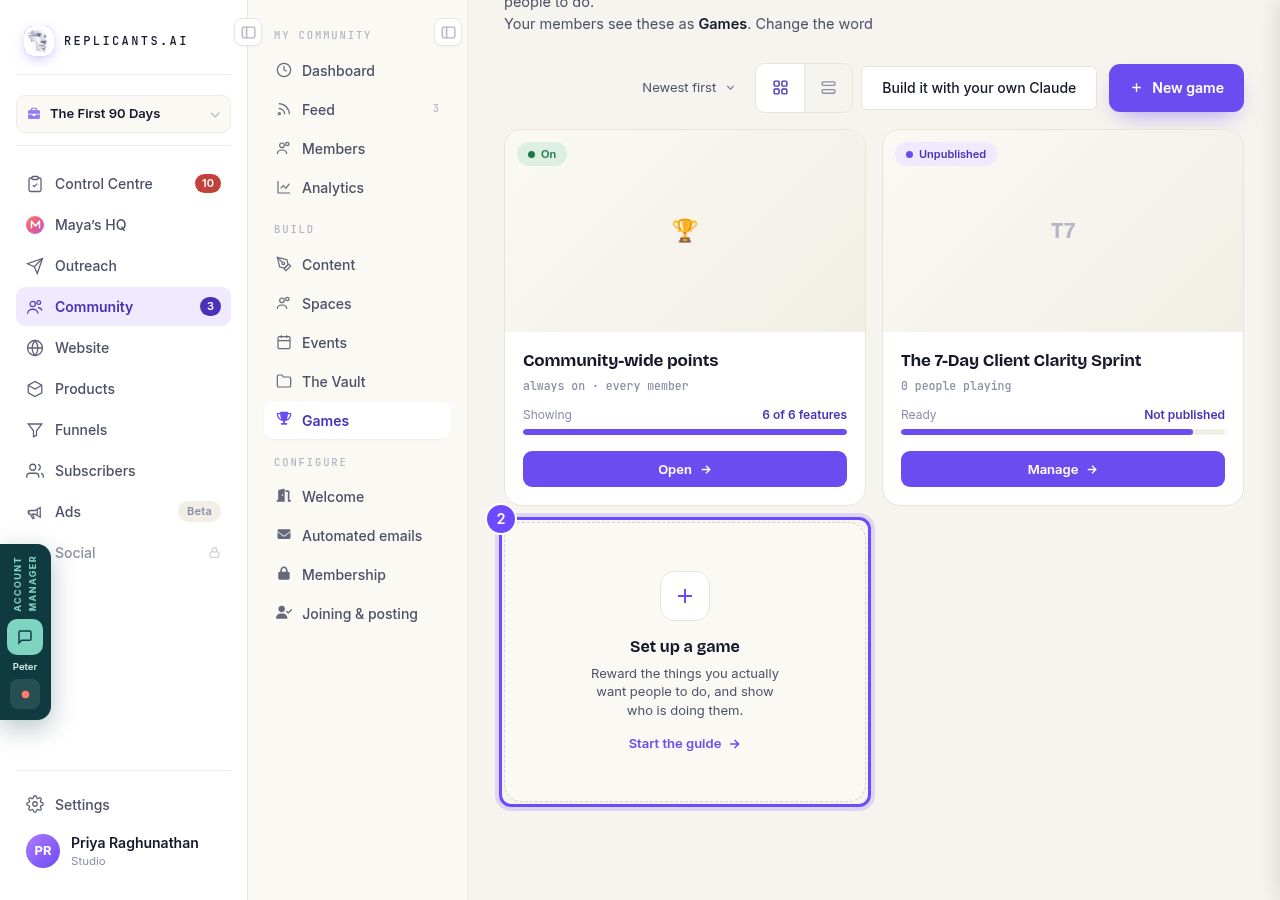
Set up a game, under your games.
Check the word your members see
The line under the heading says what your members call games, such as Challenges or Games.
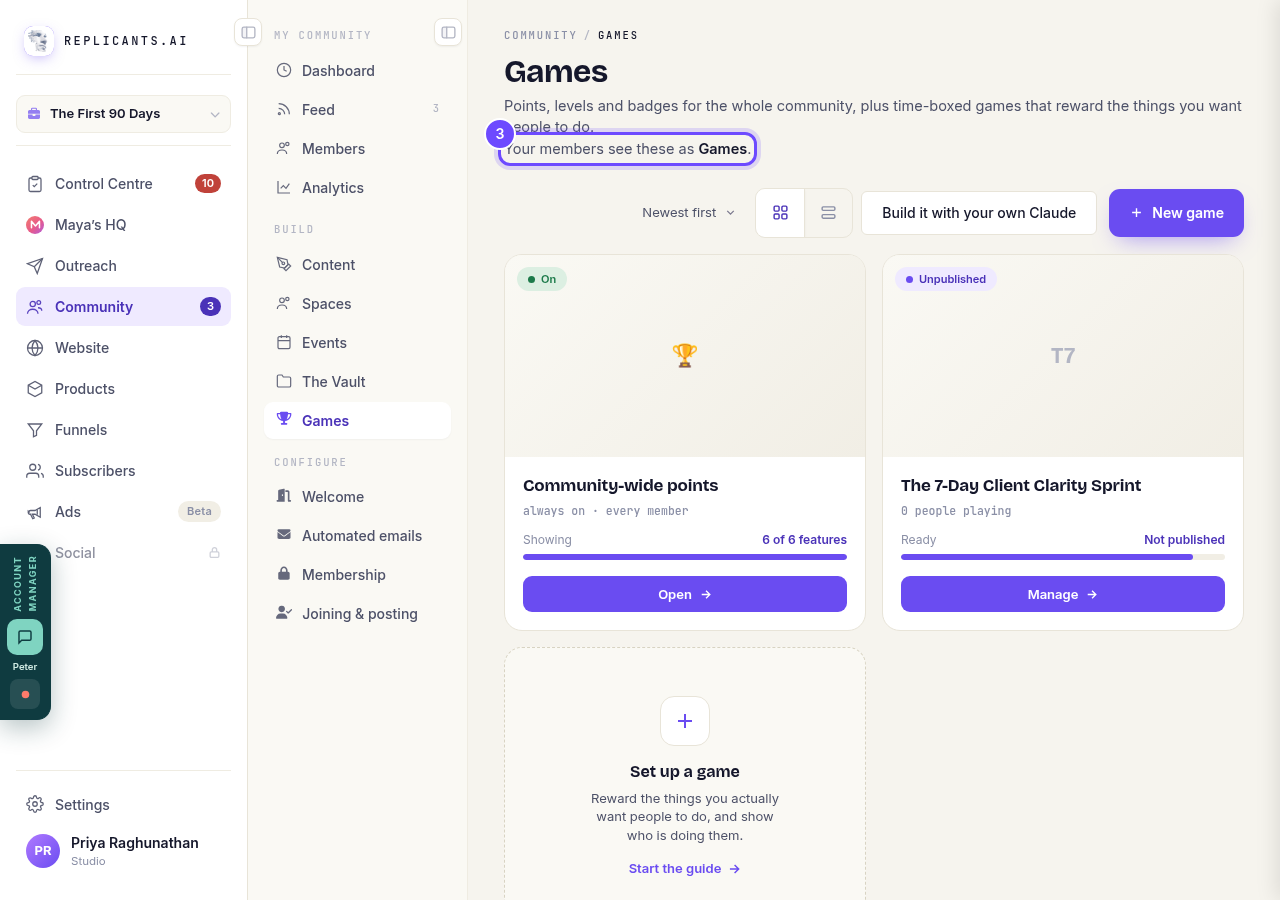
Your members see these as Games.
Press Manage on your game
Once the guide is finished, the game's card says Ready and Not published. Press Manage on it.
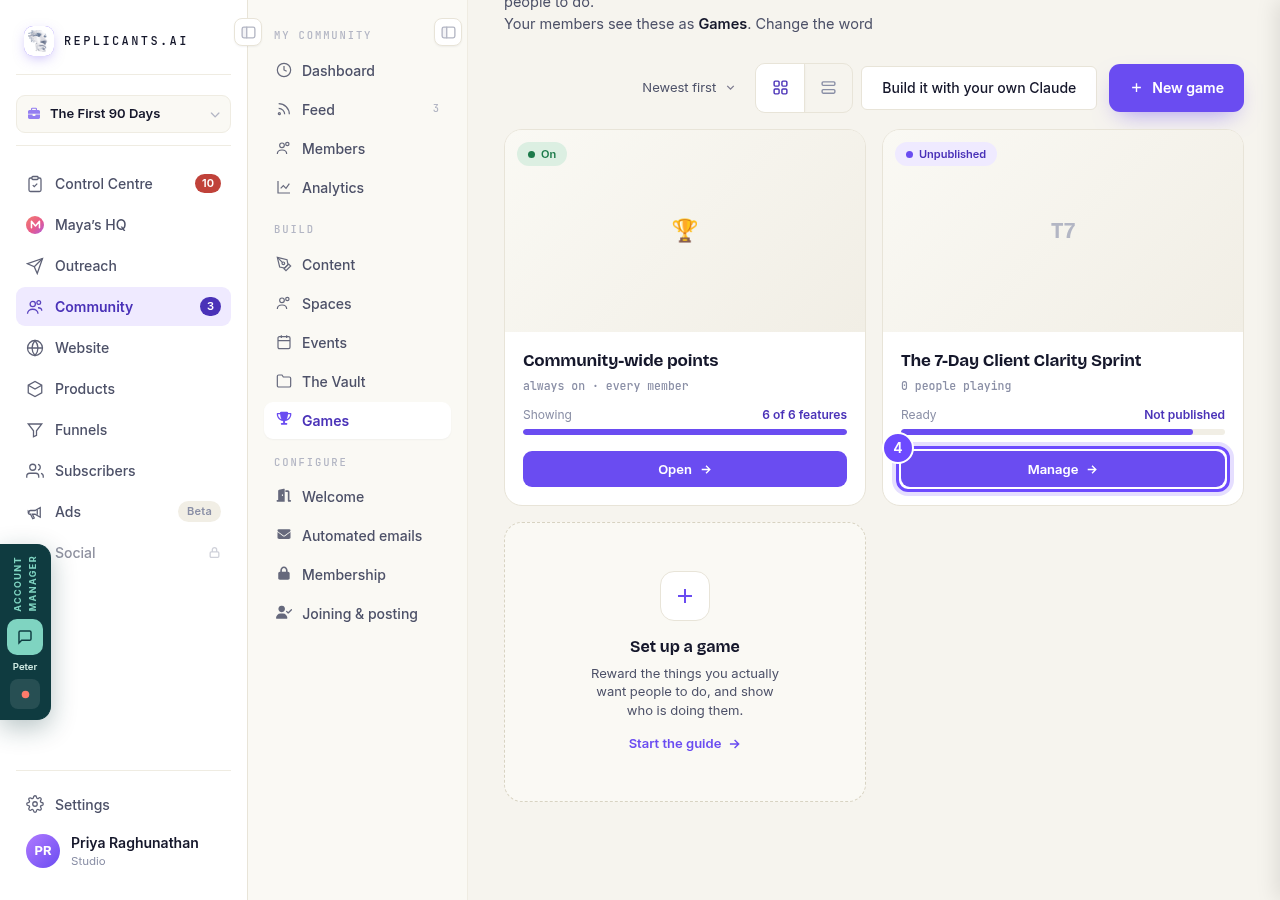
Manage, on the game's card.
Press Publish it
The top of the game's page says it is a draft and that nobody in your community can see it yet. Invite people beside it sends invitations by email, if you want to ask people in as well.
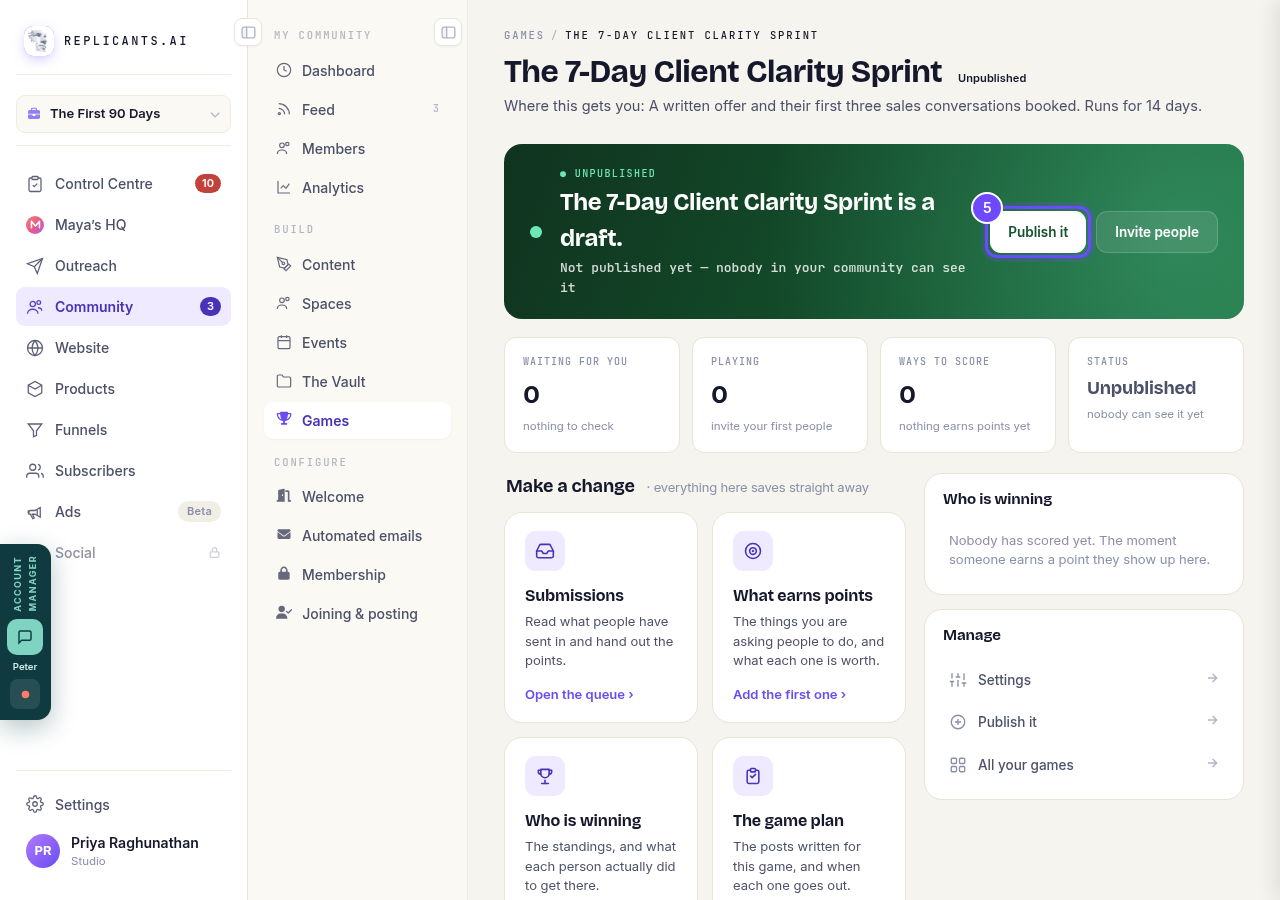
Publish it, at the top of the game's page.
Your members open the games tab
On your community, the tab uses your word for games, for example Challenges. This picture is a member's view.
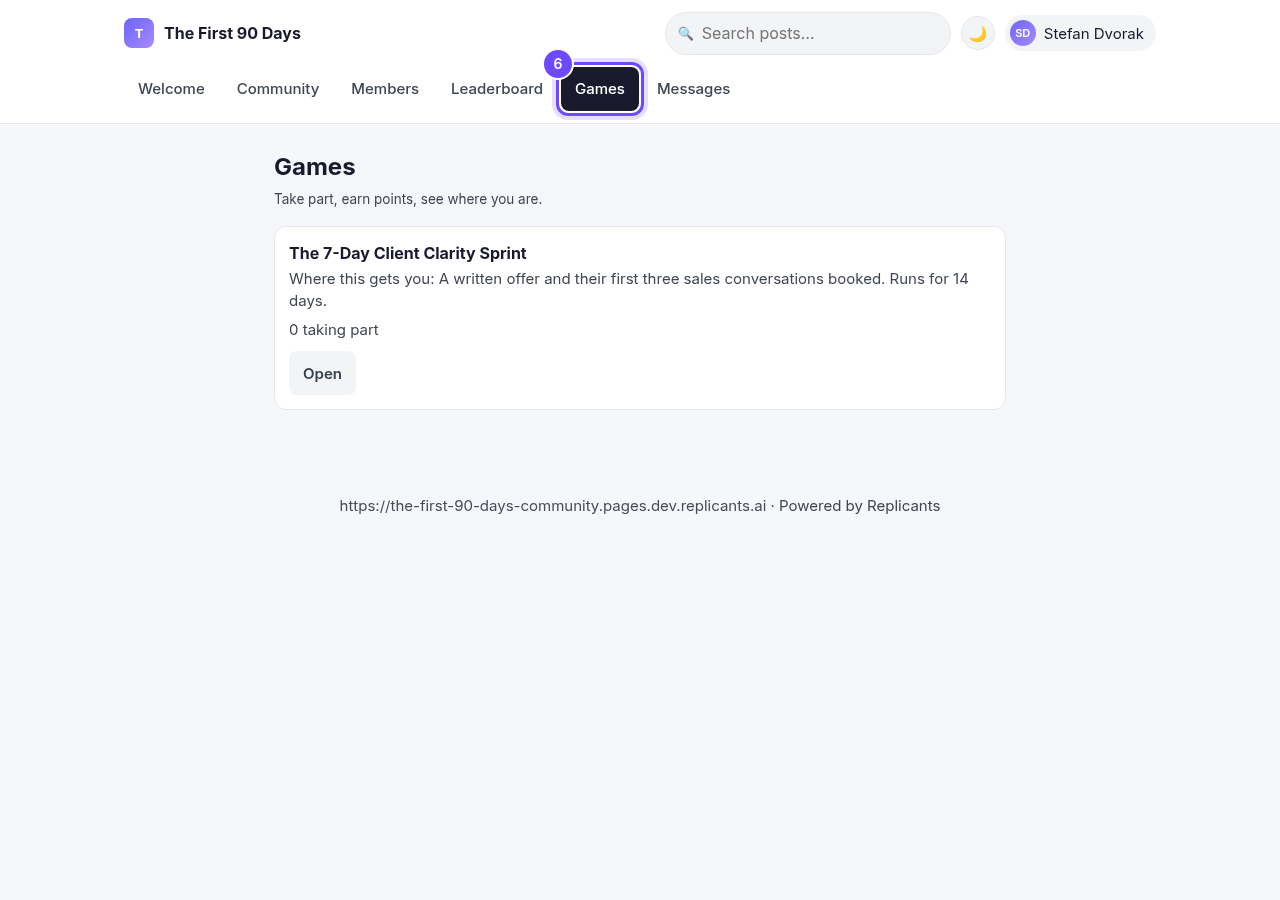
The Games tab, as a member sees it.
They press Open on the game
Each game shows its name, what it gets them and how many are taking part.
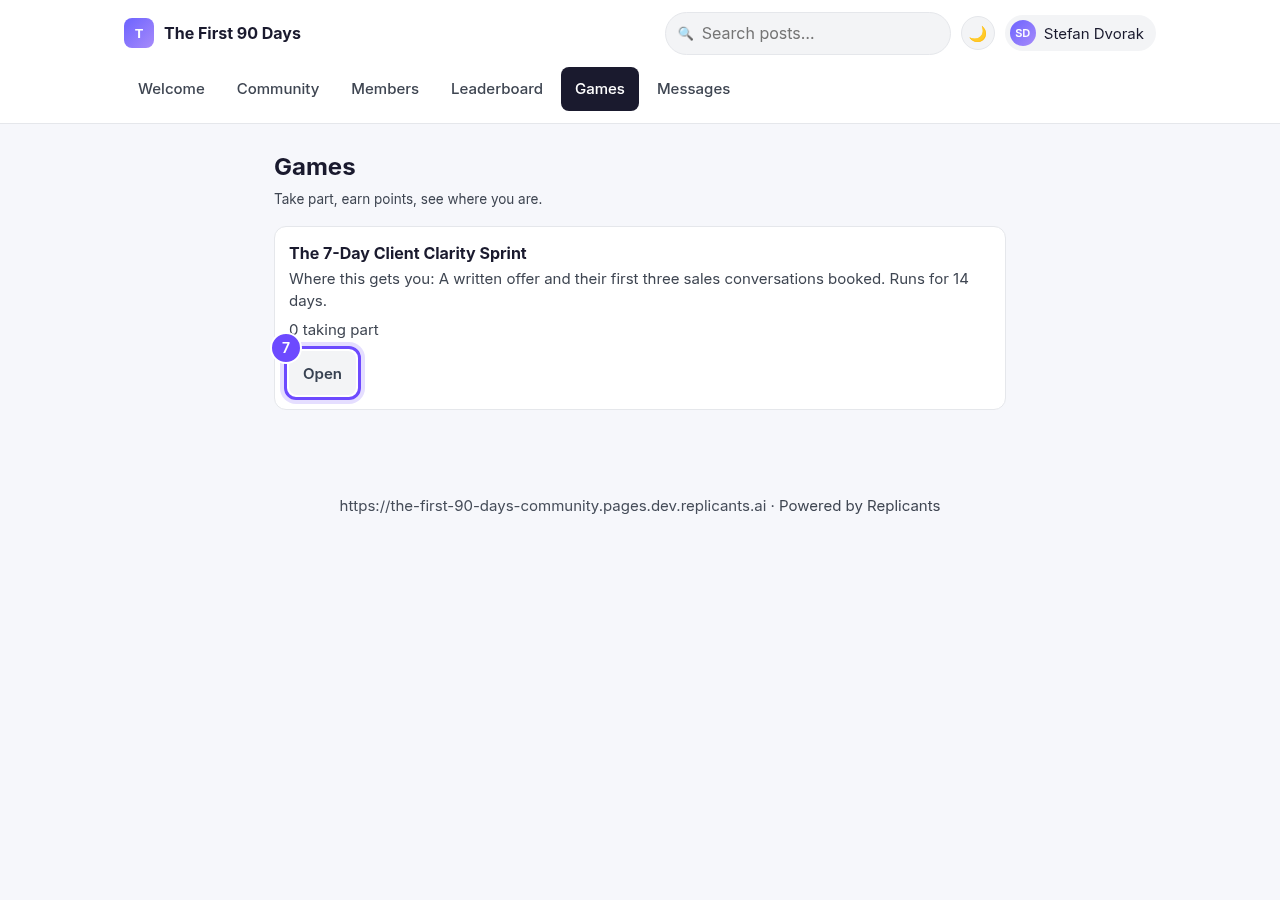
Open, on the game's card.
They press Join in
They are in straight away, and the leaderboard opens up for them. You do not have to add anyone by hand.
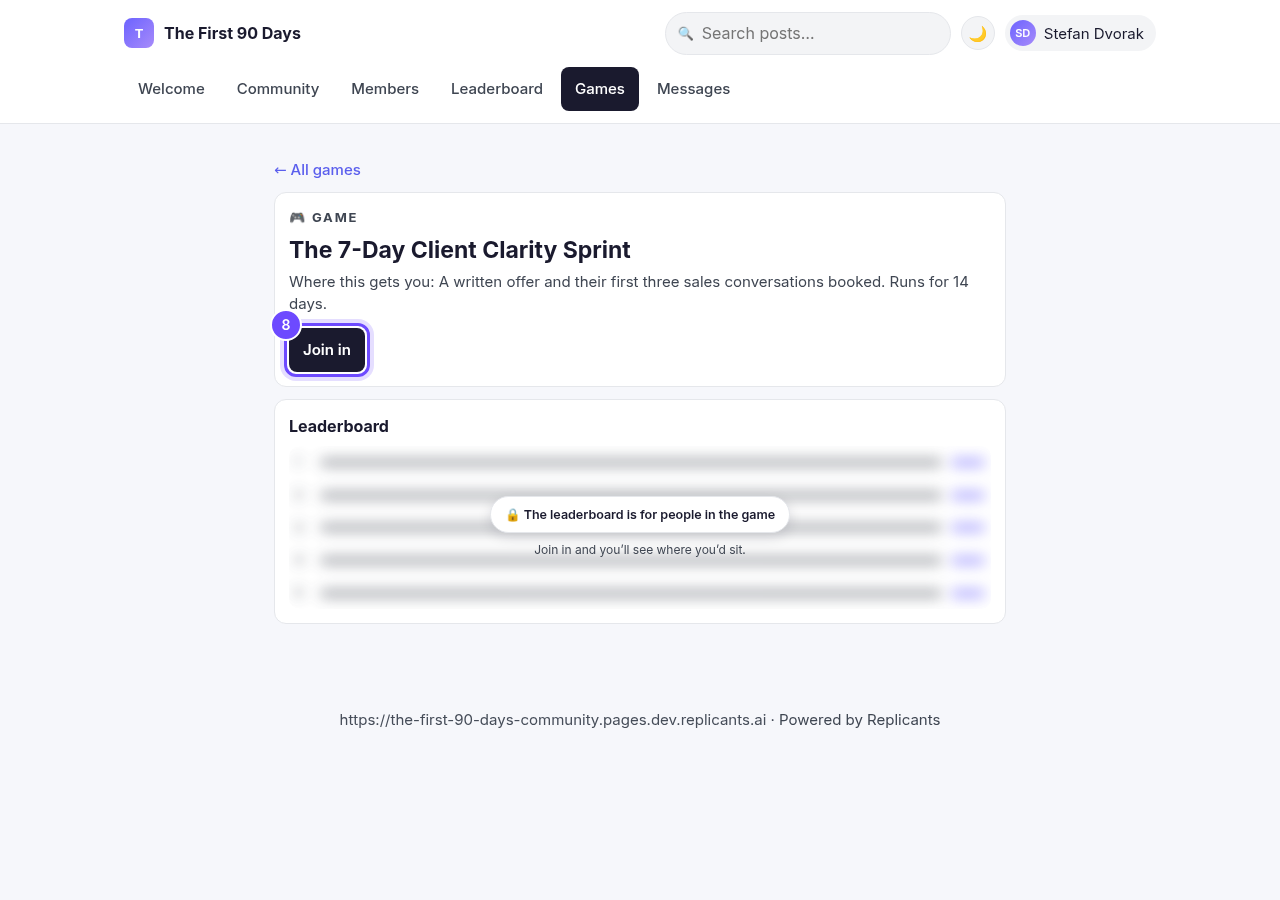
Join in, on the game's page.


How do I run a short challenge in my community?
Related articles
Can I approve new members before they get into my community?
Yes. Switch on approval and anyone who asks to join waits in a Requests list in Members until you let them in, the way a private LinkedIn or Facebook group works. People you invite, and people who pay, still go straight in. About five minutes to set up.
Can I check comments before they go up?
Turn on comment approval and every member comment waits for you. It's a separate switch from the one for posts.
Can I keep my community hidden until I'm ready to launch?
Your community goes live once it is made and your email is confirmed, and there is no switch that takes it offline. Two settings work together instead: one keeps your posts from anyone who isn't a member, the other means nobody gets in until you let them.