
Where do I put a worksheet or handout my members can download?
The Vault isn't open yet, for anybody. Today a worksheet reaches your members by being attached to a post.
Updated 15 September 2026
Open Content and take the fourth door
Three of the four ways in write the post with you. I'll write it myself gives the full editor. Its description mentions images and video, not files — attach them inside anyway.
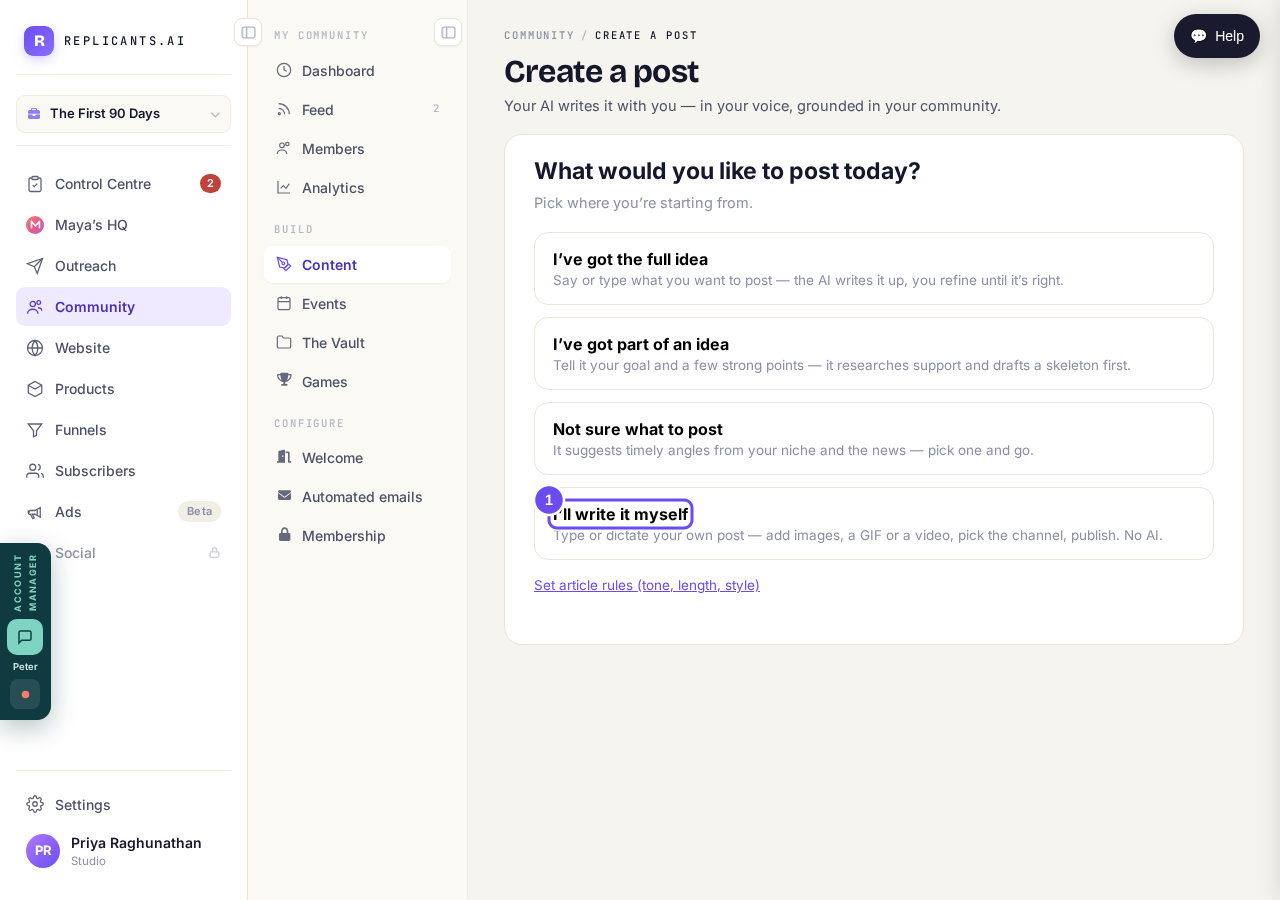
Three doors write it with you. This one gives you the editor.
Take me therePress the paperclip, between Record and Poll
It takes PDFs, Word, spreadsheets, PowerPoint, CSV, plain text and zip — attach the worksheet in the format you wrote it in. The same row has a poll, a button and an upvote list.
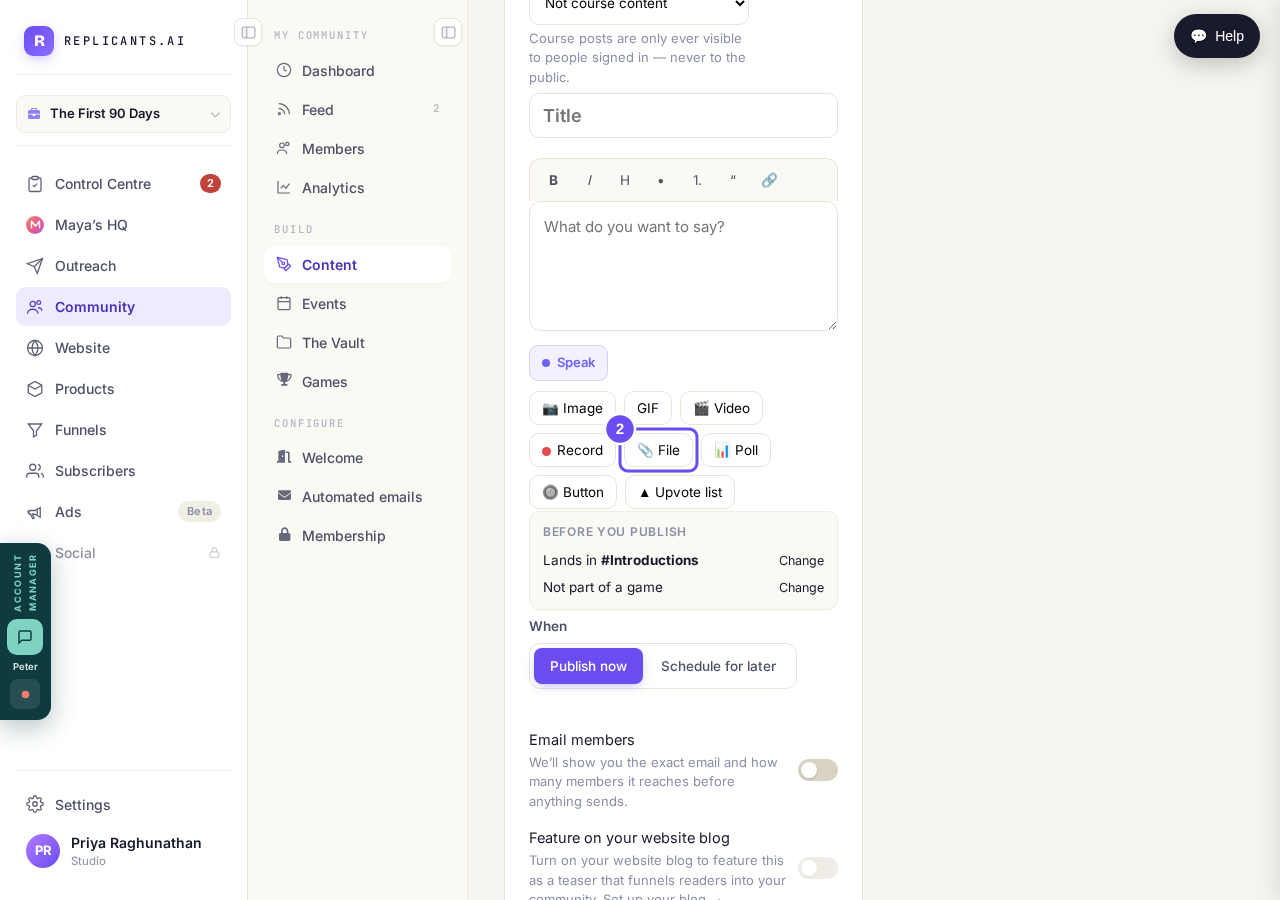
PDF, Word, Excel, PowerPoint, CSV, text or zip.
Check where it lands before publishing
Lands in names the channel, with Change beside it. When sets now or later. Email members is off until you switch it on, and shows you the email and the count first.
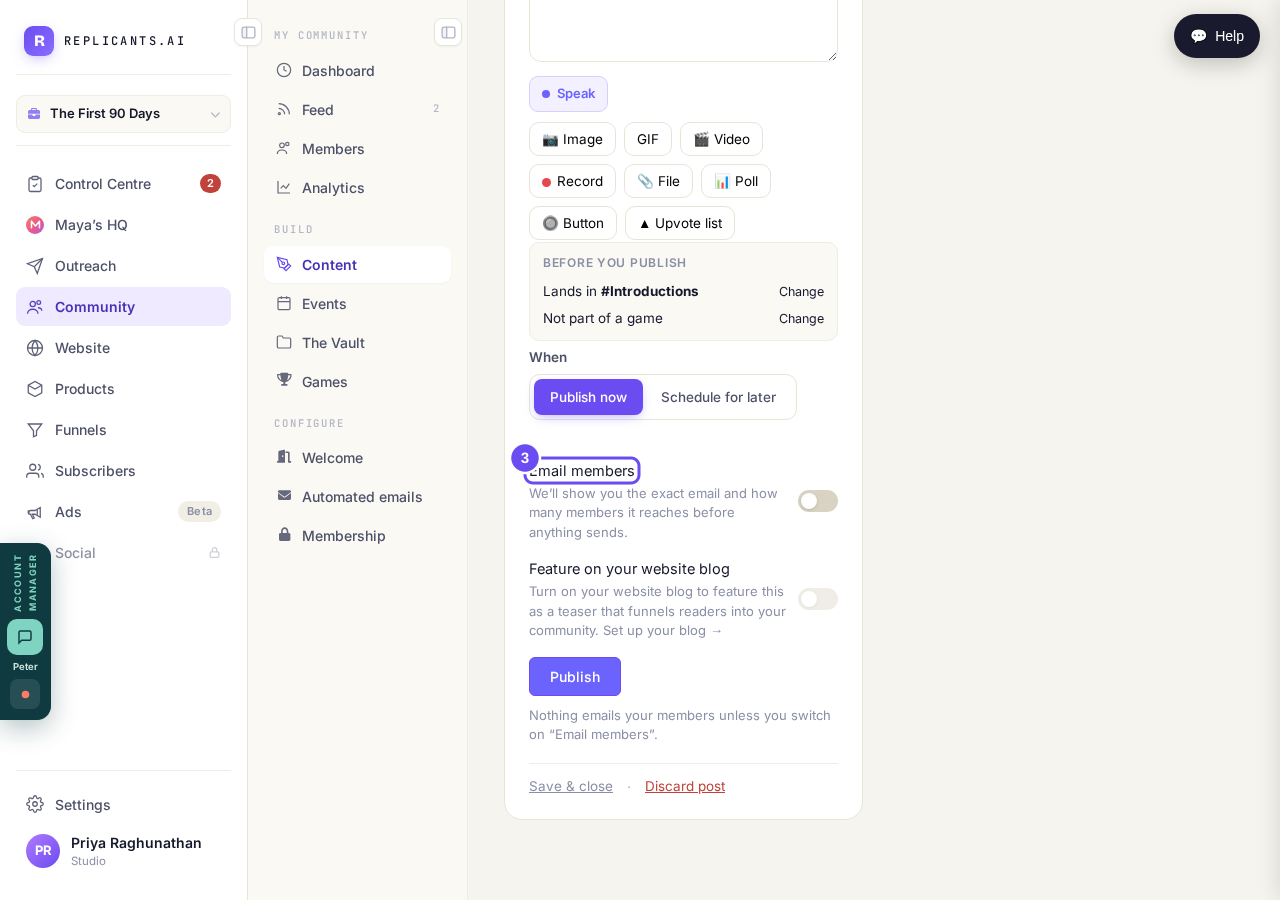
Email members is off until you switch it on.
Open The Vault to see its state
It says it's in beta, opening to a few coaches at a time, and the only thing to do is put your name down. Nothing in the menu warns you first.
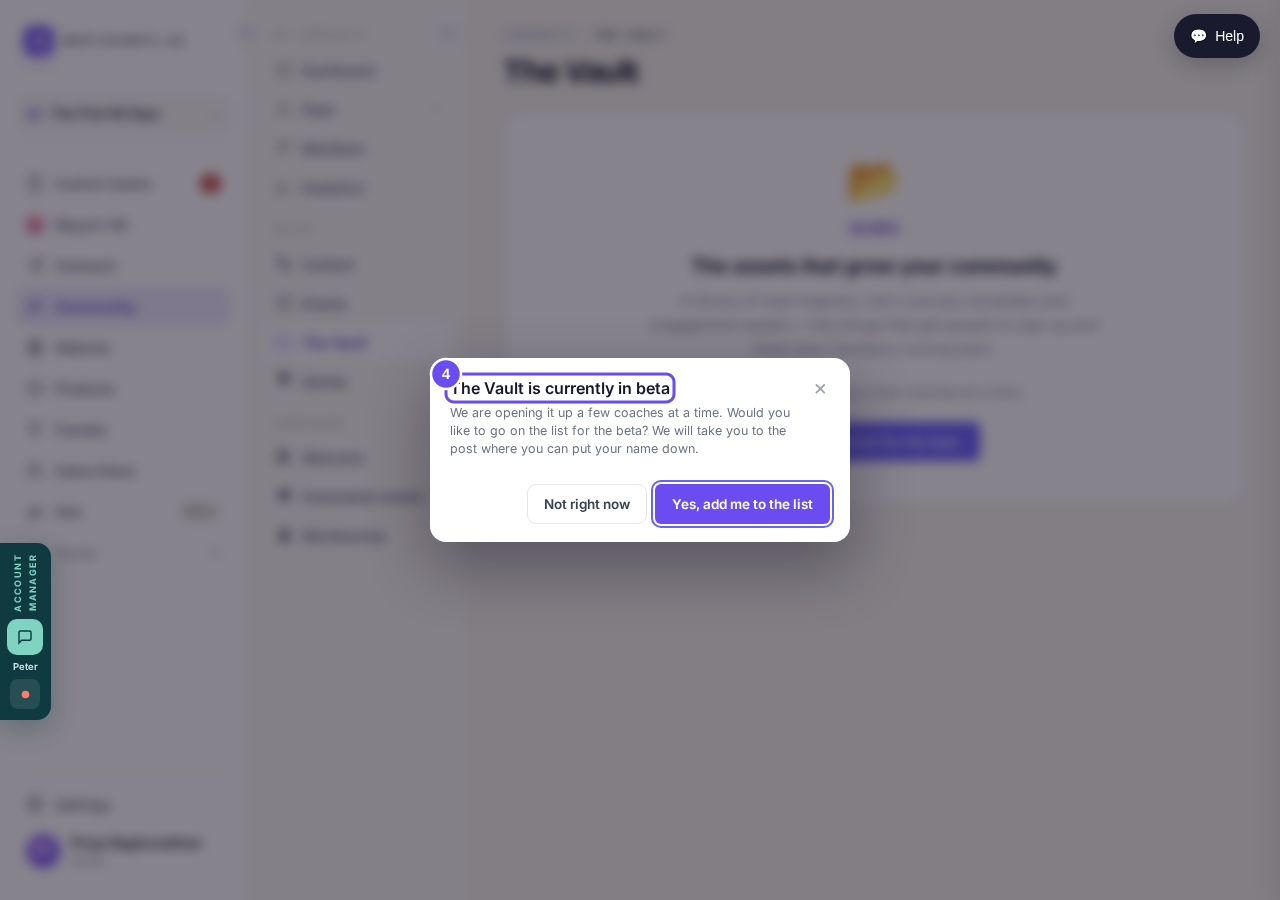
Not locked behind a plan. Not finished yet.
Nothing sends until I press Send — how does that work?
Related articles
Can I check comments before they go up?
Turn on comment approval and every member comment waits for you. It's a separate switch from the one for posts.
Can I message one member privately, and can members message each other?
Message one member from Community, then Members. Their reply comes back to that screen, not your email. Members messaging each other is a separate setting.
Can I read what members post before it goes up?
Yes — one setting. Off, member posts appear at once. On, nothing appears until you've read it. The waiting ones don't sit in the Feed.