
Can I read what members post before it goes up?
Yes — one setting. Off, member posts appear at once. On, nothing appears until you've read it. The waiting ones don't sit in the Feed.
Updated 15 September 2026
Open Community, then Settings
Settings is how your community behaves: who can read it, who can post, and the address you share. The look and the words live under Welcome.
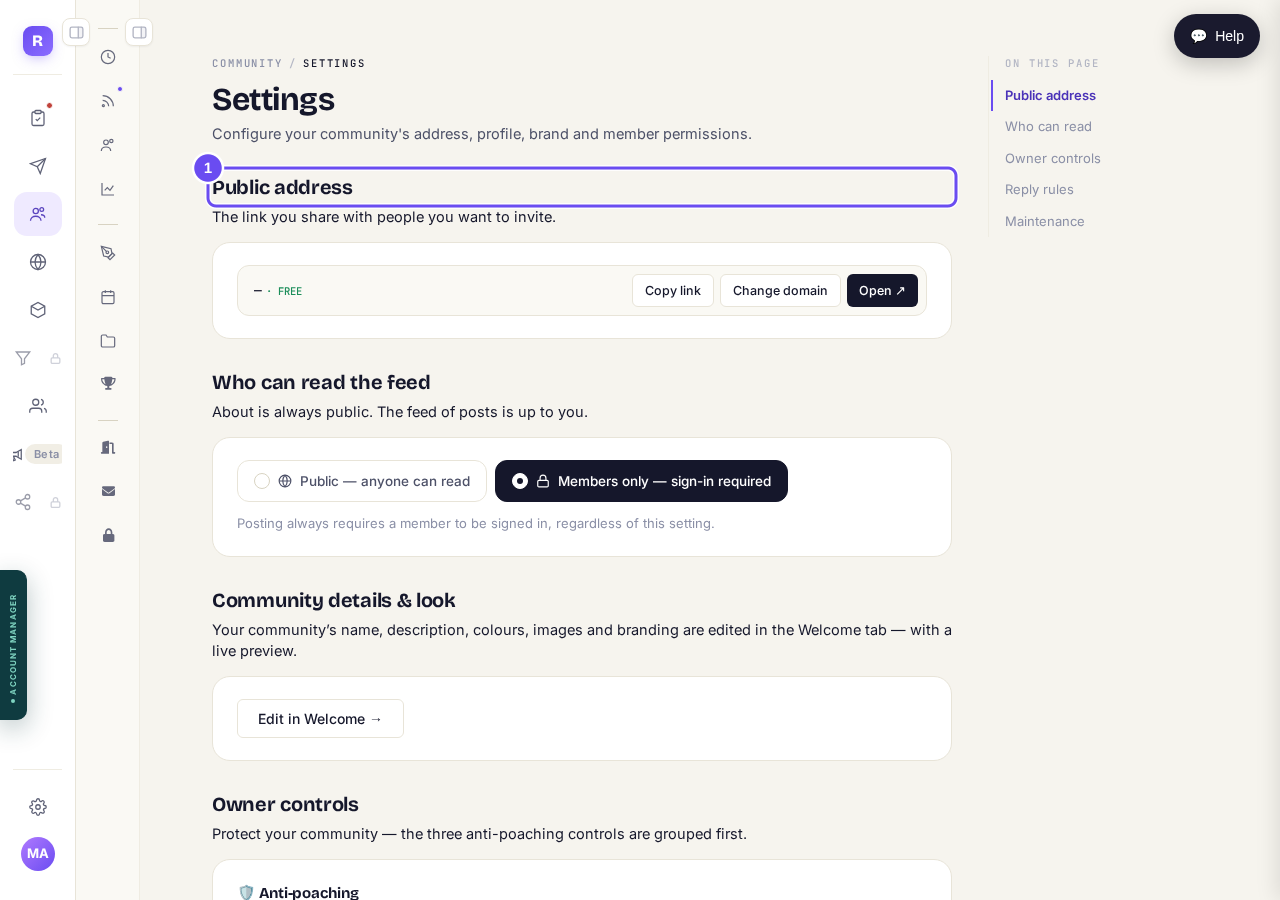
Settings is behaviour. Welcome is the look and the words.
Take me thereSet Approve posts before they go live
Off, posts appear instantly. On, you review. Comments have their own separate switch beside this one. Many coaches start with it on, then turn it off once they trust the room.
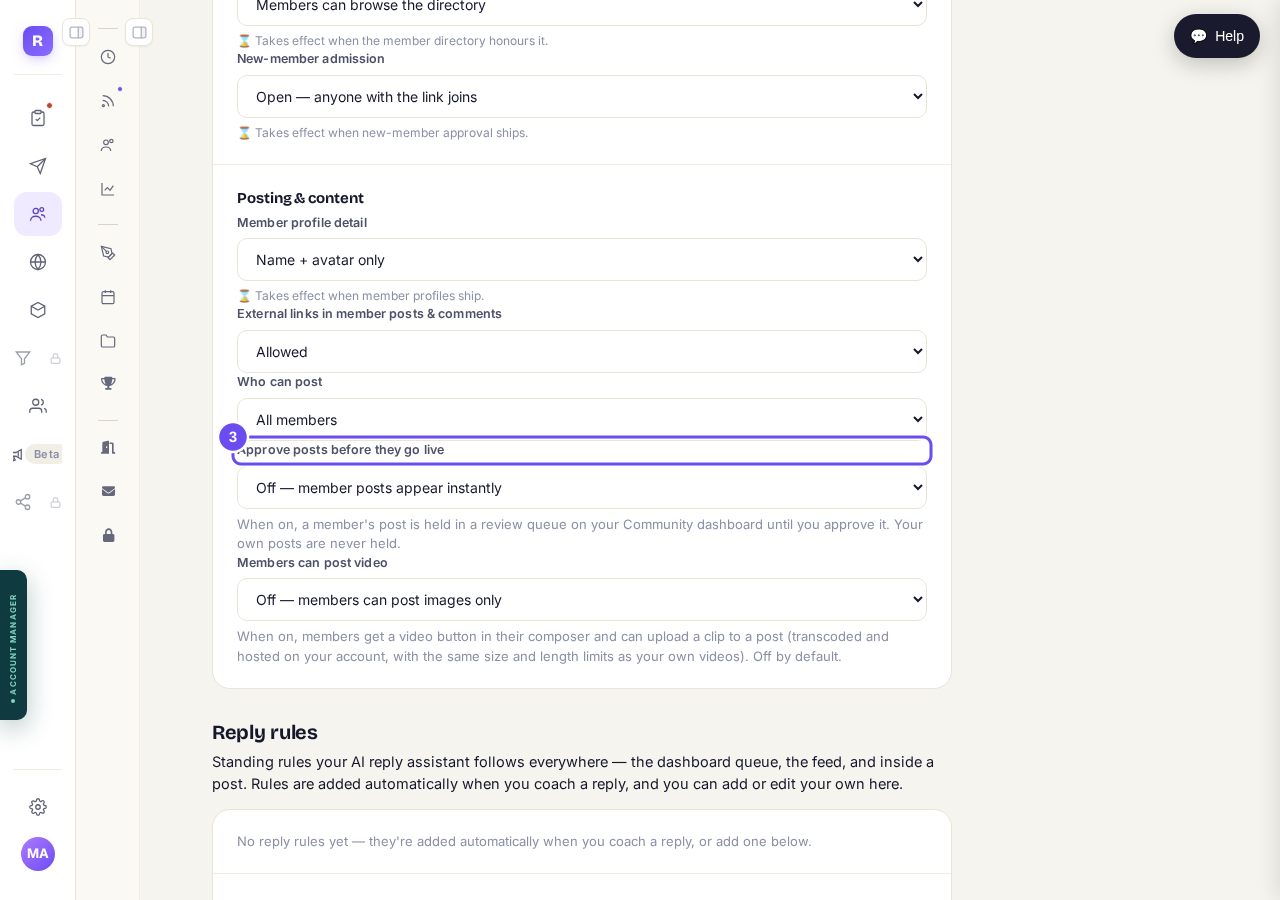
Off, and it appears at once. On, and it waits for you.
Take me thereCheck Who can post beside it
It decides whether members can start a post at all. All members makes a room; owner only makes a broadcast with comments. Read the two together before changing either.
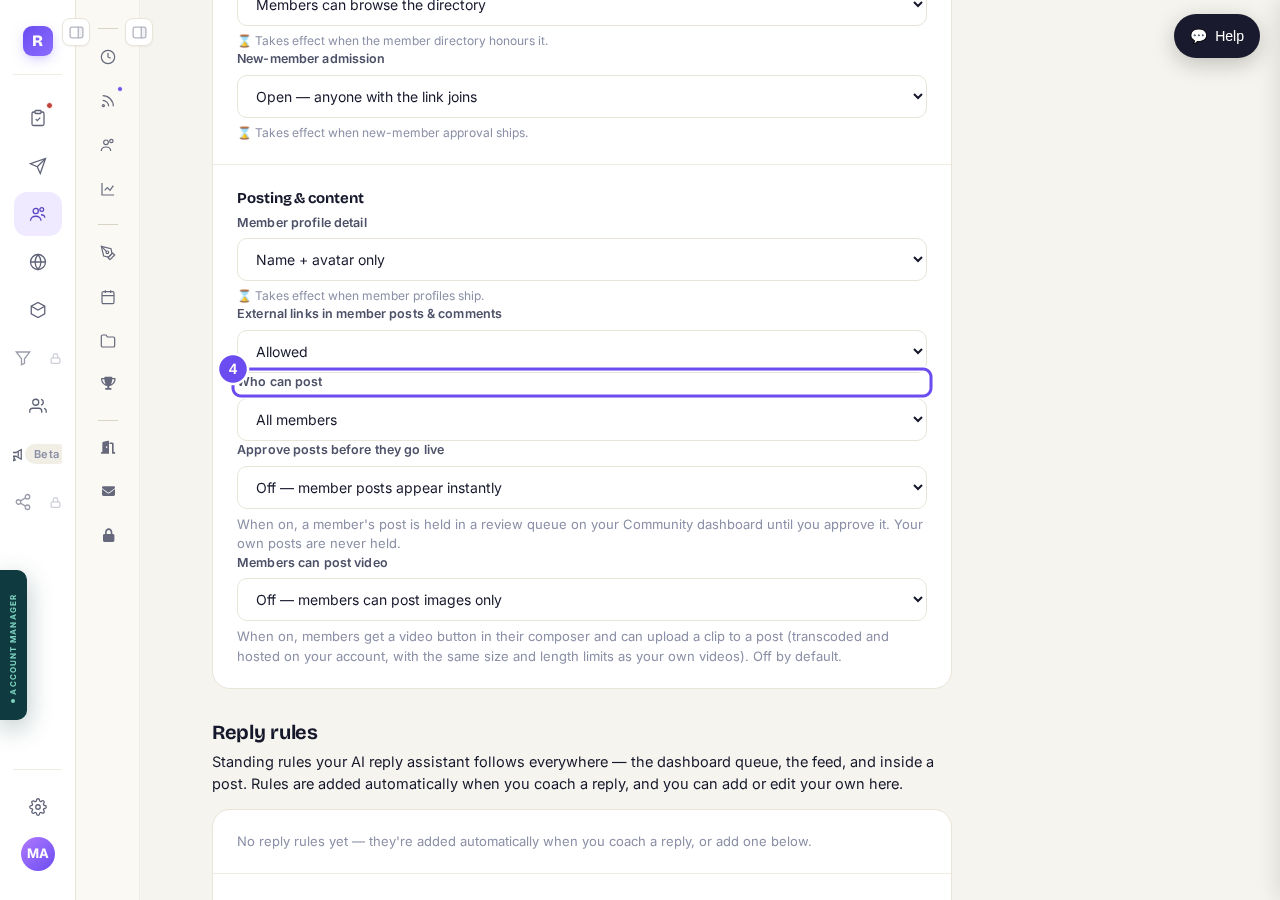
Who can post is about starting; approving is about timing.
Take me thereFind them on the Community dashboard
Held posts aren't in the Feed. A panel headed Posts awaiting approval sits on the dashboard with a count, and it's not there when nothing is waiting.
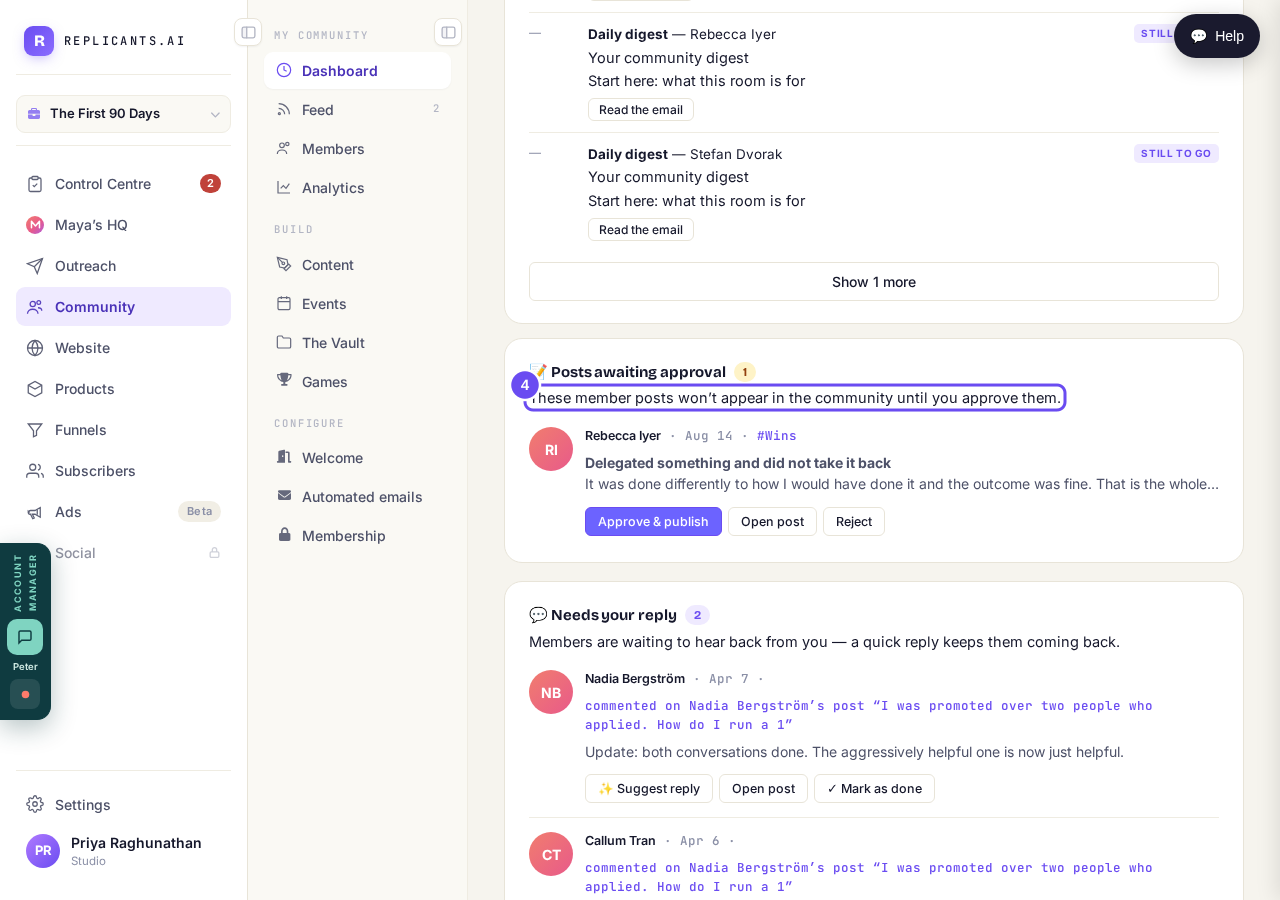
Not in the Feed. On the dashboard, with a count.
Take me thereApprove & publish, Open post, or Reject
Each row shows who wrote it, when, which channel, and enough words to judge. Open post shows the whole thing. The member isn't told either way — including when you reject.
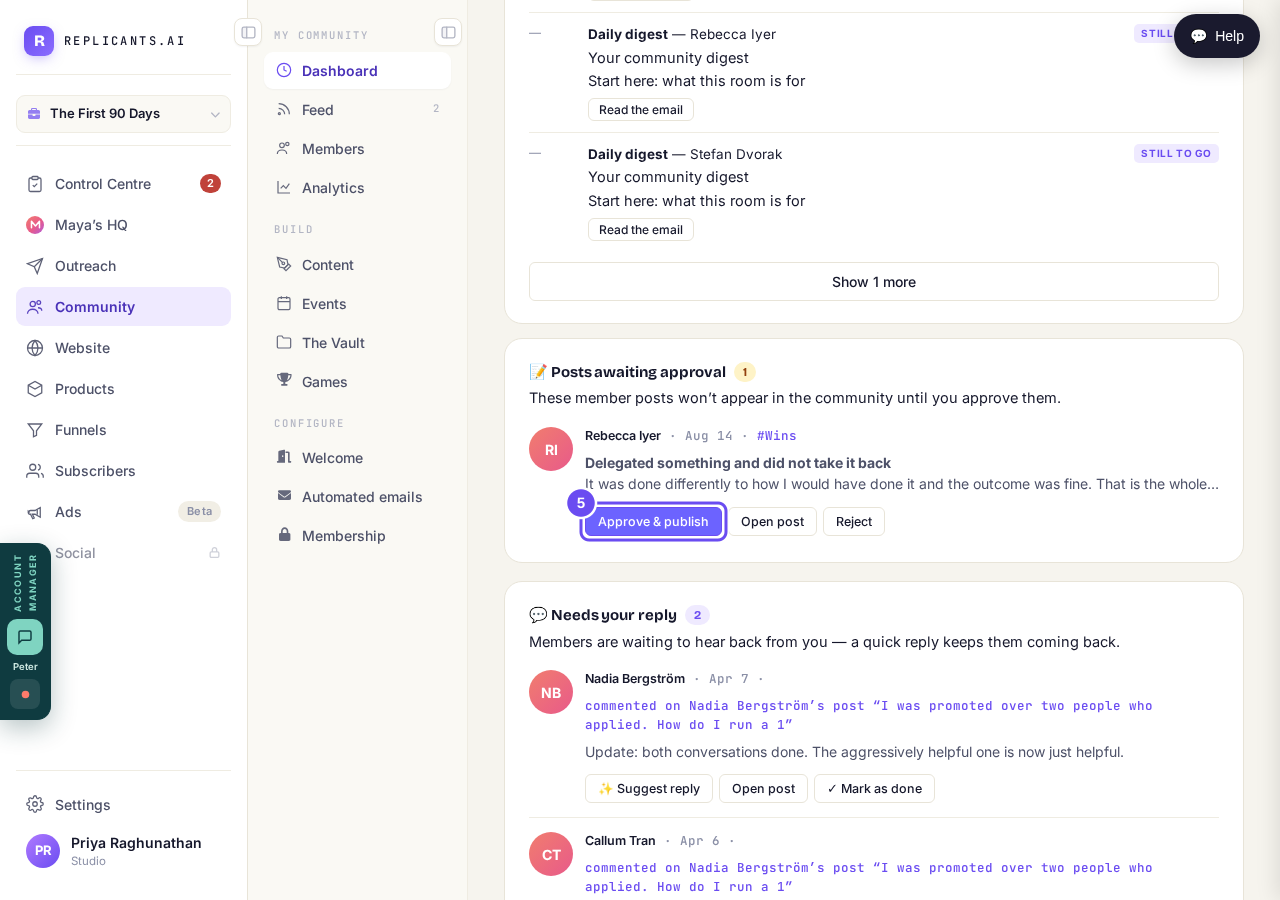
Read enough to judge it, then one of three decisions.
Take me there
Can I check comments before they go up?
Related articles
Can I check comments before they go up?
Turn on comment approval and every member comment waits for you. It's a separate switch from the one for posts.
Can I message one member privately, and can members message each other?
Message one member from Community, then Members. Their reply comes back to that screen, not your email. Members messaging each other is a separate setting.
Can I write a post now and have it go out later?
Yes — it's the same composer. The choice sits at the bottom, under When. Events, for live sessions, is a different row and isn't open yet.