
How do I delete a website, and get it back if I change my mind?
Deleting a website takes it off the internet straight away, and keeps it under Deleted websites so you can bring it back with one press, every page just as it was.
Updated 6 October 2026
Open Website
Website is in the main menu. On a phone, press the menu button at the top right first. It opens Your websites.
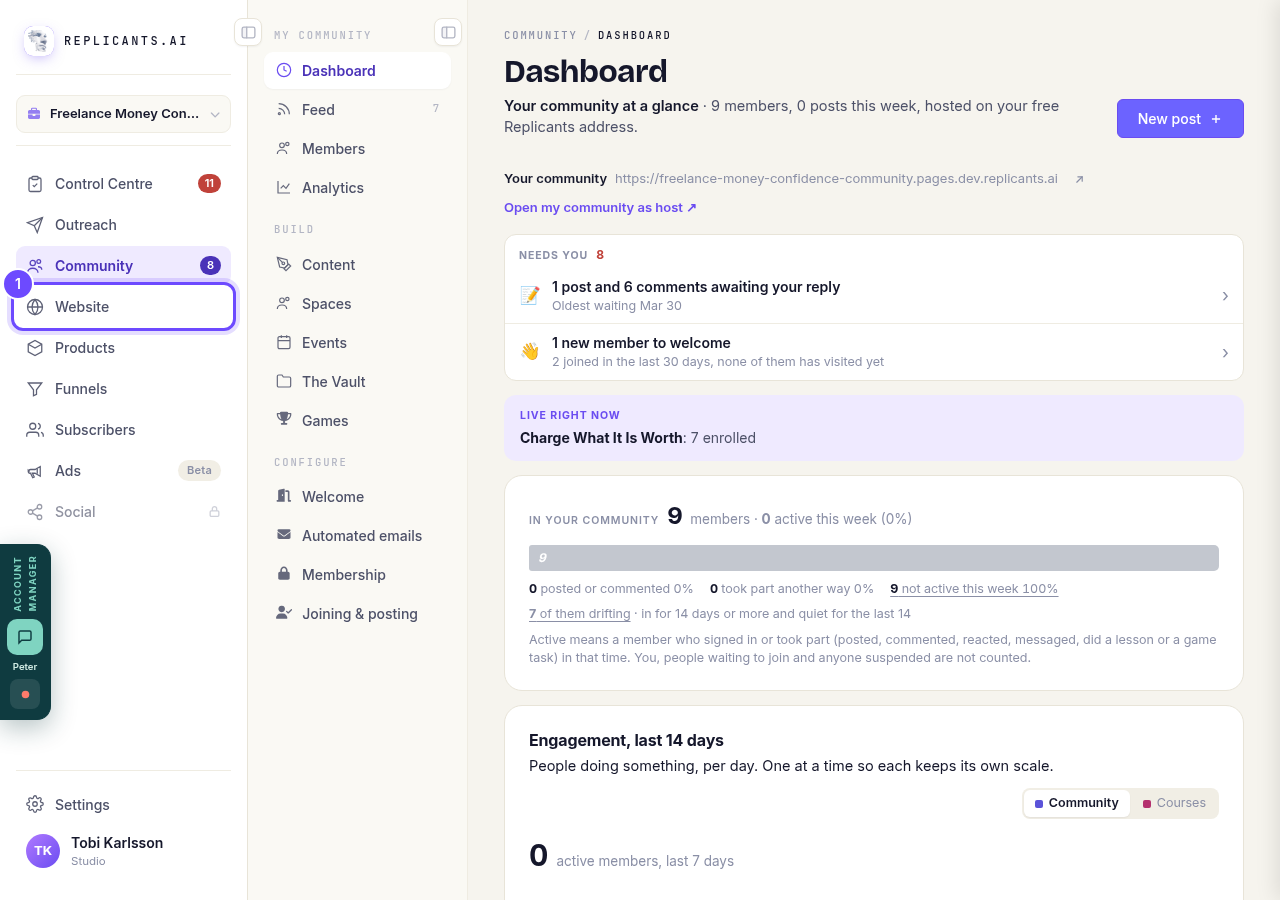
Website, in the main menu.
Open WebsitesPress the bin on the site's card
On a computer, the bin appears in the picture when you point at the card. On a phone it is always there.
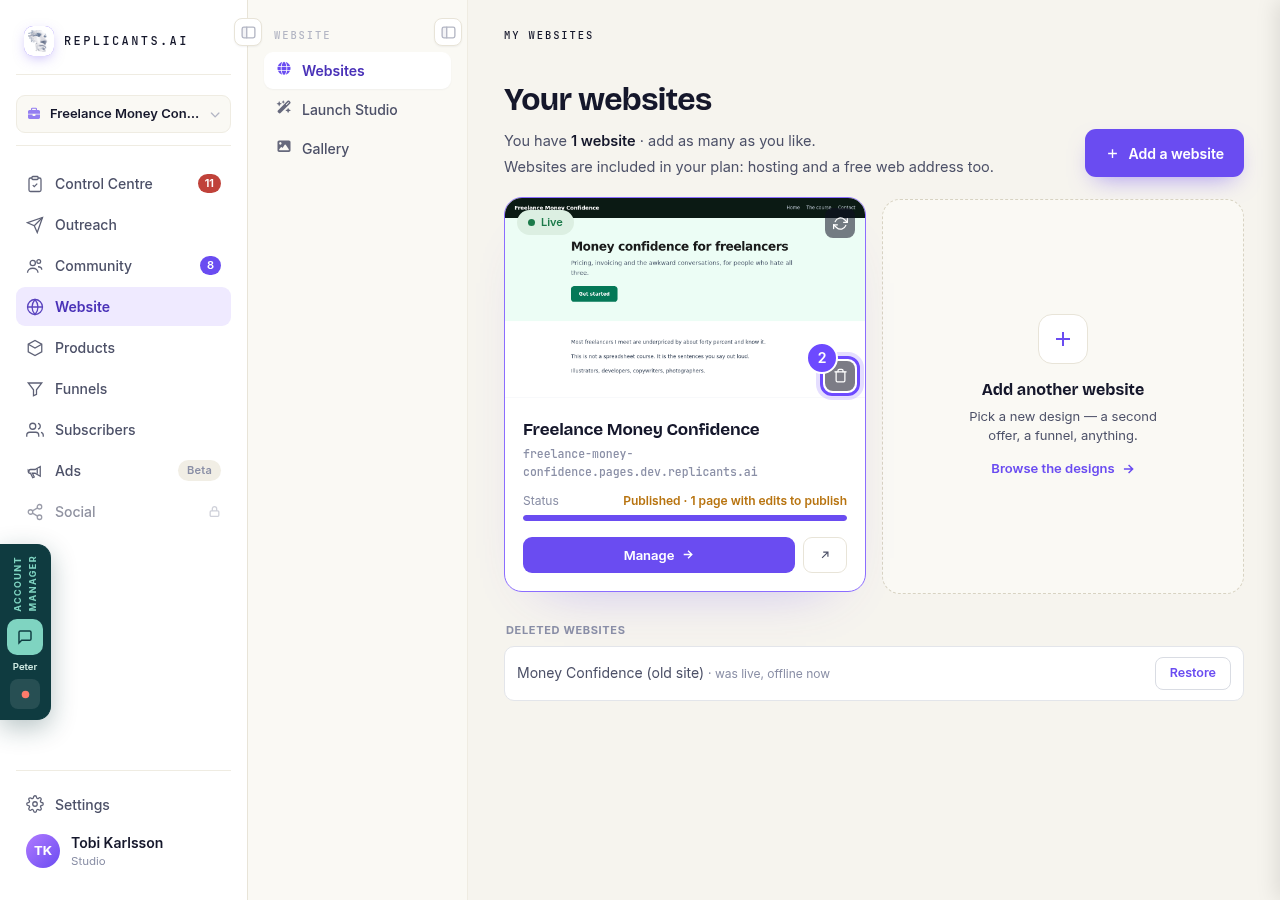
The bin, on the site's picture.
Read the box, then press Delete website
The box says plainly what happens. If the site is live, it comes off the internet straight away and its address shows nothing. If it was never published, it just leaves your list. Press Cancel to keep it.
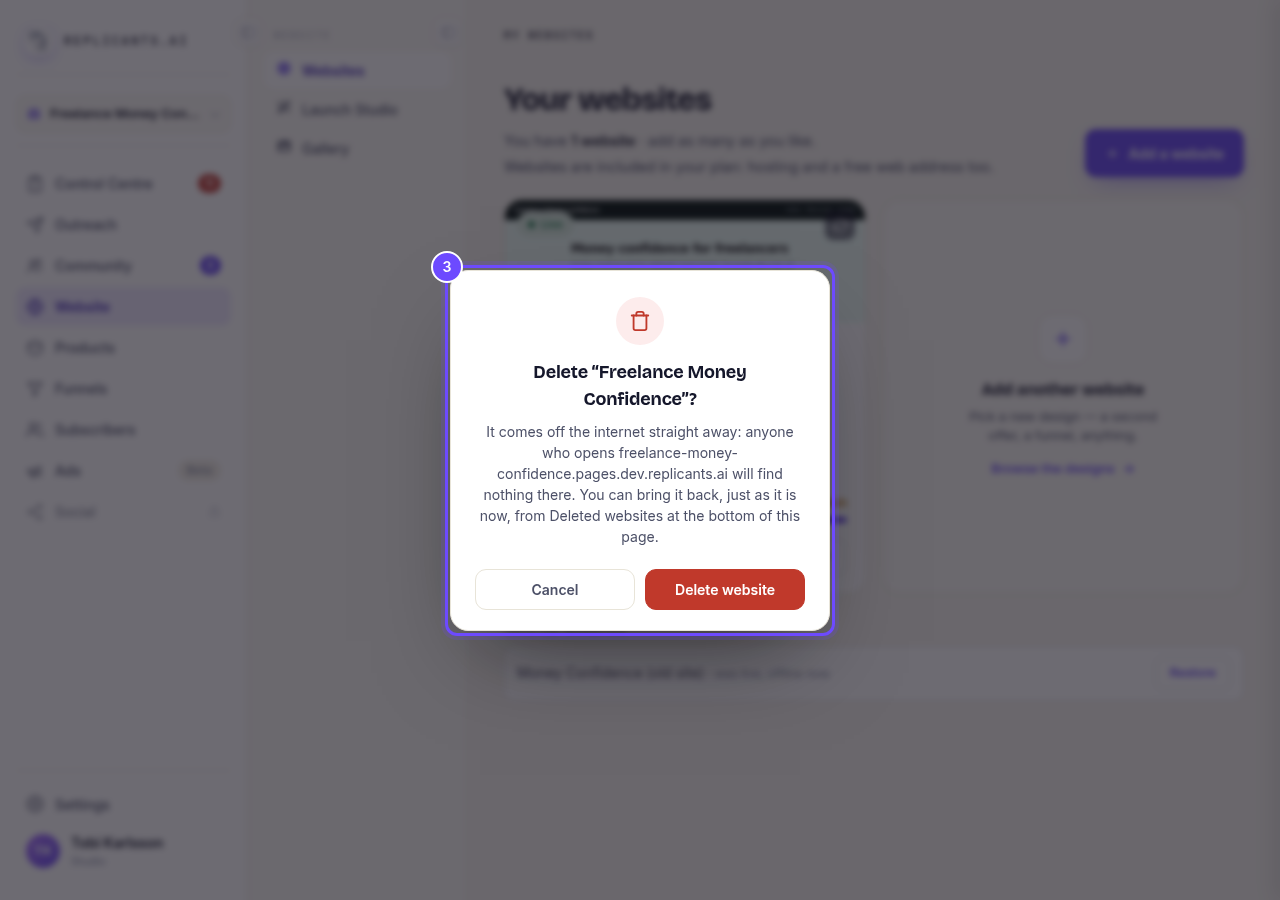
The Delete box, with Delete website.
Find it under Deleted websites
A deleted site waits at the bottom of Your websites. A site that was live says so: was live, offline now.
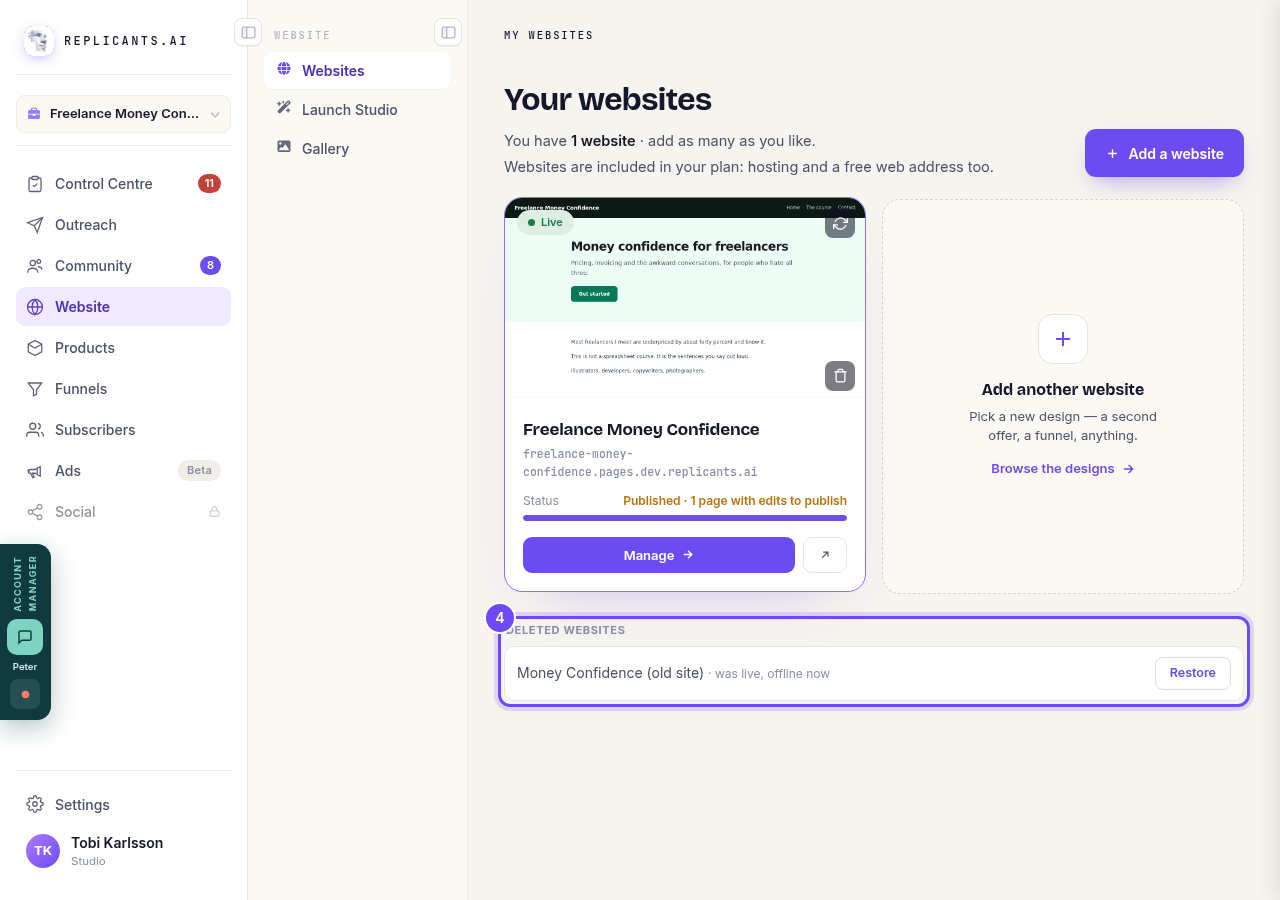
Deleted websites, at the bottom of the page.
Press Restore to bring it back
It goes back into your list with every page as it was. If it was live before, it is online again at its address; otherwise it is back in your list, ready to publish.
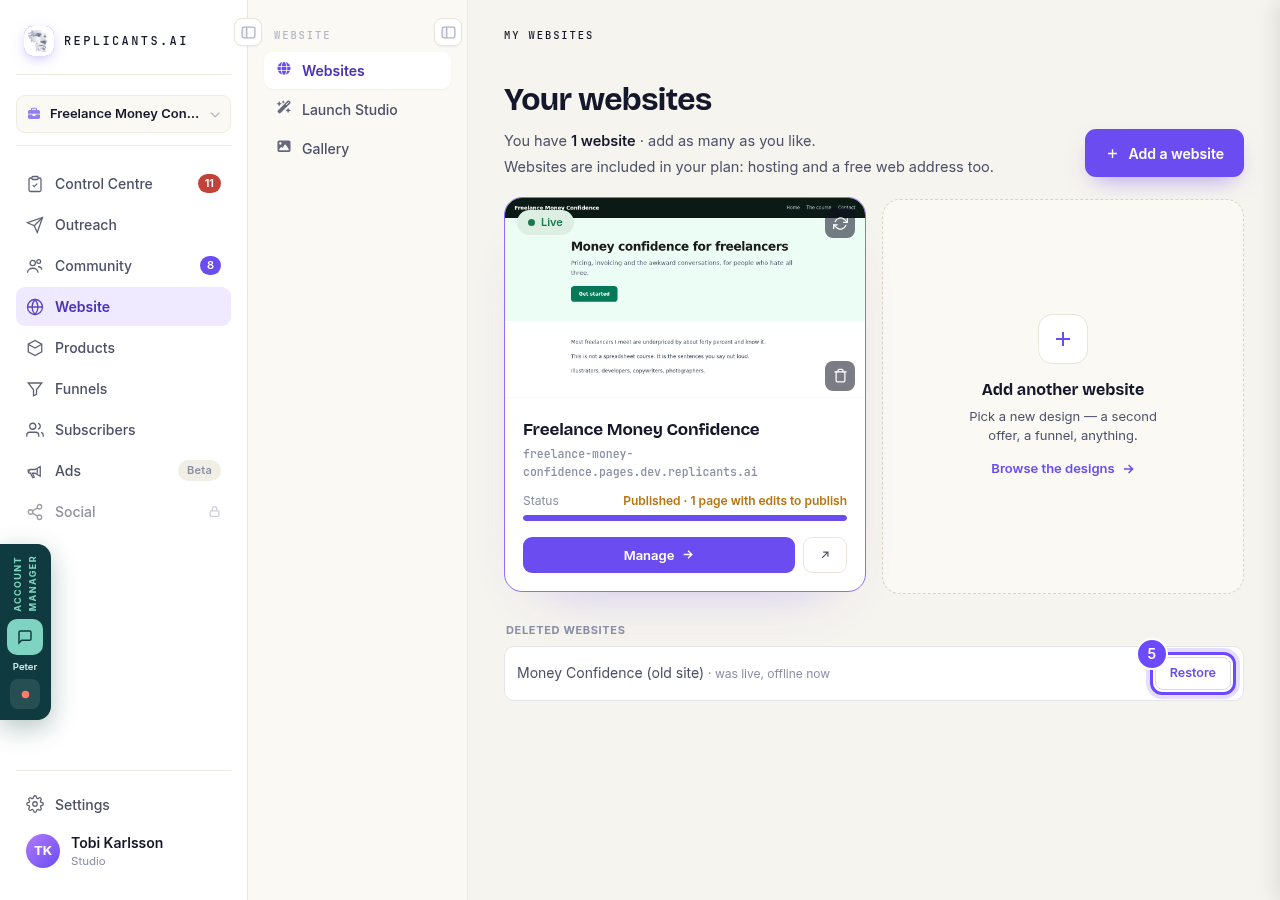
Restore, beside the deleted site.


I removed my domain by mistake. How do I get my website back on it?
Related articles
How do I add a privacy policy and terms to my website?
Every website has a Privacy Policy and Terms & Conditions, linked from the footer. We write them for you, or you upload your own. About two minutes.
How do I change how my website looks?
Everything you can change sits on one board. Open Website, press Manage, and look under Make a change for a tile per kind of change. The whole design is under Design in the Manage list.
How do I change my website's menu and footer?
Your top menu and footer are the same on every page, so you change them in one place and every page follows. About five minutes.