
How do I add a privacy policy and terms to my website?
Every website has a Privacy Policy and Terms & Conditions, linked from the footer. We write them for you, or you upload your own. About two minutes.
Updated 6 October 2026
Open Website
Website is in the main menu on the left. On a phone, press the menu button at the top right first.
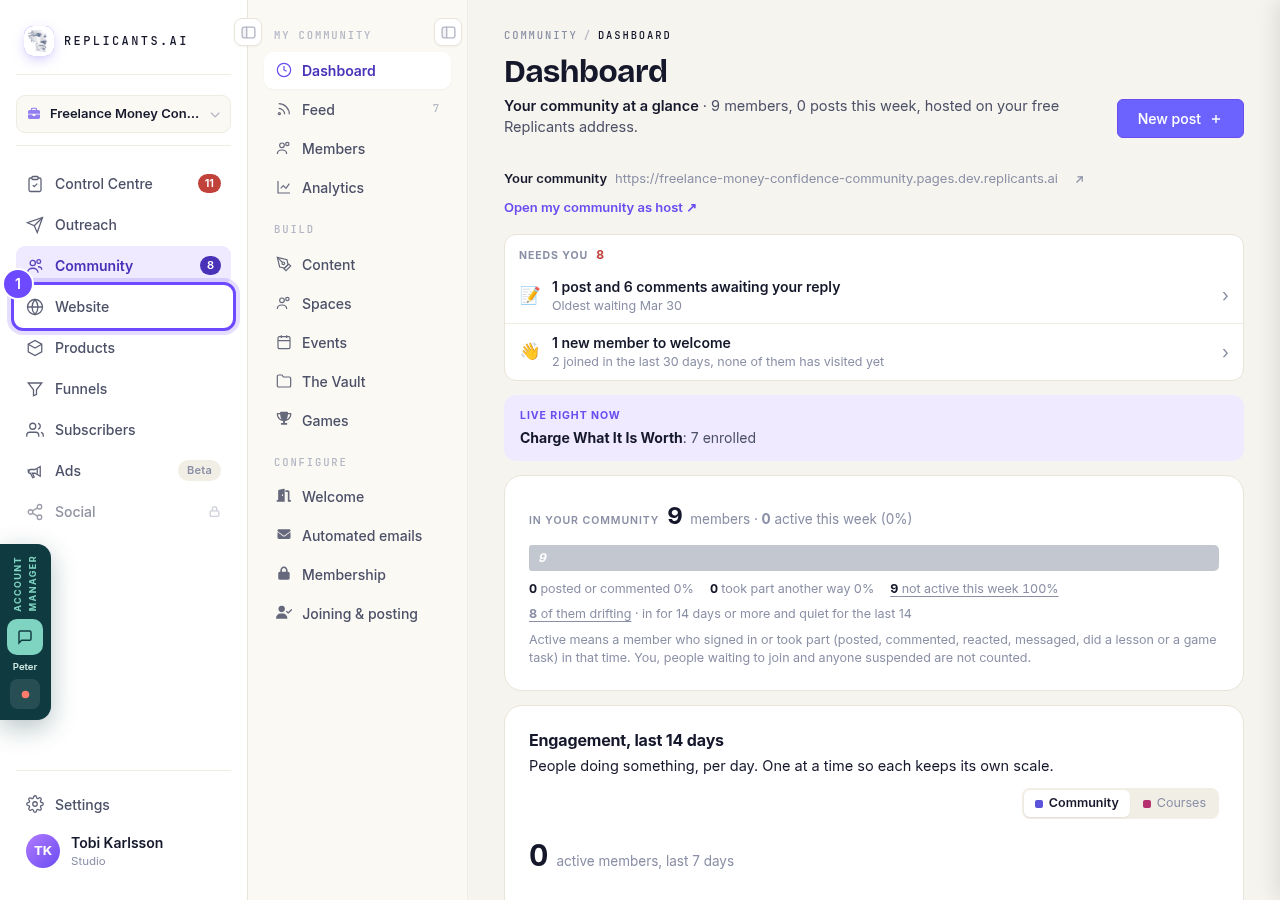
Website, in the main menu.
Open my websitesPress Manage on your site
Your websites lists every site you have. Press Manage on the one you want.
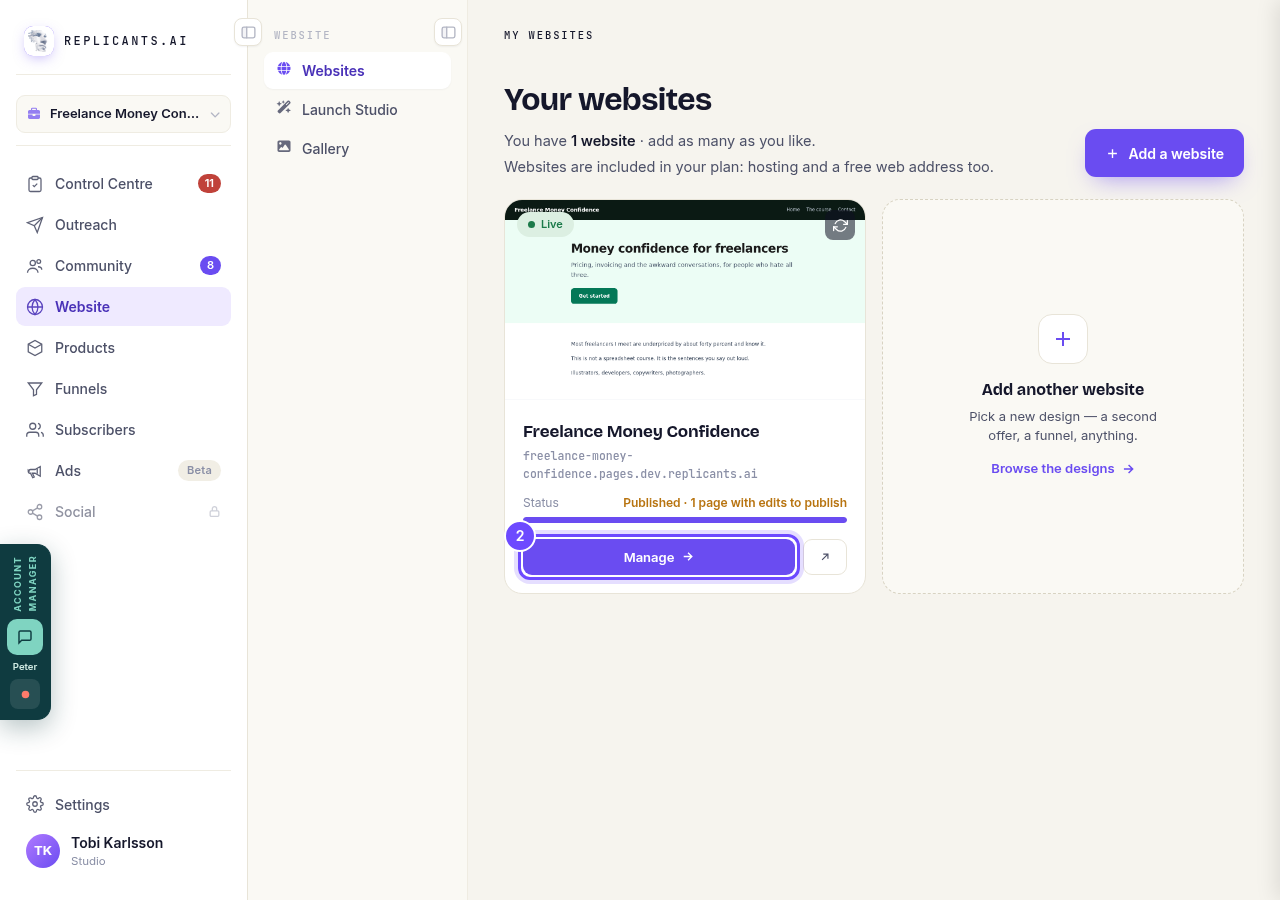
Manage, on your site's card.
Press Legal pages
It is in the Manage list on the right of the board, under Forms & enquiries. On a phone the list is further down.
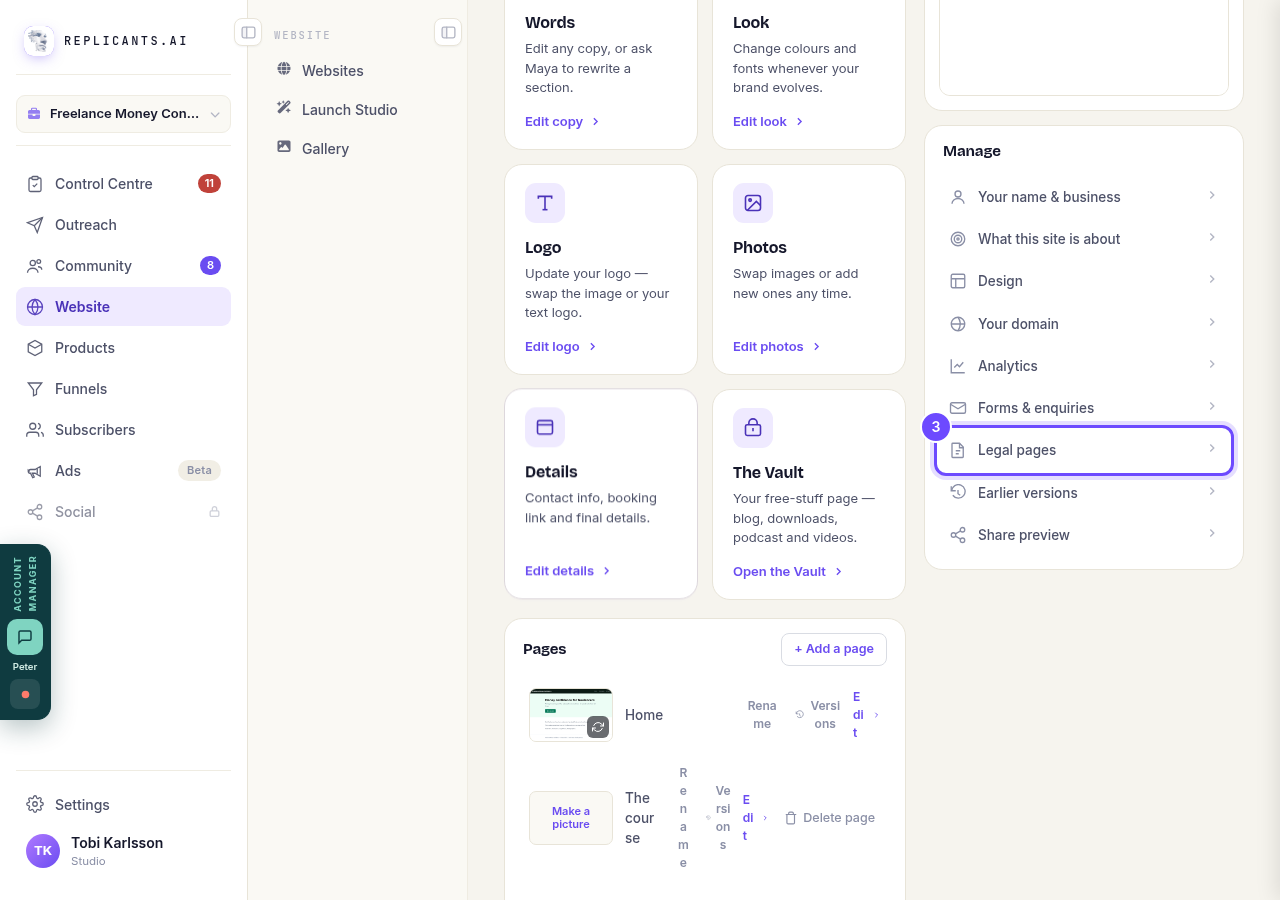
Legal pages, in the Manage list.
Choose Generate or Upload my own
Each page has two choices. Generate is ours: a clean, plain-English page from a vetted template. Upload my own shows Choose a file to upload: Word (.docx) or text gives the best formatting, PDFs come in as plain text, up to 5MB.
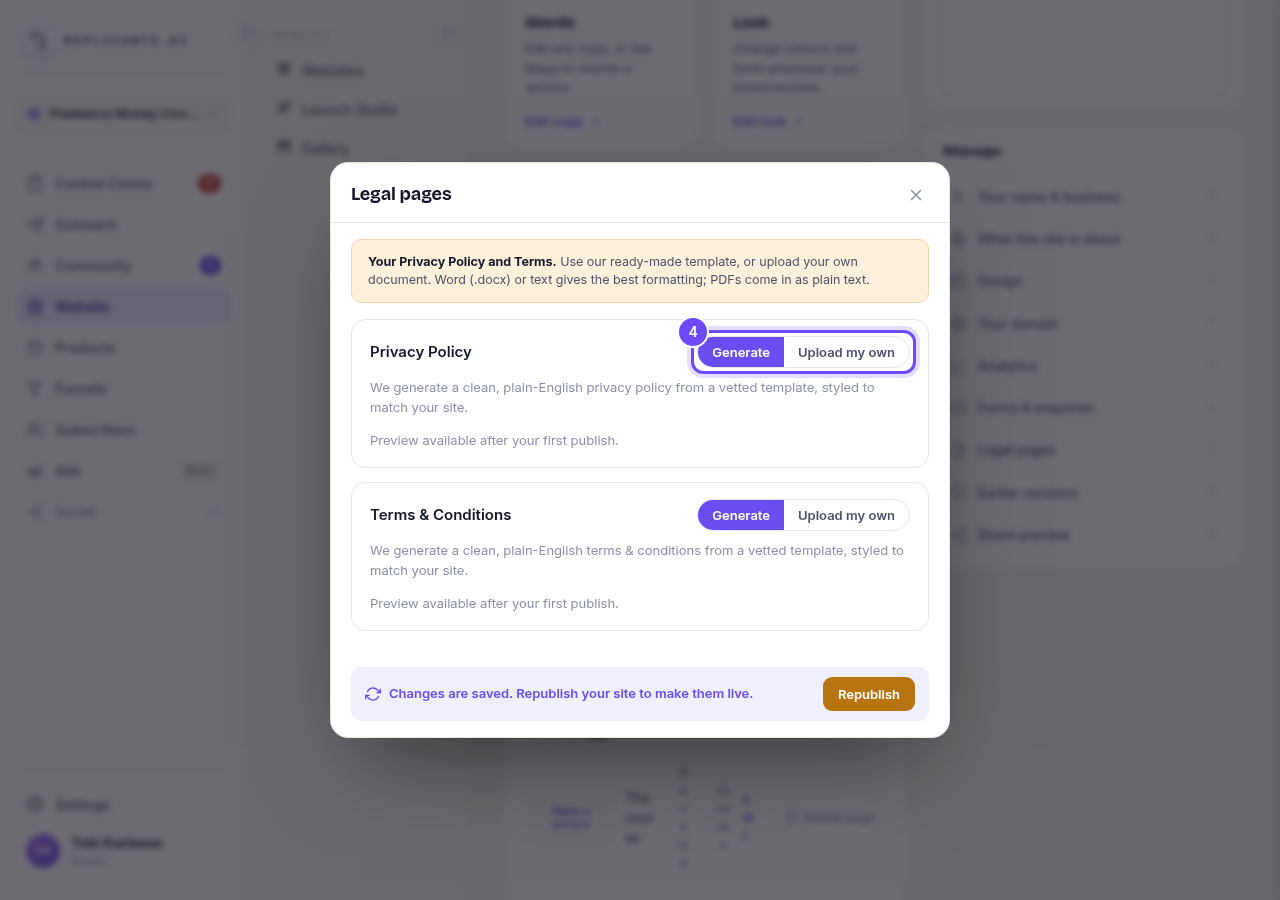
Generate and Upload my own, beside Privacy Policy.
Press Republish
After a change, a bar at the bottom says your changes are saved. The orange Republish button puts them on your live site.
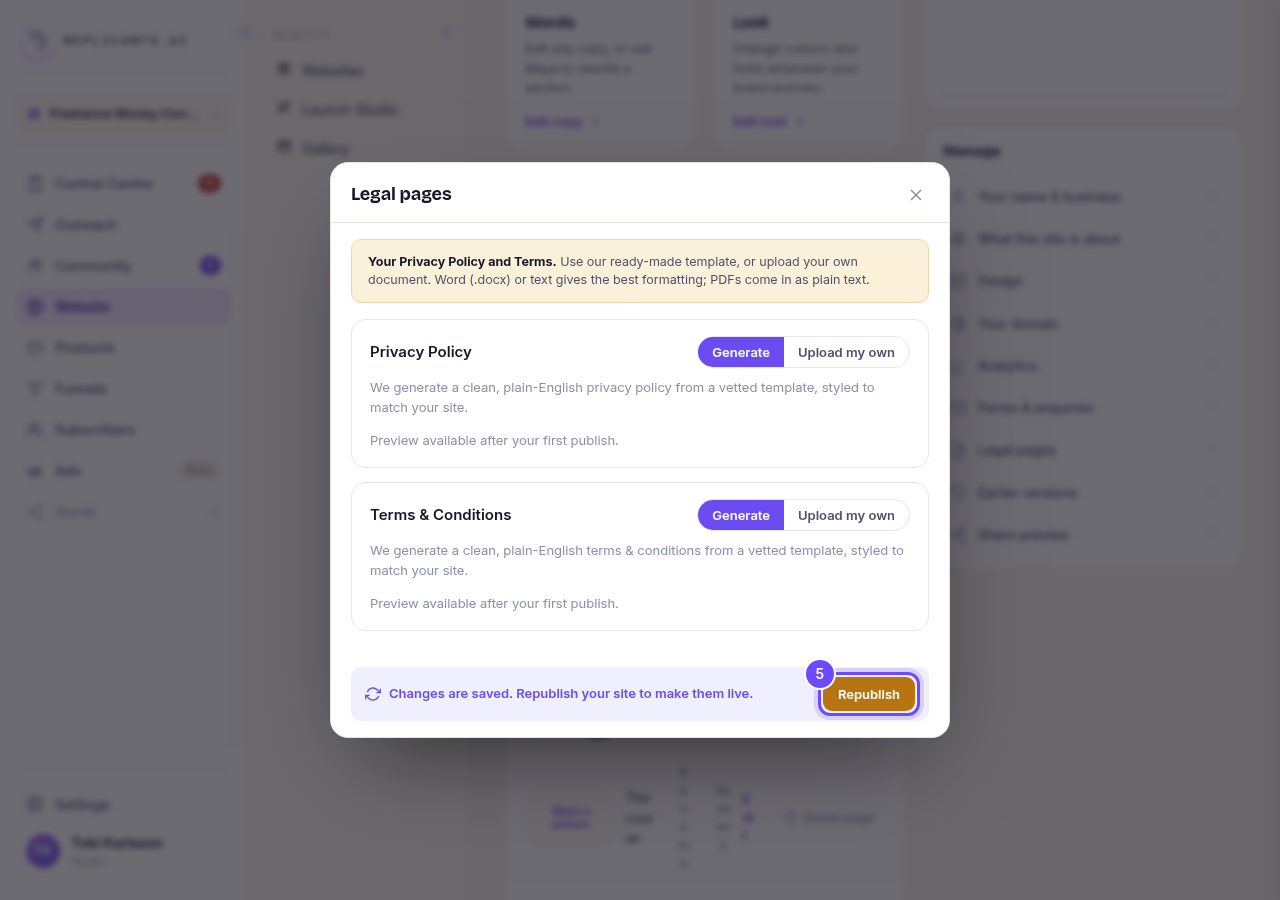
The orange Republish button.


Related articles
How do I change how my website looks?
Everything you can change sits on one board. Open Website, press Manage, and look under Make a change for a tile per kind of change. The whole design is under Design in the Manage list.
How do I change my website's menu and footer?
Your top menu and footer are the same on every page, so you change them in one place and every page follows. About five minutes.
How do I change one thing on my page, like a photo or a paragraph?
Every page is a stack of sections, and each one changes on its own. Open the page, find the section, change it — then publish.