
What do Verify DNS, Link to Website and Set Primary mean on my domain?
Each domain on Settings, Domains shows only the buttons it needs next. Here is what each one does, in the order you usually meet them.
Updated 19 October 2026
Press Verify DNS to check your lines have come through
It shows while a domain says Verify. It only checks and changes nothing at your domain company, and its answer stays on the card; changes there can take up to an hour.
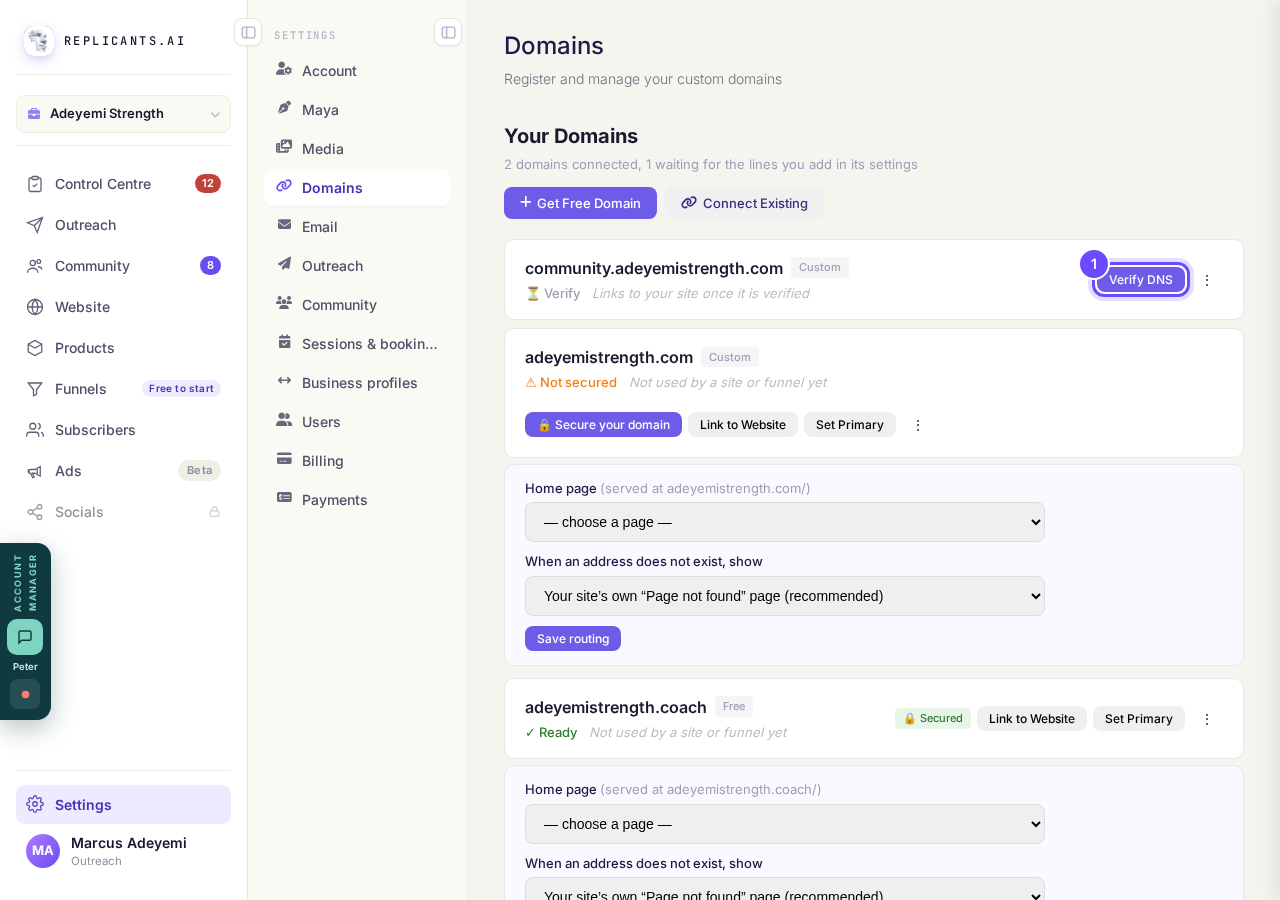
Verify DNS, on a domain that is waiting.
Take me therePress Secure your domain if it says Not secured
This puts the padlock on, so the address starts with https. It usually happens by itself; for the first 10 minutes after a domain is added you see Securing in and a countdown instead of the button.
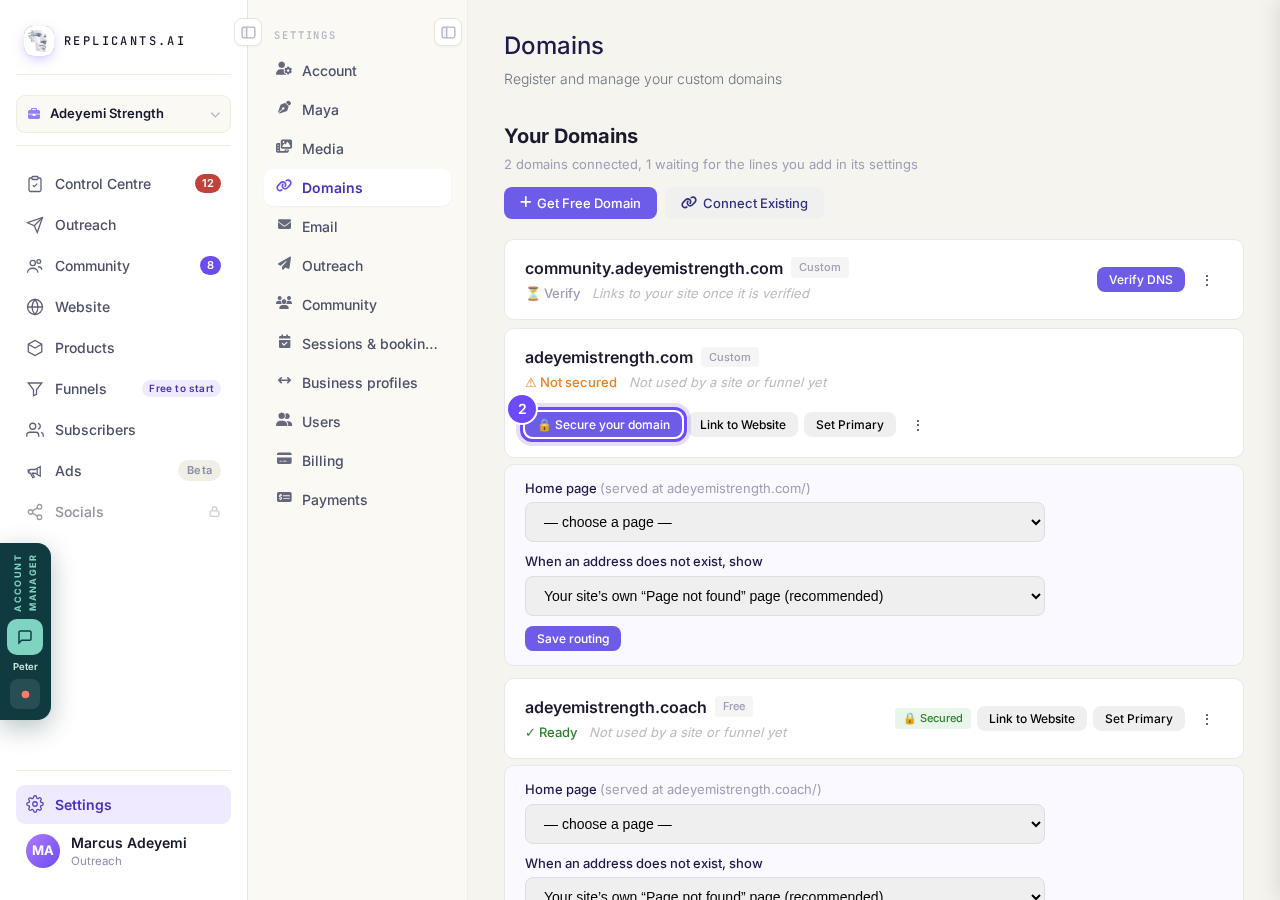
Secure your domain, beside Not secured.
Press Link to Website to choose what the domain shows
It appears once a domain is verified. Your website or funnel keeps its free address as well, so nothing breaks.
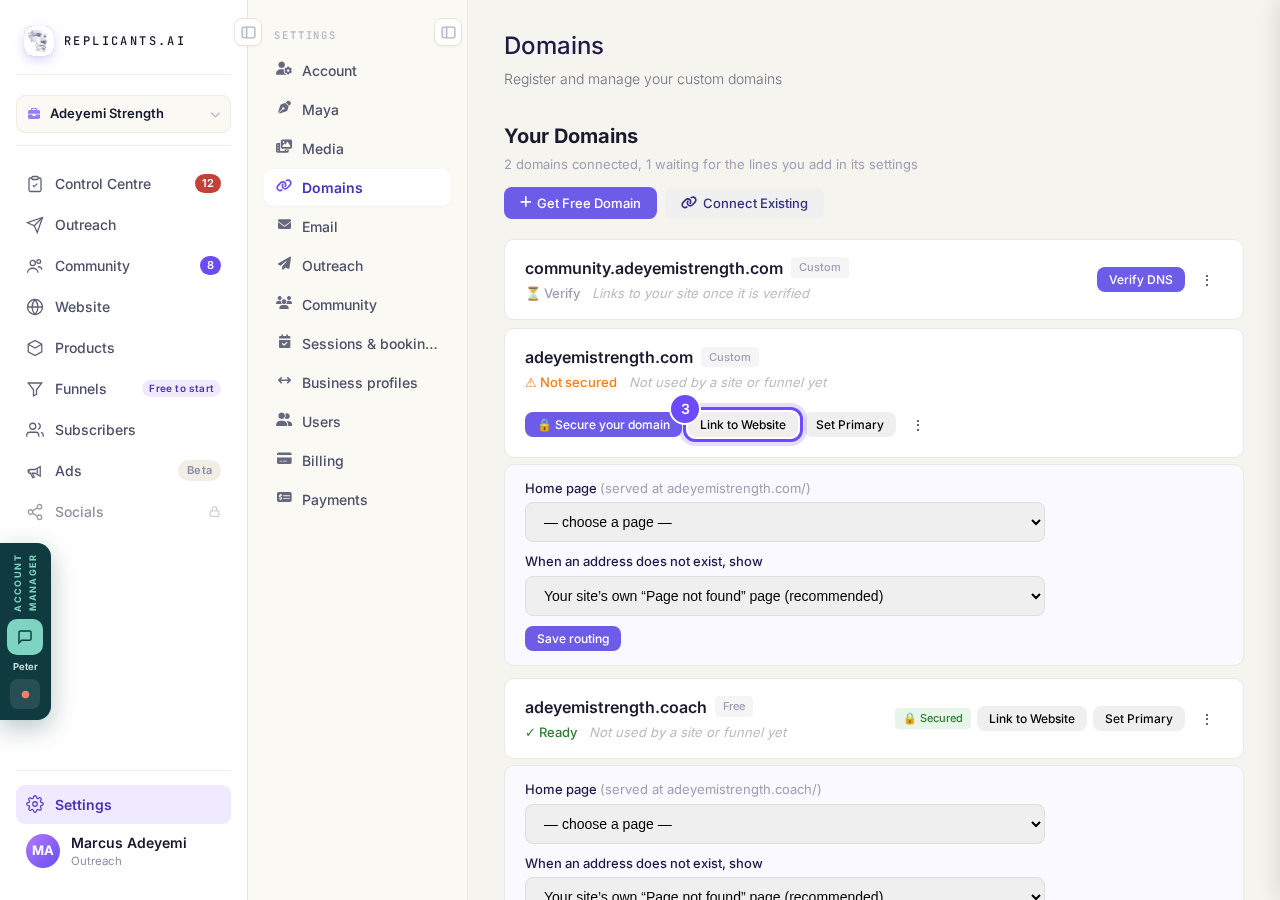
Link to Website, on a verified domain.
Choose the website or funnel, then press Link Domain
For a website, Website, Manage, Your domain, then Update my domain does the same job and republishes your site for you.
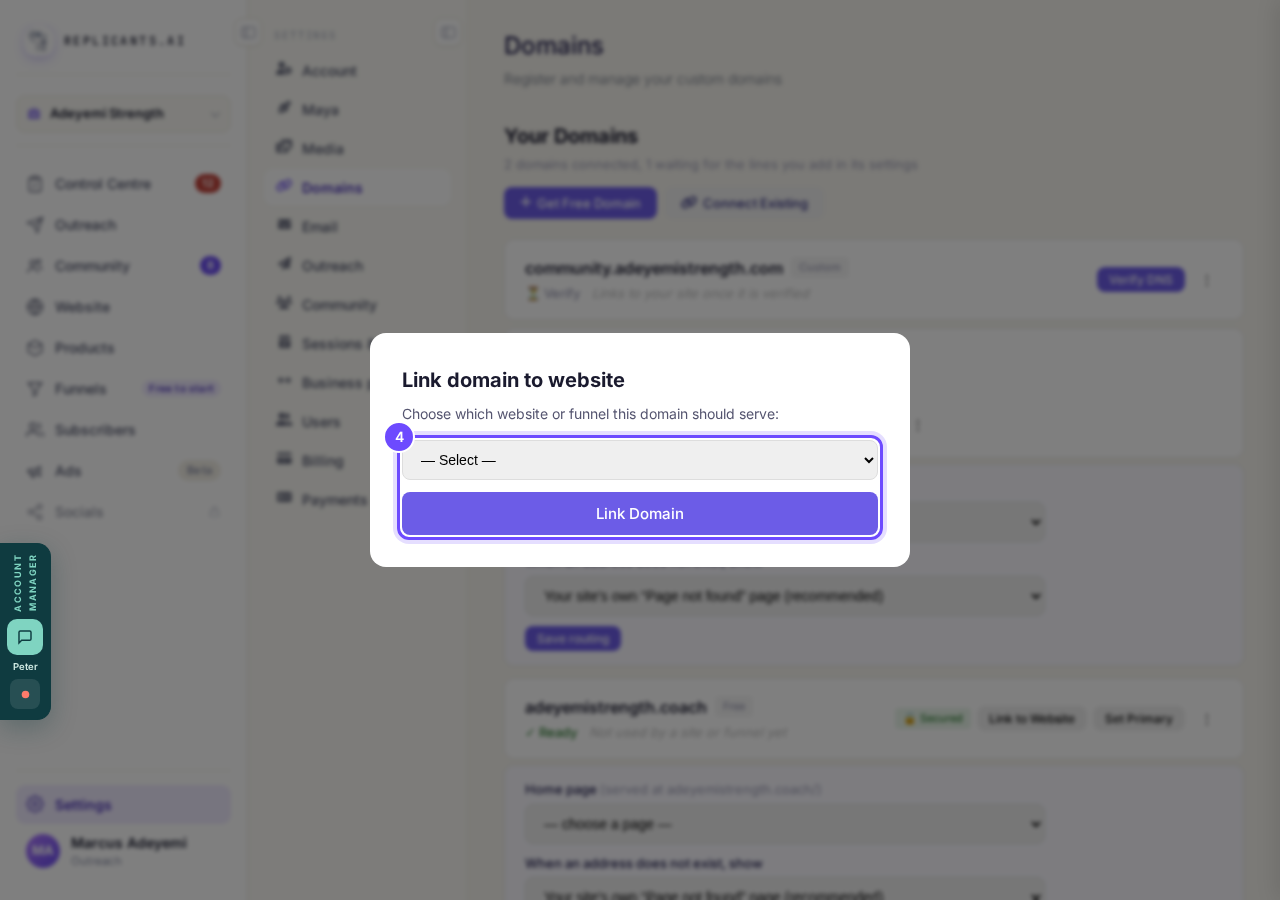
Choose what this domain serves.
Press Set Primary on the domain you use most
It puts a Primary star on it and moves it to the top of your list, and to the top wherever you pick one of your domains. It does not move any site.
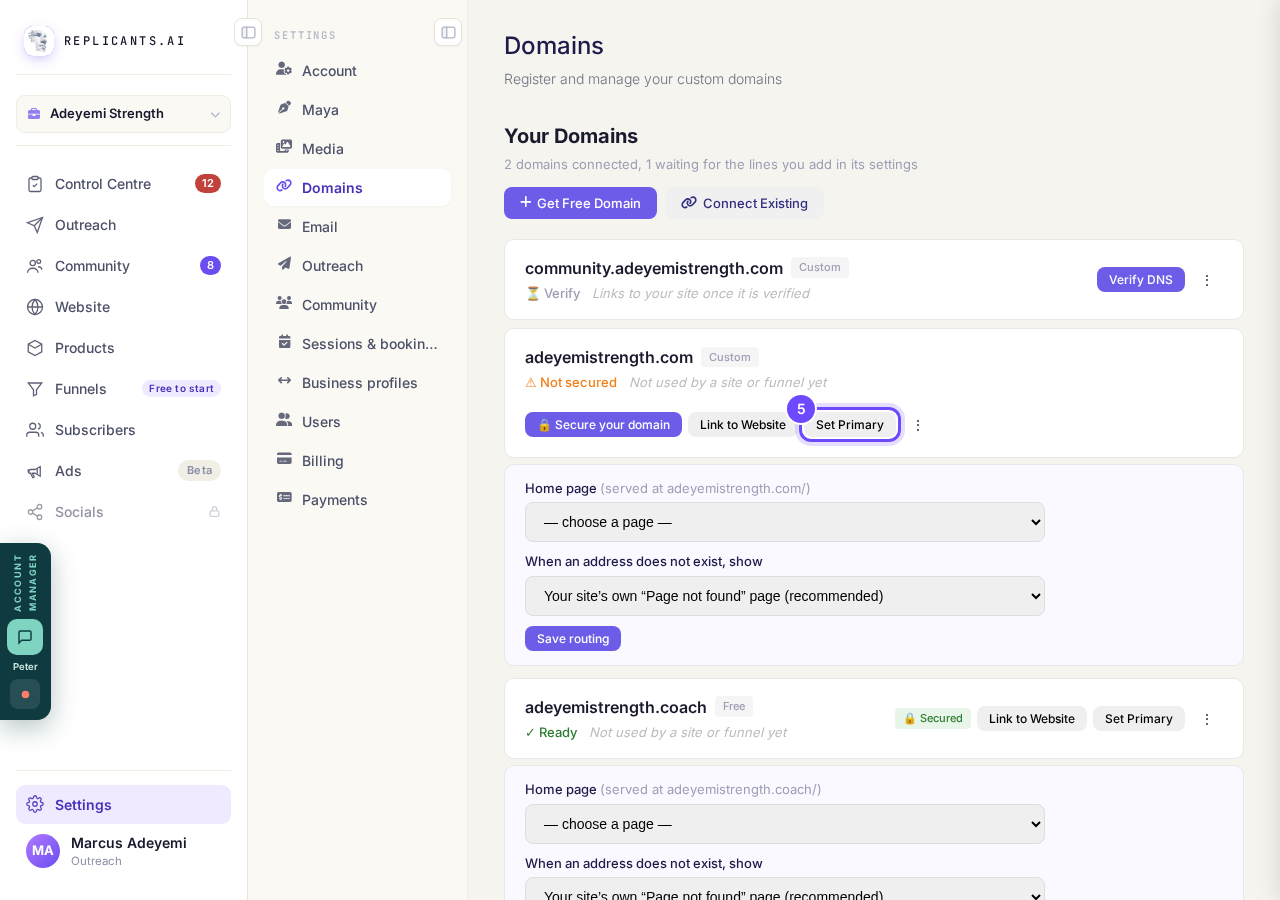
Set Primary, on a verified domain.
Look for the Primary star
Only one domain is Primary at a time, so choosing another one moves the star.
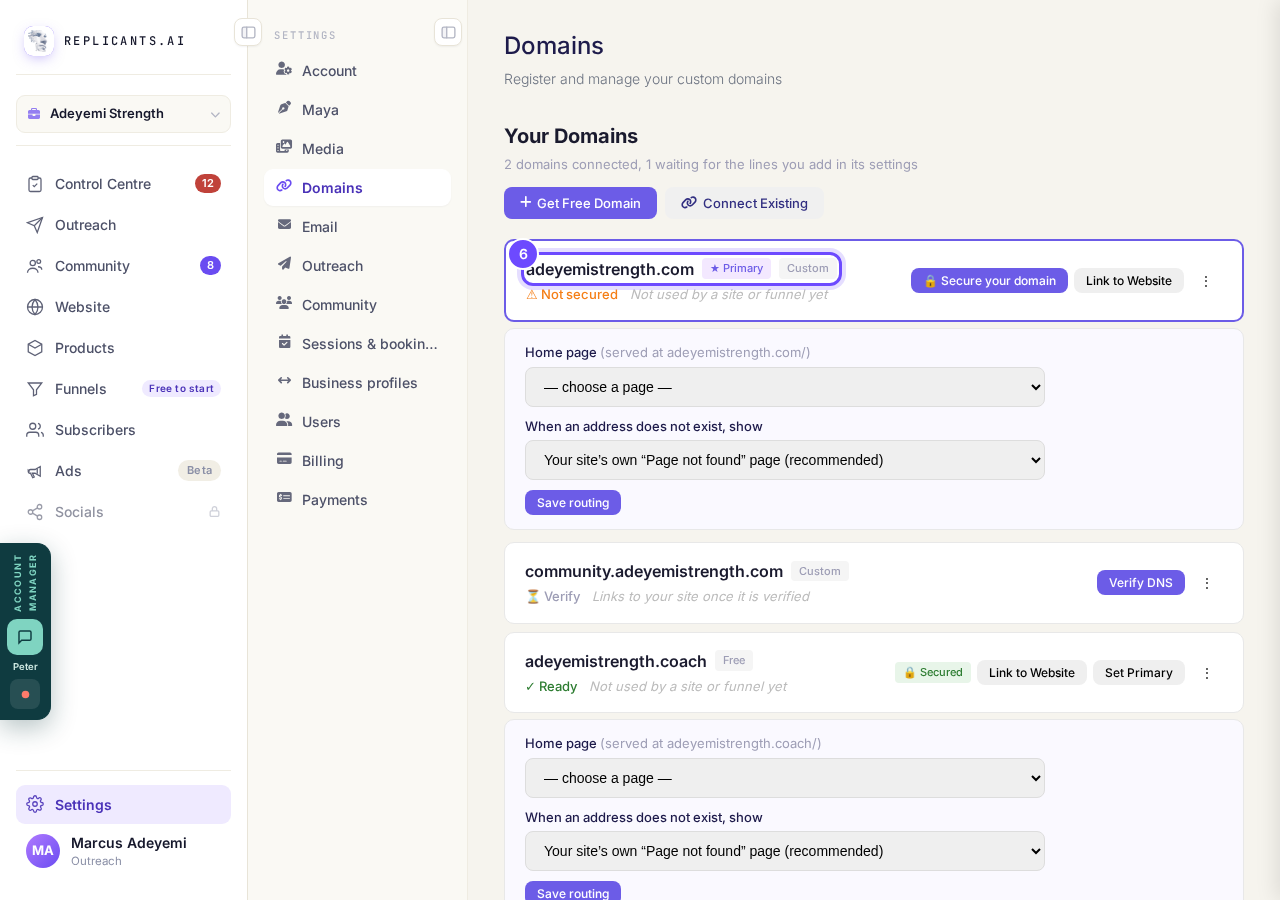
Primary, beside the domain's name.
Press the three dots for the rest
A domain still waiting offers Check the DNS again; a verified one offers Make it my main domain, which is the same as Set Primary. Remove this domain asks first and names any site that would stop showing.
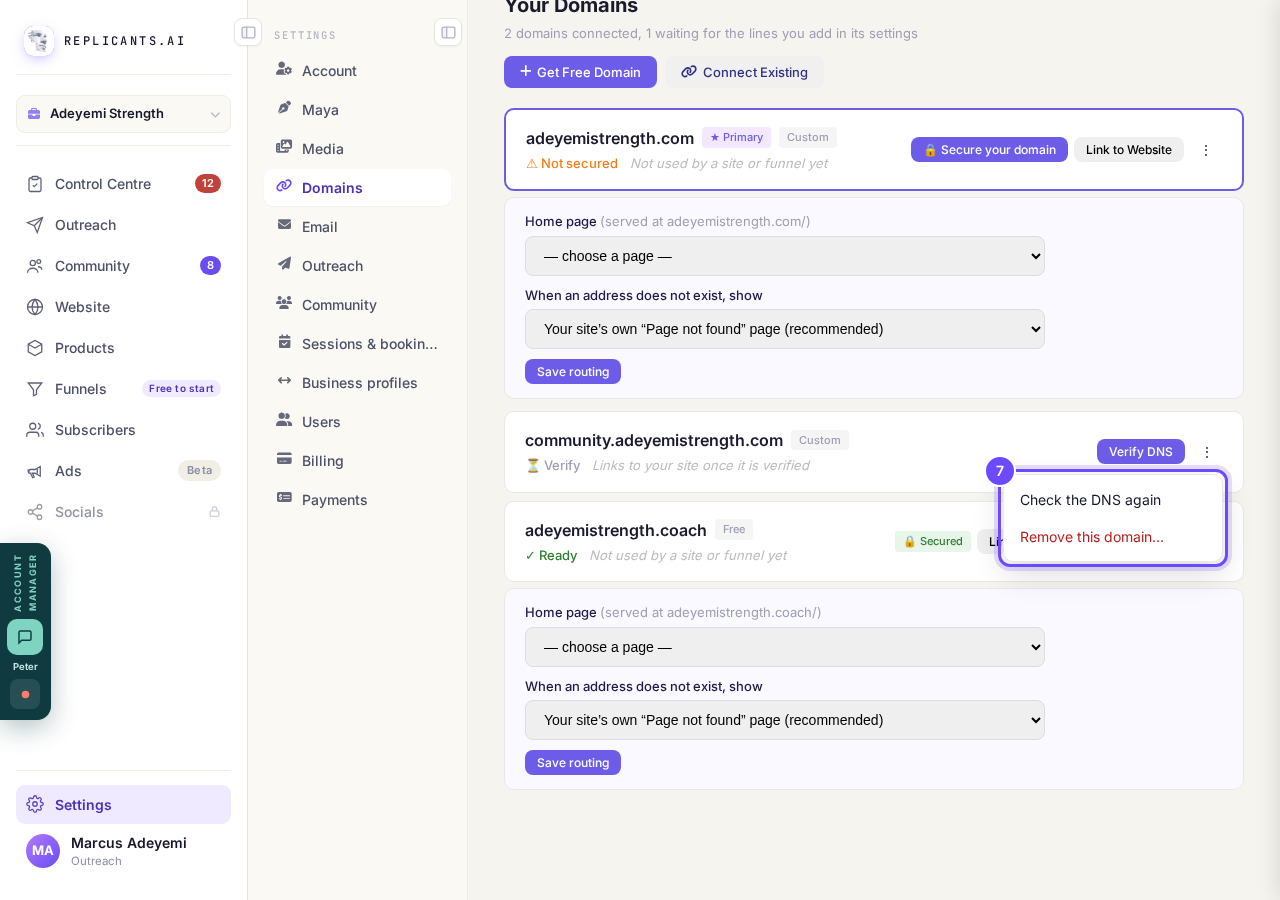
The three dots on a domain that is waiting.


There is no way to transfer a domain you bought elsewhere, such as at GoDaddy, to us: it stays with your domain company, and you point it at your site by adding the lines we show. Removing a domain takes its sites off it straight away; add it back within 14 days and you can put them back in one press.
How do I choose what my domain opens on, and what shows when a page is not found?
Related articles
How do I add a new page to my website?
You add a page from your website's Manage board. It starts as a draft in your site's design and goes live when you republish. About five minutes.
How do I add a privacy policy and terms to my website?
Every website has a Privacy Policy and Terms & Conditions, linked from the footer. We write them for you, or you upload your own. About two minutes.
How do I change how my website looks?
Everything you can change sits on one board. Open Website, press Manage, and look under Make a change for a tile per kind of change. The whole design is under Design in the Manage list.