
How do I add a new page to my website?
You add a page from your website's Manage board. It starts as a draft in your site's design and goes live when you republish. About five minutes.
Updated 7 October 2026
Open Website
Website is in the main menu on the left. On a phone, press the menu button at the top right first.
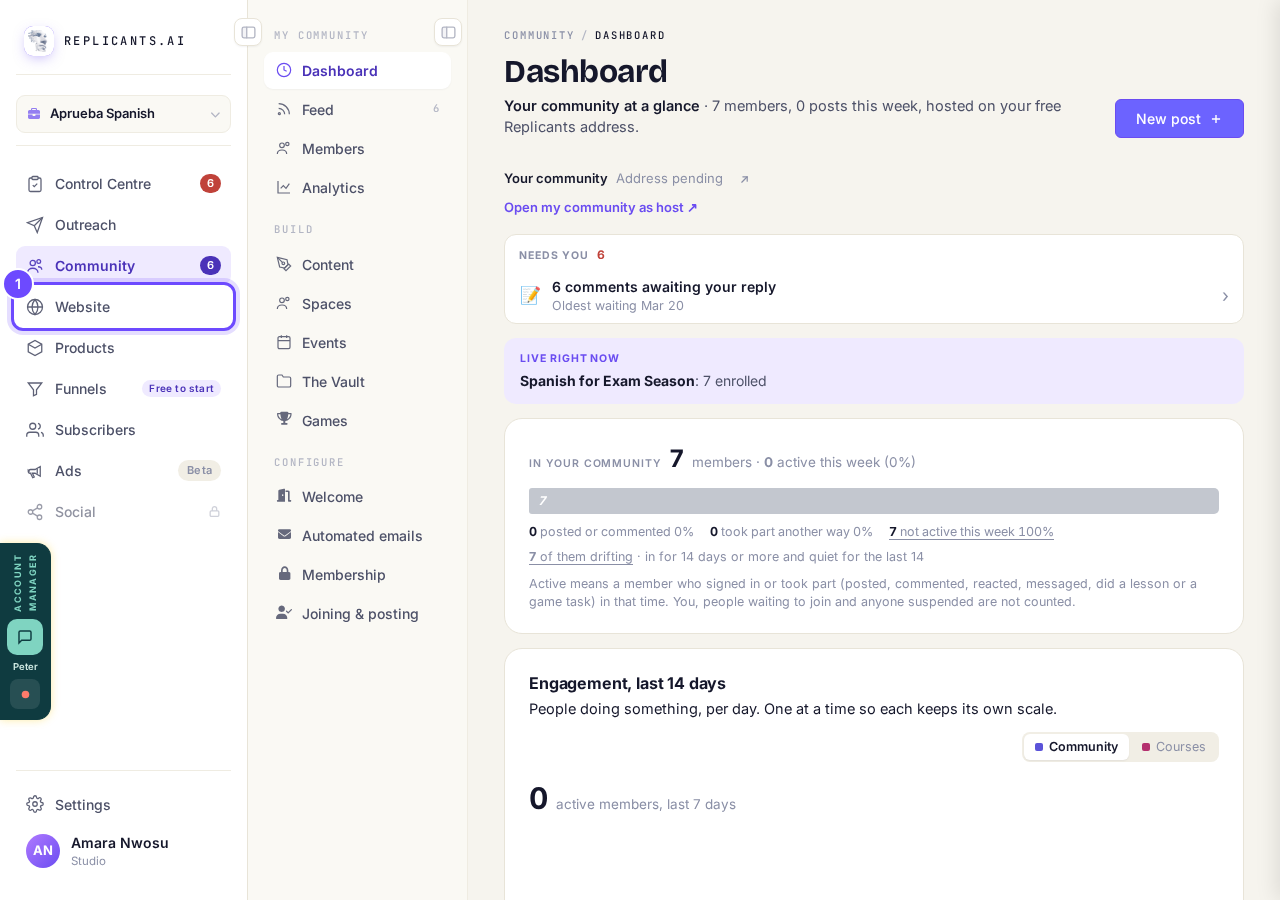
Website, in the main menu.
Open my websitesPress Manage on your site
Your websites lists every site you have. Press Manage on the one you want.
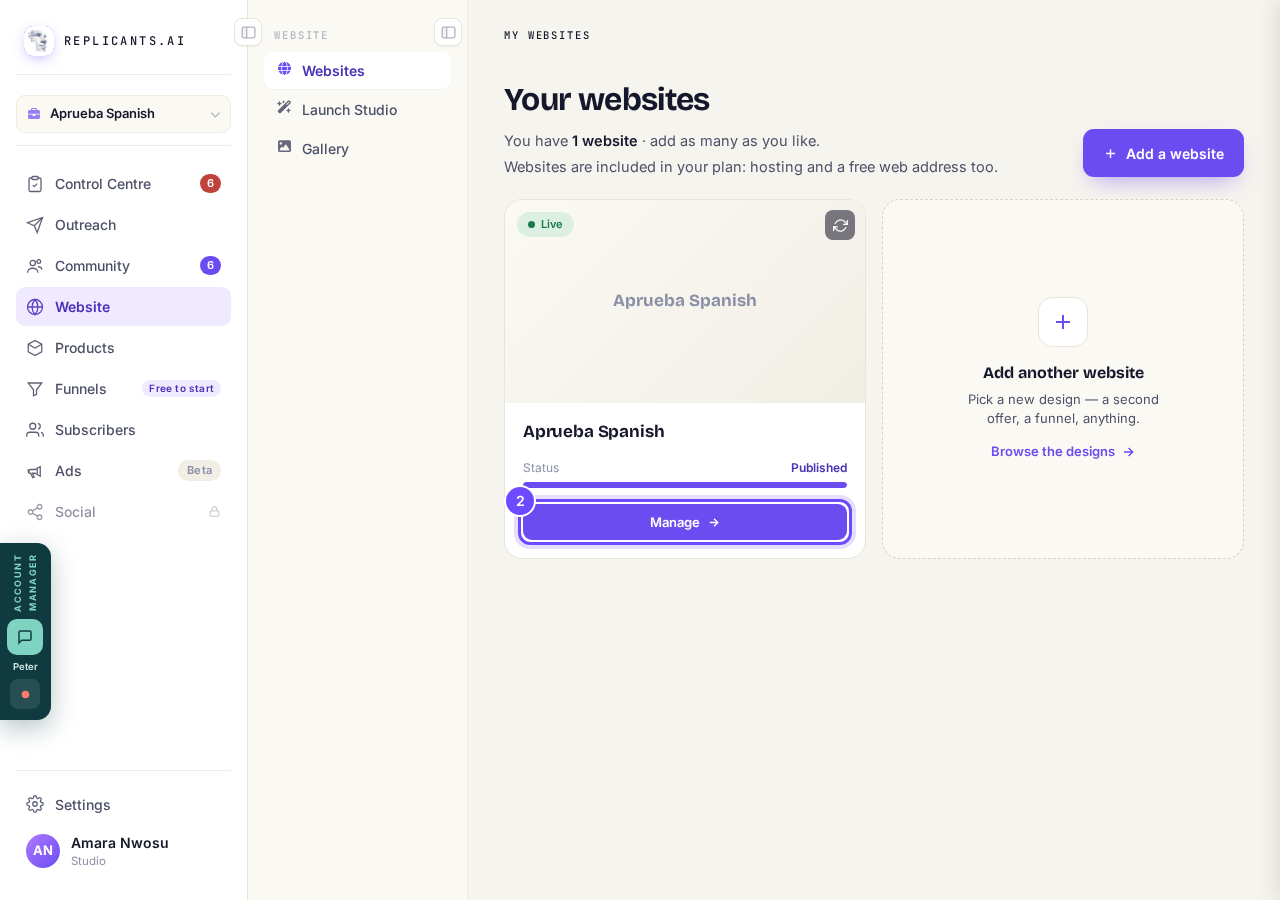
Manage, on your site's card.
Press + Add a page
It is beside Pages, lower down the board, above the list of your pages.
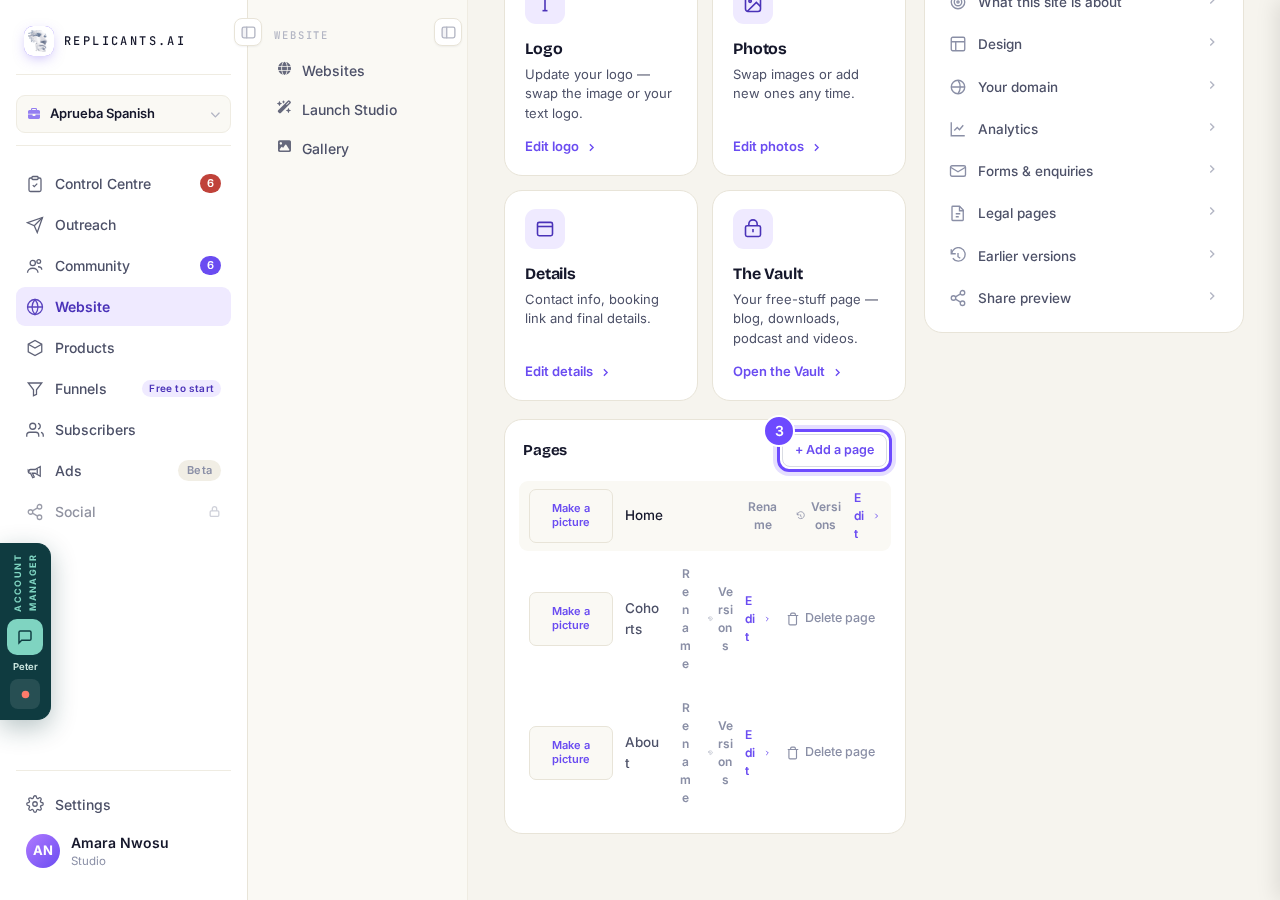
+ Add a page, beside Pages.
Type the page name
Type it in the Page name box. It is also the words in your menu, so keep it short, like Workshops or Book a call.
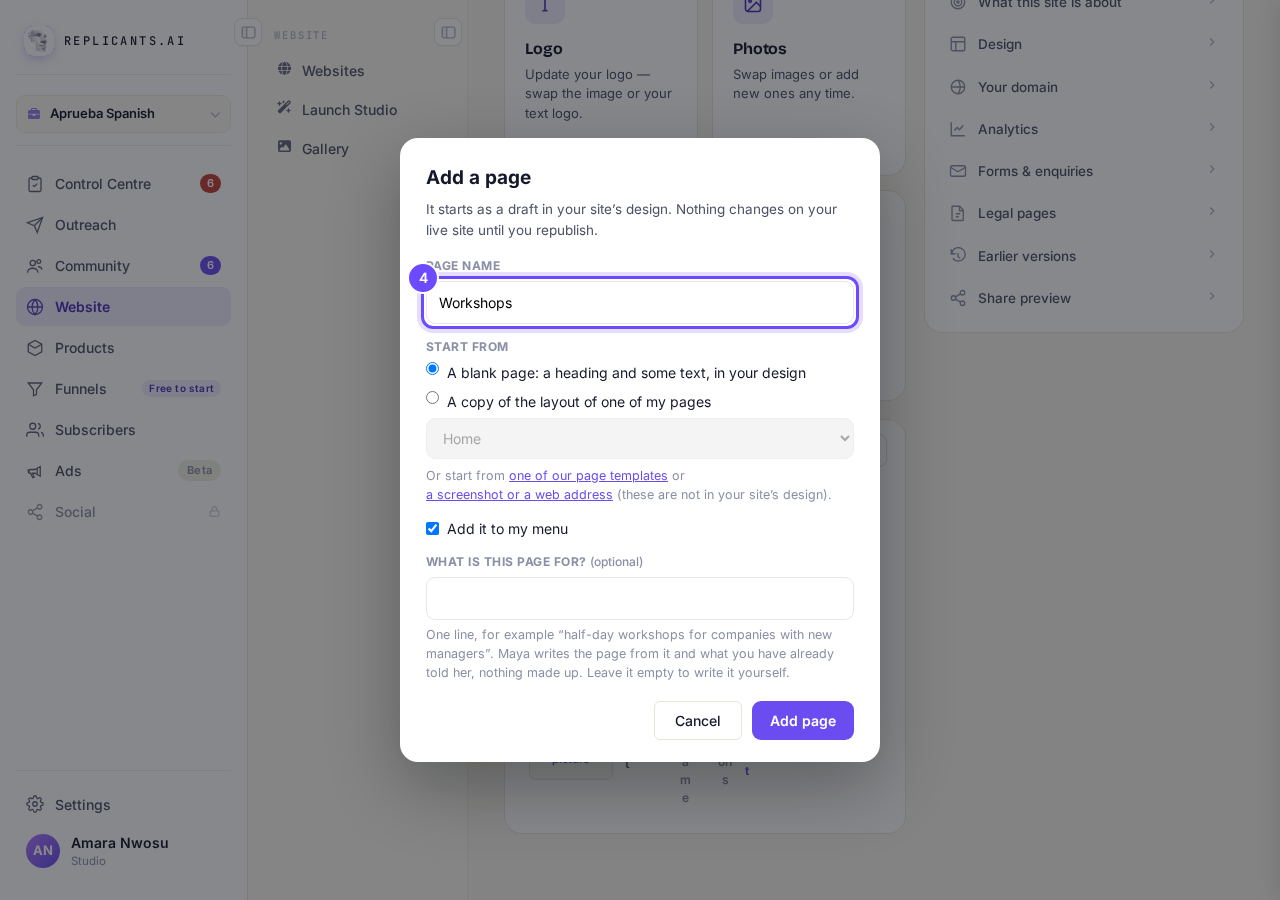
Page name, with Workshops typed in.
Choose how it starts
A blank page: a heading and some text, in your design is chosen for you. To reuse the layout of a page you already have, pick A copy of the layout of one of my pages and choose that page in the box underneath.
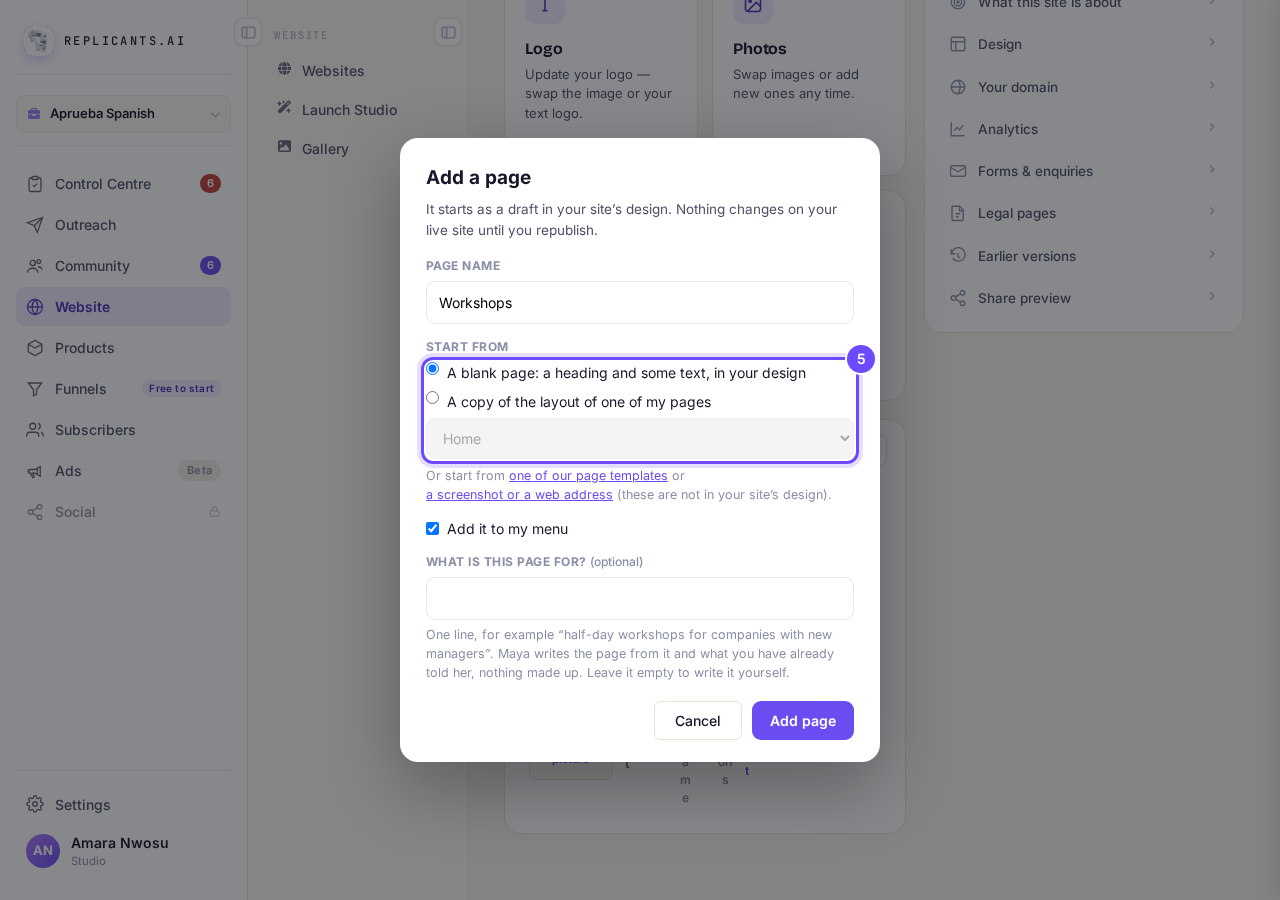
Start from, with A blank page chosen.
Leave Add it to my menu ticked
This puts the page's name in the menu along the top of your site, the words your visitors press to find it. It is ticked for you.
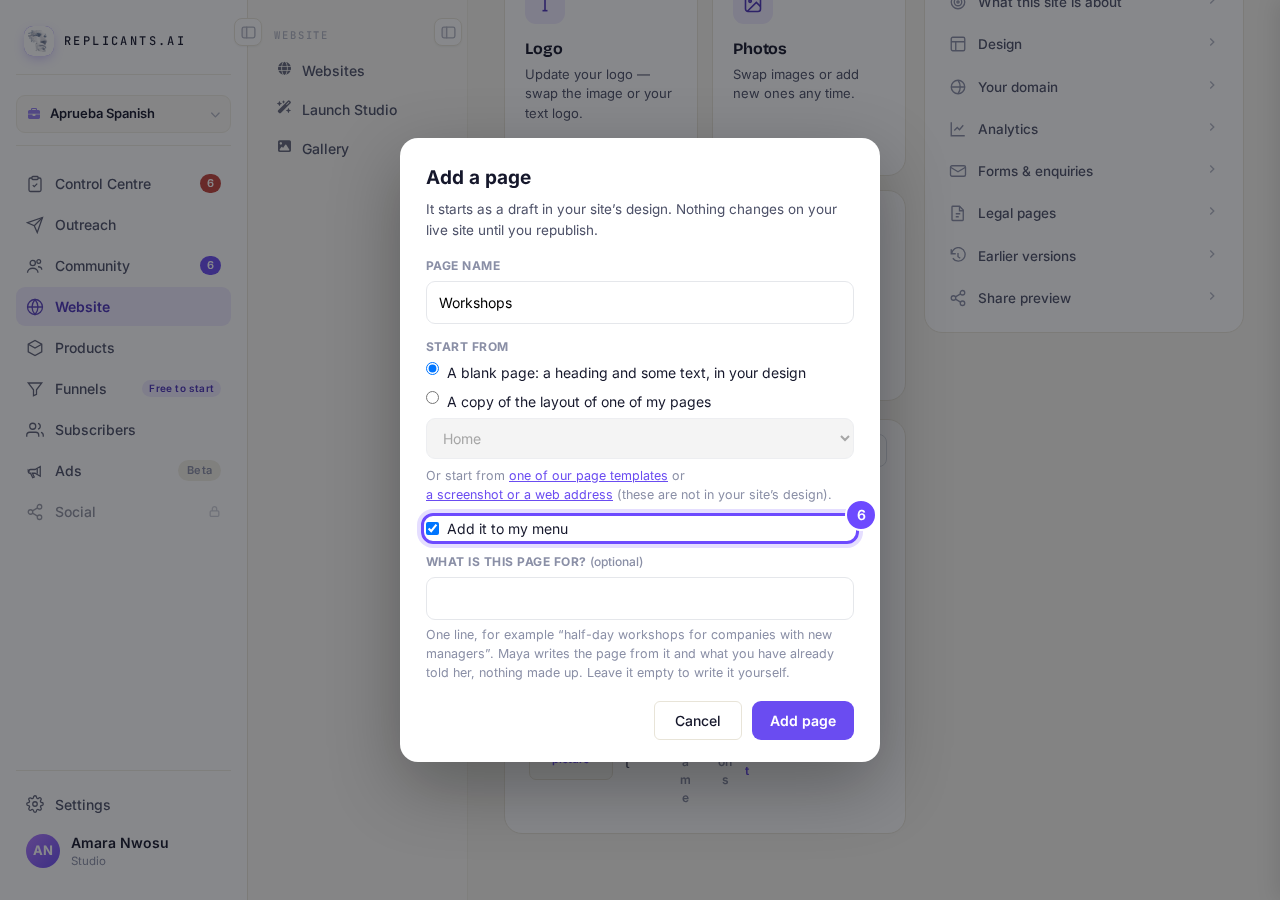
Add it to my menu, ticked.
If you like, say what the page is for
Type one line under What is this page for? and Maya writes the page from it and what you have already told her, nothing made up. Leave it empty to write the page yourself.
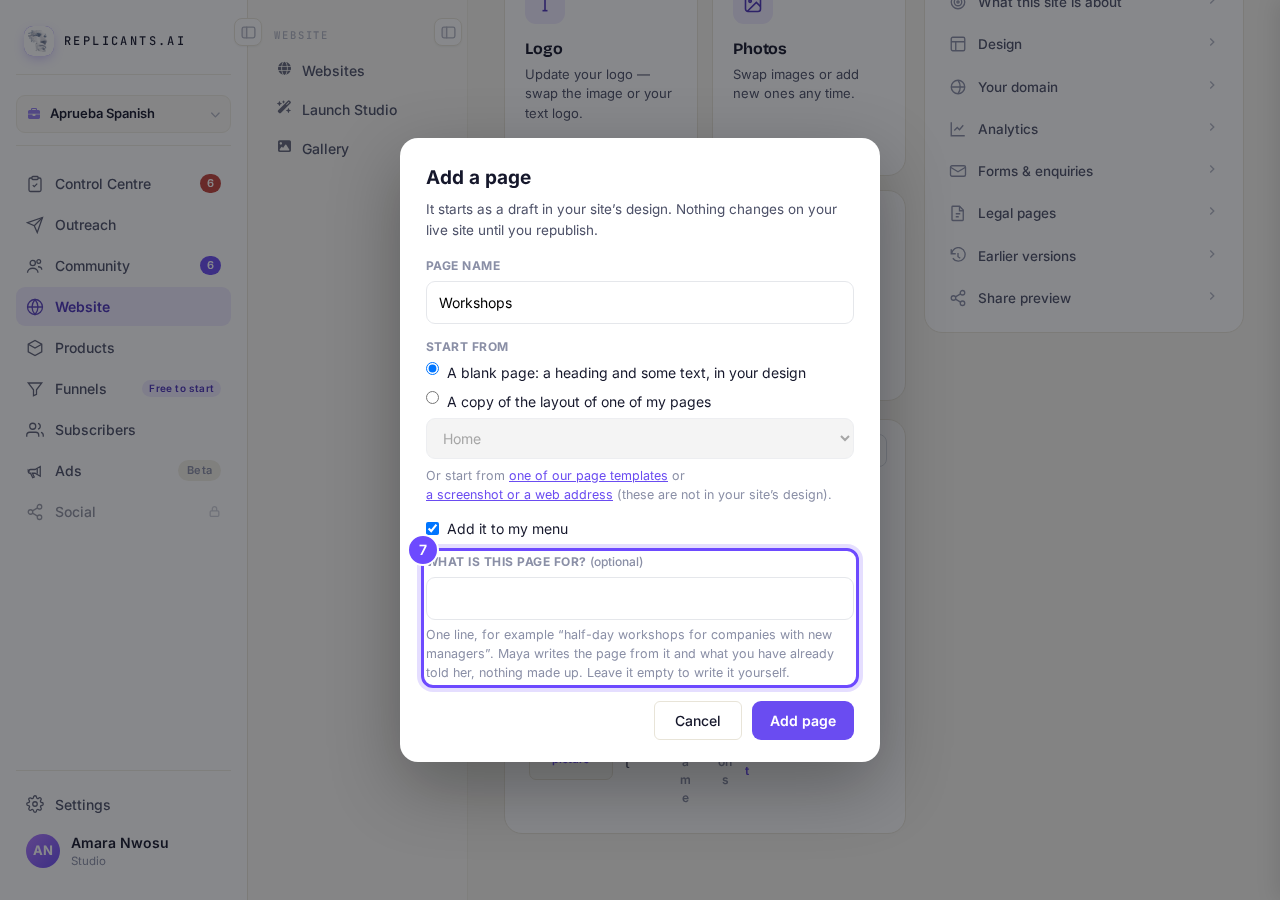
What is this page for? It is optional.
Press Add page
If you gave Maya a line, she takes up to a minute to write it. The page is saved either way.
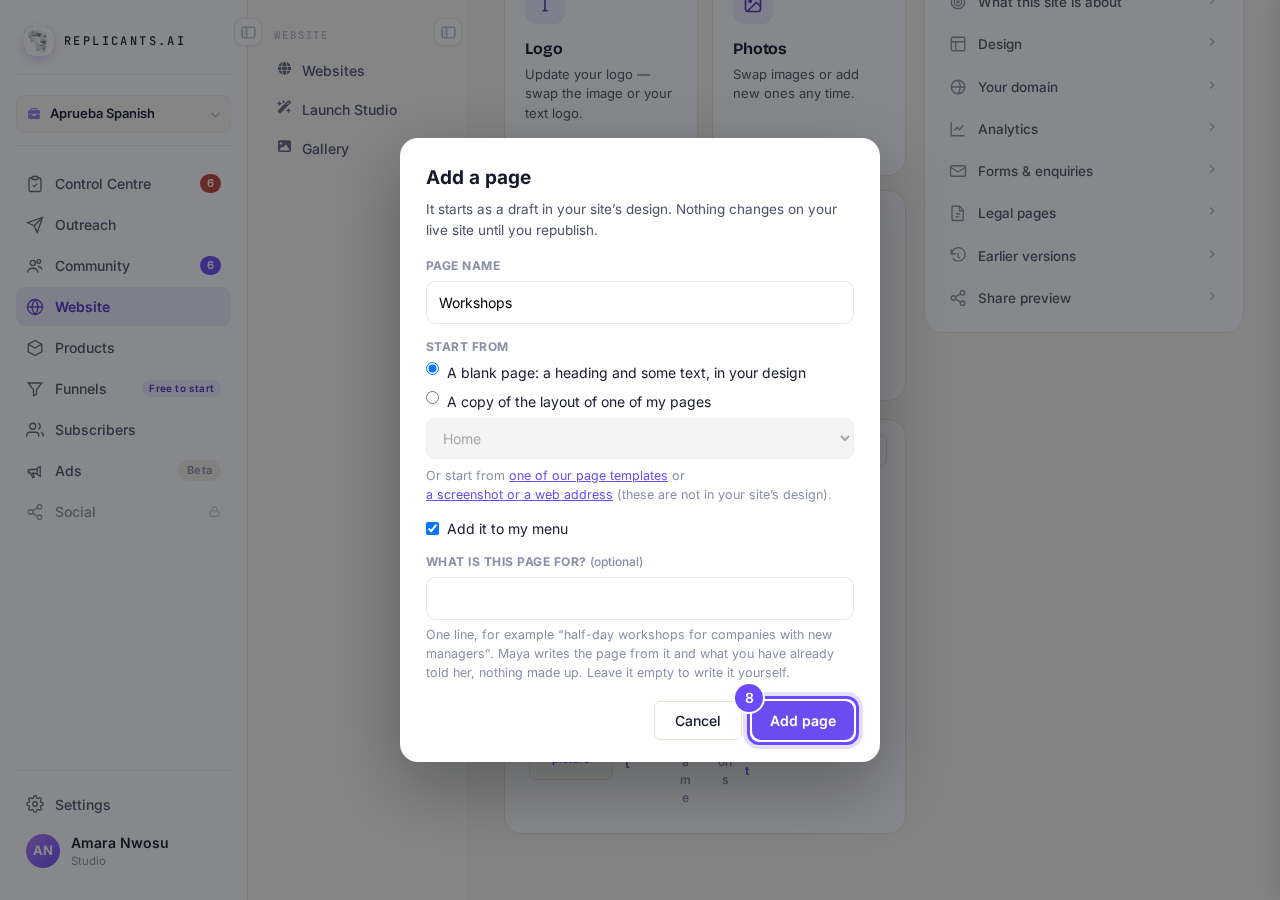
Add page, at the bottom of the box.
Read the green message
It shows for only a few seconds. If it says "This design keeps its menu inside each page, so add the link in the page editor.", your page is added but its menu link is not. Either add it in the page's Menu section, or open Top menu, press Set this up once, then add it (see How do I change my website's menu and footer?). If your pages' menus differ, that button says Start instead.
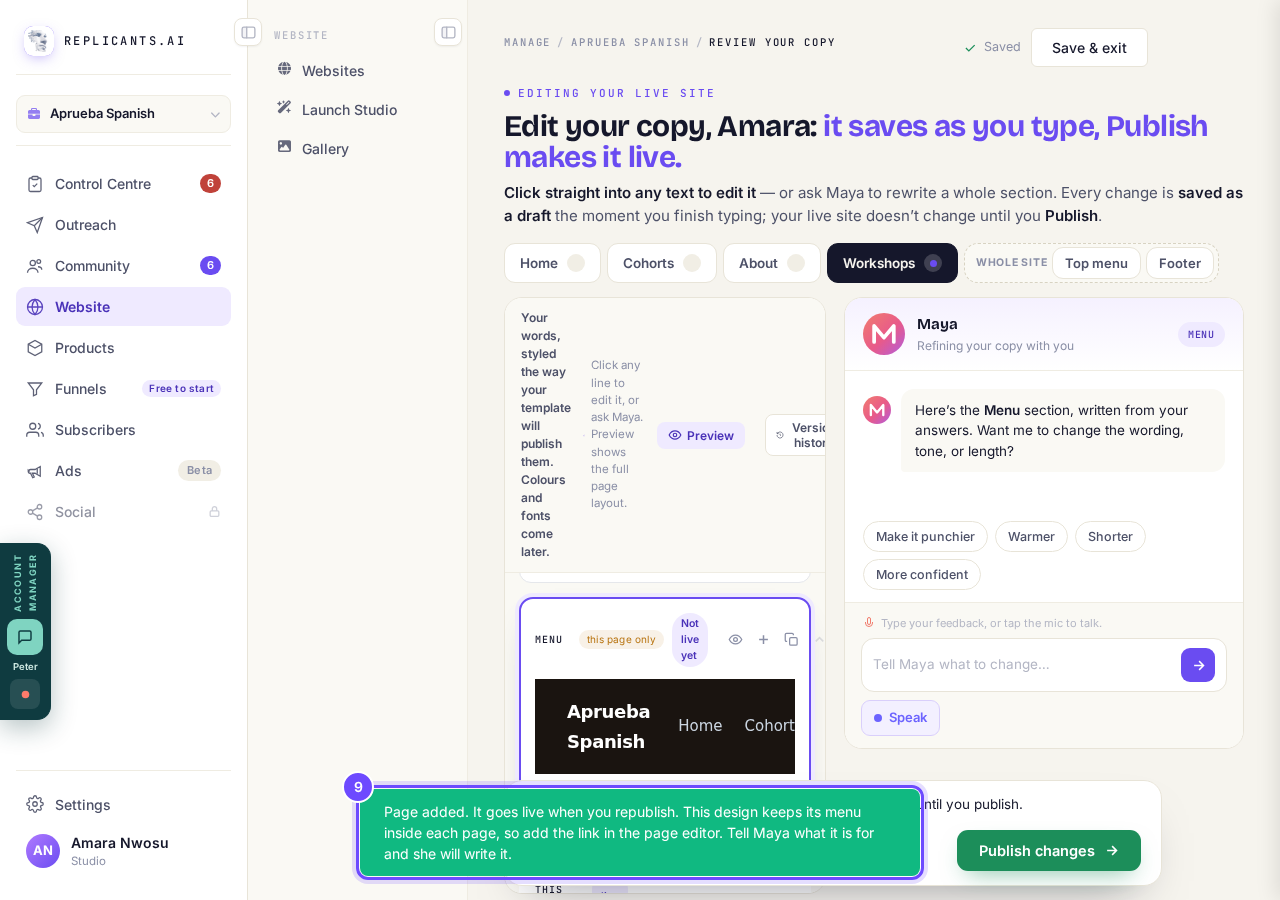
The message after Add page.
Write your new page
Your new page opens beside your other page names. Press into any words to change them, or ask Maya on the right. Everything saves as you type.
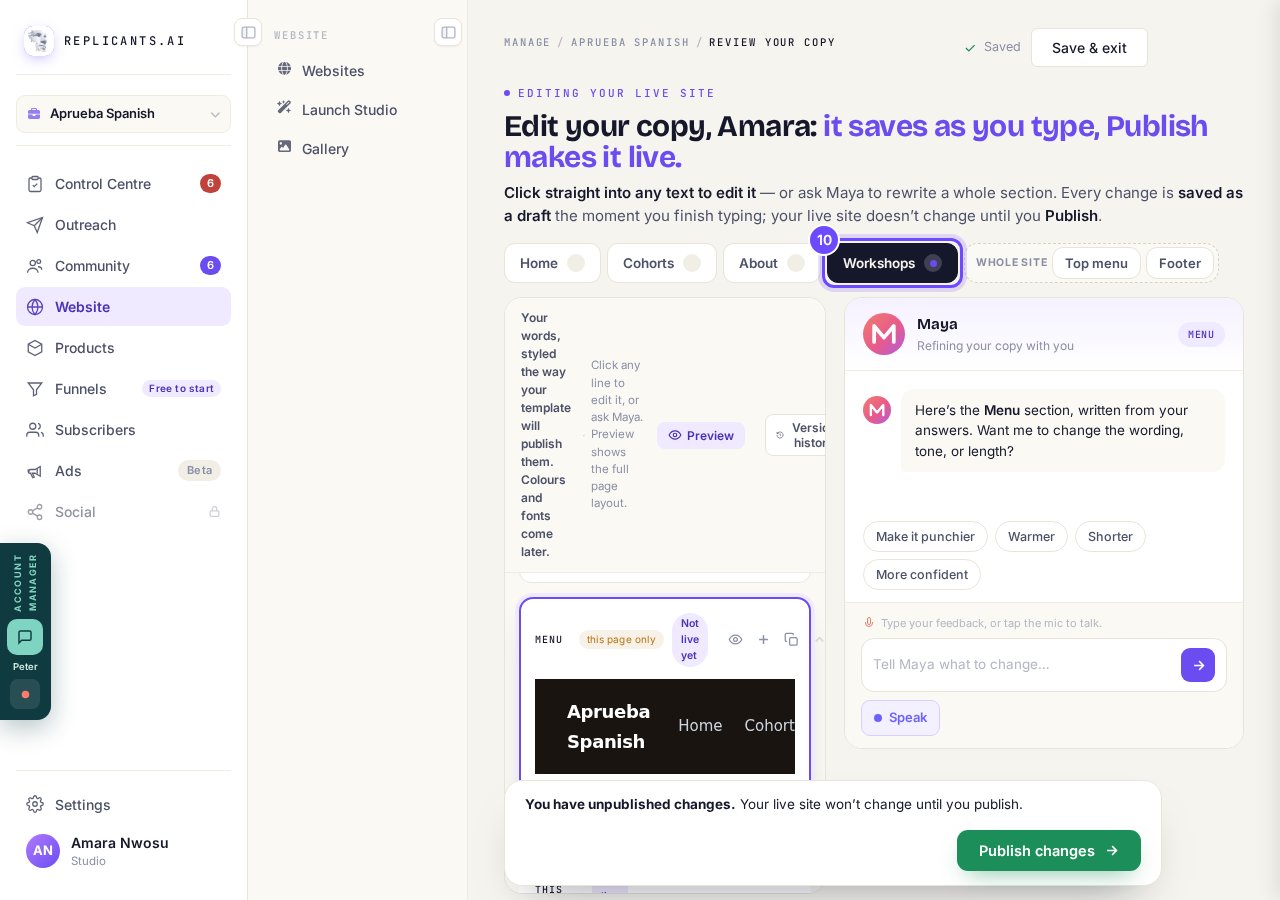
Your new page, beside your other page names.
Press Save & exit
It is at the top right. It keeps your words and takes you back to Your websites.
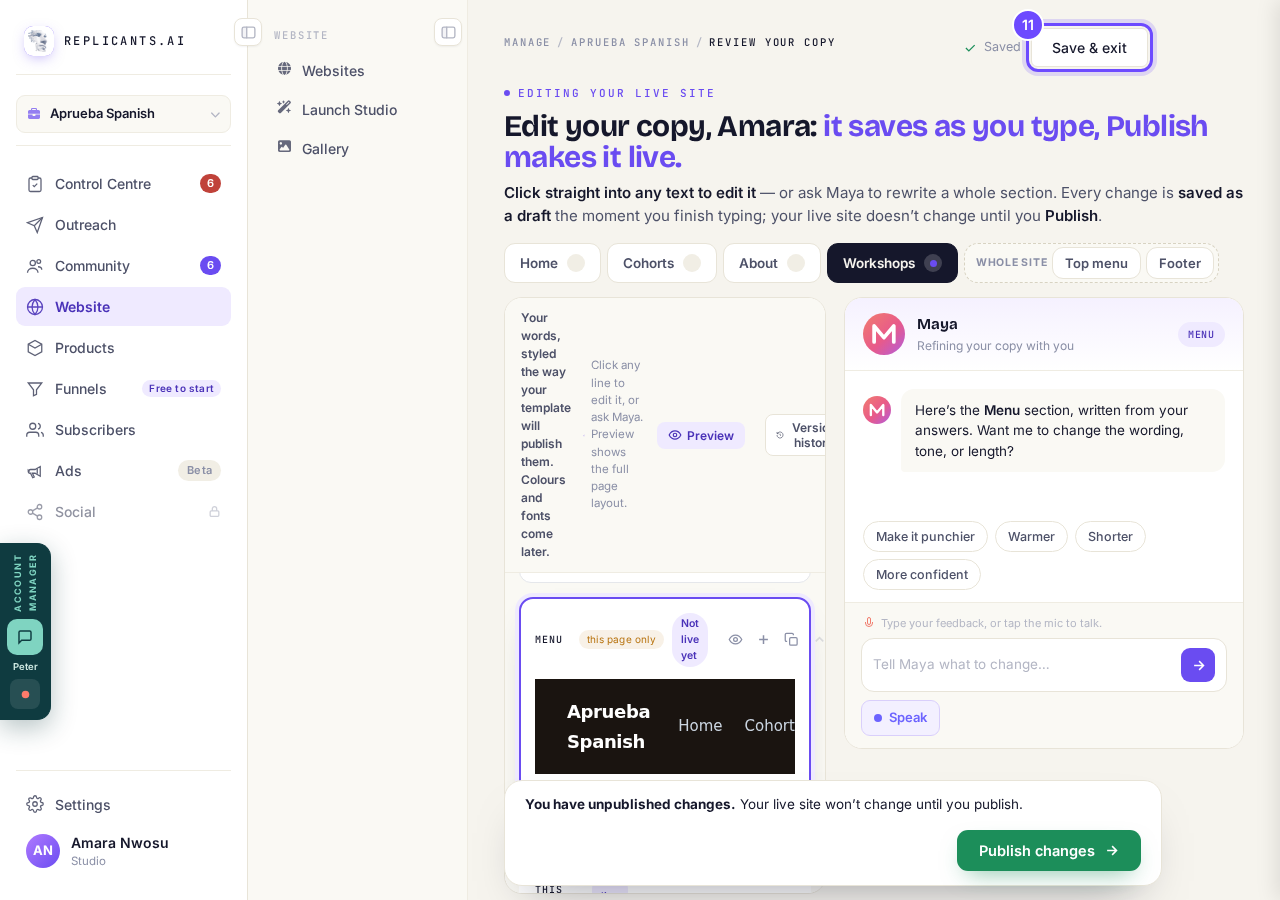
Save & exit, at the top right.
Press Manage on your site again
Your site's card now says it has a page with edits to publish.
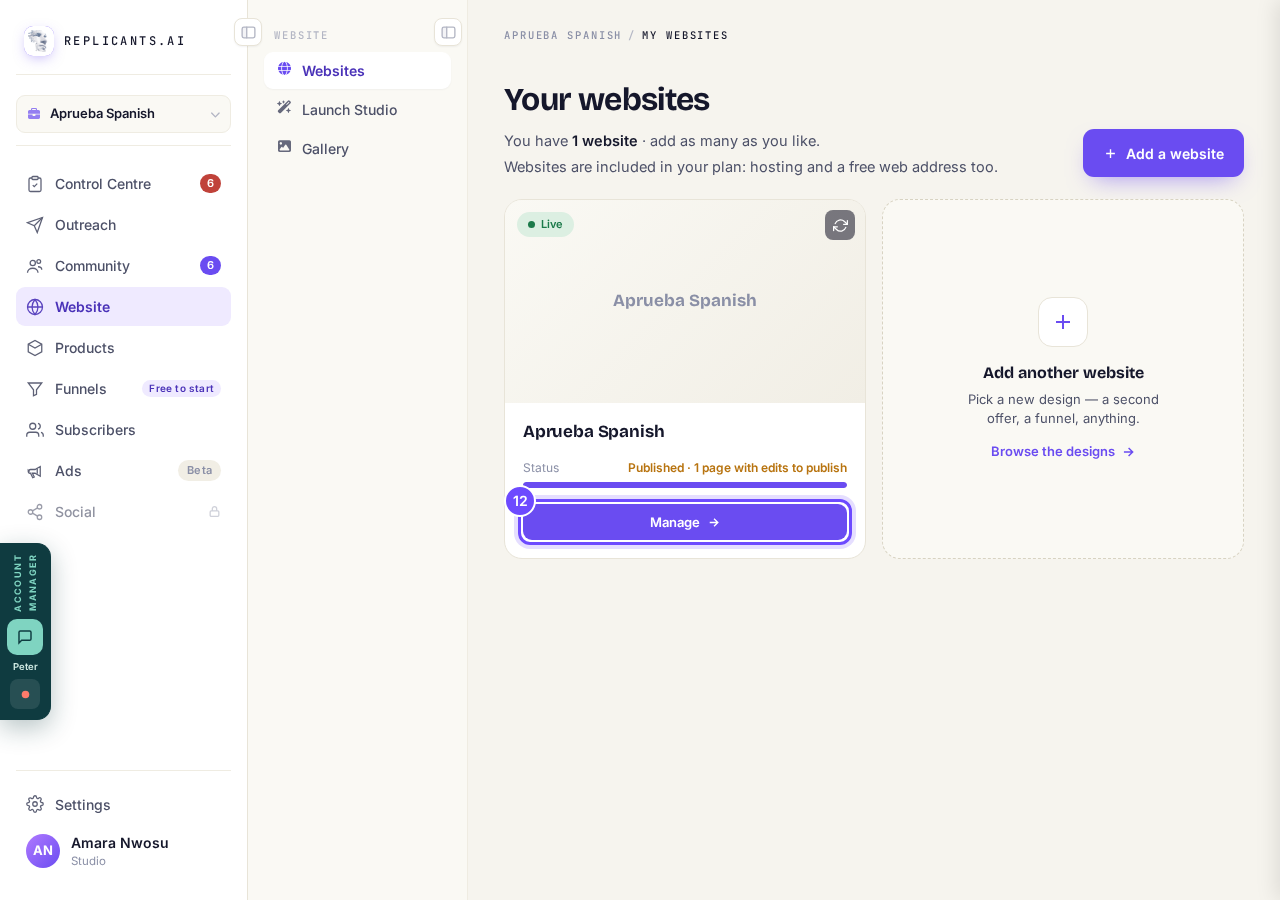
Manage, on your site's card.
Press Republish
The amber bar at the top says you have edits that are not live yet. Republish puts your new page on your live site, with its menu link if Add it to my menu added one.
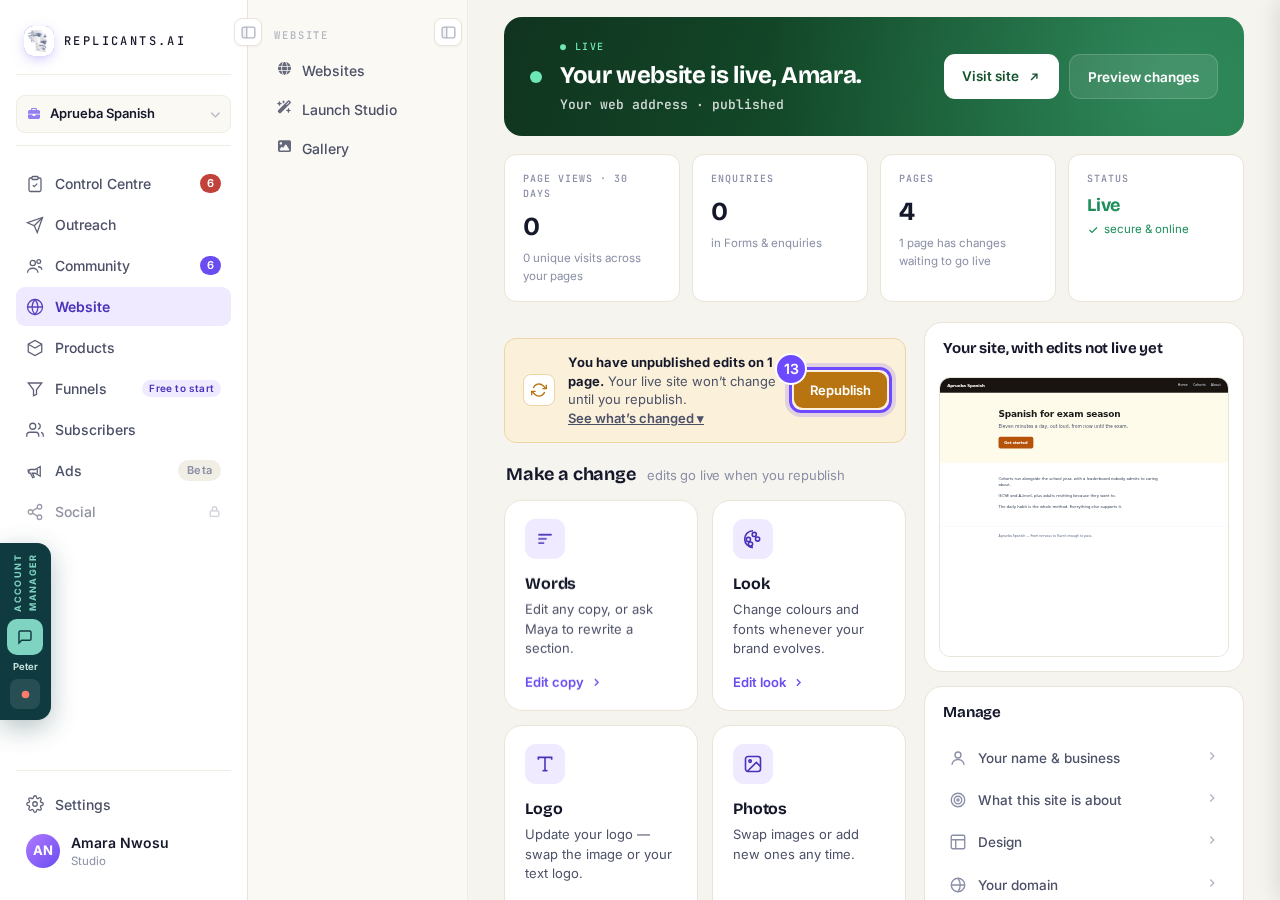
Republish, on the amber bar in Manage.


How do I change my website's menu and footer?
Related articles
How do I add a privacy policy and terms to my website?
Every website has a Privacy Policy and Terms & Conditions, linked from the footer. We write them for you, or you upload your own. About two minutes.
How do I change how my website looks?
Everything you can change sits on one board. Open Website, press Manage, and look under Make a change for a tile per kind of change. The whole design is under Design in the Manage list.
How do I change my website's menu and footer?
Your top menu and footer are the same on every page, so you change them in one place and every page follows. About five minutes.