
How do I undo a change, or go back to an earlier version of my course?
Right after a change, press Undo on the message at the bottom, or Ctrl+Z (Cmd+Z on a Mac). For anything older, press History on the Your course page.
Updated 18 October 2026
Open the Your course page
Open your course, press Plan & content, then Open.
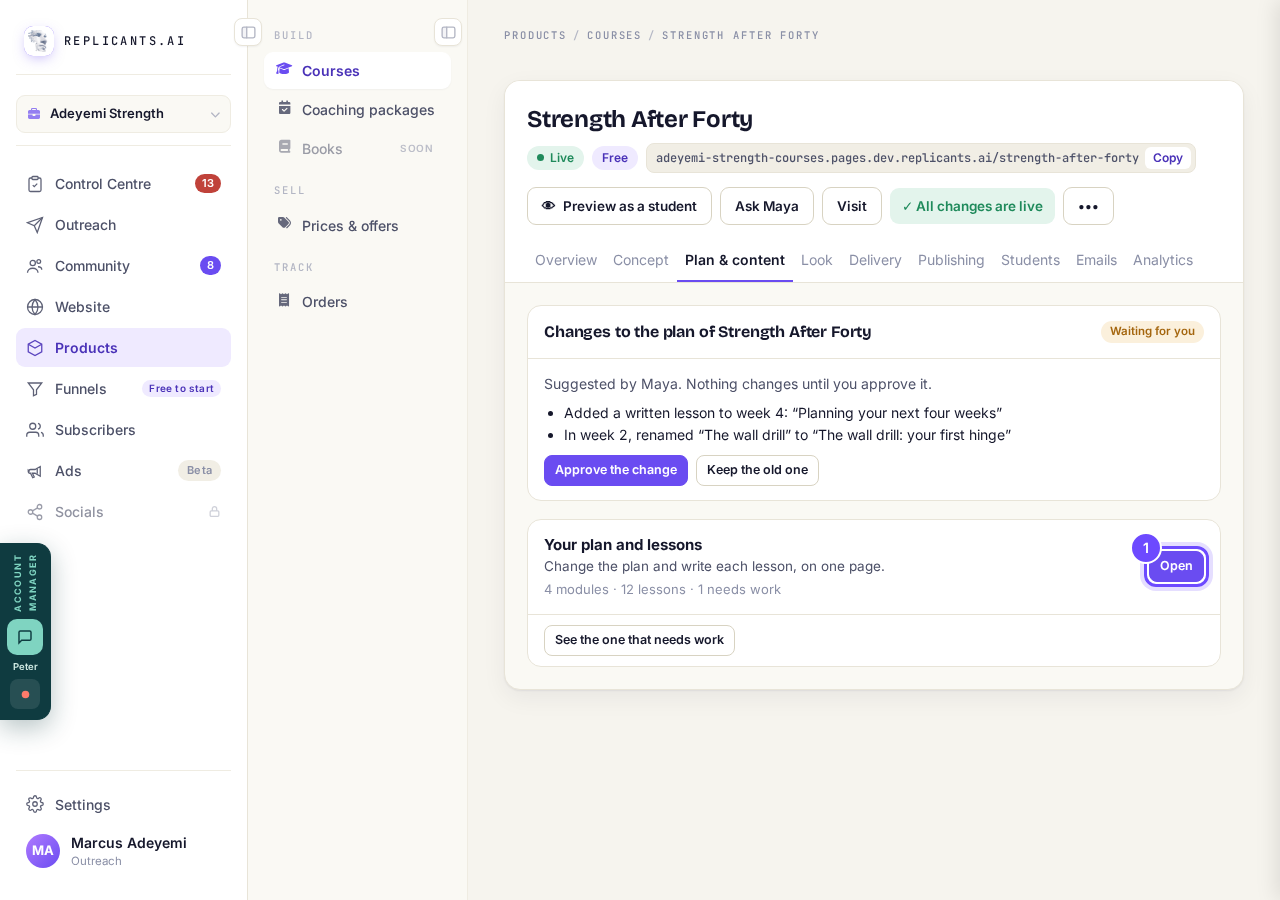
Open, beside Your plan and lessons.
Press Undo on the message at the bottom
It shows for about ten seconds after you remove or move a lesson or module.
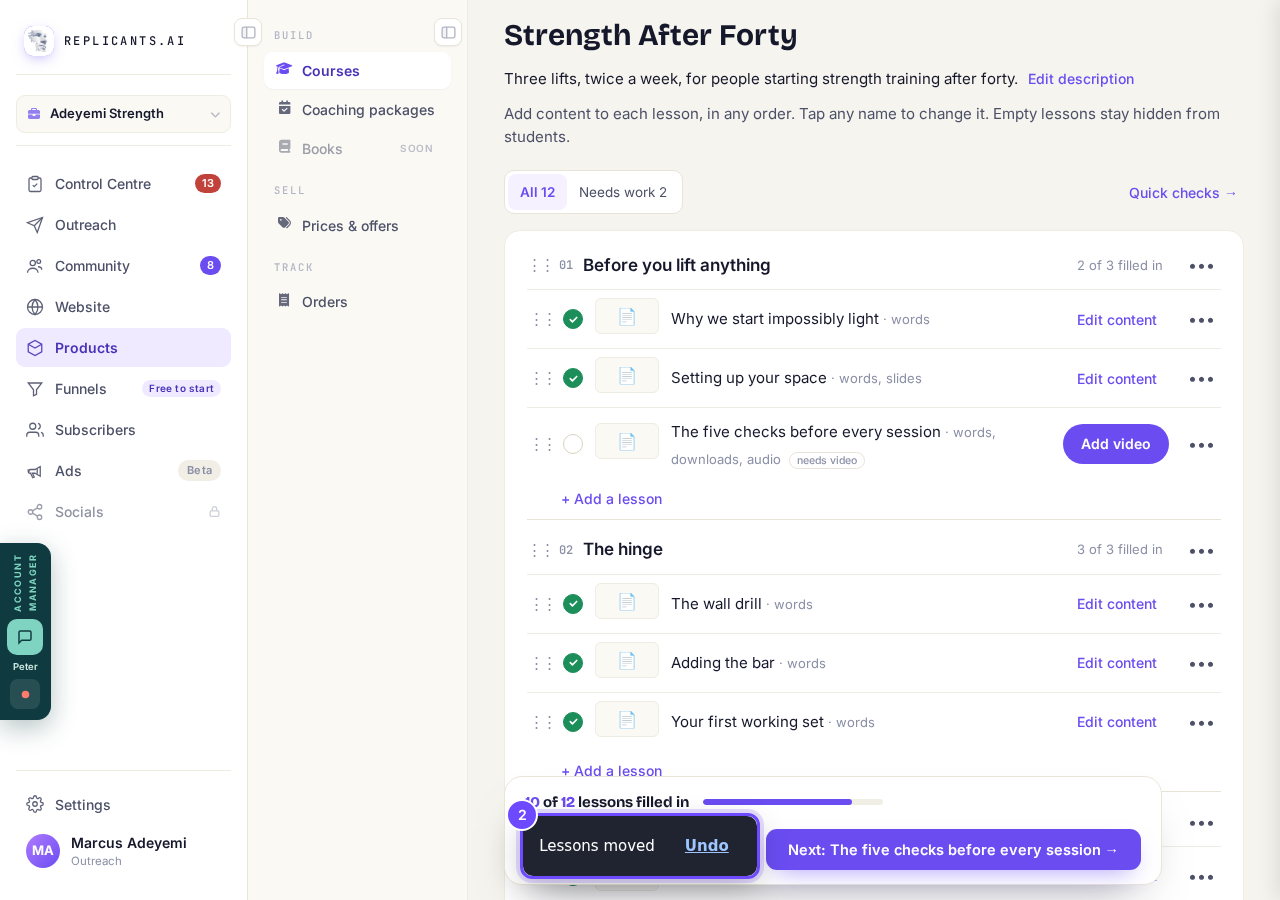
The message at the bottom, with Undo.
Or press Ctrl+Z on a computer (Cmd+Z on a Mac)
Each press steps back one change, for the last 30 changes on this page.
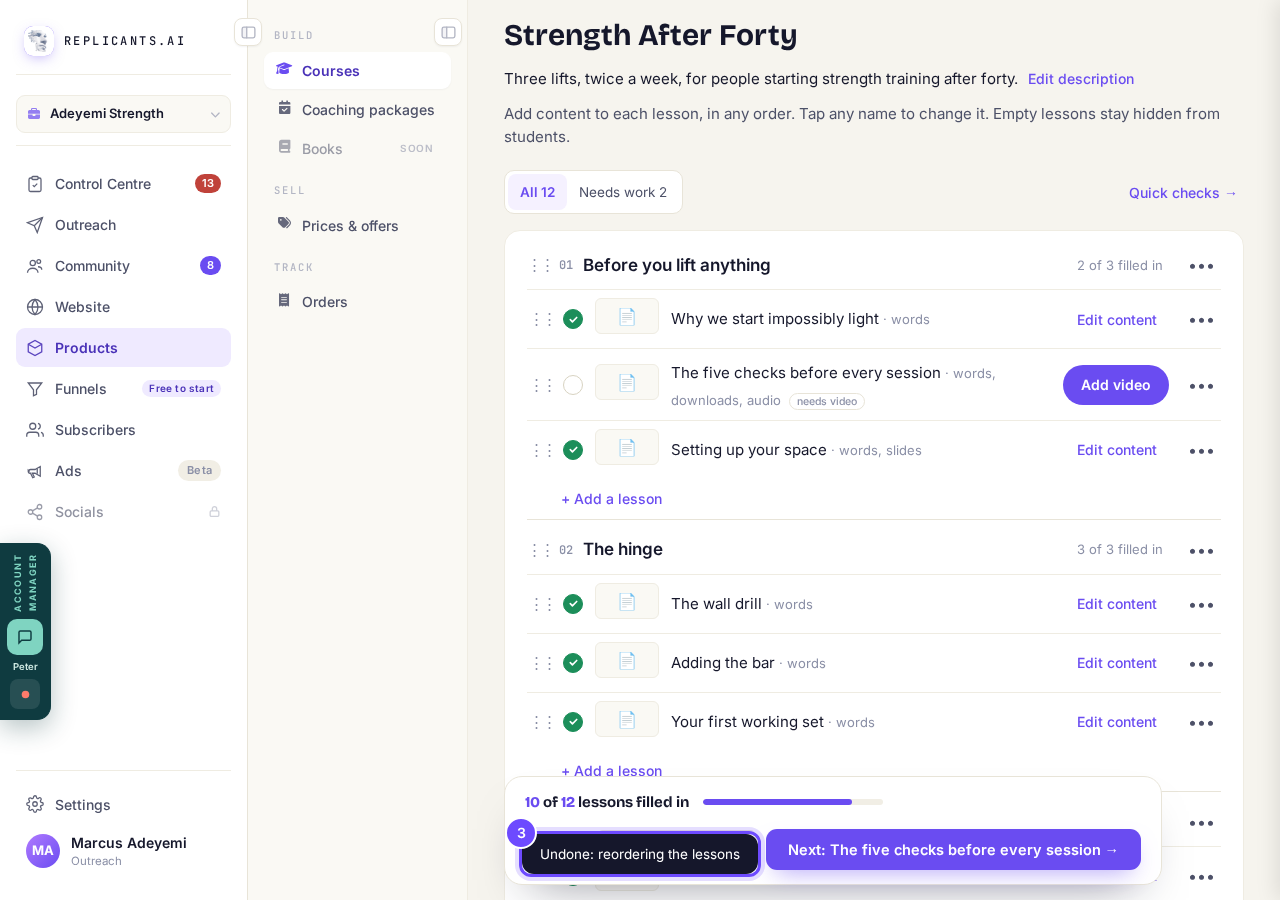
Undone, after Ctrl+Z.
Press History at the top of the page
A version is saved before every plan change, before you delete a lesson or module, and before you approve new words from Maya or Claude.
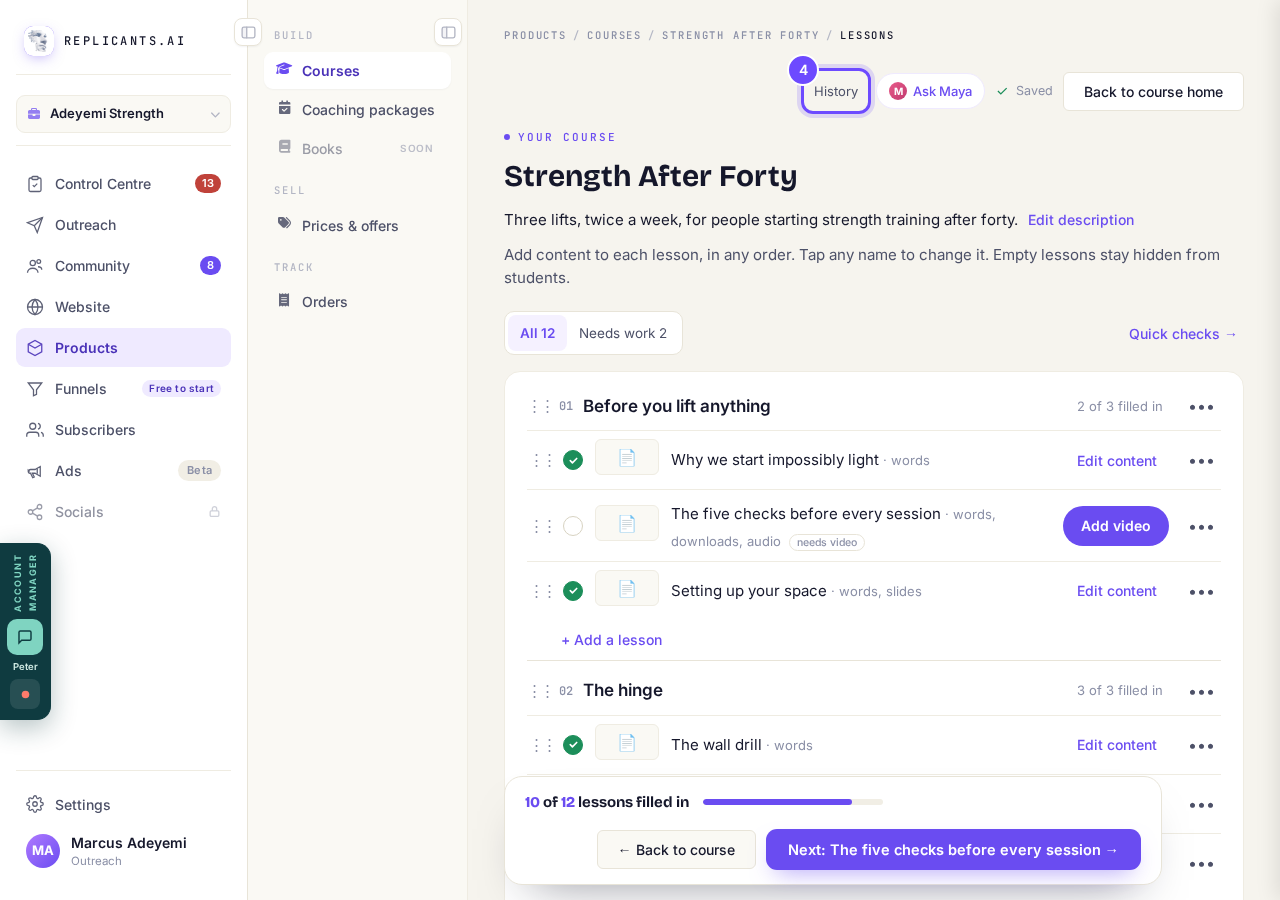
History, at the top.
Pick a version, then press Restore this version
The newest is at the top; pick the one from right before your mistake, by its time.
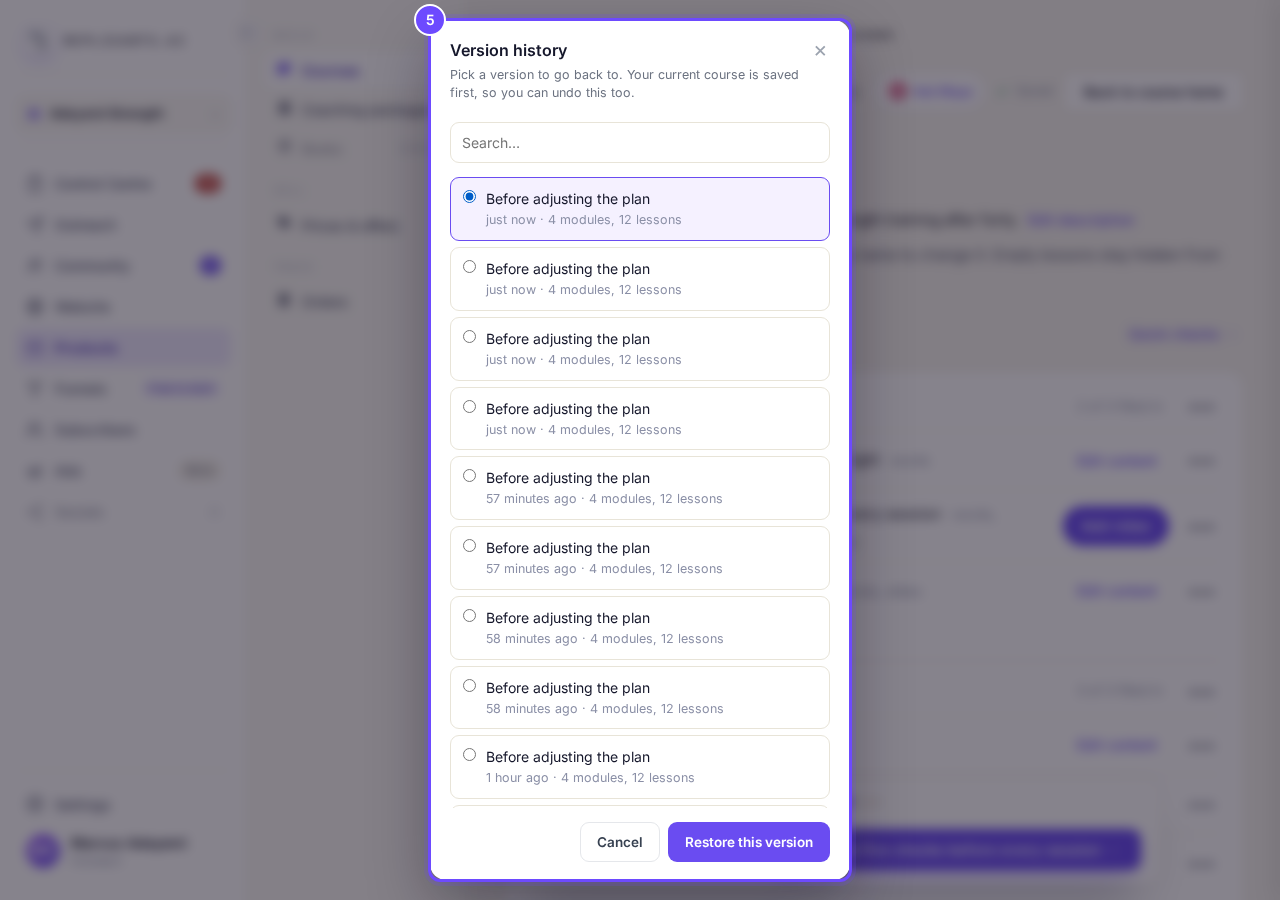
Version history.
Press Yes, put it back
Anything added since then is removed from the course; Leave it as it is changes nothing.
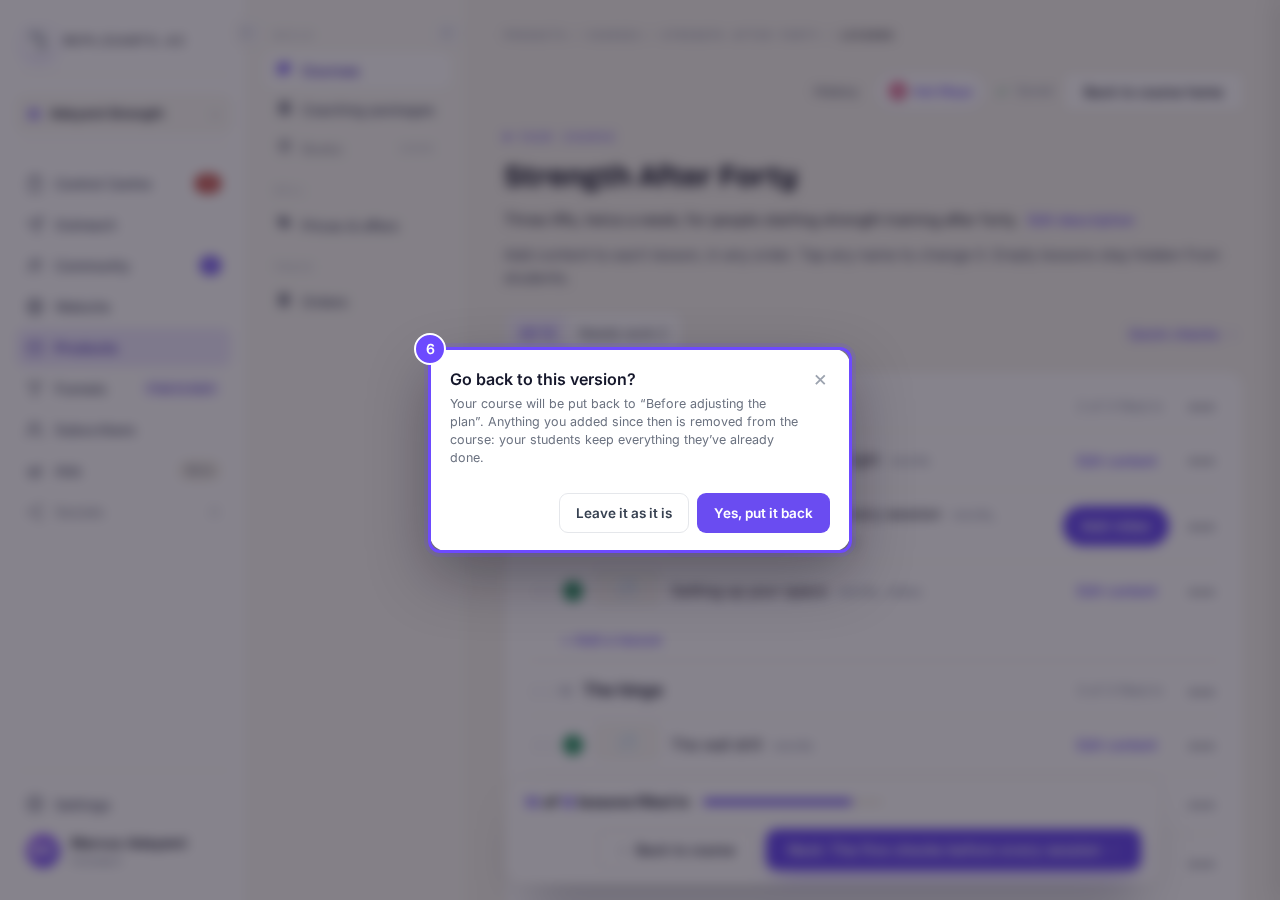
Go back to this version?


Your modules and lessons, your course's name, description and cover, its layout, free or paid, how lessons open and the student tools, as they were then. Slides and audio stay as they are now, and Undo works only for changes made since you opened the page.
How do I make a copy of my course?
Related articles
Can I see a real course before I build mine?
Yes. Claire's free course, Small Steps, is a real course you can join as a student in about five minutes.
Can I turn my workbook, notes or recordings into a course?
Yes. Add your workbook, notes, slides or recordings at the start of a new course and Maya reads them; the questions arrive already answered, and your plan is built from them.
How does my course help students finish?
Your course has a tool for students who drift off, get stuck or feel alone, and you switch them all on or off in one place: Delivery, at the top of your course. Looking through them takes about five minutes.