
Can I see a real course before I build mine?
Yes. Claire's free course, Small Steps, is a real course you can join as a student in about five minutes.
Updated 18 October 2026
Open Claire's course
Open Small Steps, then press Join as a member. The page says Try Claire’s community as a member: that is the right door, and you join as Demo Guest with no email or password.
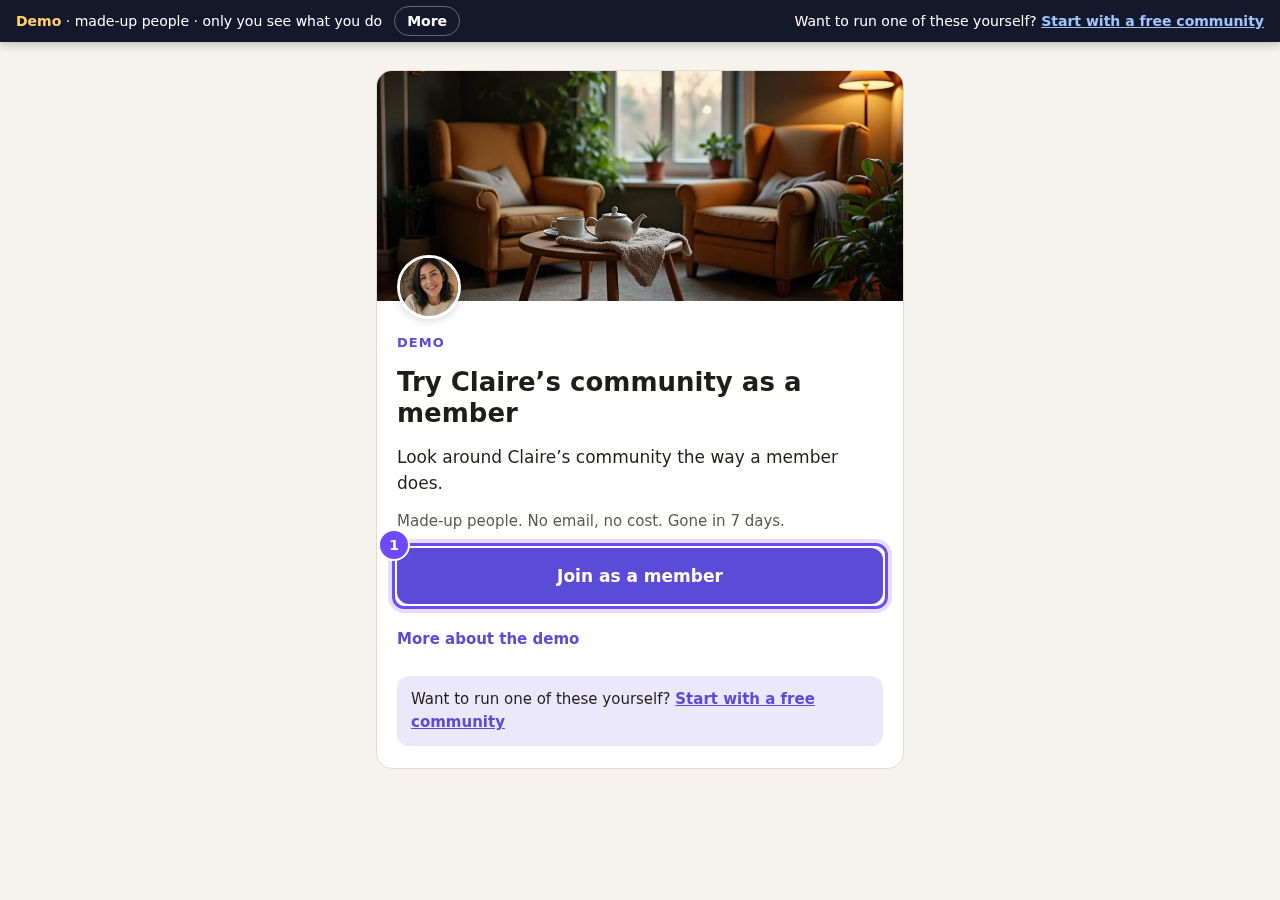
The door to Claire's course. No email, no password.
Look at the lock
Press My course, then press a lesson with a padlock. It says Opens when you finish Where you are now, because Claire chose As they finish.
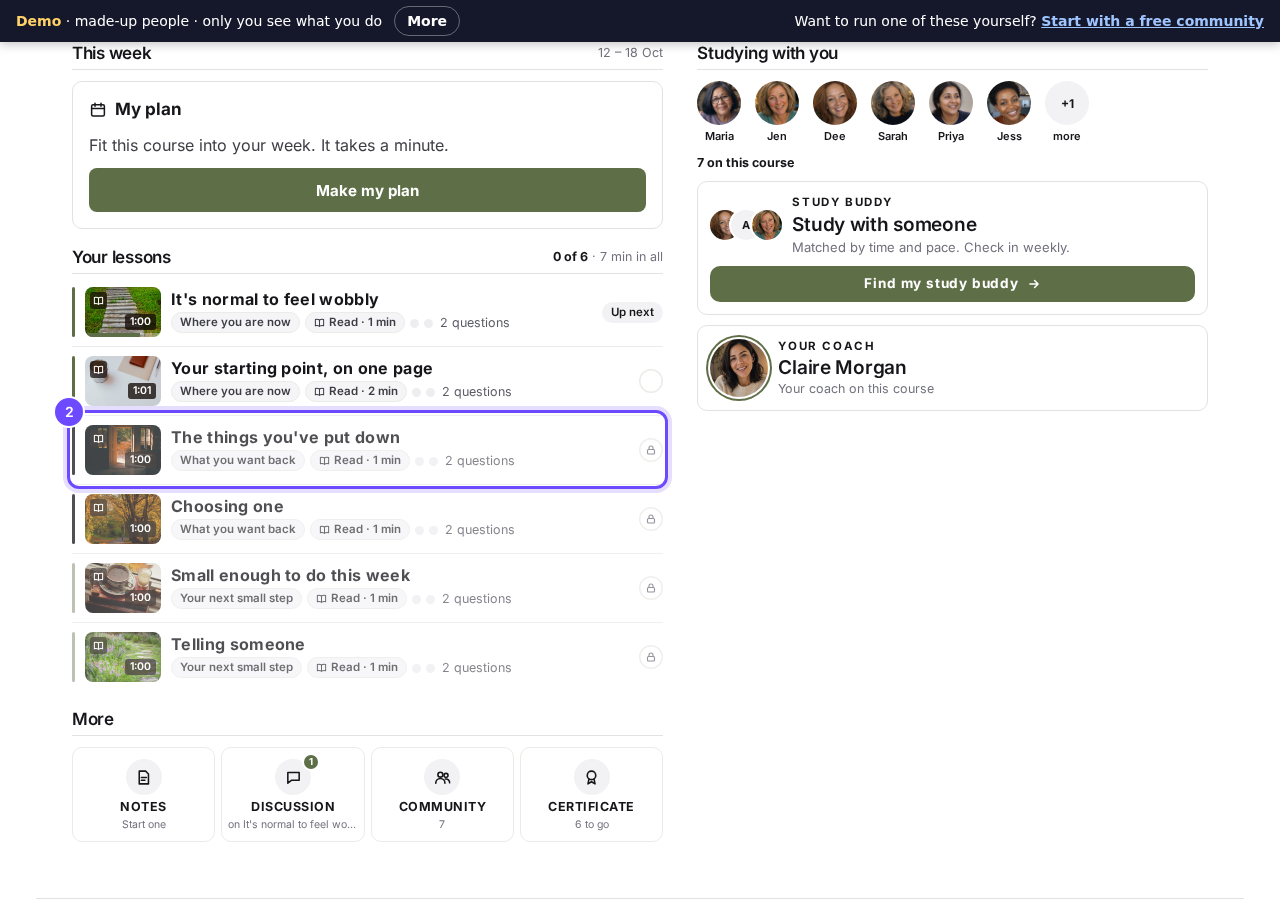
Module two waits until module one is done.
Make a plan
Press Make my plan and answer the questions about why you are here and when you can study. You get a dated plan for your week, from the tool called Their own plan.
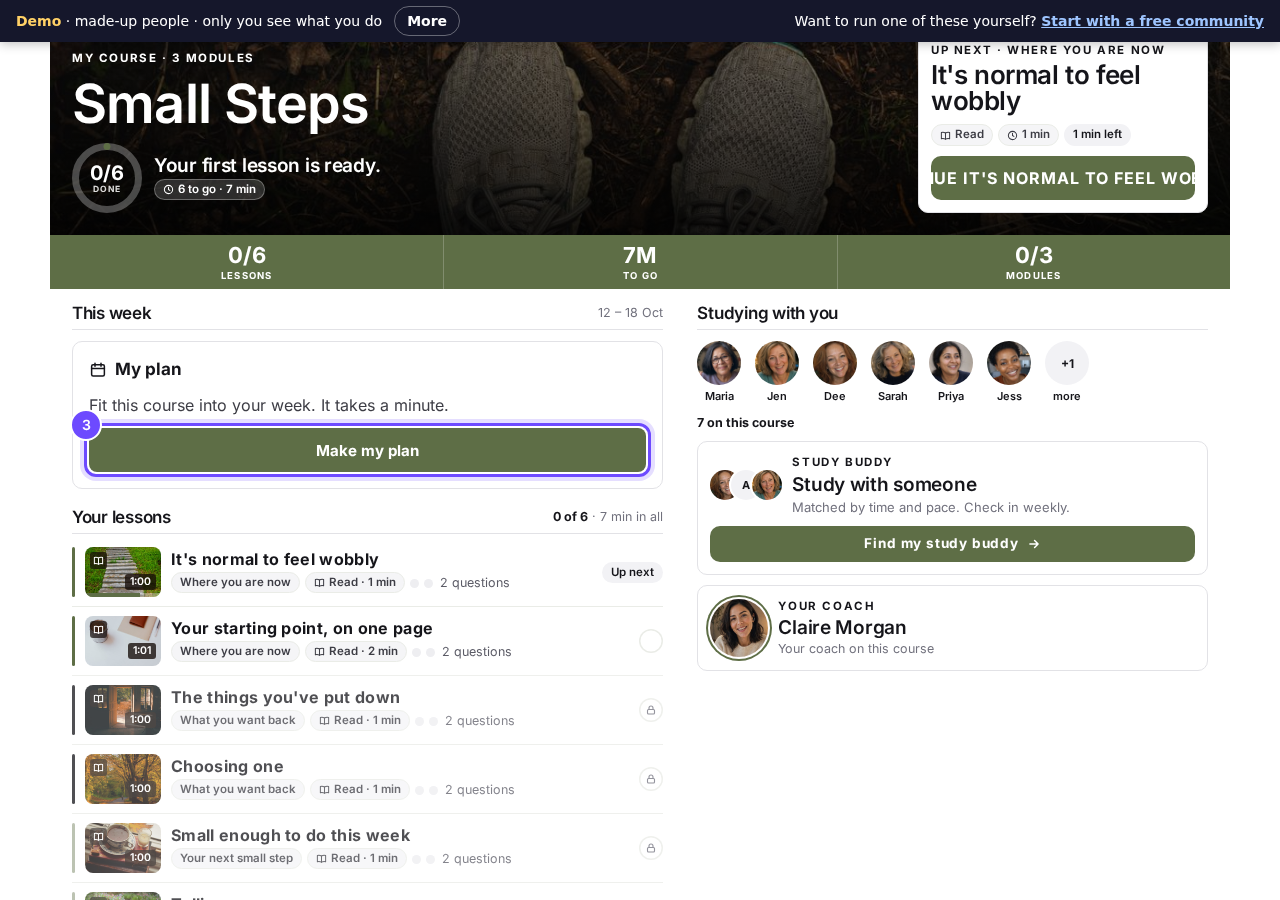
Every student can fit the course into their own week.
Answer a quick check
Open the first lesson, pick an answer under Quick check, then press Check. You see at once whether you are right, and why, in Claire's words.
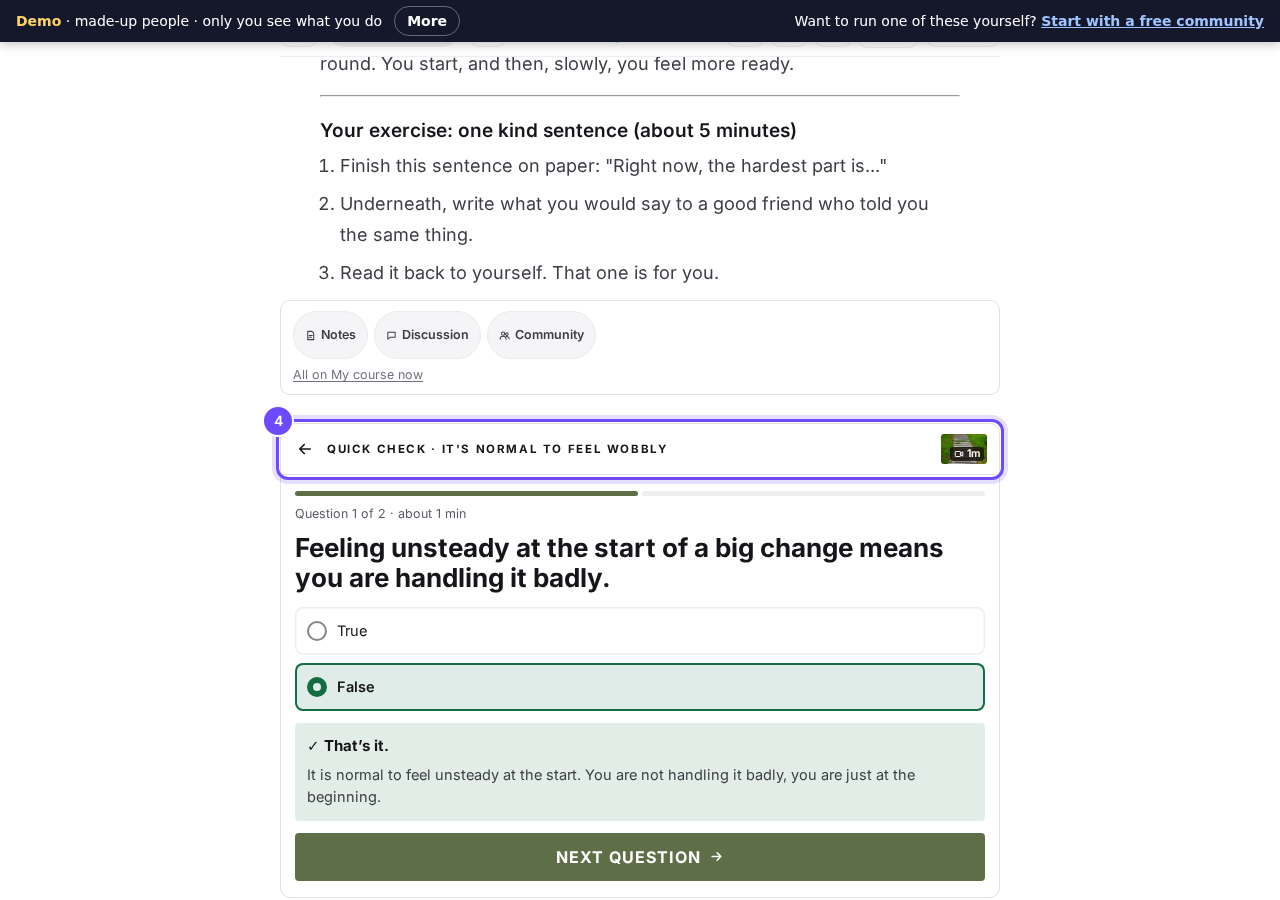
Two questions after the lesson, with the reason for each answer.
Read the lesson discussion
Press Discussion under the lesson. Claire's students have talked about it and Claire has answered; nobody else trying the demo sees what you write.
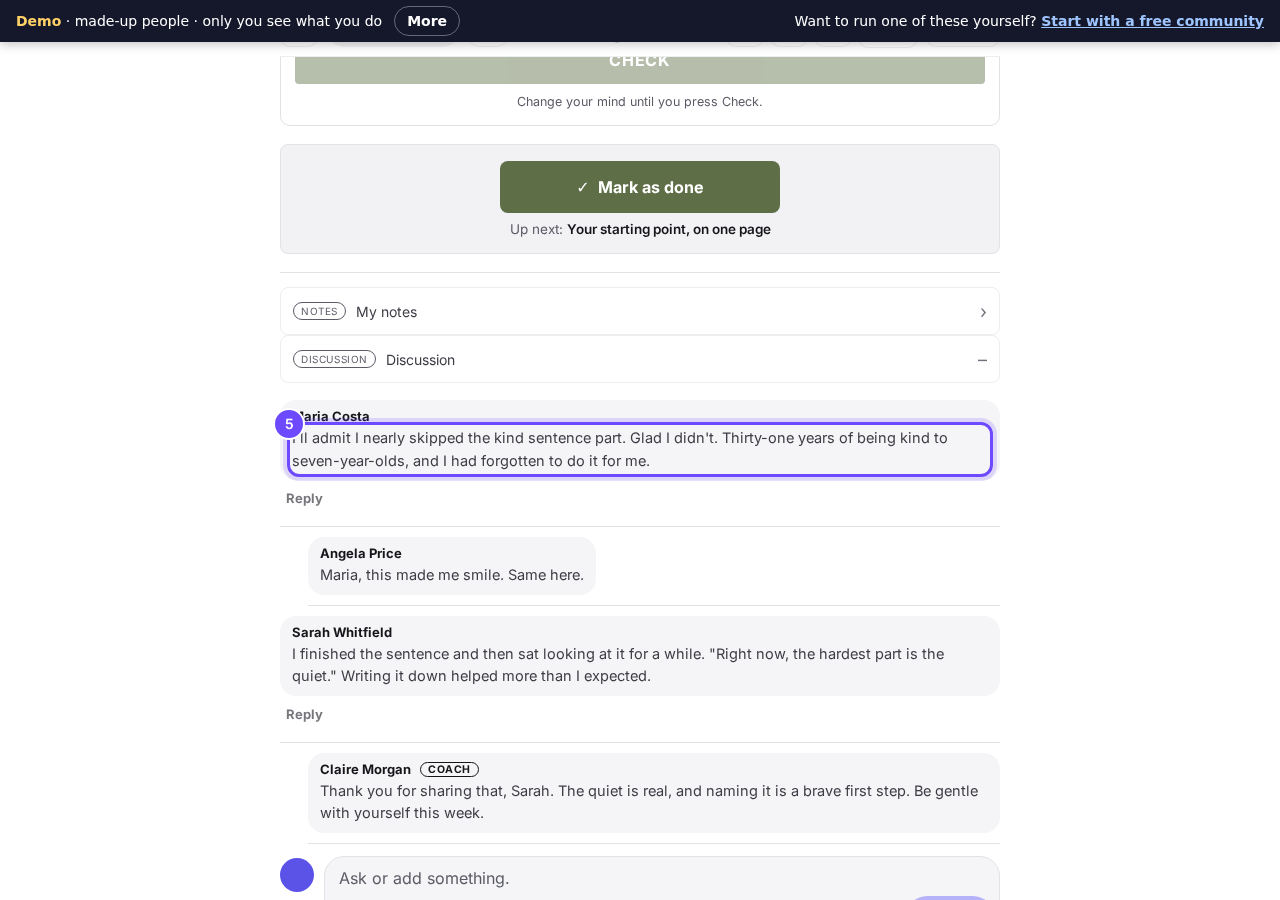
Students talk about each lesson, and the coach answers.
Ask for a study buddy
Press Find my study buddy, tap when you usually study, then press Find my study buddy again. In the demo it stays on Finding your buddy, because a guest is never paired.
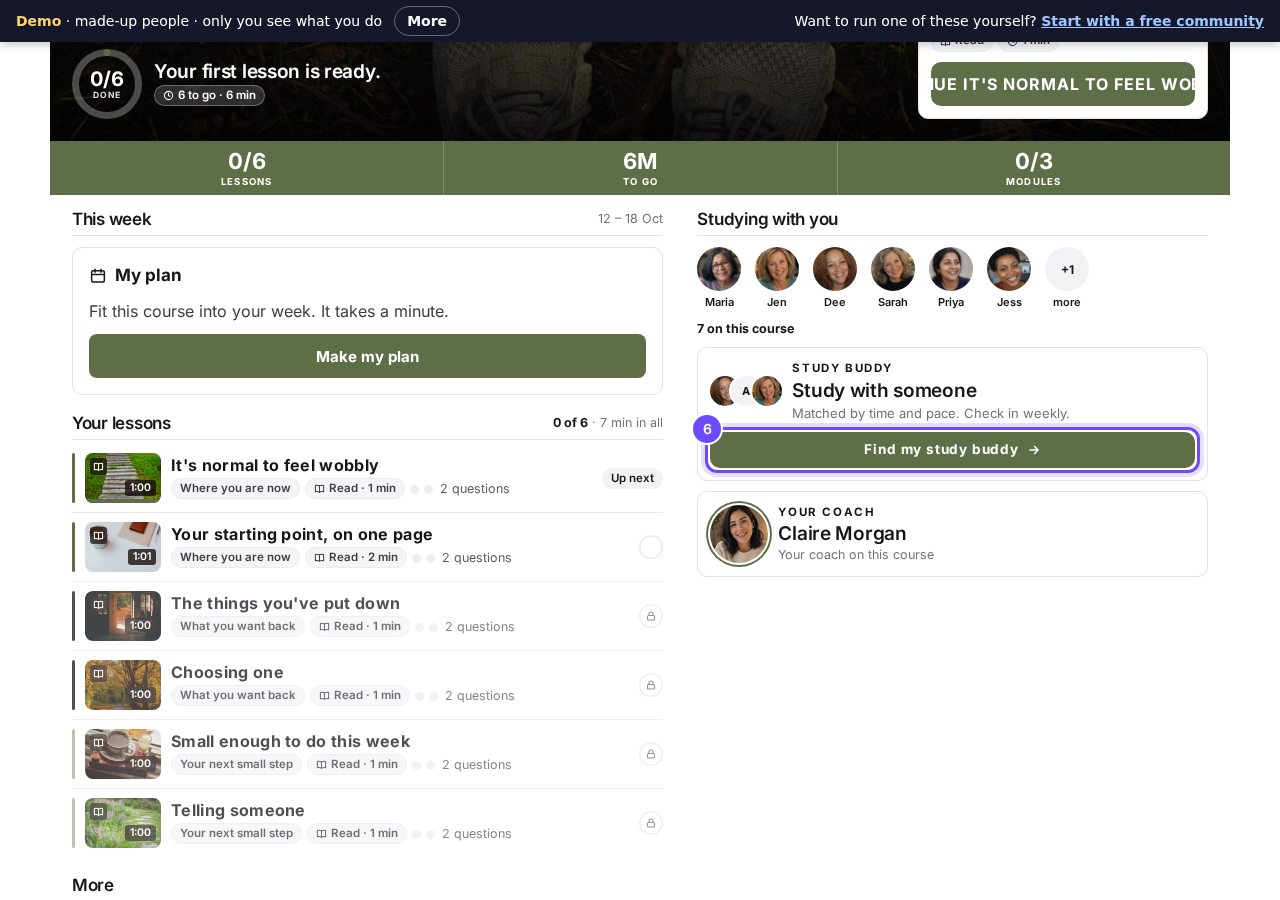
Study buddies, matched by time and pace.
Finish and get the certificate
Press Mark as done at the end of each lesson. After the last one you see Course complete and Get your certificate.
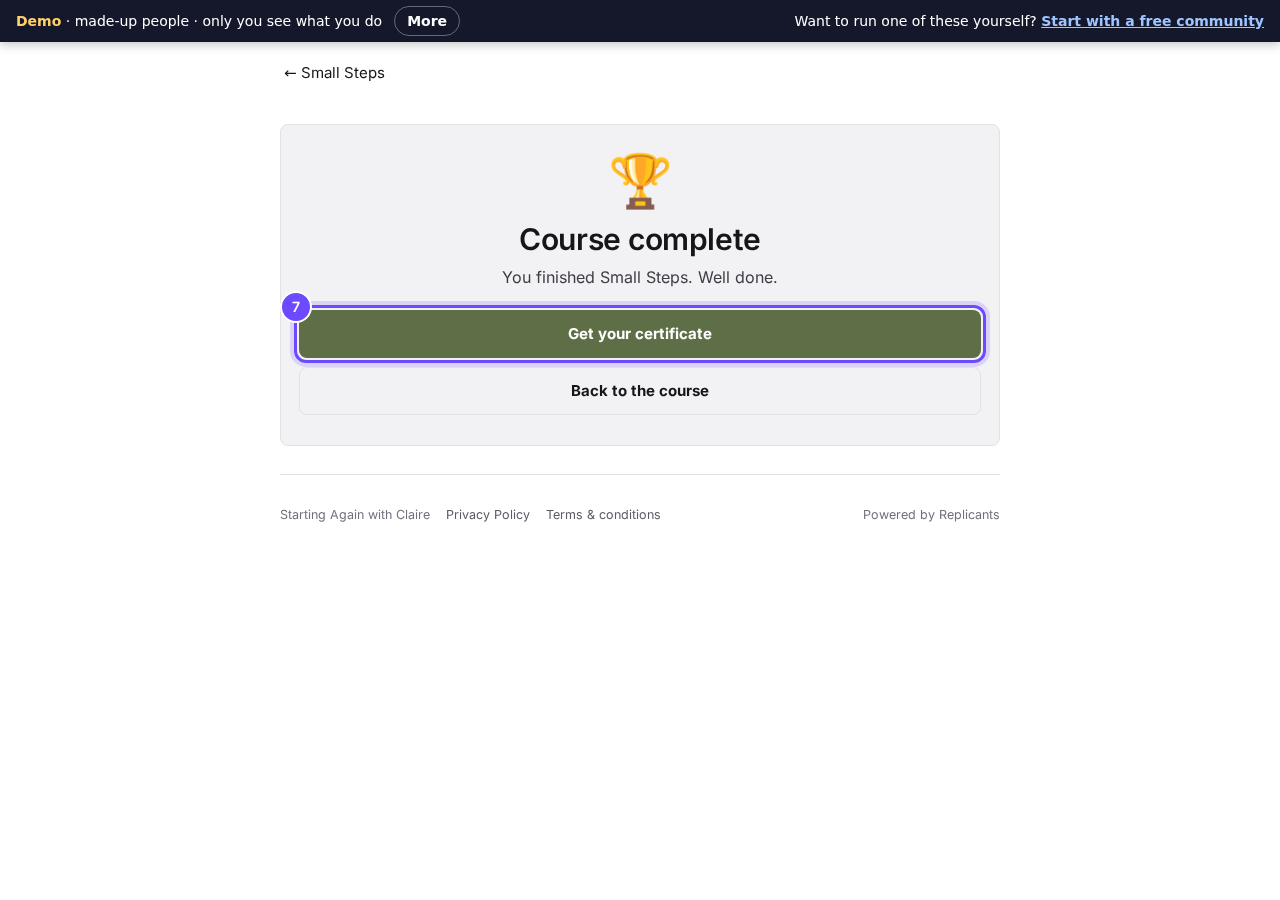
The finish, with a certificate to keep.


Claire's course has the AI tutor off. To try it, switch on AI tutor in your own course under Delivery and preview it; each question uses your AI credit, usually one AI request and never more than three.
How do I build my first course?
Related articles
Can I turn my workbook, notes or recordings into a course?
Yes. Add your workbook, notes, slides or recordings at the start of a new course and Maya reads them; the questions arrive already answered, and your plan is built from them.
How does my course help students finish?
Your course has a tool for students who drift off, get stuck or feel alone, and you switch them all on or off in one place: Delivery, at the top of your course. Looking through them takes about five minutes.
How does the AI tutor answer my students' questions?
A student stuck at 10pm has nobody to ask. Switch on the AI tutor on the Delivery screen and it answers them there and then, only from what you put in your course, naming the lesson it used.