
How do students make a study plan for my course?
Switch on Their own plan on the Delivery screen, and each student answers a few quick questions and gets a dated plan: which lesson, which day, what time. About two minutes for them, one for you.
Updated 18 October 2026
Press the switch beside Their own plan
It is under What students get on the Delivery screen, and works for your students straight away.
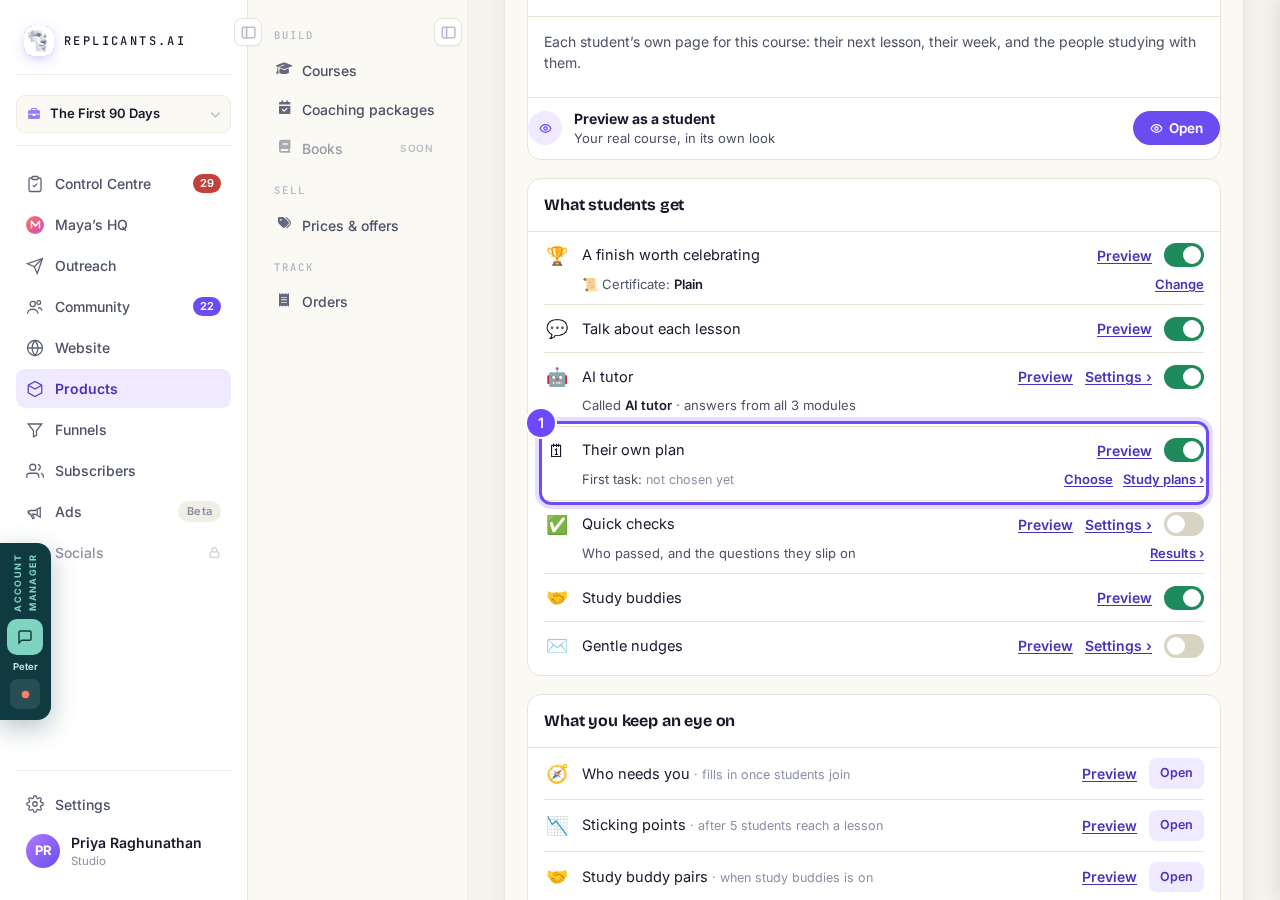
Their own plan, with First task and Study plans ›.
Press Choose beside First task and pick one small lesson
Pick something a new student can finish in a sitting; anyone who has not finished it a week after joining can show up in Who needs you.
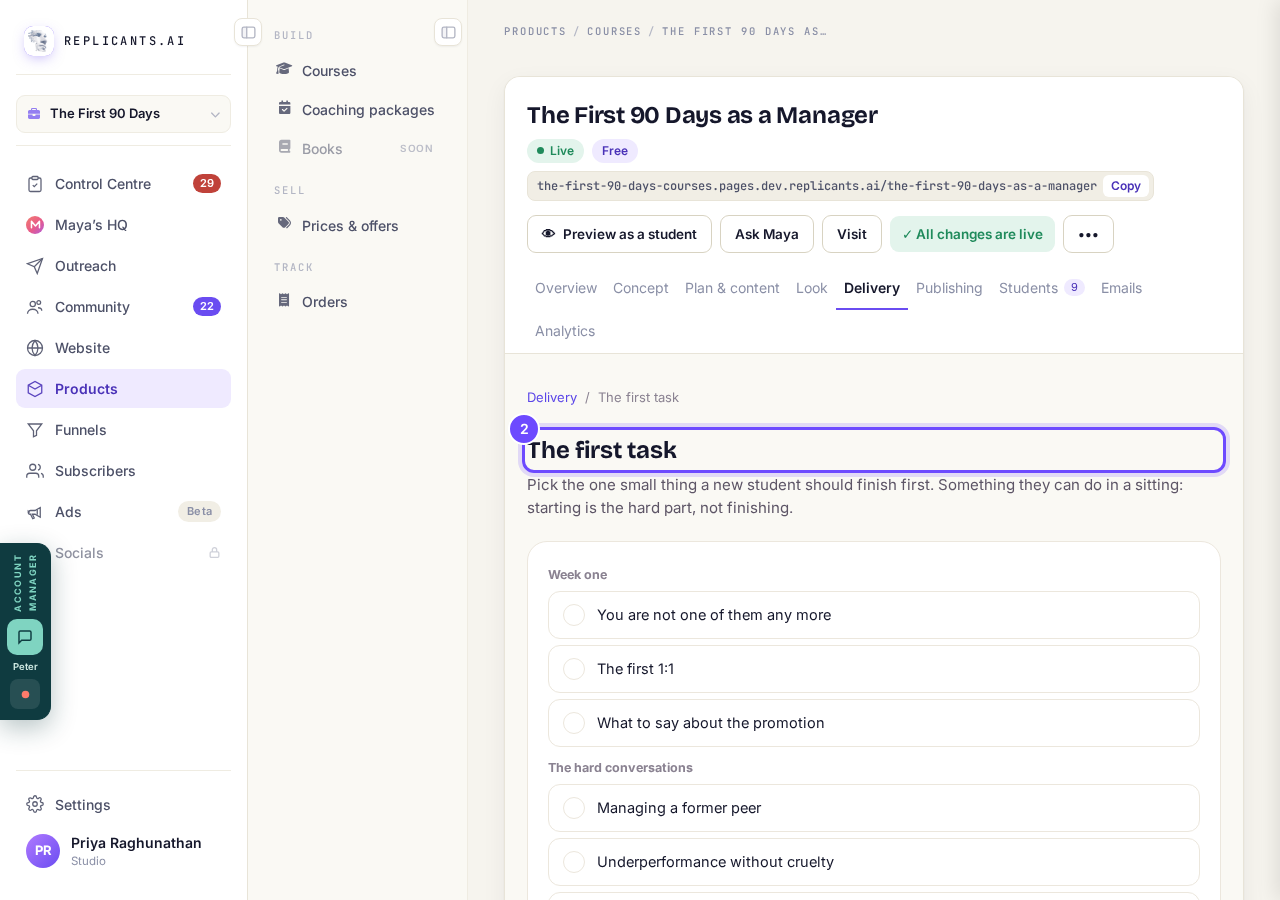
The first task page.
Press Study plans › to see who has a plan
Remind them to make a plan emails everyone without one, with a button straight to their plan; it needs your course to be live.
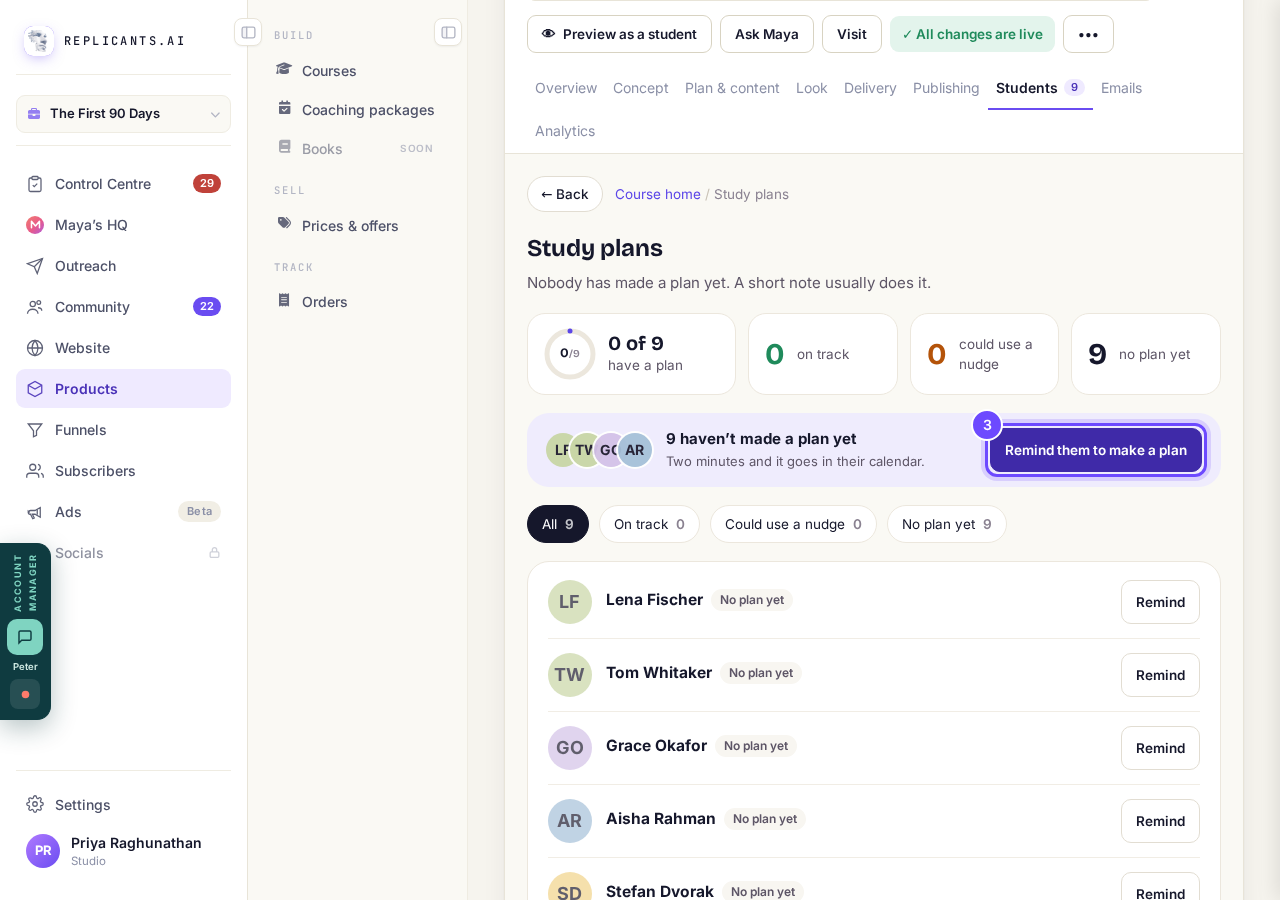
Study plans, with Remind them to make a plan.
See the welcome card
Students see Let's fit this course into your week and press Make my plan.
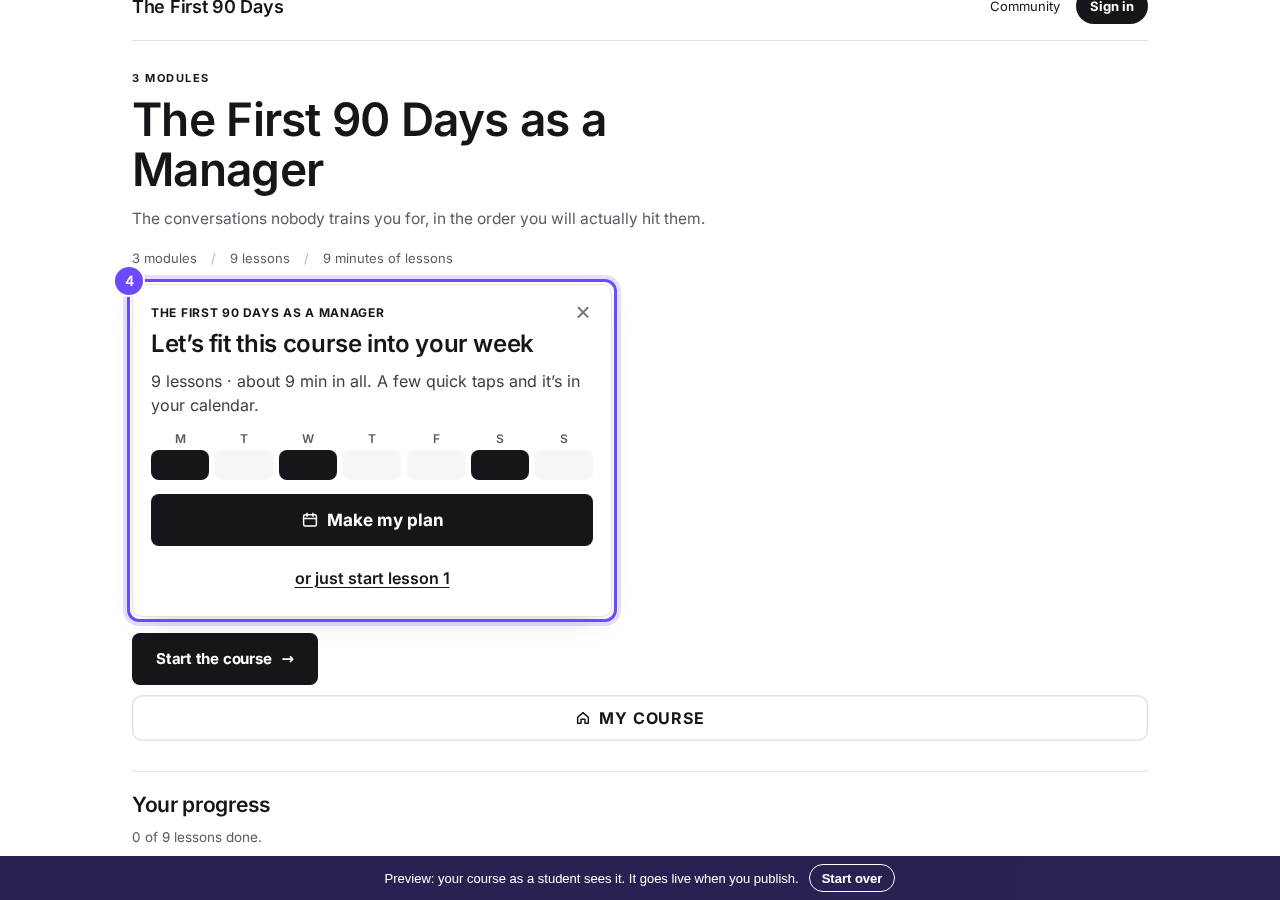
Let's fit this course into your week (Preview as a student).
See the questions
They answer Why are you here?, When can you usually give it time? and By when?, then get their dated plan.
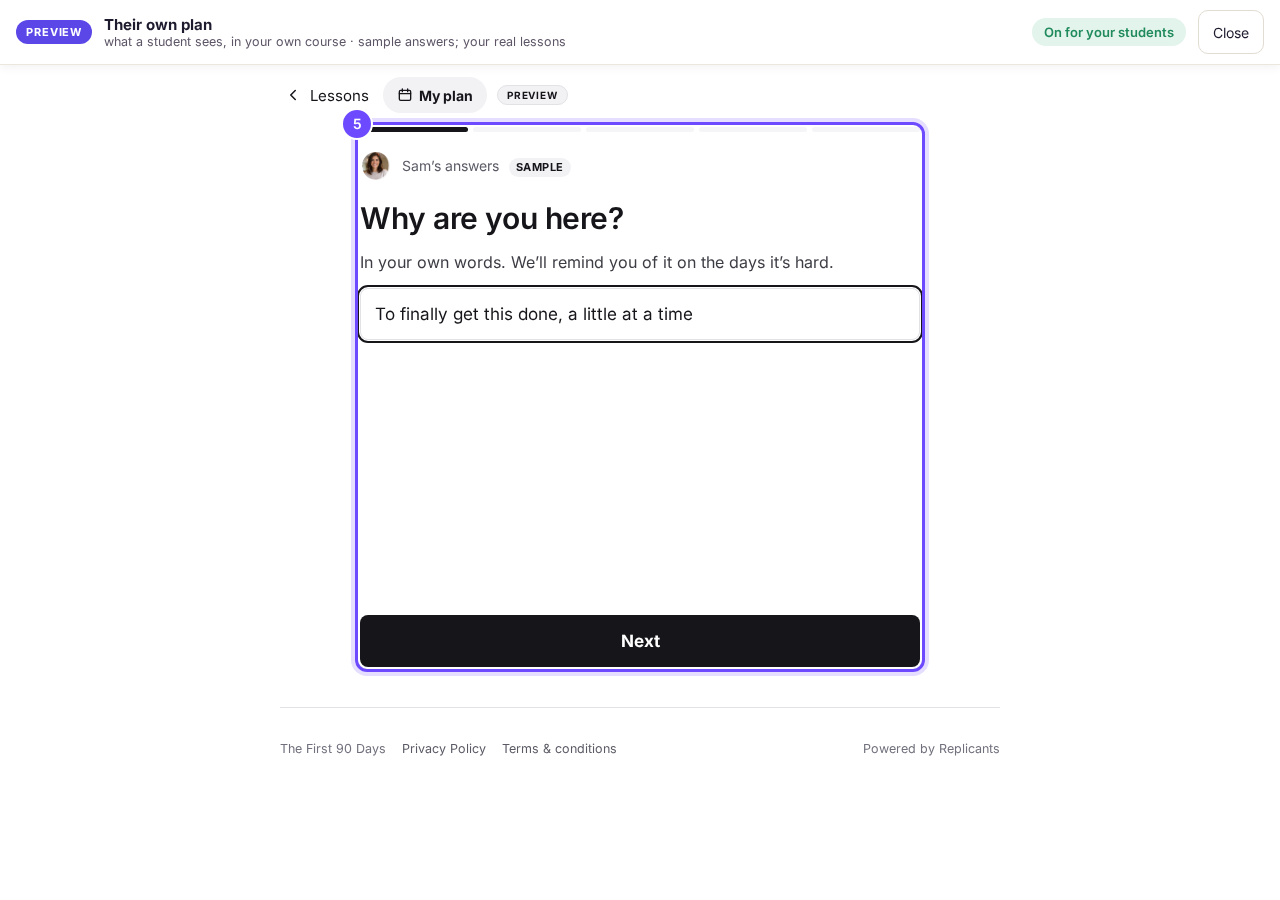
Why are you here? (sample answers, nothing saved).


A missed session moves on by itself, and if that pushes past their date they choose Push my finish back or Help me catch up. Add to my calendar works with Apple Calendar, Google Calendar or Outlook; the preview also offers connecting a Google Calendar, which is not available to students yet, so do not promise it. If the top of your course shows Publish changes, press it once. That brings your students today's tools and anything you have changed on your course page.
How do I add quick checks to my lessons?
Related articles
Can I see a real course before I build mine?
Yes. Claire's free course, Small Steps, is a real course you can join as a student in about five minutes.
Can I turn my workbook, notes or recordings into a course?
Yes. Add your workbook, notes, slides or recordings at the start of a new course and Maya reads them; the questions arrive already answered, and your plan is built from them.
How does my course help students finish?
Your course has a tool for students who drift off, get stuck or feel alone, and you switch them all on or off in one place: Delivery, at the top of your course. Looking through them takes about five minutes.