
Is there a ready-made automation I can start from?
Yes, six of them, or eight if you have Spaces. Press Templates on Automations, then Use this template, fill in anything left to choose and press Turn on. About three minutes.
Updated 19 October 2026
Open Subscribers, then Automations
Subscribers is in the main menu on the left. On a phone, press the menu button first.
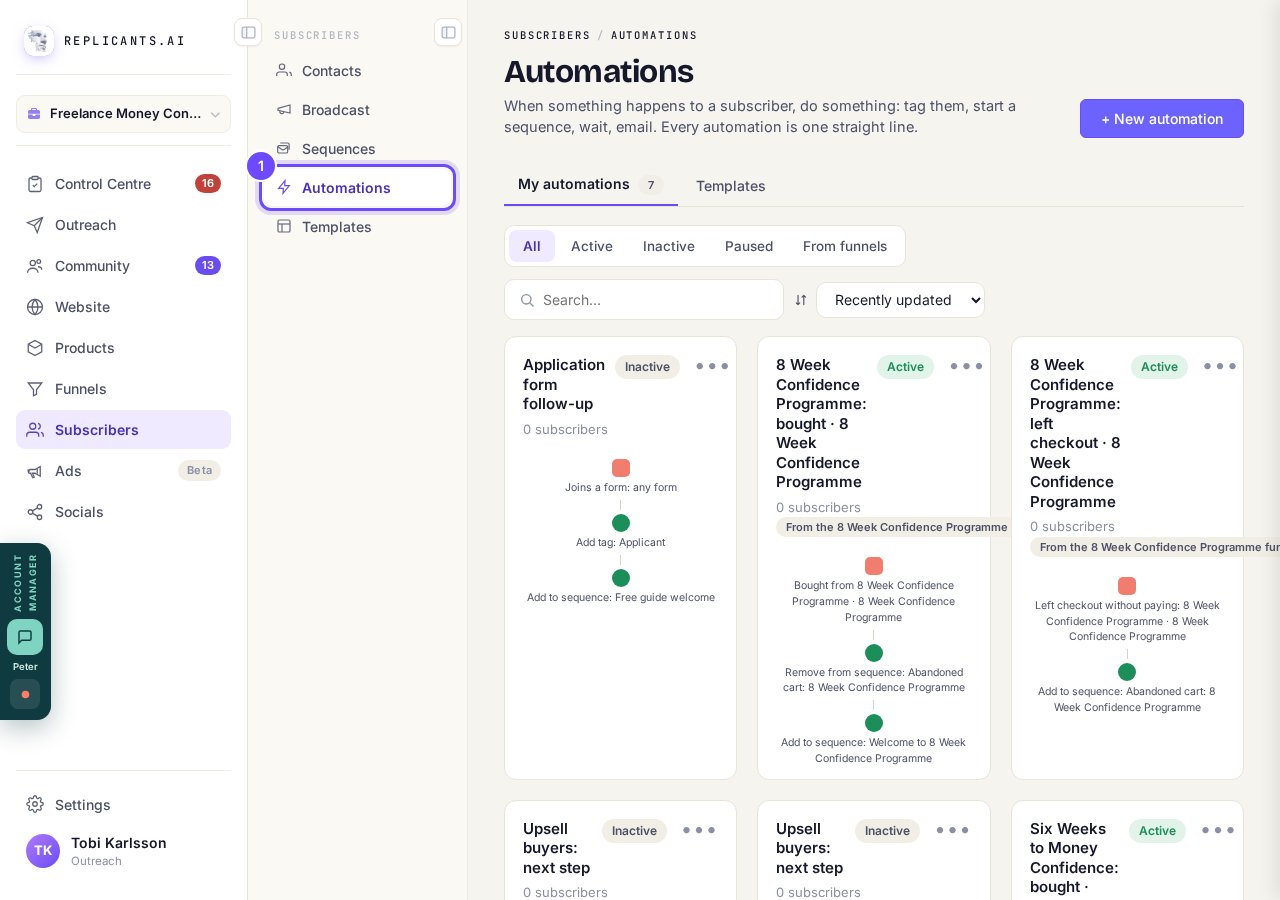
Automations, under Subscribers.
Open AutomationsPress Templates
It is at the top, beside My automations. Each card shows its three steps, from what starts it to what it does.
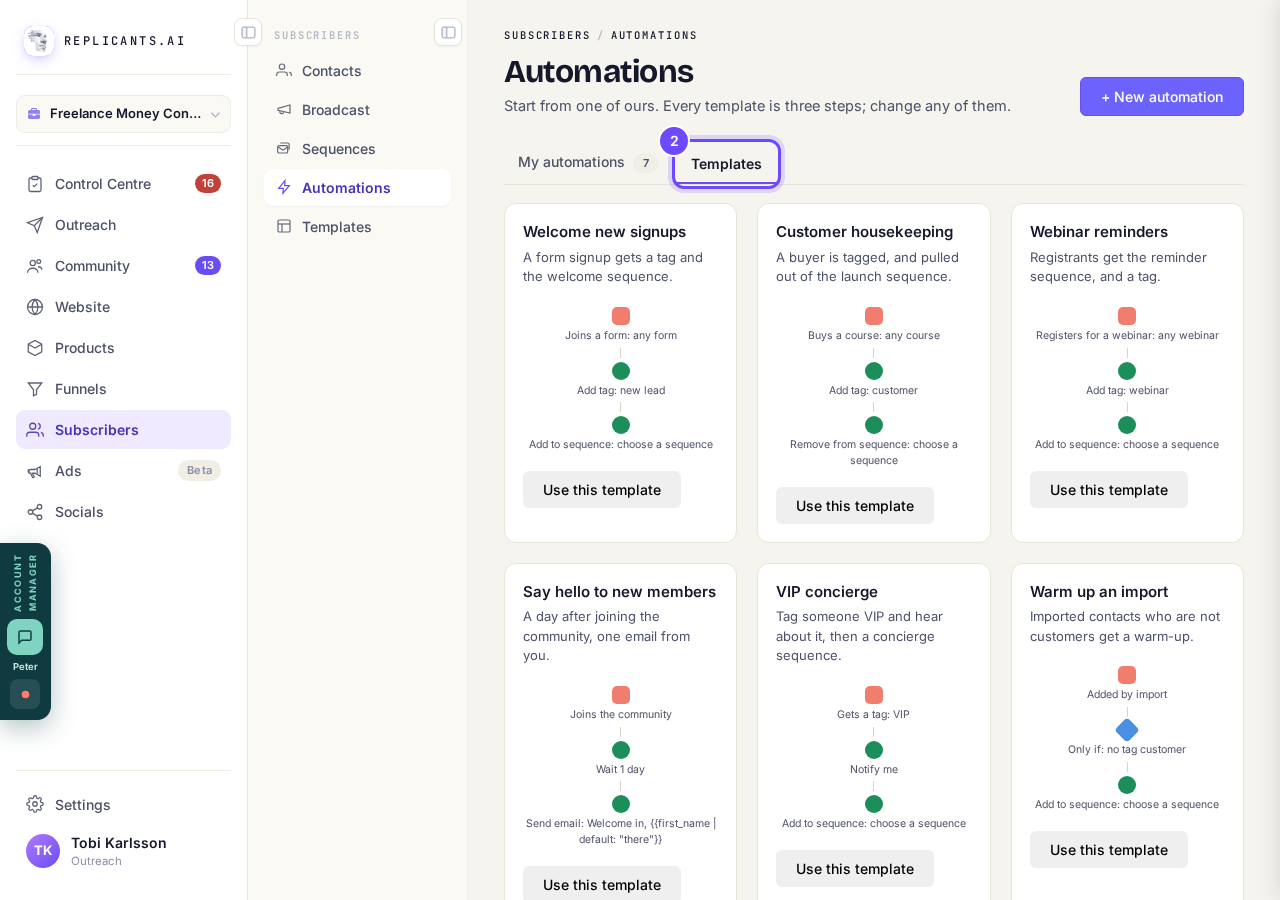
The templates, each with its three steps.
Press Use this template on the one you want
It opens as your own automation, with the template's name, switched off.
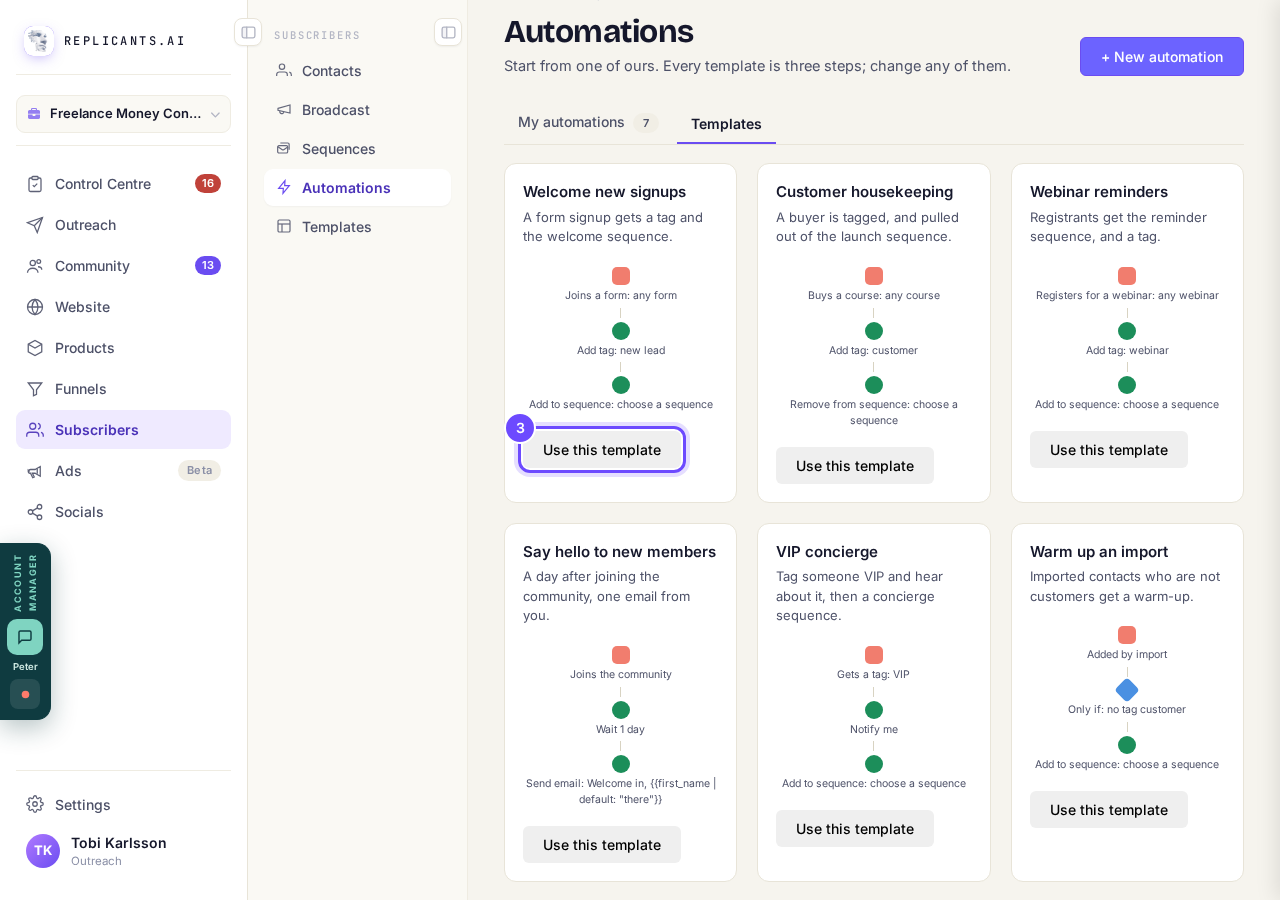
Use this template, under each card.
Press any step written in orange and fill it in
Orange means something is still to choose, such as Add to sequence: choose a sequence; pick it and press Save. Any other step changes the same way.
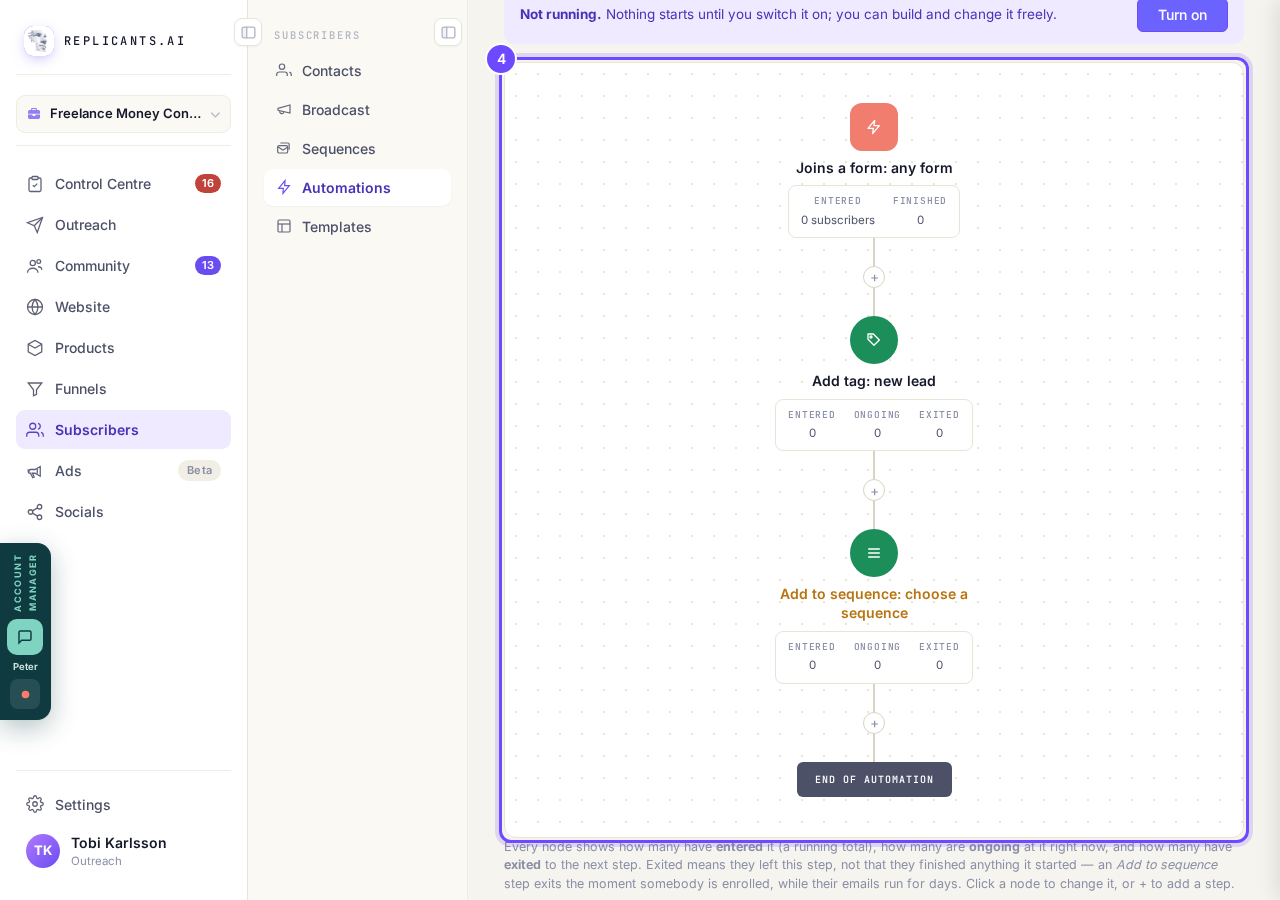
The steps, top to bottom, with one still to fill in.
Press Turn on
It is in the bar that says Not running. From then on it runs for everyone who does what starts it.
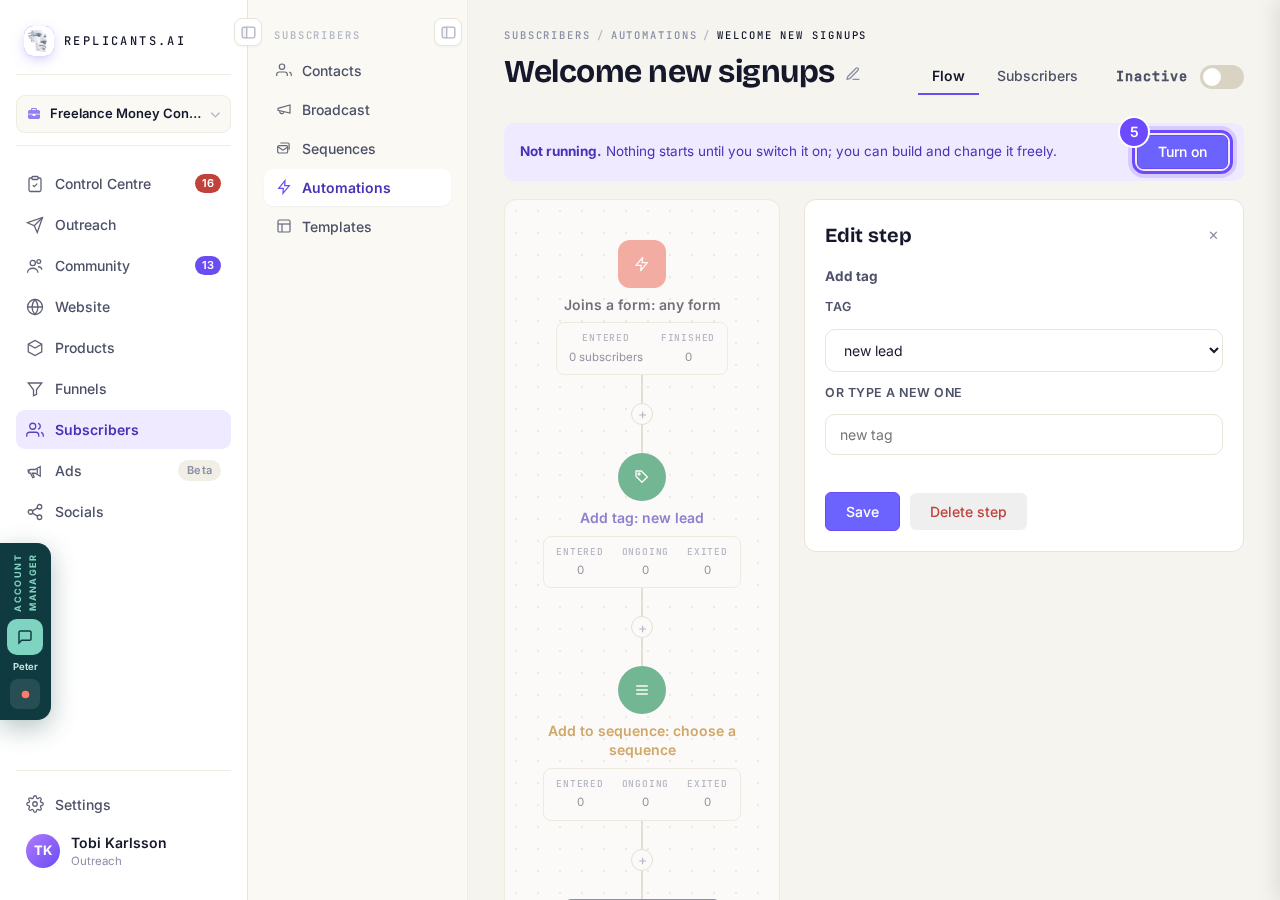
Turn on, at the top of the automation.


A template, like any automation, starts for people who do what starts it after you turn it on. Nobody from before is added.
How do I set up an automation?
Related articles
Can a sequence run without a tag, started by an automation instead?
Yes. Set the sequence to Used in an automation only, and an automation's Add to sequence step puts people in. No tag needed. About two minutes.
Can I send a broadcast again, or use it as a starting point?
Yes. Press ••• on the broadcast, then Duplicate. A copy opens as a draft with the same subject and words, ready to change and send. About a minute.
How do I choose what time of day my emails arrive?
When you send a broadcast you can spread it over a few hours, and let each person get it at the time they usually read their email. It is all on the last screen, **Schedule**.