
Can I send a broadcast again, or use it as a starting point?
Yes. Press ••• on the broadcast, then Duplicate. A copy opens as a draft with the same subject and words, ready to change and send. About a minute.
Updated 19 October 2026
Open Subscribers, then Broadcast
Subscribers is in the main menu on the left. On a phone, press the menu button first.
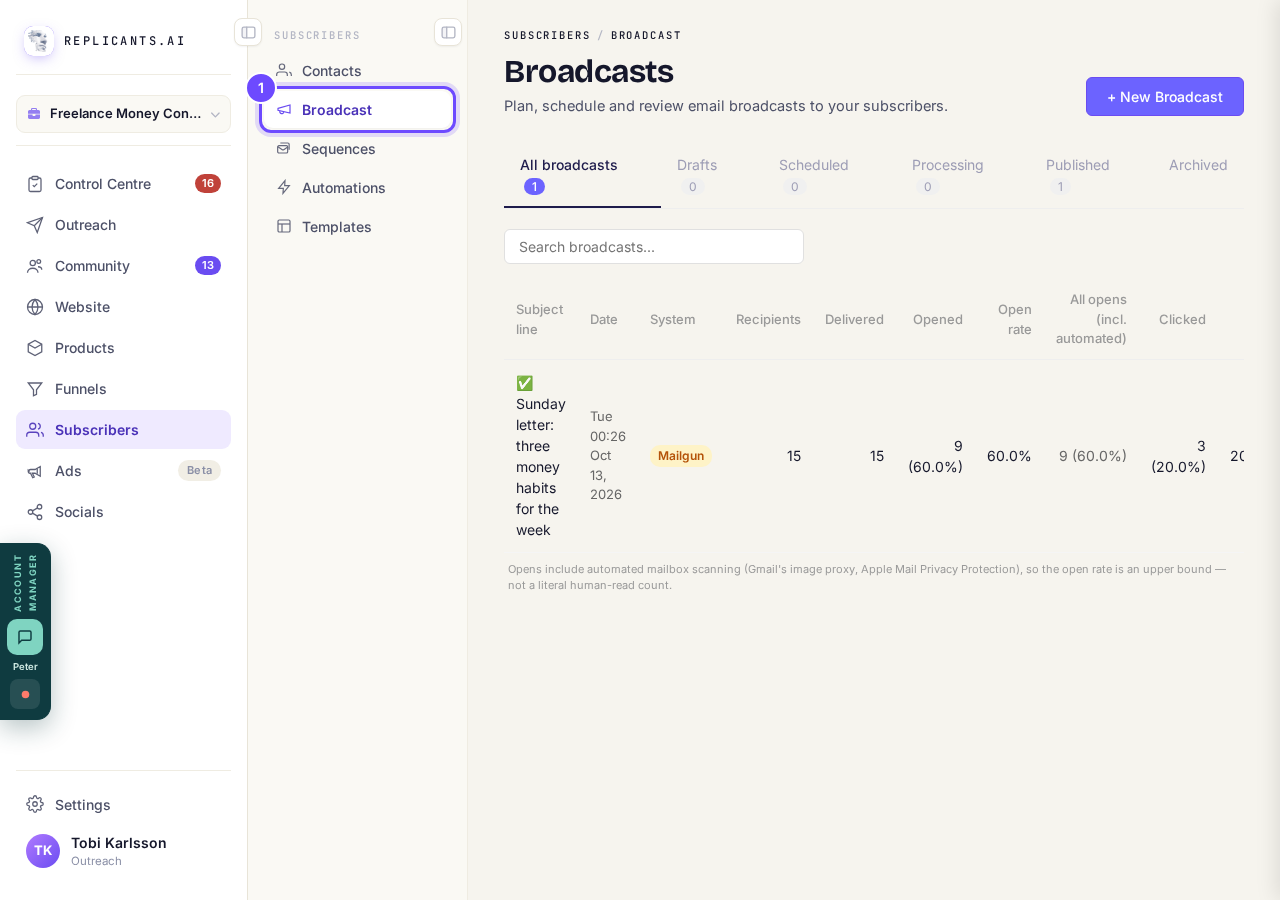
Broadcast, under Subscribers.
Open SubscribersPress ••• on the broadcast, then Duplicate
The ••• is at the end of its row. On one that has gone out you can also open it and press Send a copy, which does the same.
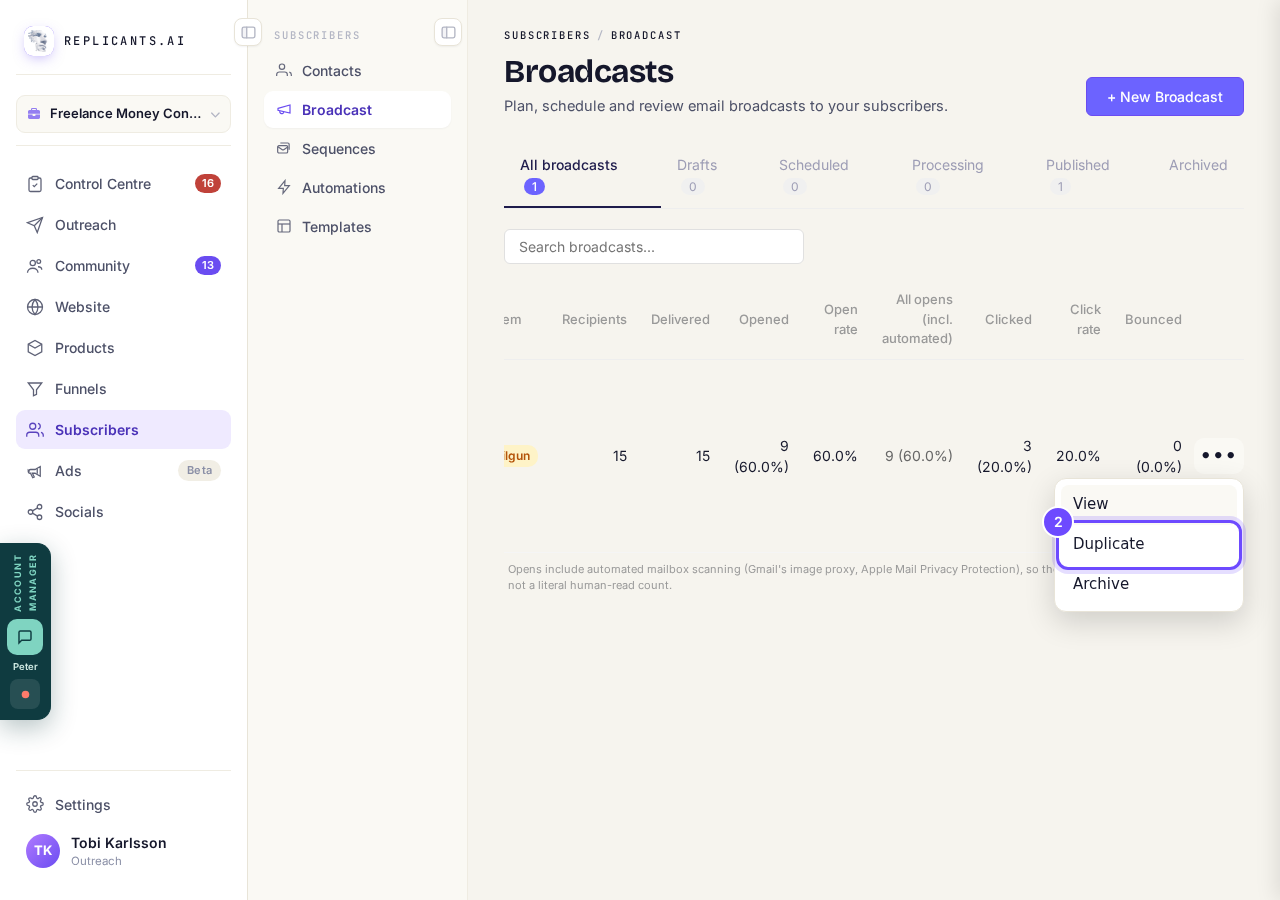
Duplicate, in the broadcast's menu.
Check the copy has opened
It opens straight away as a new draft, and a message says Made “Copy of …”. It is a draft: nothing is sent until you send it.
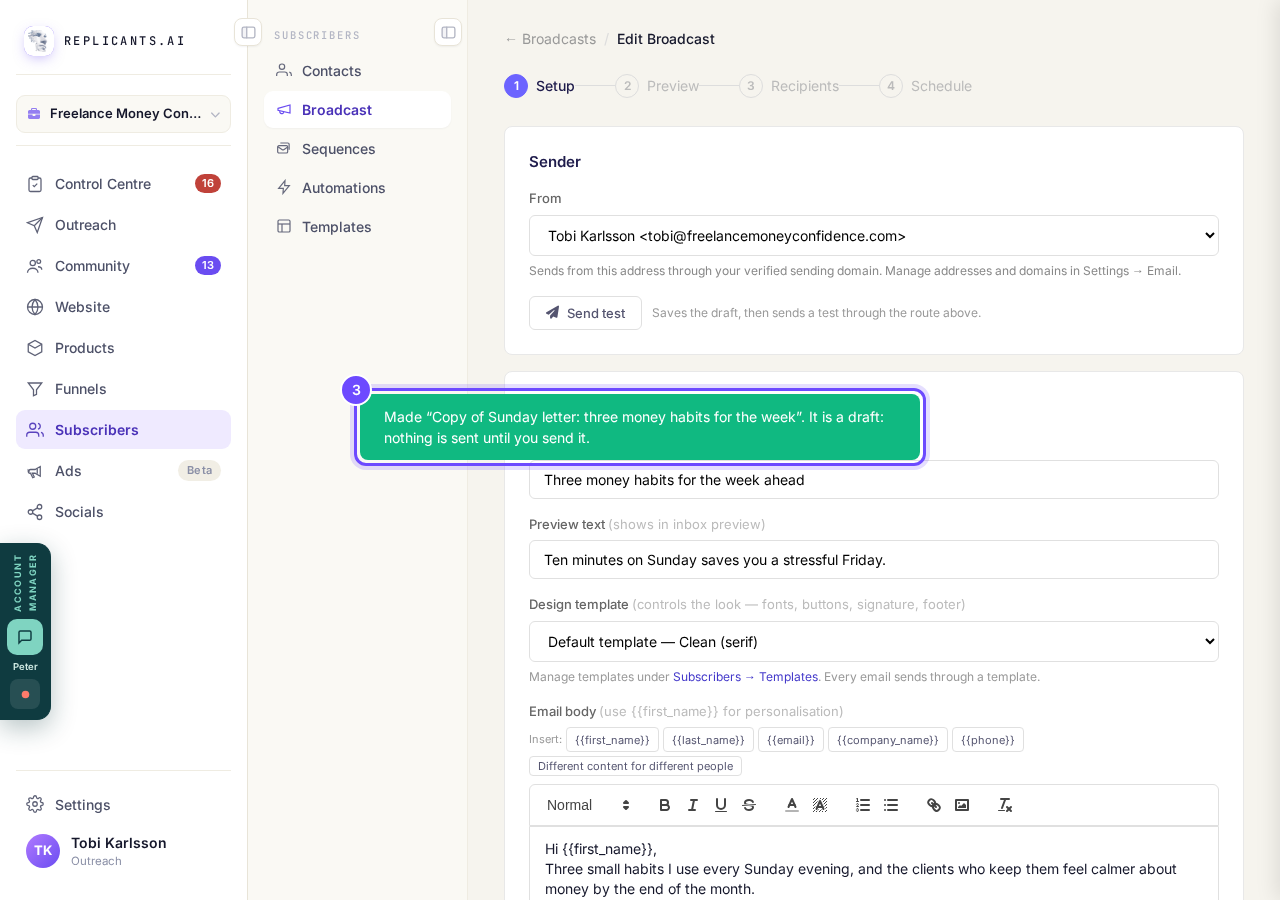
The message naming the copy, over the open draft.
Change the subject and the words, then send it as usual
Go on through Preview, Recipients and Schedule, the same as a new broadcast. Press Send test first to see it in your own inbox.
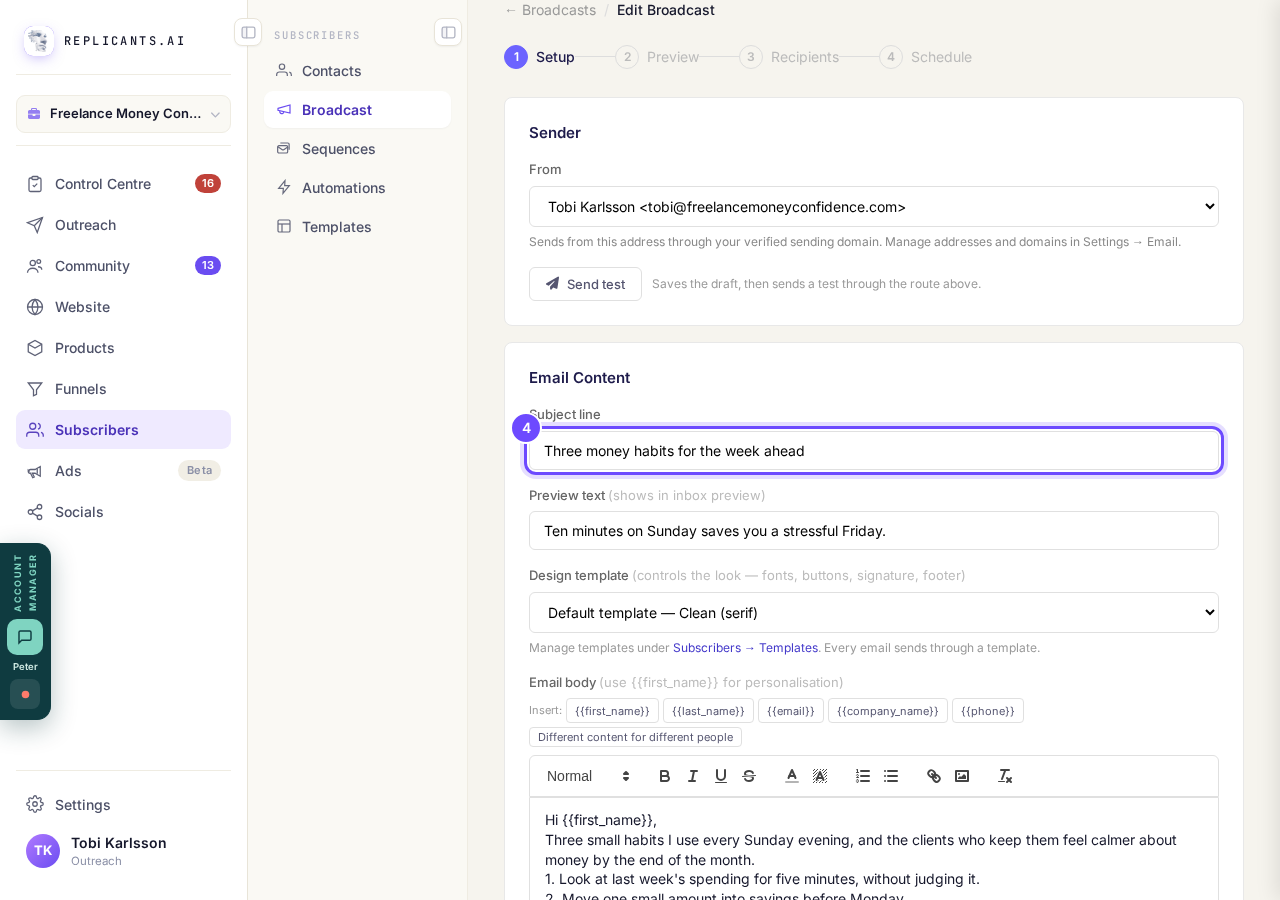
The subject line, ready to change.


The app has no button to keep a broadcast as a reusable starting point; Duplicate is the way. If you have connected your own Claude, it can save a broadcast's words as a template and start new drafts from it. The look of your emails lives in Templates.
How do I send a broadcast to my list?
Related articles
Can a sequence run without a tag, started by an automation instead?
Yes. Set the sequence to Used in an automation only, and an automation's Add to sequence step puts people in. No tag needed. About two minutes.
How do I choose what time of day my emails arrive?
When you send a broadcast you can spread it over a few hours, and let each person get it at the time they usually read their email. It is all on the last screen, **Schedule**.
How do I create a new tag?
A tag is a label you put on people so you can find them again. You make one by ticking the people it belongs on and naming it, in Subscribers, on the Contacts page.