
How do I sell my course?
Every course starts free. Choose Paid, set a price and press Start selling, and the course gets its own payment page and discount codes. About five minutes, once Stripe is connected.
Updated 6 October 2026
Open Payments
Open Products
Products is in the main menu on the left. It opens on your courses. On a phone, press the menu button at the top right first.
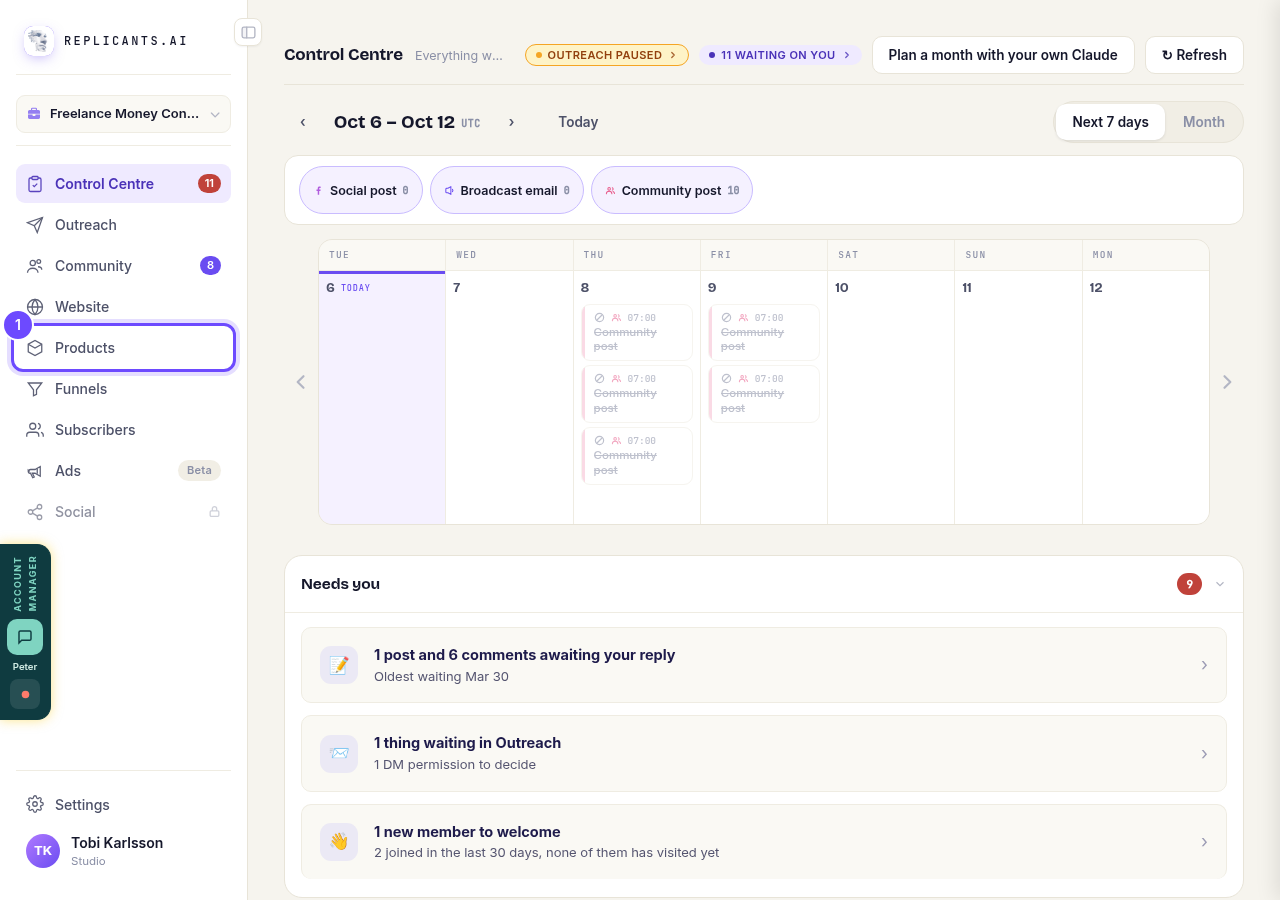
Products, in the main menu.
Press Manage on your course
Each course has its own card.
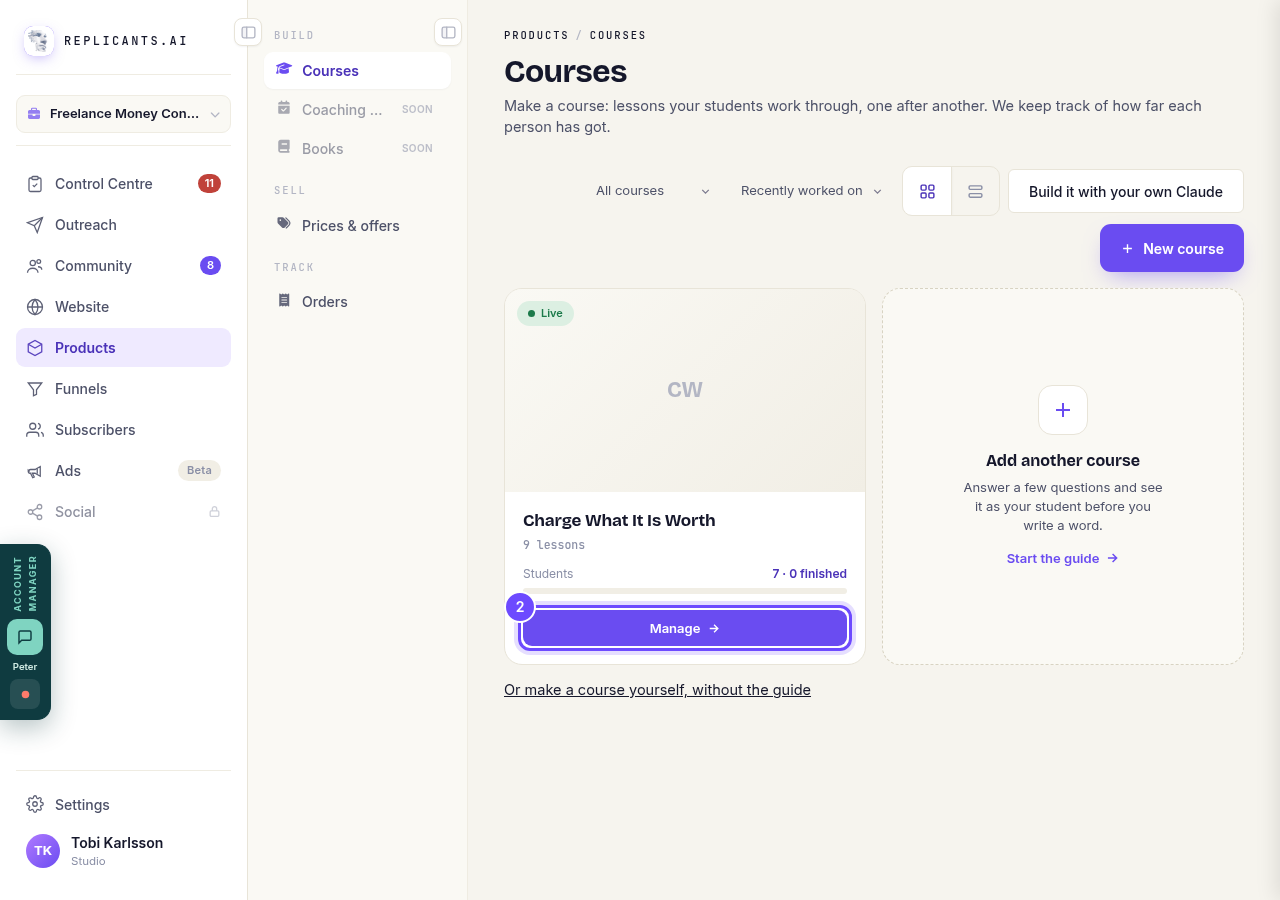
Manage, on the course's card.
Press Selling
It is along the top of the course, between Students and Emails.
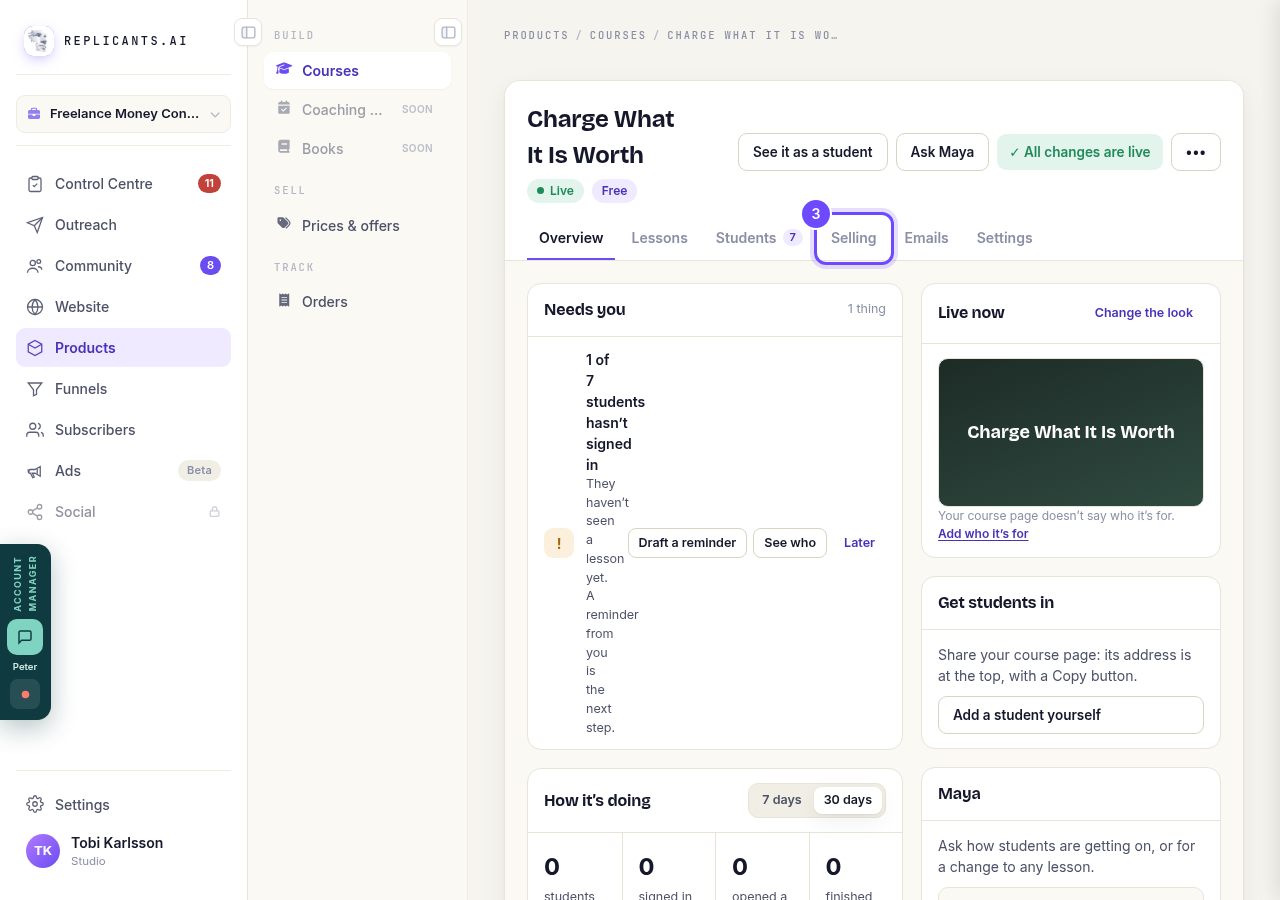
Selling, along the top.
Press Paid
Under How people get in. Pressing it changes nothing yet: the price box opens underneath. Free, Community members and After a wait are the other ways in.
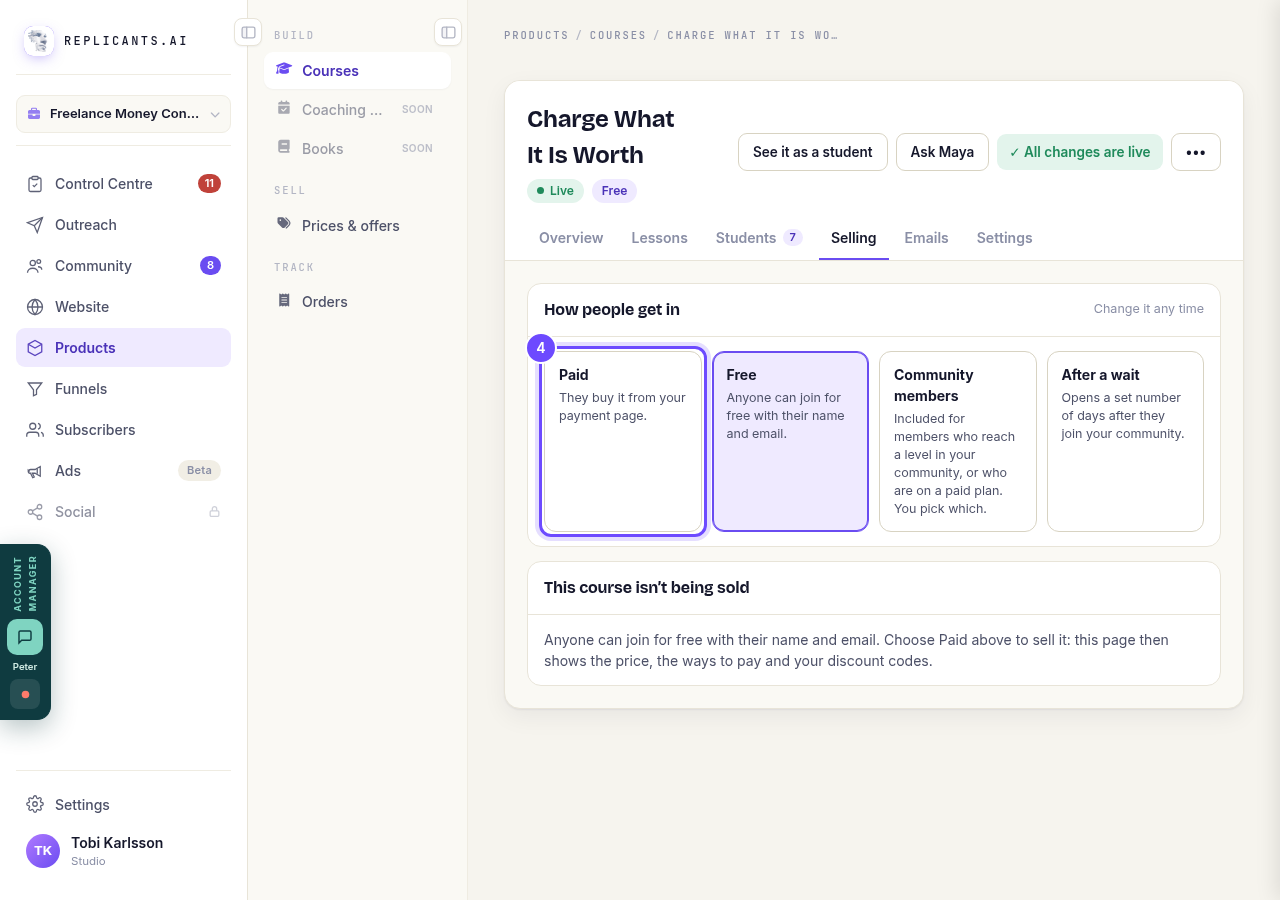
Paid, under How people get in.
Type your price and press Start selling
Check the product name, type the price and choose the currency. The button says what it does, such as Start selling at $97. If Stripe is not connected yet, the box asks you to connect it first, so the money goes straight to you.
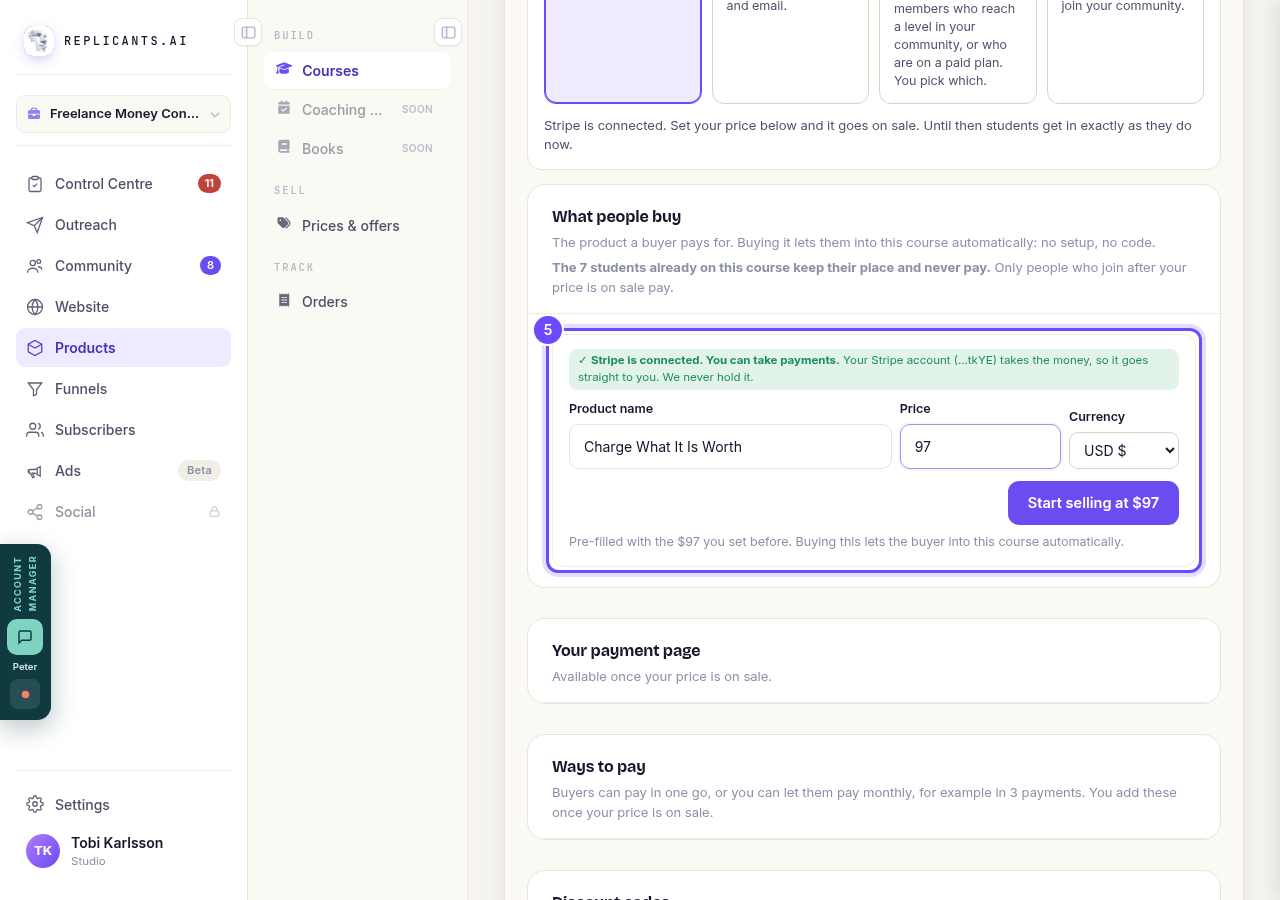
Product name, Price, Currency and Start selling.
Add a discount code if you want one
Your payment page goes online when you publish the course; the Your payment page box above then gives you its link. Under Discount codes, type a code such as EARLYBIRD, choose how much it takes off and where it works, and press Add the code. A code cannot be edited once it exists: turn it off and add another instead.
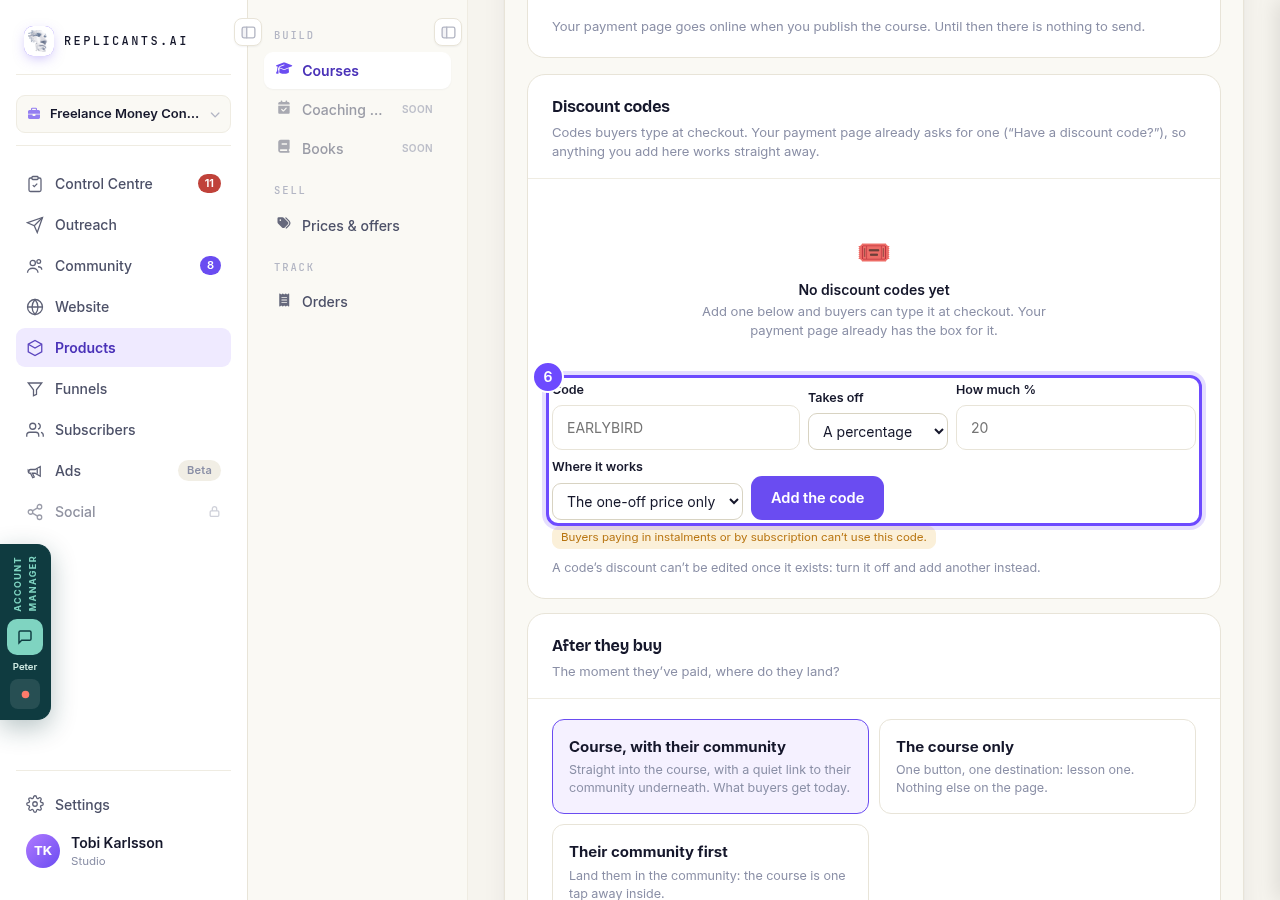
Discount codes, with Add the code.


My course says it needs republishing. What do I do?
Related articles
How do I add, move or rename modules and lessons in my course?
Every course has a plan screen where you change its shape: add a module, move one, or rename a module or a lesson. It takes about two minutes.
How do I build a course, and what goes in it?
Maya builds it with you from six short questions. Open Products, then Courses, and press New course. She asks where you are starting from, then turns your answers into a plan of lessons that you approve before a word is written. You can speak your answers instead of typing them.
How do I email the students on my course?
Open your course, go to Students and press Email your students. Each student gets your words with their own first name, and an Open the course link that signs them straight in, with no password. About three minutes.