
I closed something halfway, or I am stuck on a screen. How do I get back?
Press the Replicants logo at the top left, or Control Centre at the top of the menu, and you are home. Then press the area you were working in: what you started is still there. On a phone, the menu button at the top right opens the same menu.
Updated 19 October 2026
Press the logo at the top left
The Replicants logo at the top of the menu takes you home from any screen, usually to your Control Centre.
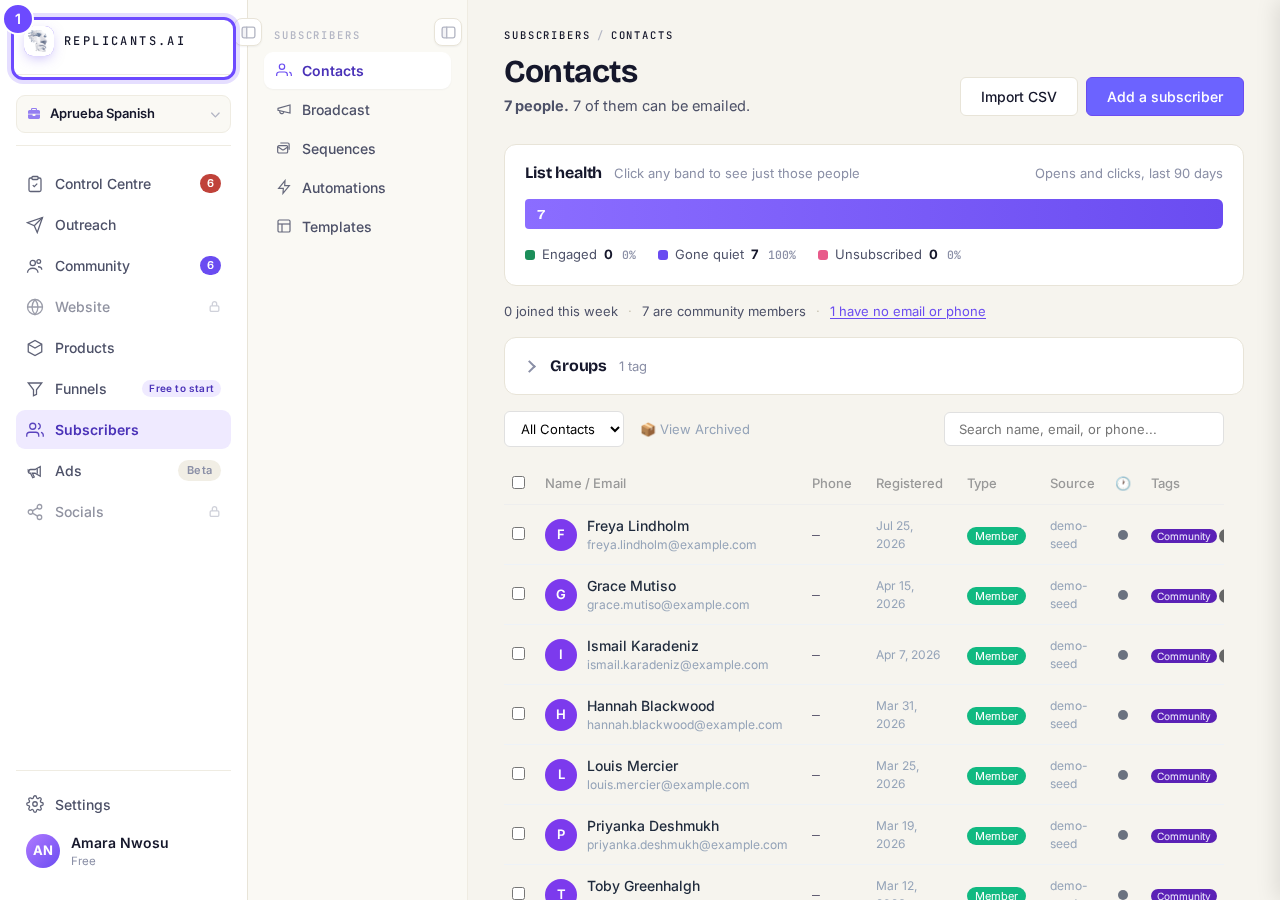
The logo takes you home.
Press Control Centre instead
Control Centre is the first row of the menu. It lists anything that needs you, and everything you have scheduled.
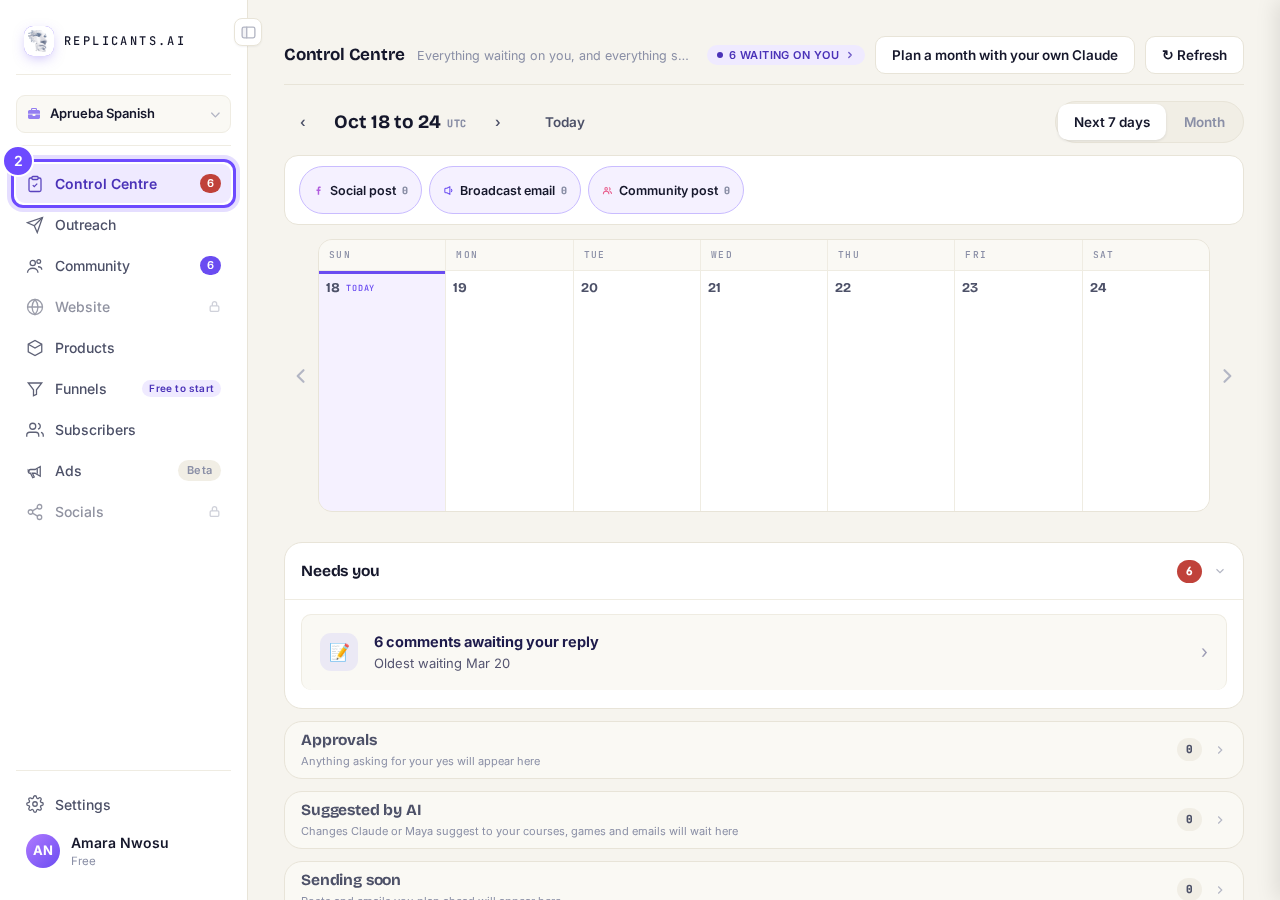
Control Centre, the first row.
Take me therePress the menu button at the top right
On a phone the menu is folded away behind this button. The logo at the top of the menu takes you home there too.
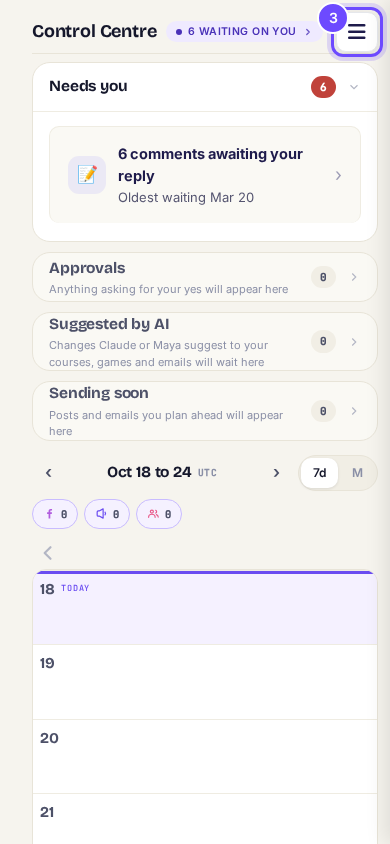
The menu button, top right.
Press the area you were working in
Your community is under Community, courses under Products, funnels under Funnels, your list under Subscribers. What you started is in that area, where you left it.
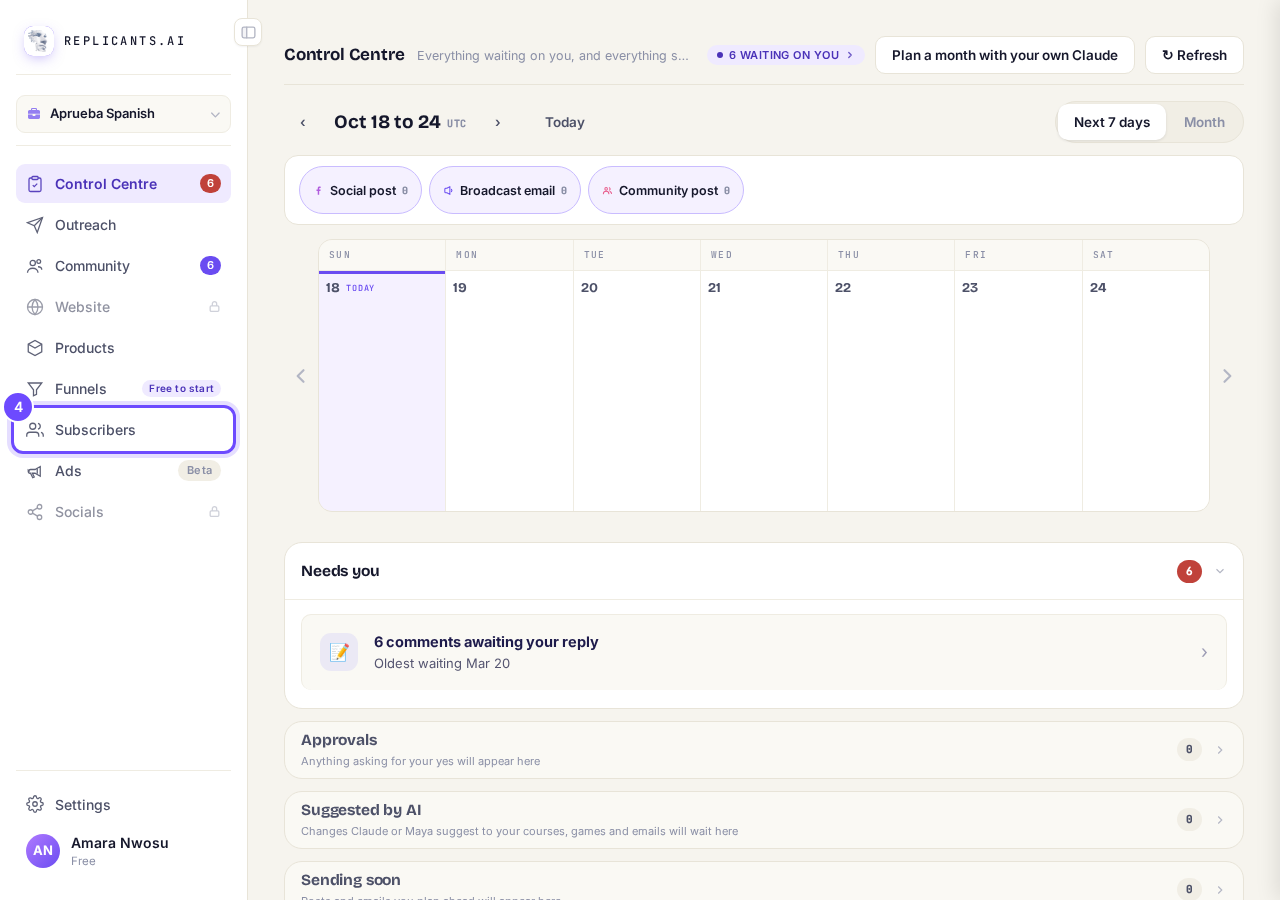
Every area, one press away.


Questions coaches ask
Where does unfinished setup wait for me?#
A reminder can sit in the bottom right corner, for example Your website: pick up where you left off. Press it to go back. Before your community exists, Community has one page, Set it up, which starts it again.
I cannot find a screen I used before.#
It is usually in a different area of the menu. How the menus are laid out.
If you cannot see the logo or the menu button, press Help at the bottom right and say which screen you are on, or message your account manager with the green ACCOUNT MANAGER button on the left.
I cannot find the screen I am looking for. How are the menus laid out?
Related articles
Can I talk instead of typing?
Under the boxes you type into there is a **Speak** button. Press it, talk, press **Stop**, and your words are typed into the box for you. It works on a laptop and on a phone.
Do I have to decide on the leads offer right now?
No. Your community is free and works without it. The price for leads is Outreach, a separate paid tool that finds people for your community, and you can say no and carry on building.
How do I ask for help, and where do I see the reply?
Your account manager is one press away on every screen. You write, add a screenshot or leave a voice note, and the reply comes back to the same place. About a minute to send.