
How do I delete a comment in my community?
Open the post from Community, Feed. Hide and Delete sit under every comment, your own included, and you can undo both.
Updated 15 September 2026
Open the post and find the comment
Community, then Feed, then the post. Hide and Delete sit under every comment, including the ones you wrote as the coach.
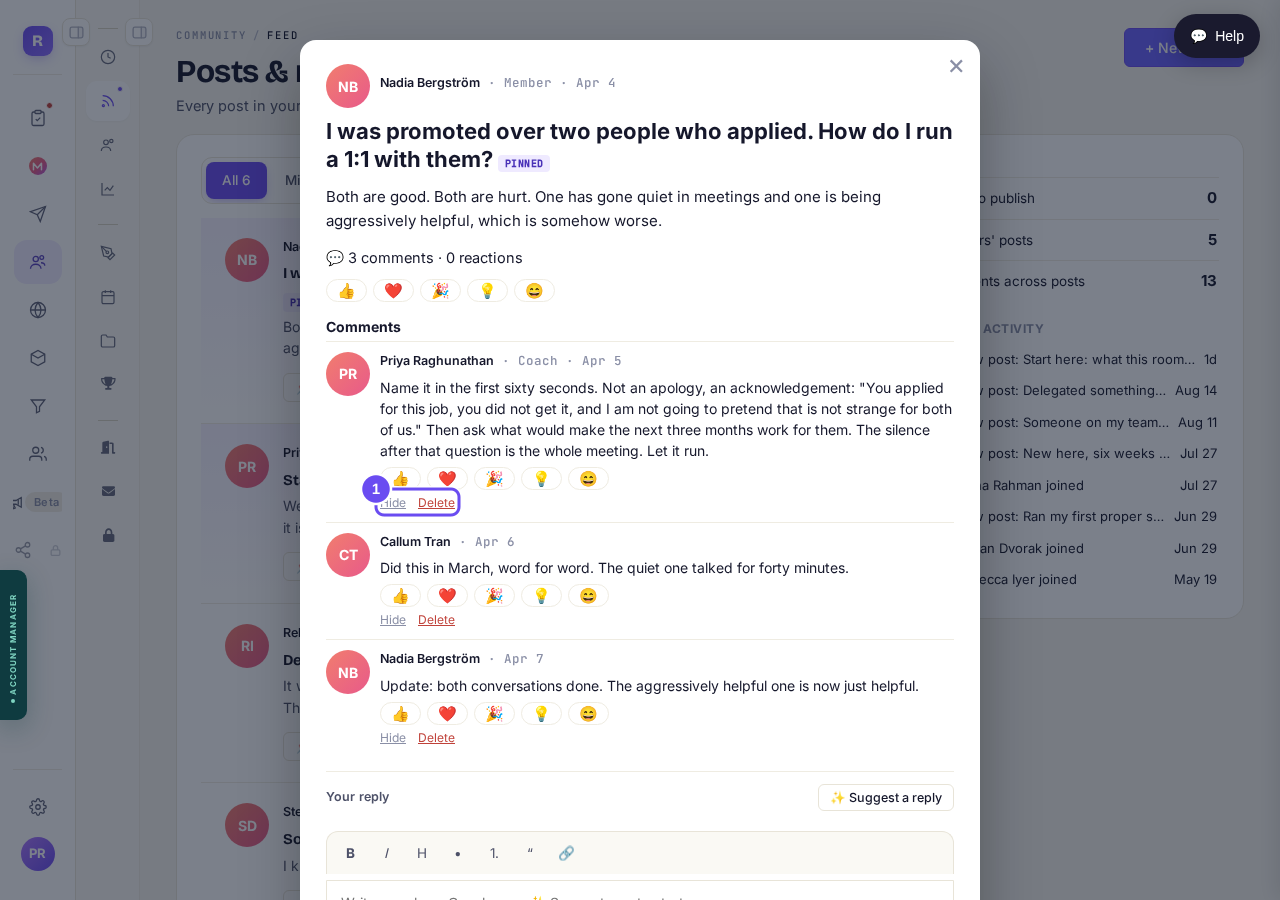
Hide and Delete under every comment, the coach's own included.
Take me therePress Hide to keep it from members
Every other member stops seeing it. The person who wrote it still can, and isn't told. Unhide any time.
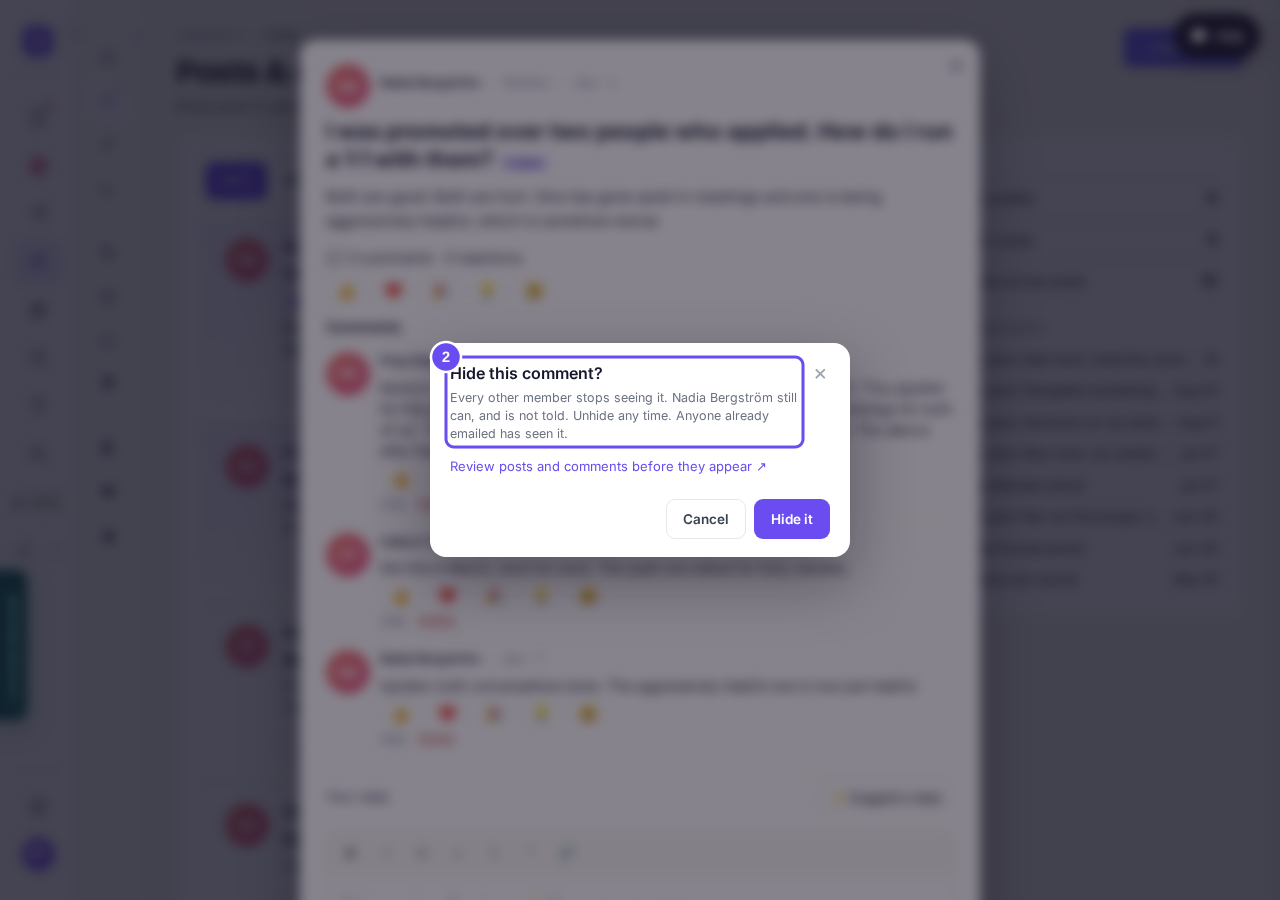
The confirm names who keeps seeing it, and what hiding cannot undo.
Take me thereRead the line under a hidden comment
It stays on your screen, dimmed, naming the one person who can still see it. Unhide puts it back, and doesn't ask twice.
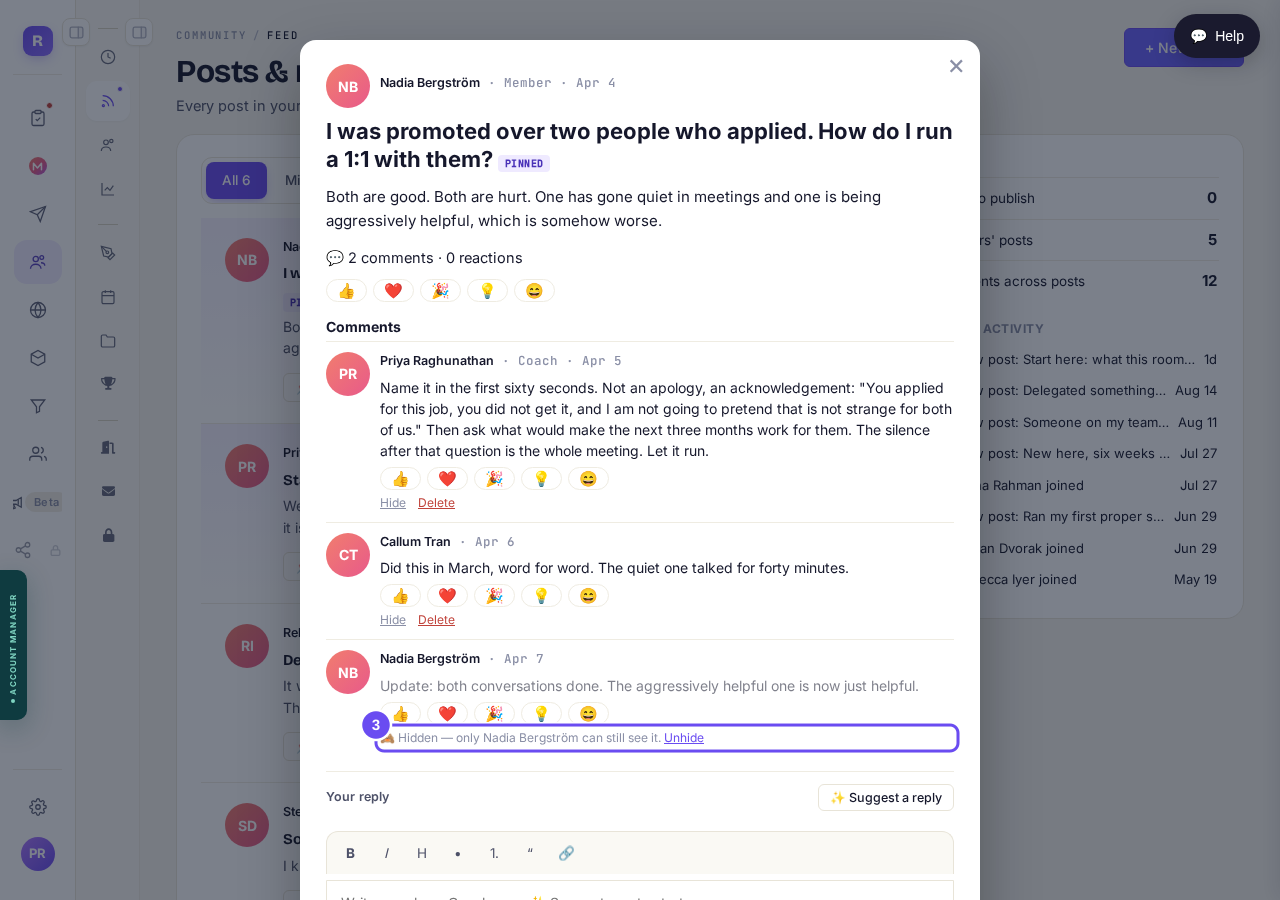
Hidden, with the name of who can still see it, and the way back.
Take me thereUse Delete to take it from everyone
Delete goes for everyone, its author included. It stays on your screen marked as deleted, with Undo beside it.
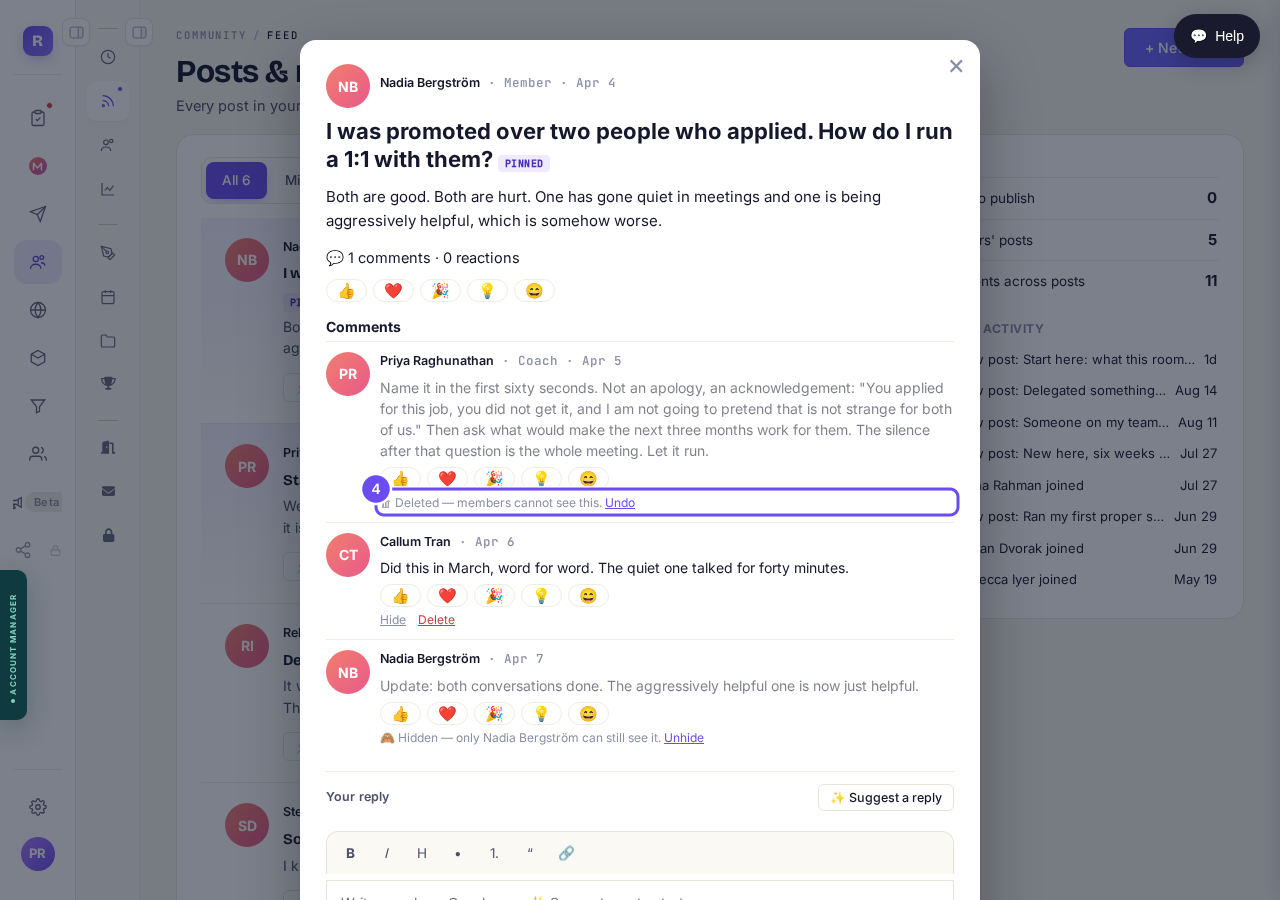
Deleted, with Undo — here on a comment the coach wrote.
Take me there
If I hide something, does it still go out in the email?
Related articles
Can I check comments before they go up?
Turn on comment approval and every member comment waits for you. It's a separate switch from the one for posts.
Can I message one member privately, and can members message each other?
Message one member from Community, then Members. Their reply comes back to that screen, not your email. Members messaging each other is a separate setting.
Can I read what members post before it goes up?
Yes — one setting. Off, member posts appear at once. On, nothing appears until you've read it. The waiting ones don't sit in the Feed.