
What is AI usage, and what happens when I hit the AI limit?
AI usage is a count of the writing Maya and the AI did for you this month. It costs you nothing. There is a daily limit on it, and if you reach it a box says so; it lifts by itself within a day. Credit is a separate dollar balance that only pays for research on X in Clips.
Updated 19 October 2026
Open AI usage this month in Billing
Open Settings, then Billing, and scroll to AI usage this month. It counts tokens used (the amount of writing) and AI actions. It says Shown for your information. There’s no charge for this usage.

AI usage this month, with no charge for it.
Take me thereRead your Credit balance
Under it is Credit, the dollars you have for research on X in Clips. Every business starts with $10.00 from us. It says Credit pays for research on X in Clips, at exactly what it costs us. Add $10, $25 or $50 at a time. It never expires.
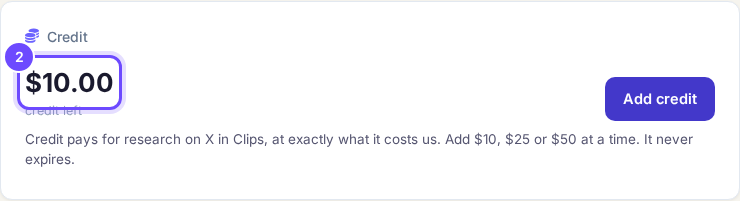
Credit left, in dollars.
Take me therePress Add credit only when you need more
Press Add credit, choose $10, $25 or $50, add your card, and press the Add button that shows the amount. Not now closes it without paying. Only the owner or an admin of the business sees the Credit card.
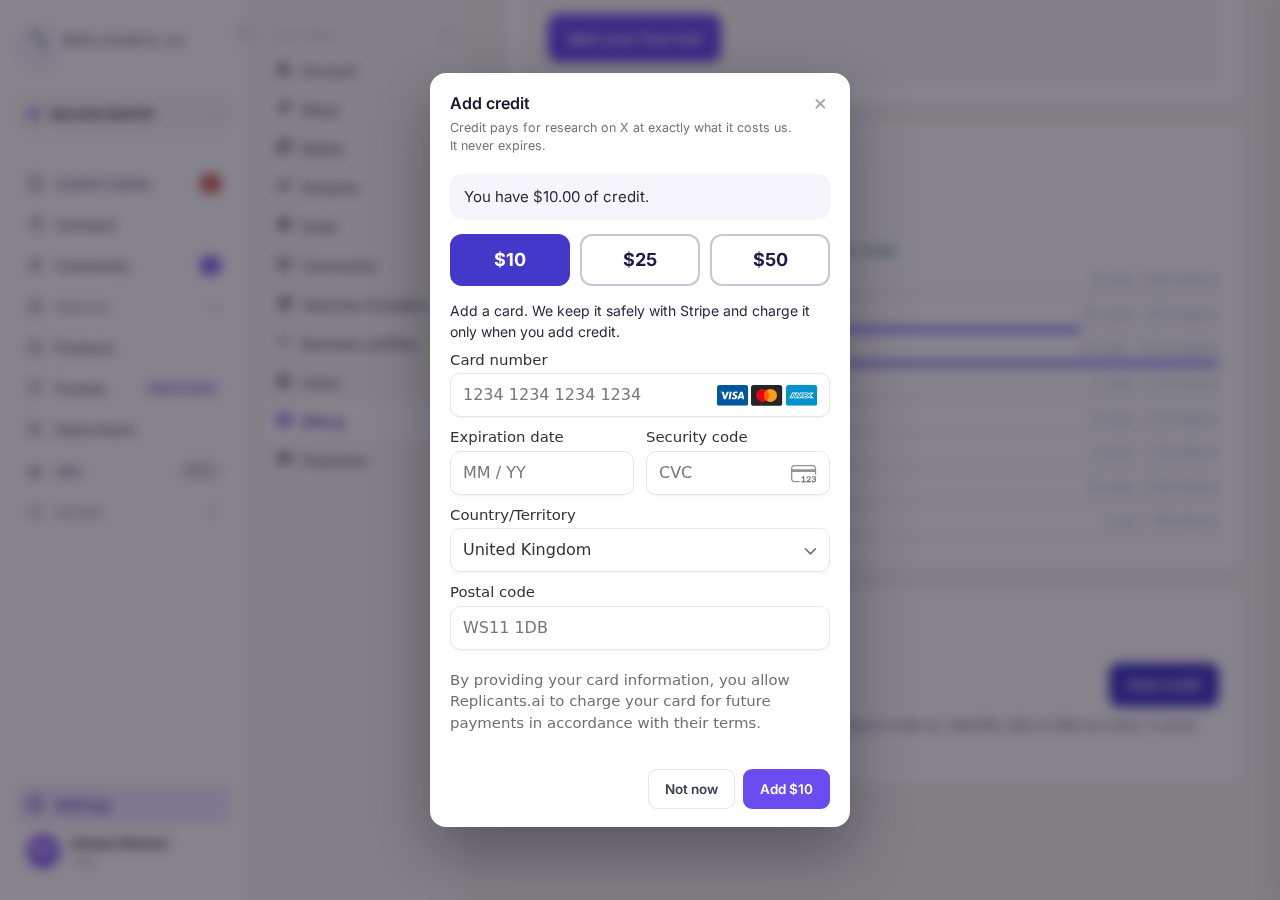
Add credit: choose $10, $25 or $50.
Wait, or press Contact support
If you reach the daily limit, a box says AI limit reached. Press Dismiss and come back later: the limit counts the last day or so, so it lifts by itself. Or press Contact support, which opens a message to our support team asking for a higher limit.
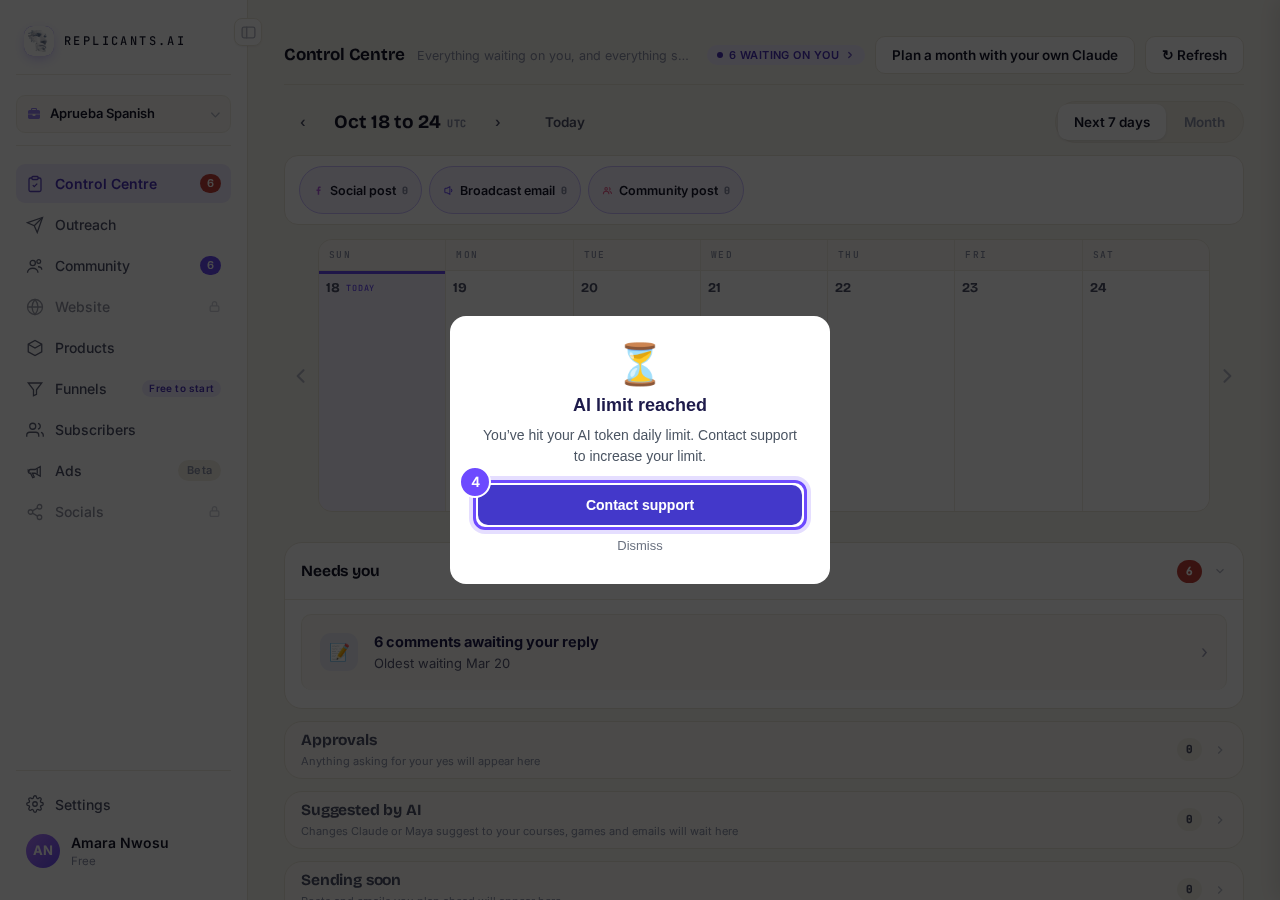
AI limit reached, with Contact support.


Questions coaches ask
Will I be charged for AI usage?#
No. The Billing screen says There’s no charge for this usage. Your plan price does not change with it.
Does credit run out by itself?#
No. It never expires, and it is only spent on research on X in Clips.
I pressed Contact support and nothing opened. What now?#
Press Help at the bottom right of any page and say you have reached the AI limit, or message your account manager with the green ACCOUNT MANAGER button on the left.
While the limit is reached, Maya cannot write anything new: posts, lessons, emails or pages. Everything you already have keeps working, your community stays open and scheduled posts still go out. Credit does not lift the AI limit.
What am I paying for, and how do I stop it?
Related articles
Can I talk instead of typing?
Under the boxes you type into there is a **Speak** button. Press it, talk, press **Stop**, and your words are typed into the box for you. It works on a laptop and on a phone.
Do I have to decide on the leads offer right now?
No. Your community is free and works without it. The price for leads is Outreach, a separate paid tool that finds people for your community, and you can say no and carry on building.
How do I ask for help, and where do I see the reply?
Your account manager is one press away on every screen. You write, add a screenshot or leave a voice note, and the reply comes back to the same place. About a minute to send.