
How do I share a form with a link, without a website?
Every form has its own page with its own link. Copy it and send it anywhere: an email, a message, a post. No website needed. About a minute.
Updated 6 October 2026
Open Subscribers
Subscribers is in the main menu on the left. On a phone, press the menu button at the top right first.
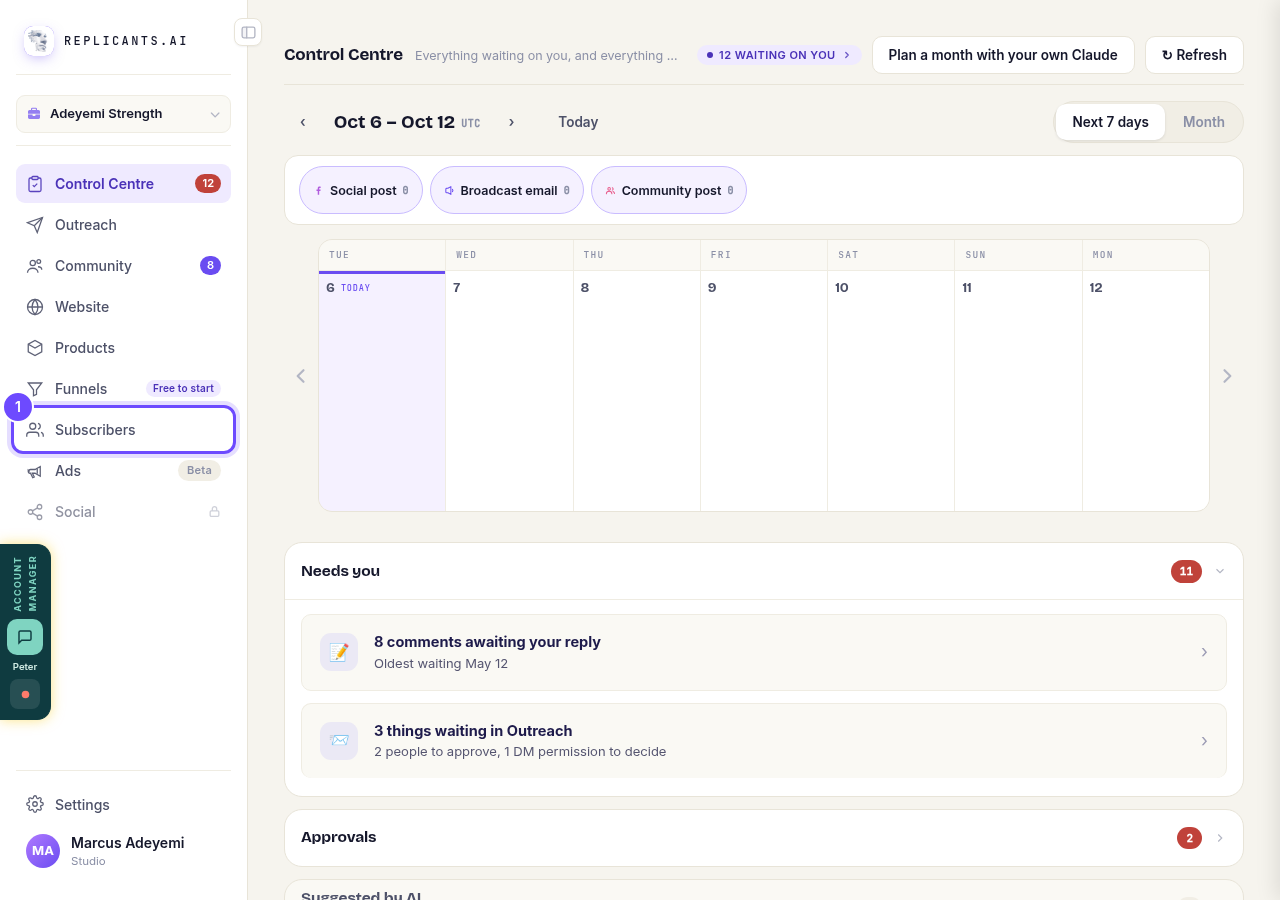
Subscribers, in the main menu.
Open SubscribersPress Forms
It is under Automations. If it is not there, your account does not have the Spaces beta yet.
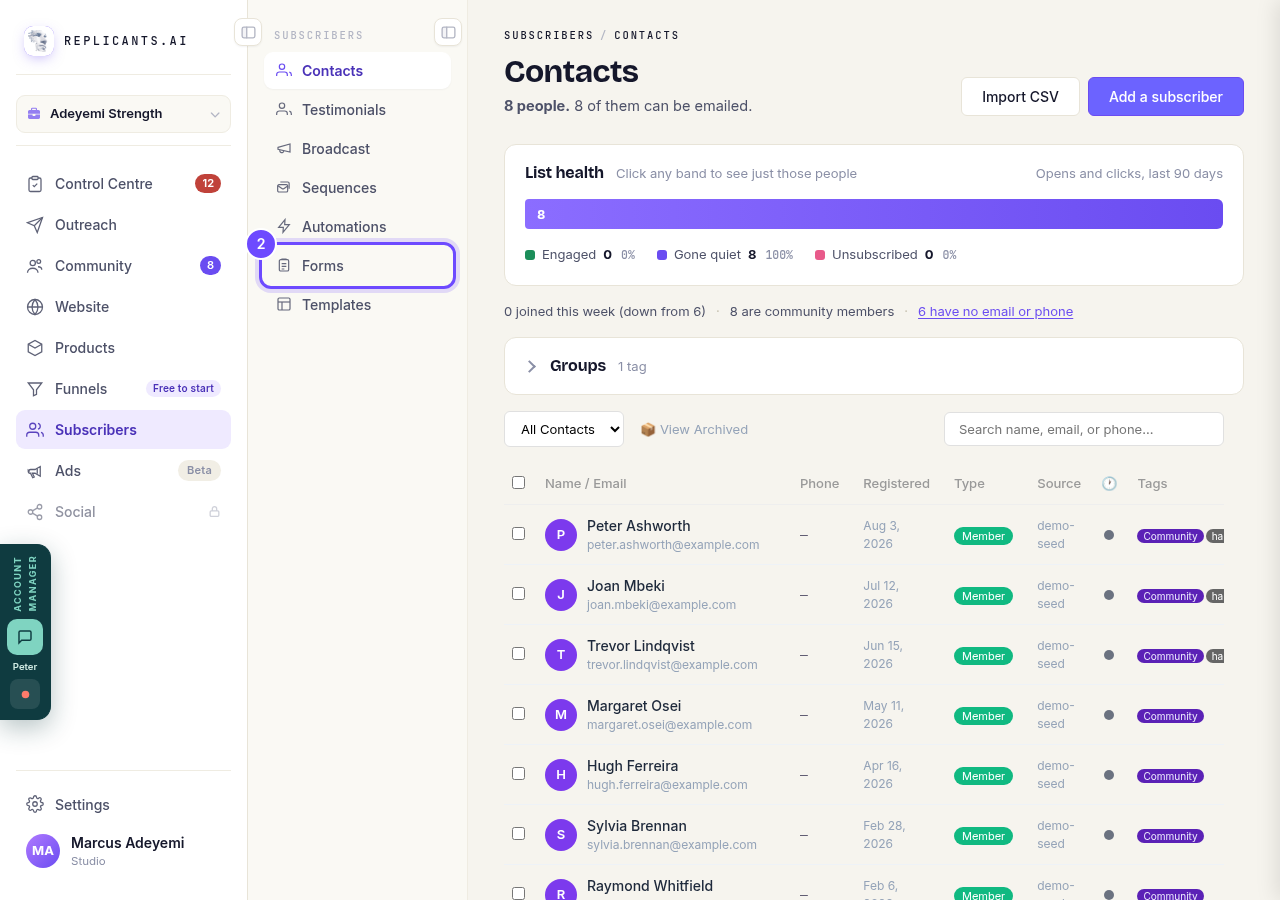
Forms, under Subscribers.
Open FormsPress your form
Each form shows what kind it is and how many answers it has. If you have none yet, start from one of the ready-made forms on the same page.
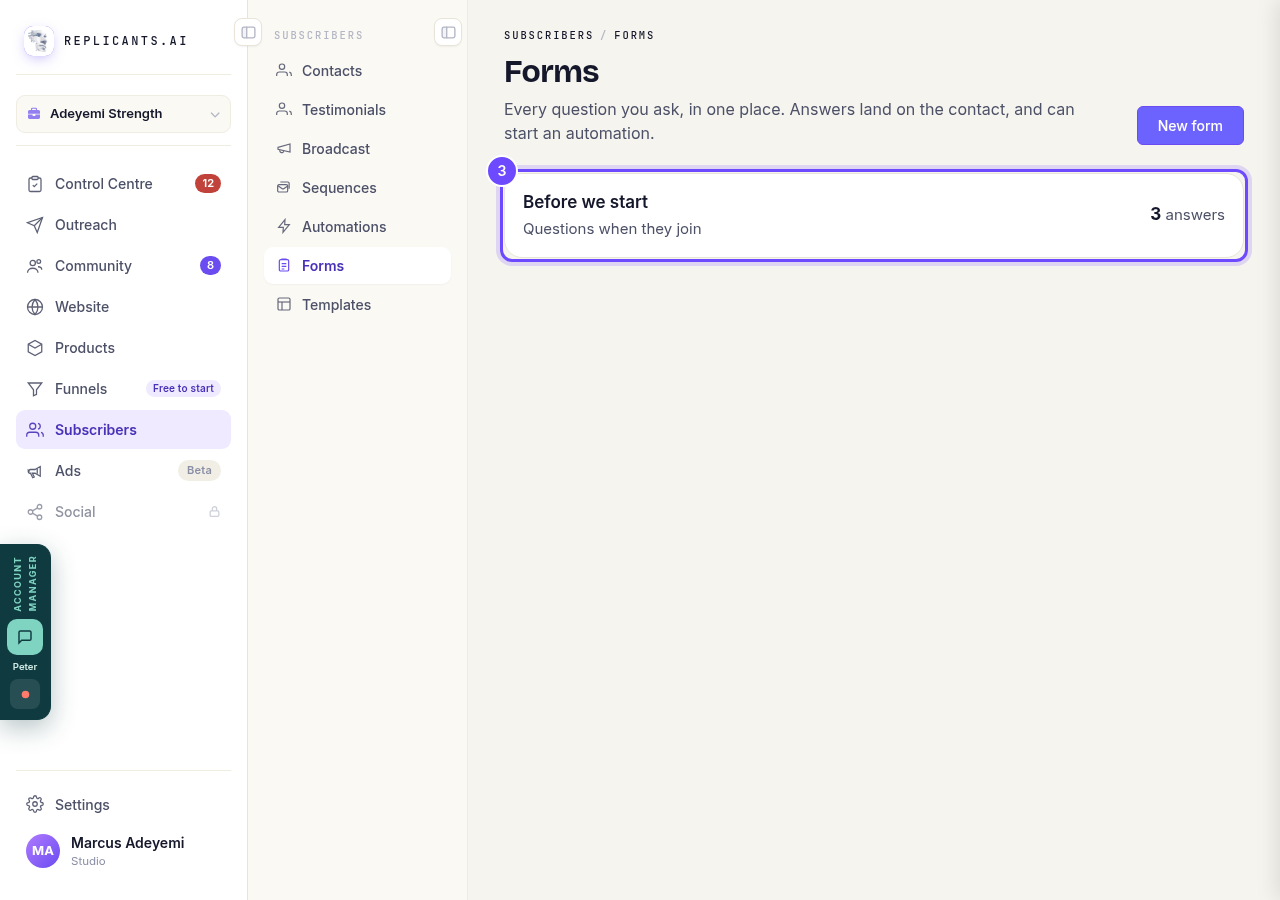
Your form, with its number of answers.
Press Copy a link
The link is copied for you, and a message says Link copied. Paste it into an email, a message or a post.
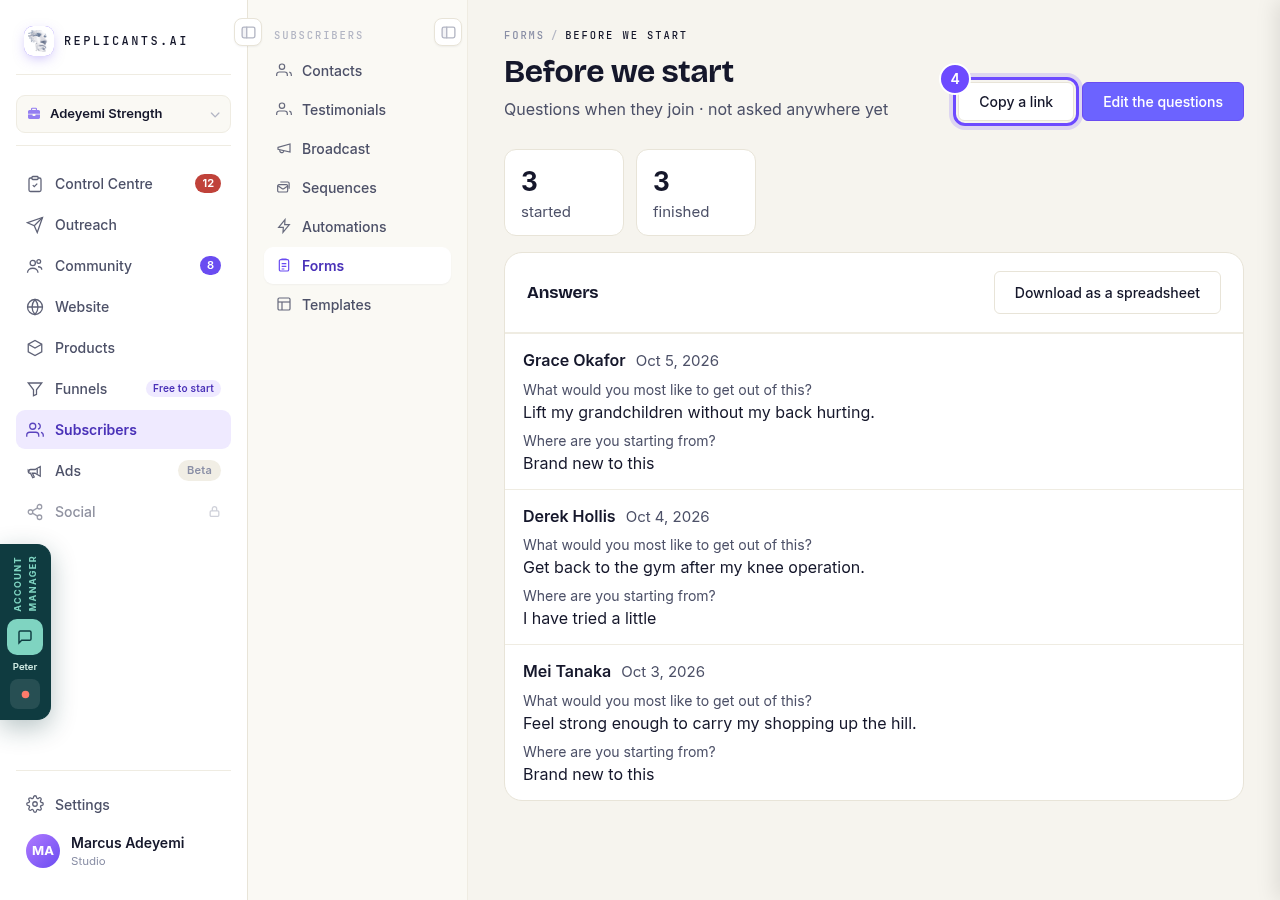
Copy a link, at the top of the form.


How do I see my form answers and download them as a spreadsheet?
Related articles
How do I choose what time of day my emails arrive?
When you send a broadcast you can spread it over a few hours, and let each person get it at the time they usually read their email. It is all on the last screen, **Schedule**.
How do I create a new tag?
A tag is a label you put on people so you can find them again. You make one by ticking the people it belongs on and naming it, in Subscribers, on the Contacts page.
How do I delete a contact?
Tick them on Contacts, press Delete, then type DELETE to confirm. Delete can't be undone. To hide someone and keep their details, Archive them instead.