
How do I reconnect LinkedIn?
Reconnecting takes about a minute, in Google Chrome on a computer. Nothing is lost while you are disconnected: your sources and everything in your funnel are kept, and outreach carries on where it stopped.
Updated 6 October 2026
Open Outreach
Press Reconnect now
On a computer, a red bar across the top of every screen says LinkedIn disconnected, with a Reconnect now button. Press it.
There are two other ways in, and they open the same screens. On your Outreach dashboard, the same message is under Needs you, with Reconnect now. And the email we send, with the subject Action required: Reconnect LinkedIn, has a Reconnect LinkedIn button that opens the screens and signs you in to Replicants on the way.
The red bar stays away while you have paused Outreach yourself; the dashboard and the email still show it.
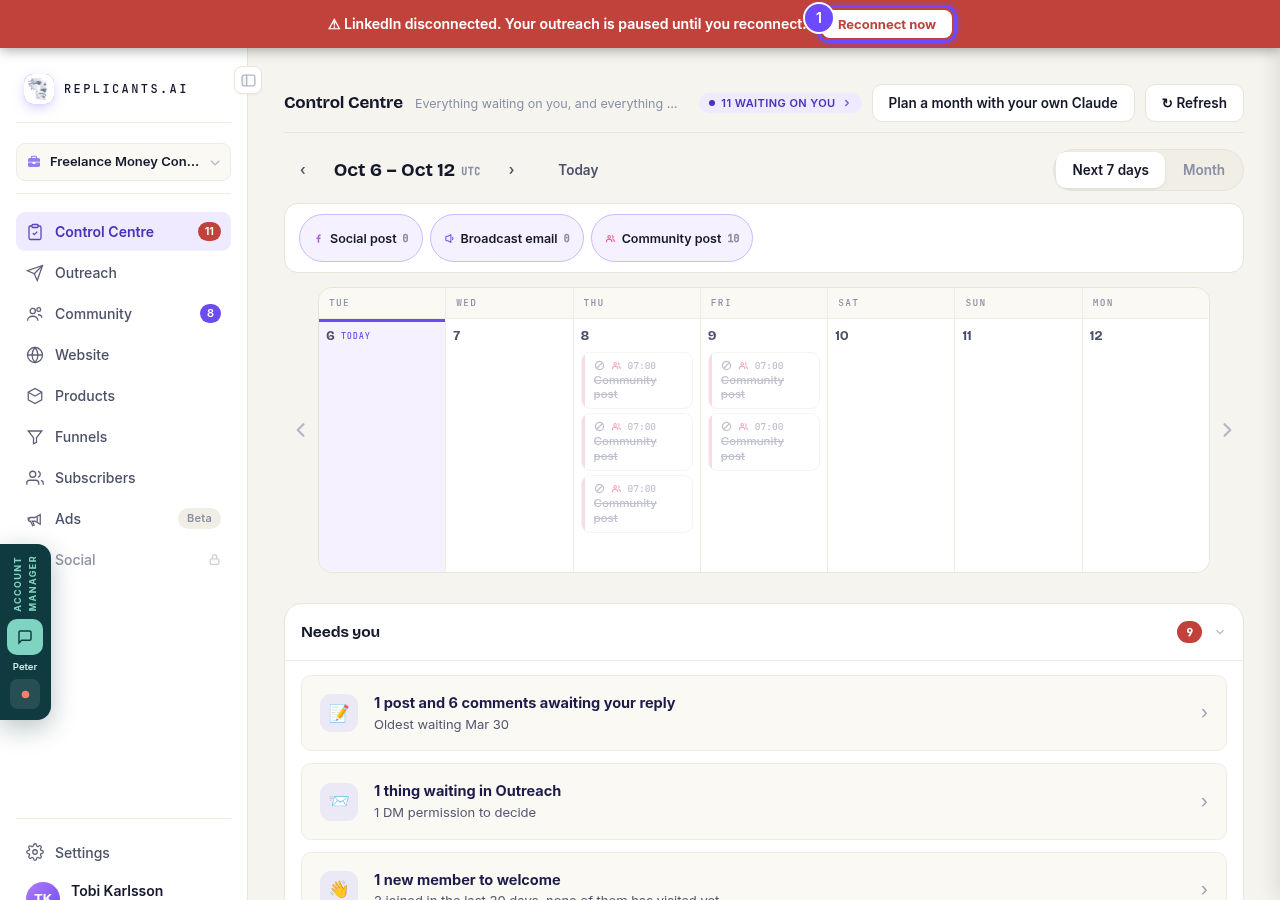
Reconnect now, on the red bar across the top of the screen.
Open OutreachIf it asks, press Install Chrome extension
The screen says Reconnect LinkedIn at the top. If the extension is missing from this Chrome, add it from the Chrome Web Store tab that opens, then come back and press the button that now starts I've installed it. If the extension is already there, this screen is skipped.
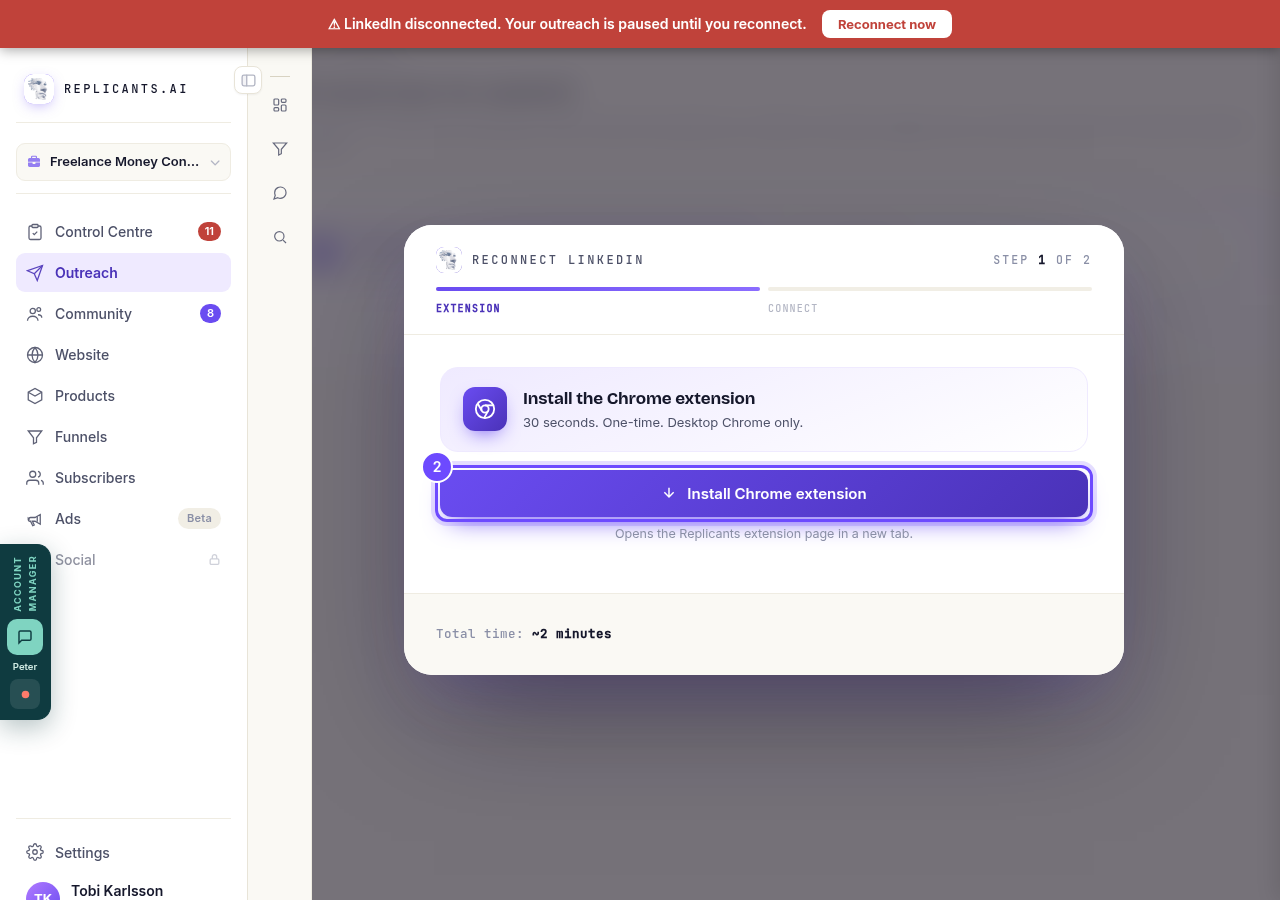
Install Chrome extension, only when the extension is missing.
Press Open LinkedIn and sign in
Press Open LinkedIn: LinkedIn opens in a new tab. Sign in the way you always do, then come back. We never see your password. Check now checks straight away if it is taking a while.
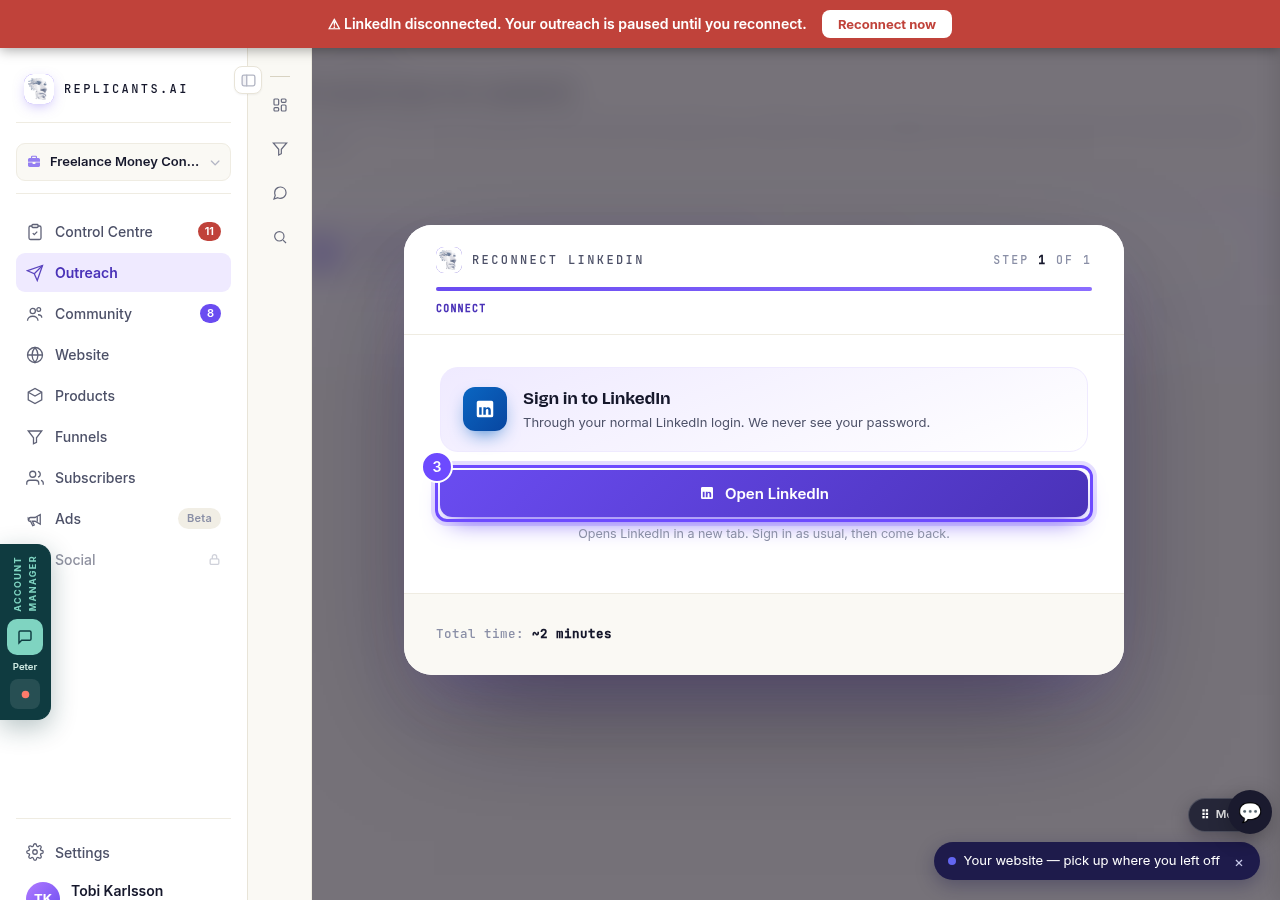
Open LinkedIn, on Sign in to LinkedIn.
Check that it worked
The screen says LinkedIn connected and takes you back to your dashboard. The red bar goes, and the line at the top right says Replicant active while Outreach is running.
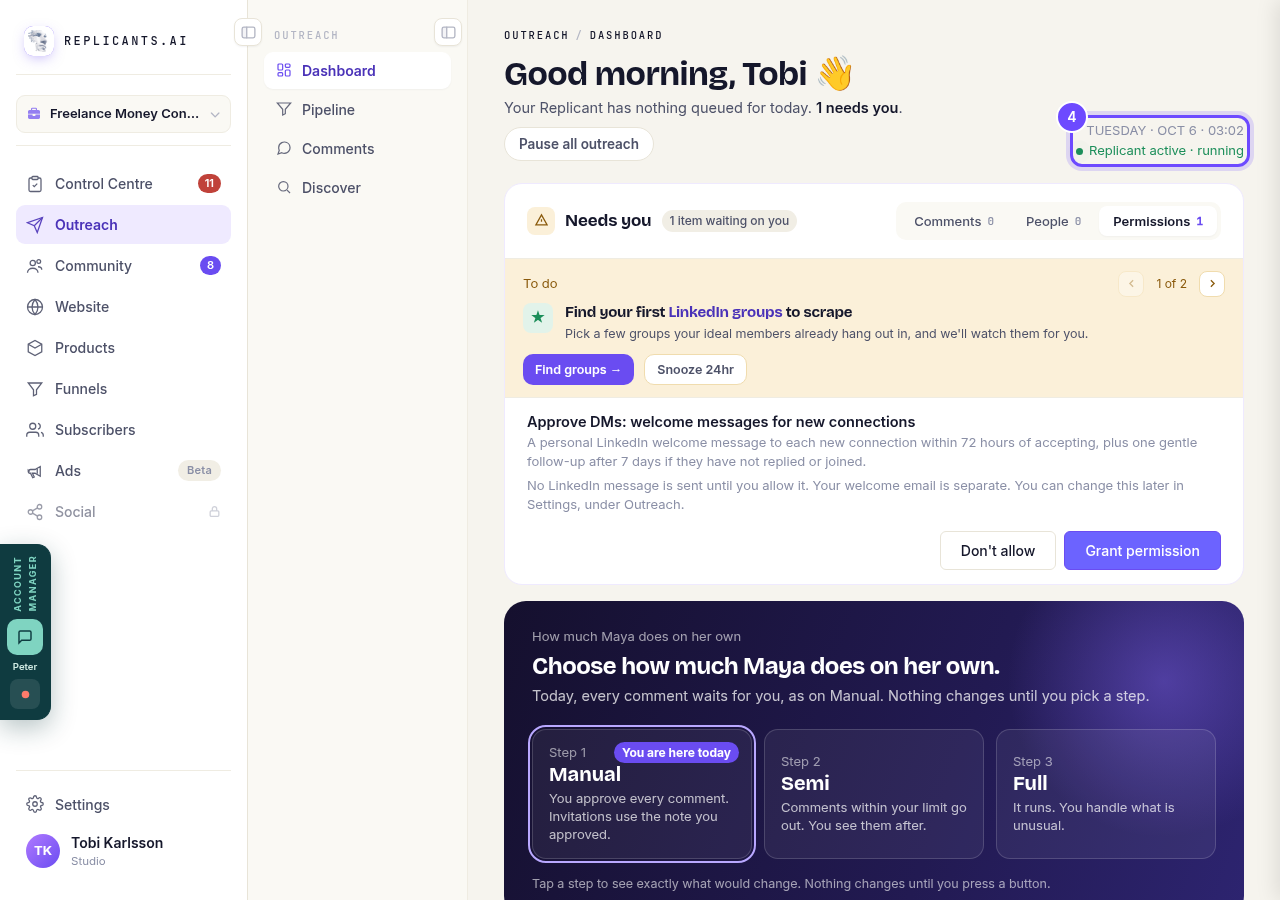
Replicant active, at the top right of the Outreach dashboard.
How do I connect my LinkedIn to Outreach?
Related articles
Can I use Outreach on Instagram or X?
Not yet. Today Outreach works on LinkedIn only, through your own account. Instagram and X are coming soon, and nothing you set up now is wasted.
Do my new connections get a welcome email automatically?
Yes. If you use Outreach, every new connection gets a welcome email by itself, as soon as we have their email address. The LinkedIn welcome message is the one that waits for your go-ahead. One screen shows you both, in about two minutes.
How does Outreach turn strangers into community members?
Outreach finds people who have recently shown an interest in the problem you solve, gets your name in front of them on LinkedIn, and brings the ones who say yes into your community. Most of it runs by itself. Your part is a few minutes a day approving comments, and then making new members feel welcome.