
How do I put my funnel on my own domain?
Your funnel can live on a domain you own, like yourname.com. It needs one before it takes real payments. Once the domain is connected, it takes a minute.
Updated 27 September 2026
Open your funnel's Settings
Open Funnels and press Manage on your funnel. Press Settings, beside Emails, at the top.
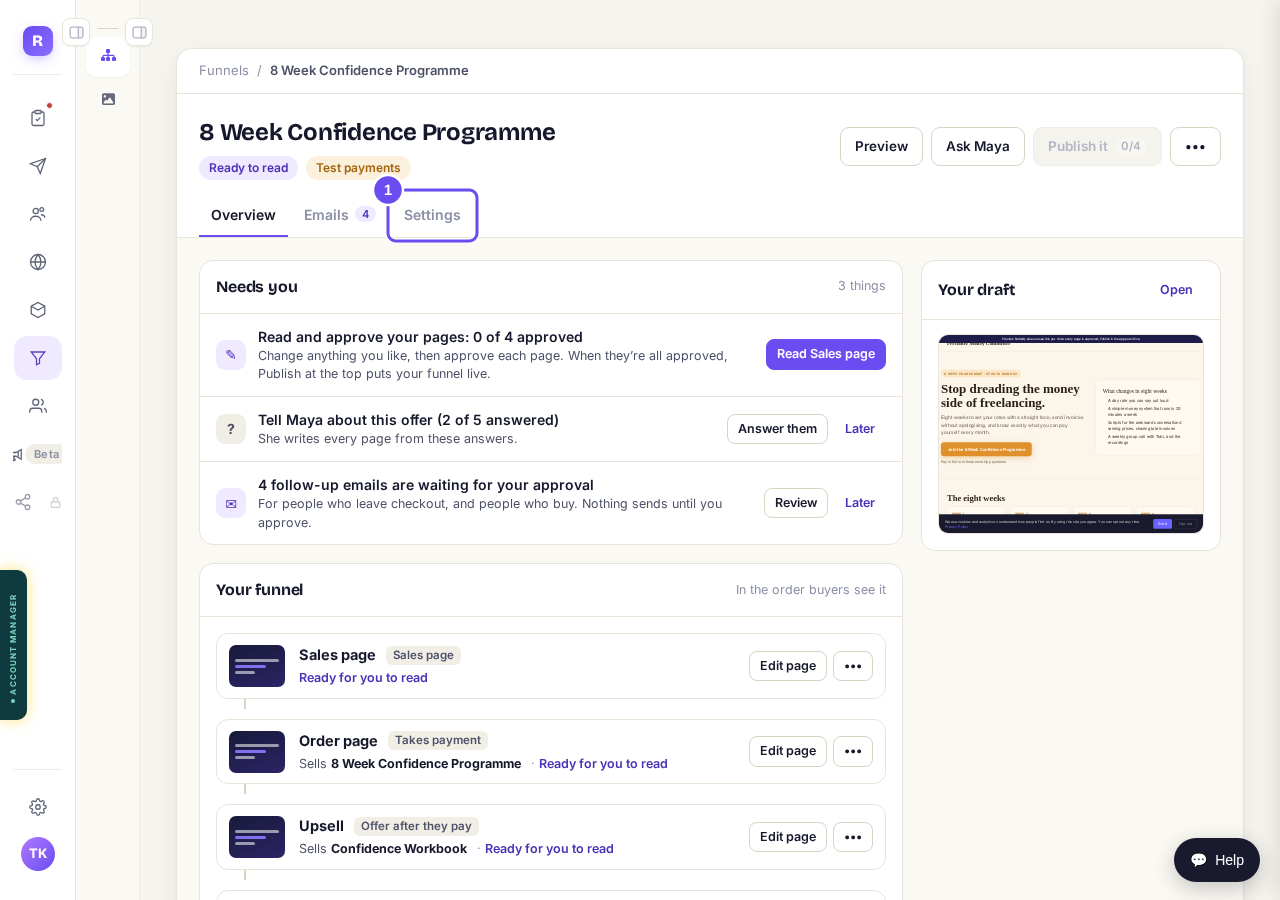
The Settings tab on your funnel's page.
Pick your domain under Web address
Press the Web address list. A domain already connected to your account shows (custom) after its name. Pick it. Not in the list? Go to step 5.
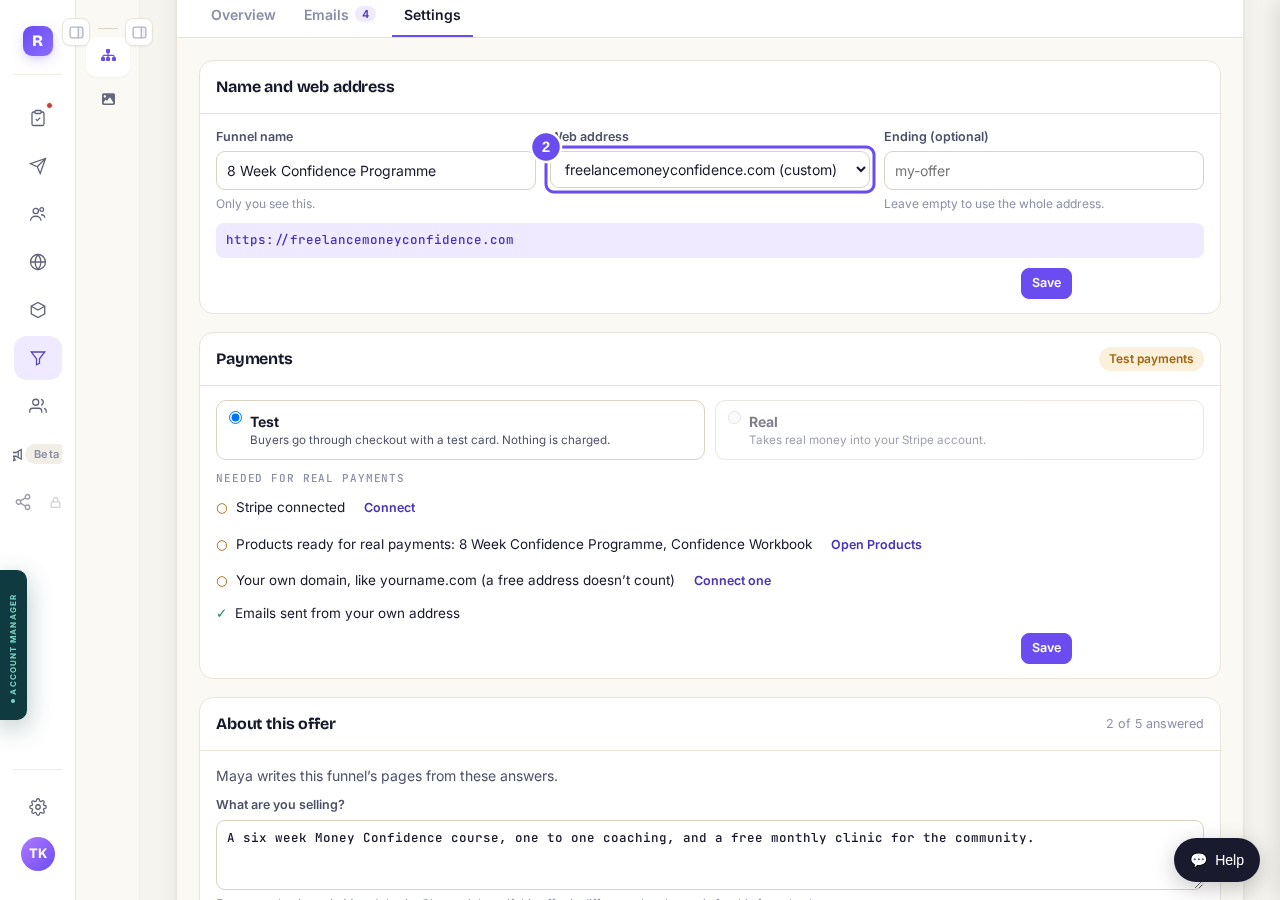
Your domain, picked from the Web address list.
Add an ending, then press Save
Type an ending, like offer, under Ending if your website or another funnel already uses this domain. The line below shows the full address. Press Save.
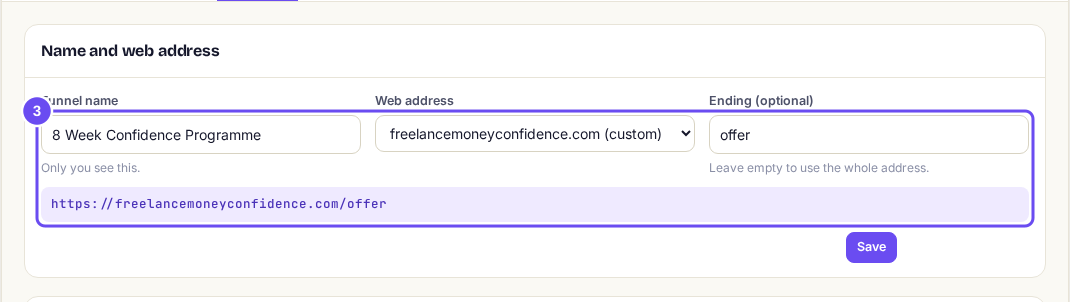
An ending, and the full address it makes.
Check it on Funnels
Open Funnels. Your domain shows under the funnel's name.
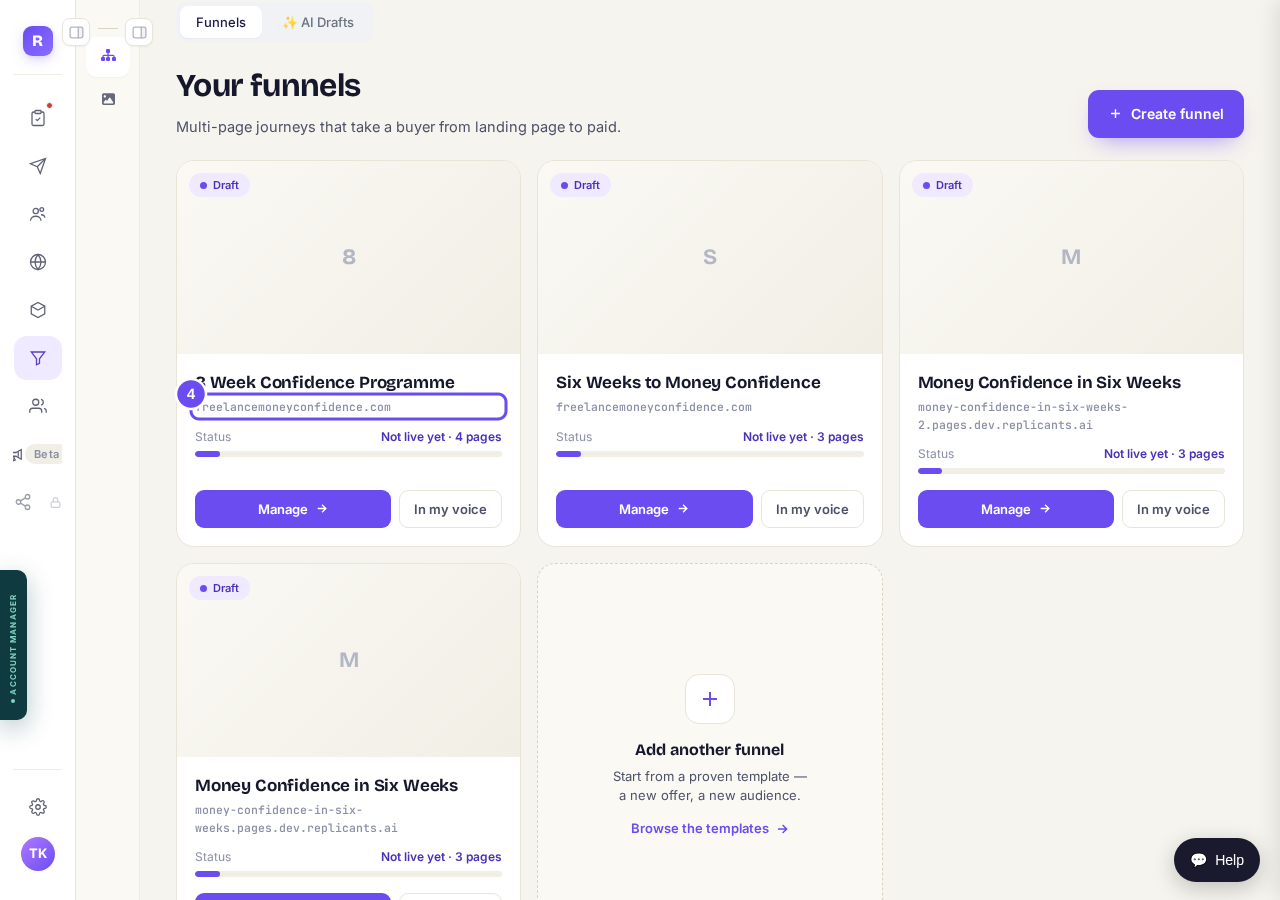
The funnel's card, with your domain under its name.
Not connected yet? Connect it first
In the Web address list, pick + Connect your own domain, at the bottom. Press Go to Domains. Then follow How do I use my own web address?.
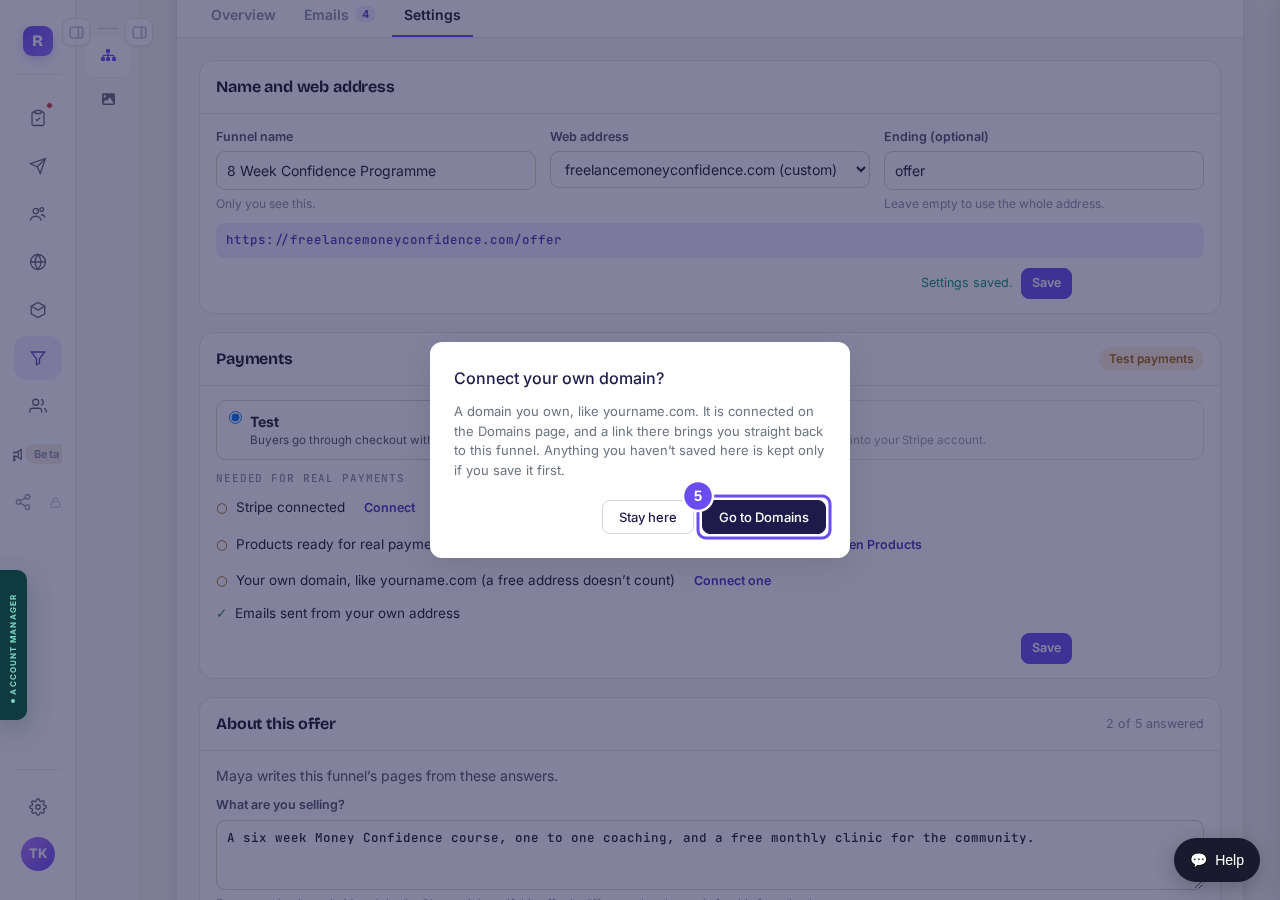
Go to Domains takes you to where domains are connected.
Take me thereCome back to your funnel
At the top of Domains, press Back to and your funnel's name. Or open the funnel again, as in step 1. Then pick your domain, as in step 2.
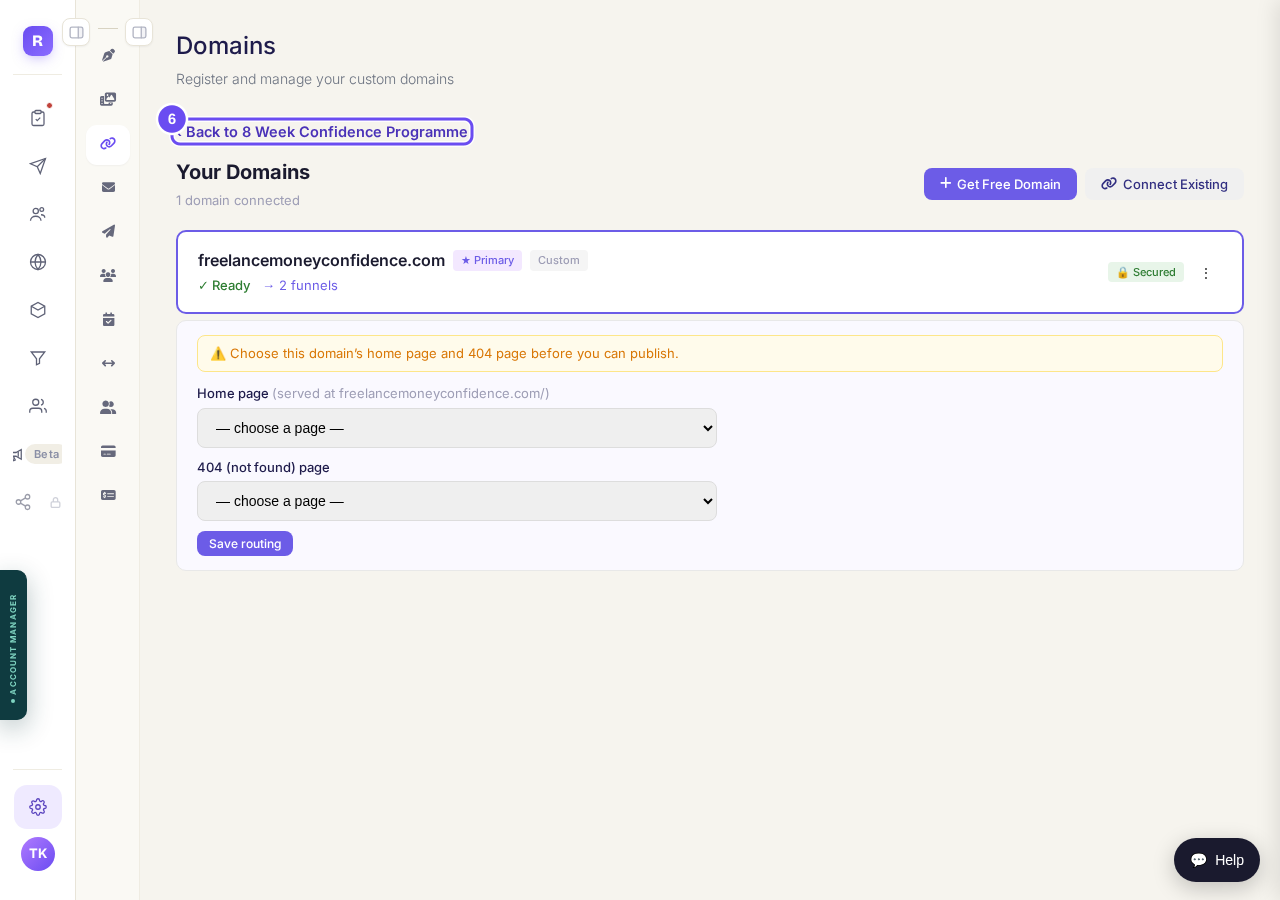
The way back to your funnel, at the top of Domains.


How do I use my own web address?
Related articles
How do I change the receipt my buyers get?
Every buyer gets a receipt with your business name at the top. You can give it your own heading and a message from you.
How do I get Maya to build my sales funnel from scratch?
Maya writes the whole funnel from what she knows about your business: the page that sells it, the order form, and the thank-you page. She reads what she already has first and only asks you for the gaps. You answer in your own words, read page one before she writes the rest, and press Publish.
How do I set up the follow-up emails for my funnel?
Every funnel now comes with its own follow-up emails. Someone reaches your order form and leaves without paying: they get three short emails from you, and they stop the moment that person buys. Someone buys: they get a welcome from you an hour later. Maya writes all of it from your sales page. You read it, change what you want, and switch it on. From then on it runs by itself, from your own email address.