
How do I get Maya to build my sales funnel from scratch?
Maya writes the whole funnel from what she knows about your business: the page that sells it, the order form, and the thank-you page. She reads what she already has first and only asks you for the gaps. You answer in your own words, read page one before she writes the rest, and press Publish.
Updated 13 September 2026
Take me there
Open Funnels and press Create funnel
Funnels has its own place in the menu. A funnel is a small site with one job: to sell one thing.

Press "Create your funnel" in the middle, or "Create funnel" at the top. They do the same thing.
Take me thereChoose Start from scratch
You are offered two ways in. From scratch is the one where Maya asks about your business and writes every page for you. Once you have a funnel, a third way appears: copying the one you already have.
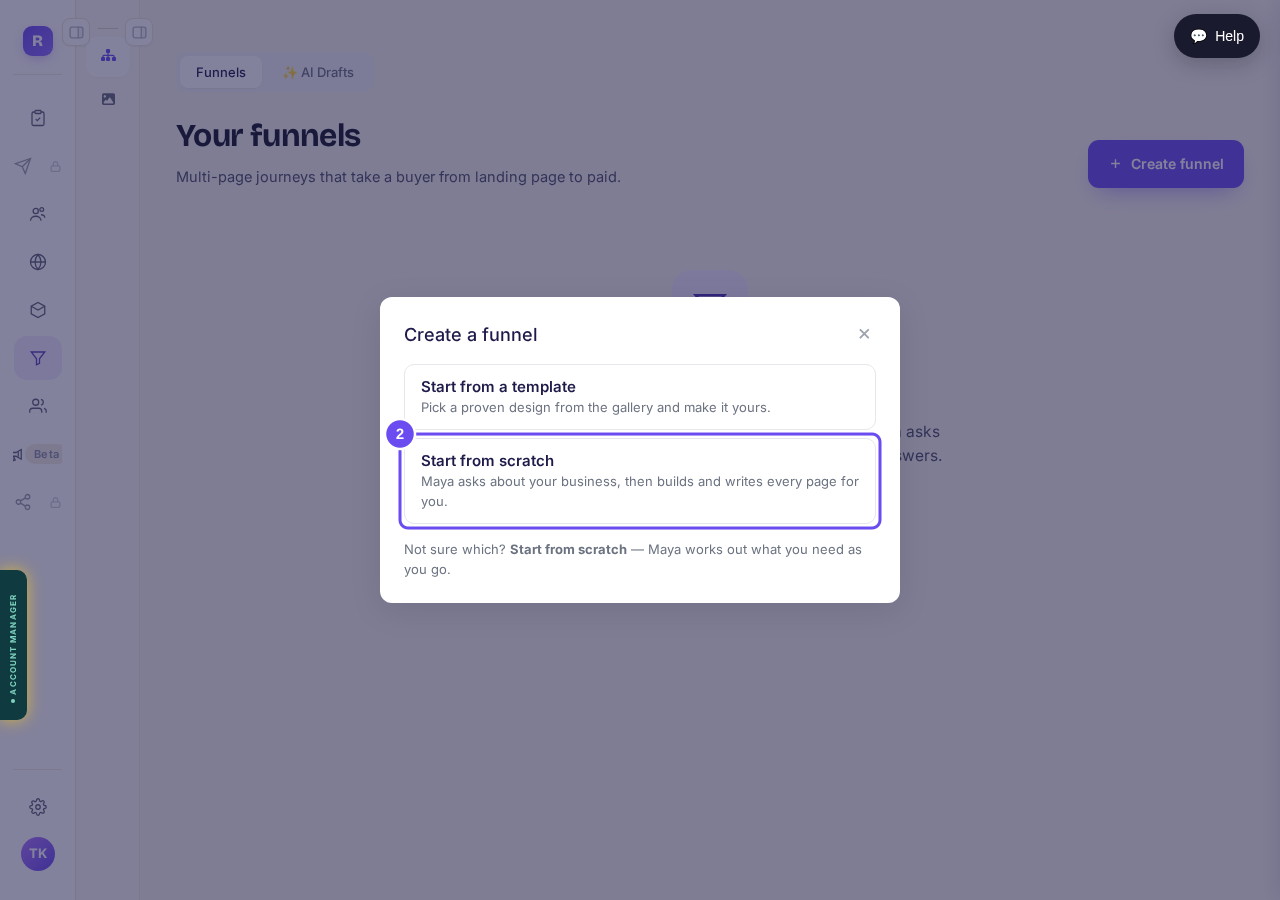
Press "Start from scratch".
Name it and press Create
This name is only for you, so you can find it later. It is not the title anyone visiting your pages will see, and you can change it whenever you like.

Type a name and press "Create".
Say what this funnel is for
Four jobs, and the one you pick decides what every page pushes for. Selling something today and collecting email addresses to sell later do not want the same page.

Pick one, then press "That's the job".
Read the shape she suggests
She names the kind of funnel she would build for that job and says why. If it is not what you had in mind, you can see the rest before you agree.

Press "Build it", or look at the others first.
Say how it should feel
Asked here, before a word is written, so the feeling you pick is the one your pages get built in rather than something painted on at the end.

Pick the one that sounds like you.
Pick the look that is closest
Three designs from our own shelf, narrowed to the kind of funnel you said you wanted. If none of them is right, she picks.

Pick one, or let Maya decide.
Answer what she does not already know
She has already read your business off her own notes, and what she found is listed beside the question under "What Maya knows". What is left is the part only you can tell her. One question on screen at a time, and you can say your answer out loud instead of typing it.

Press "Speak" to talk, then "Save answer".
Read your business in one sentence
Every page gets written from this sentence. If a word is wrong, change it here and the whole funnel changes with it.

Press "Write it from my answers", then "Yes, that is my business".
Agree the pages
She proposes how many pages there are and what each one sells. Most funnels are three: one that sells, one that takes the order, one that says thank you.

Nothing is written yet. Press "This is the plan".
Agree what goes on page one
She proposes the running order for page one. Move anything you want moved, take out anything you do not want.
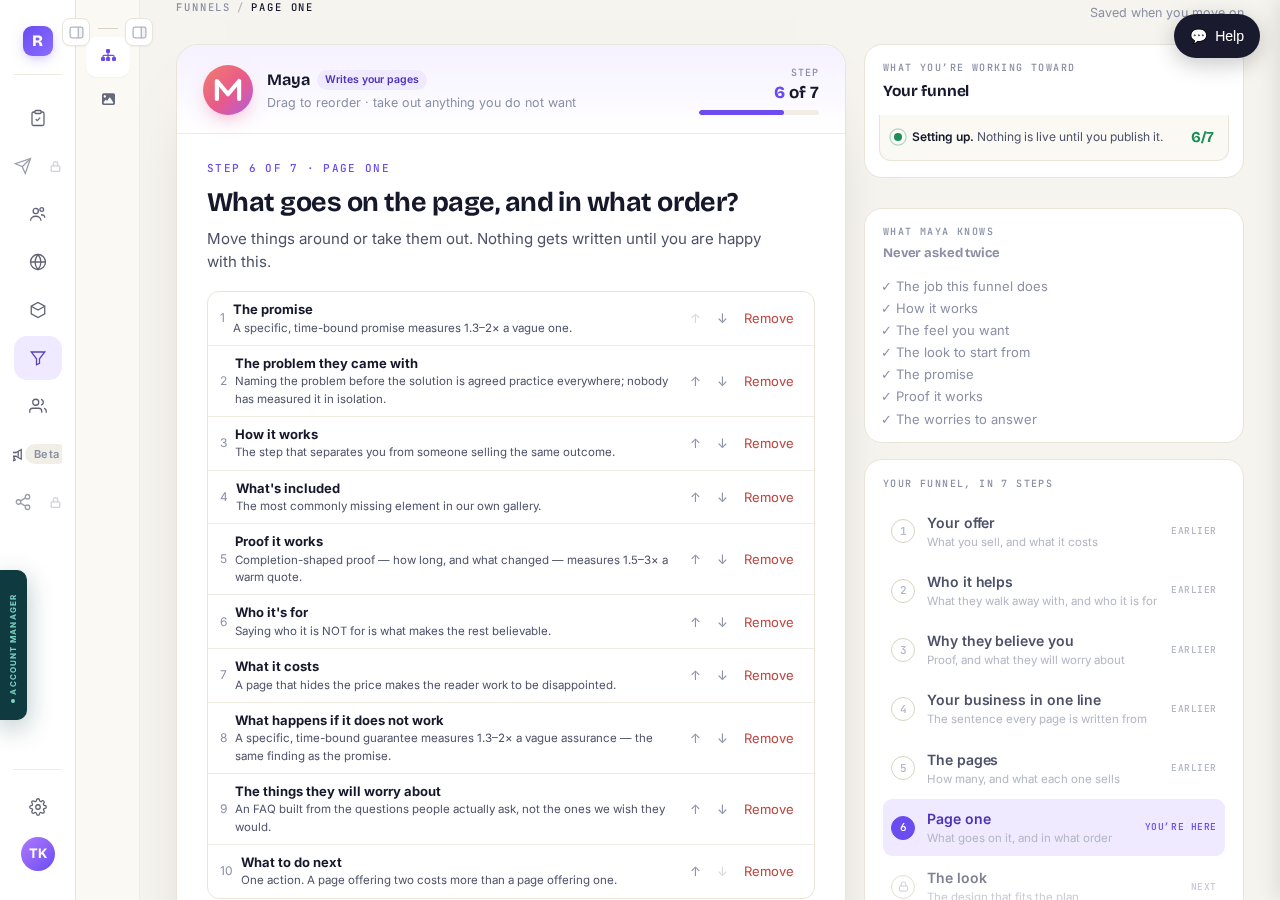
When it looks right, press "This is the plan".
Pick the palette, if she asks
She only asks this if we do not already hold the colors your business uses. If we do, she uses them and you go straight past.
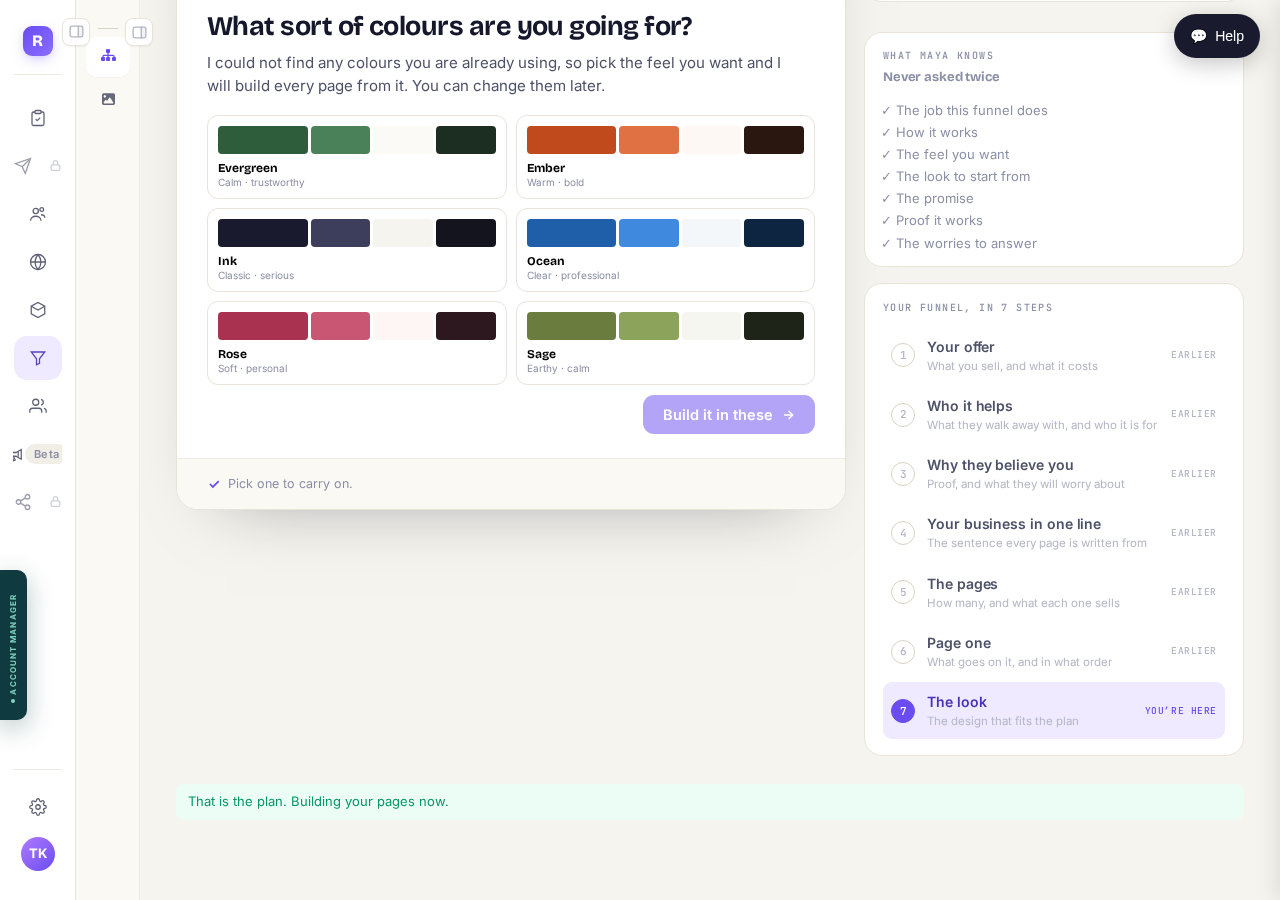
Pick a set, then press "Build it in these".
Read page one before she writes the rest
She writes page one first and stops. Page two does not start until you have read page one and approved it, so a wrong turn costs one page instead of three. Nothing here is final. Read it the way a buyer would.
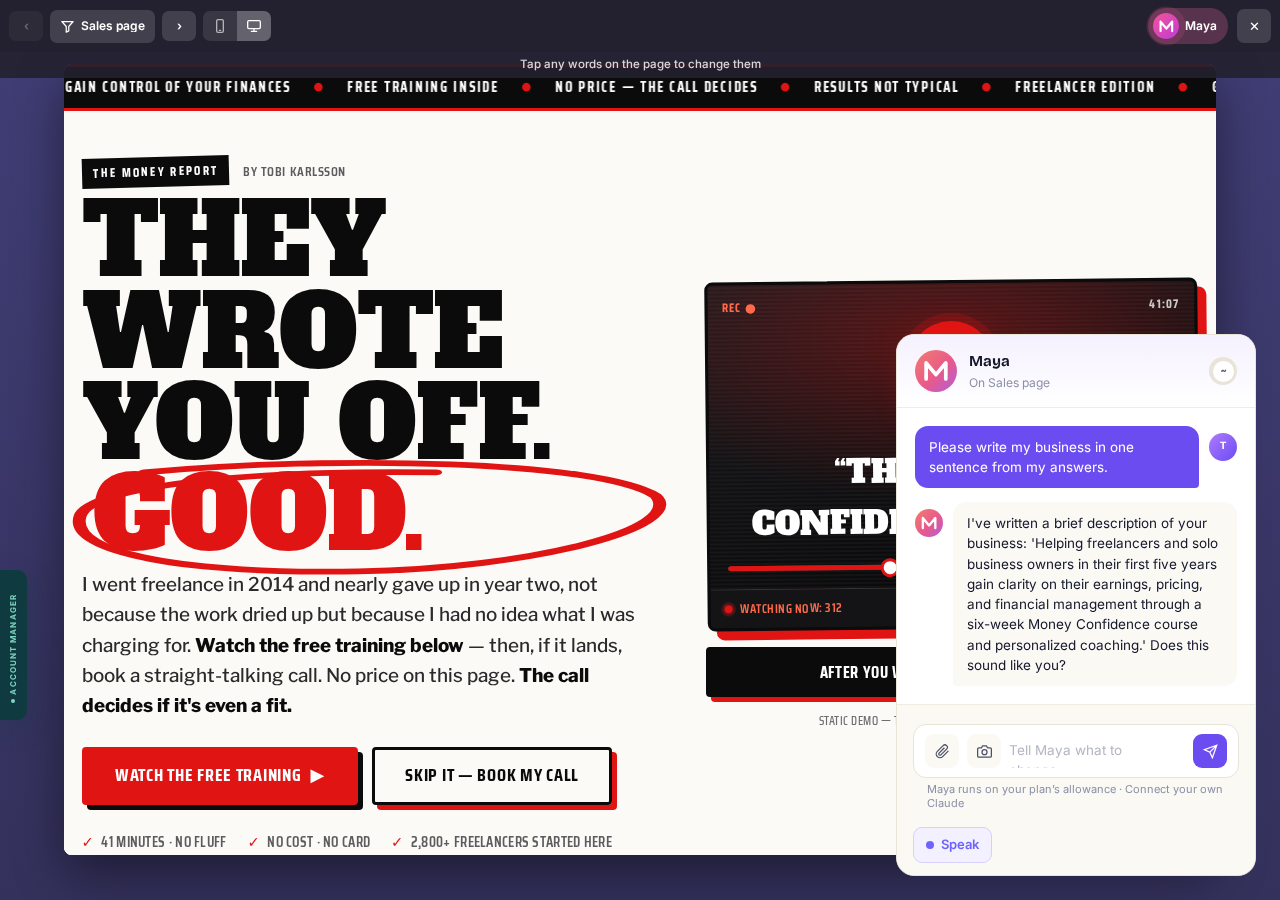
Press "Read page 1".
Tell her what to change, in your own words
Click the part you mean and it comes into focus, so she knows what you are talking about. Then say what you want, the way you would say it to a designer. You can ask for anything: different colors, a different font, a bigger and more striking hero, or the whole look changed. You can give her a concept rather than an instruction. "This is for a Formula One thing, so make the whole look feel like a race car" is a perfectly good thing to say, and she will take the idea and run it through every page.
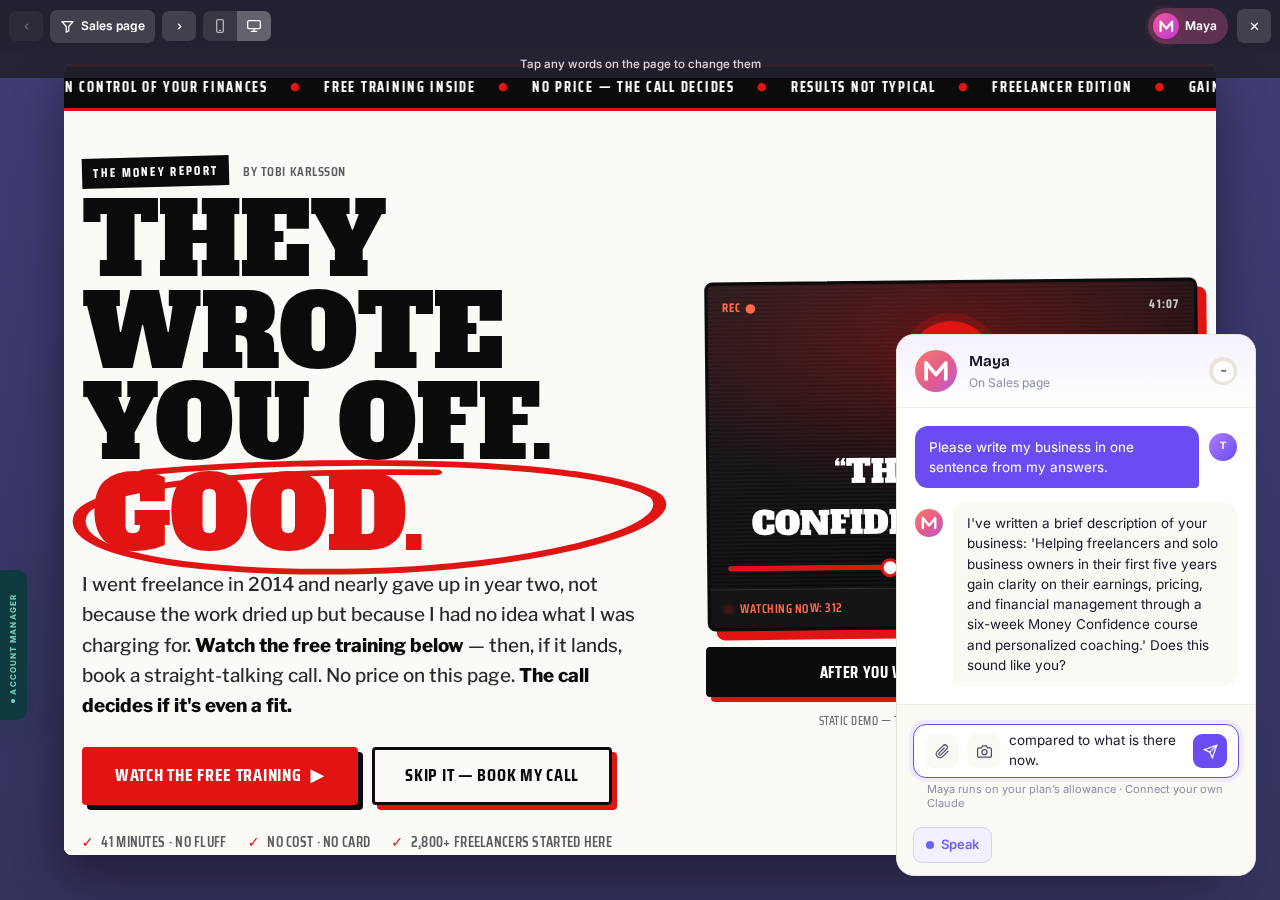
Say it, or press the mic and talk. Then press send.
Watch her rebuild it
She says what she is changing while she changes it, and then the new one comes up in front of you. It is a rebuild, not a filter: told to make a page feel like a race car, she went and found a race-track picture, put the page on a dark ground with one hot accent and a chequered stripe under the heading. She changes the part you pointed at and tells you the rest is untouched, so you can go one bit at a time.
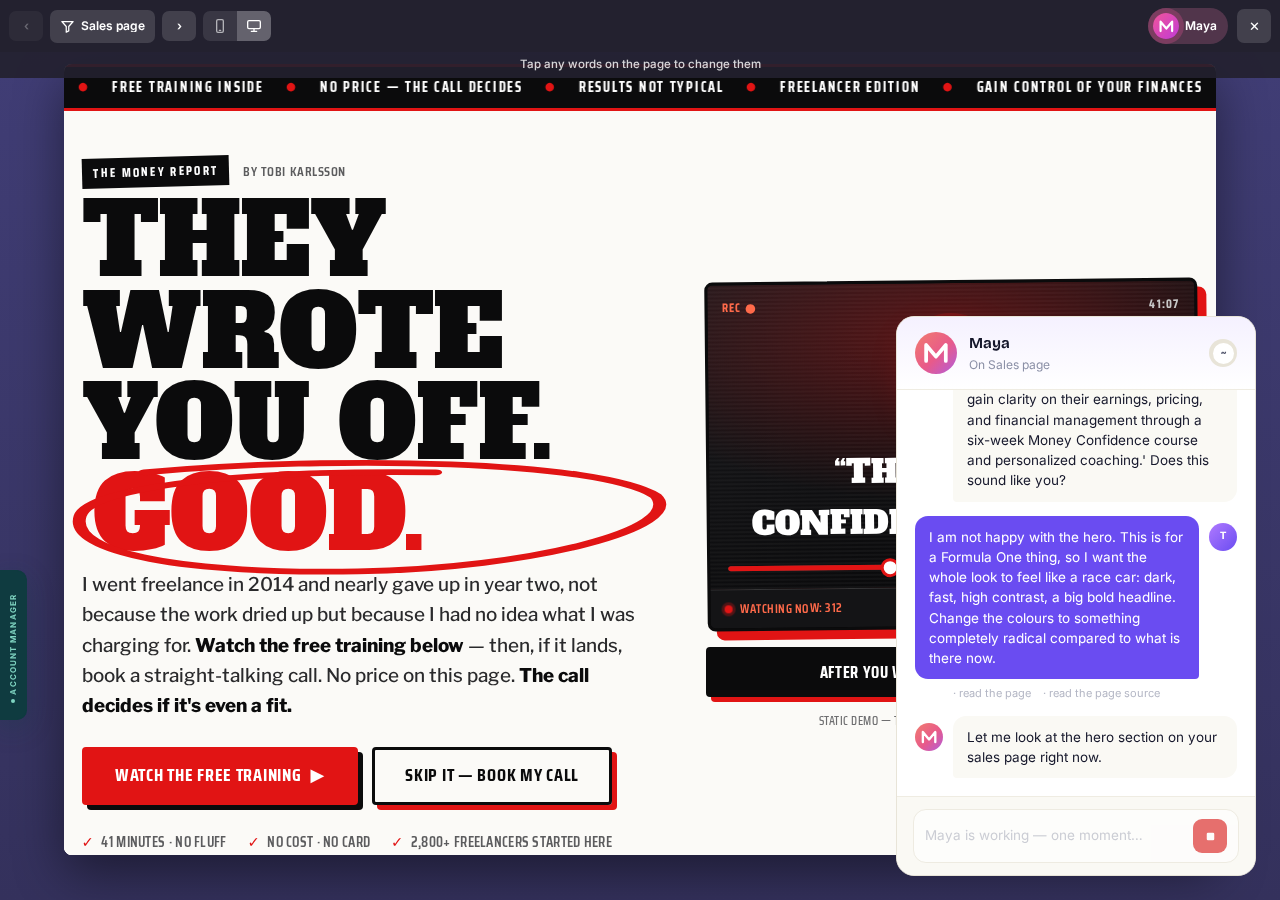
Nothing to press. Watch it come up.
Still not right? Tell her again
This is the part to use. Say "go further", or "not that, more like this", as many times as you want. Every answer she gives you carries "Undo that" and "Keep it", so nothing you try can cost you the version you had, and nothing is live until you publish. She will often offer the next move herself. Keep going round until you would be happy for a buyer to land on it, then approve it and she writes the rest to match.
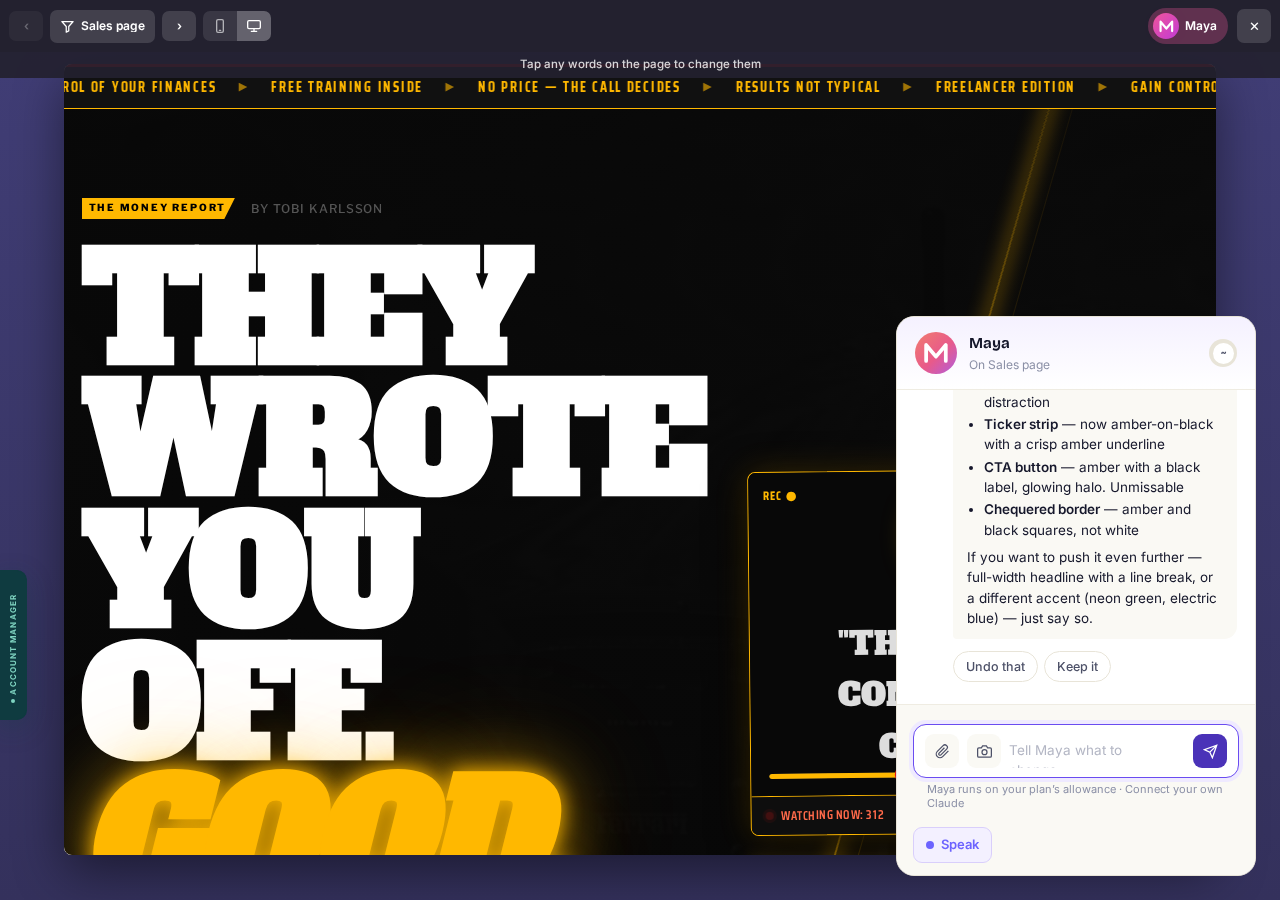
Go round as many times as you like. Then press "Approve".
Answer the last three questions
After the final page she asks the three things only you can answer: how someone gets what they bought, what lands in their inbox, and whether the page promised anything she should not repeat.
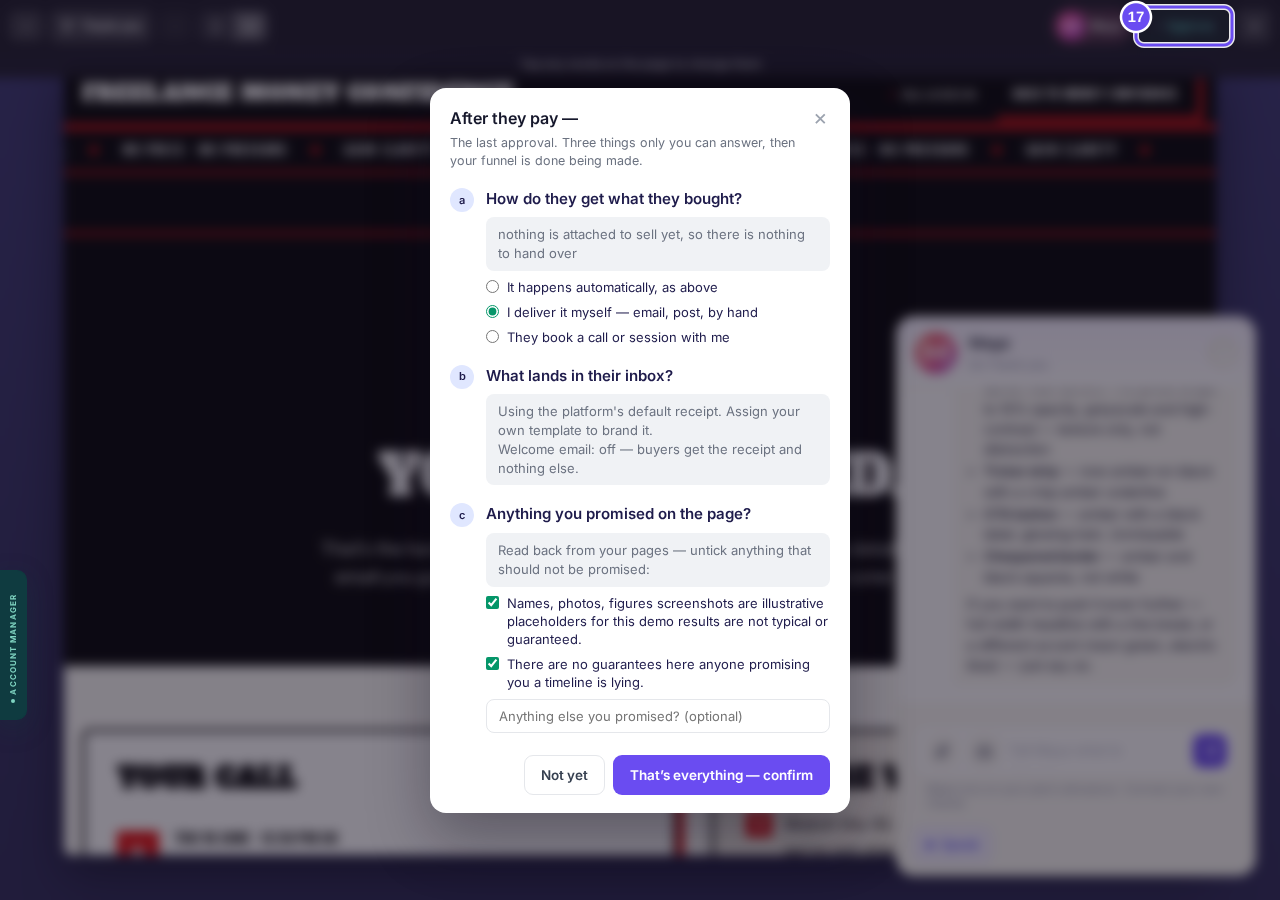
Answer the three, then press "That's everything".
Press Publish
Nothing is on the internet until you press it. Maya never publishes. That is yours.
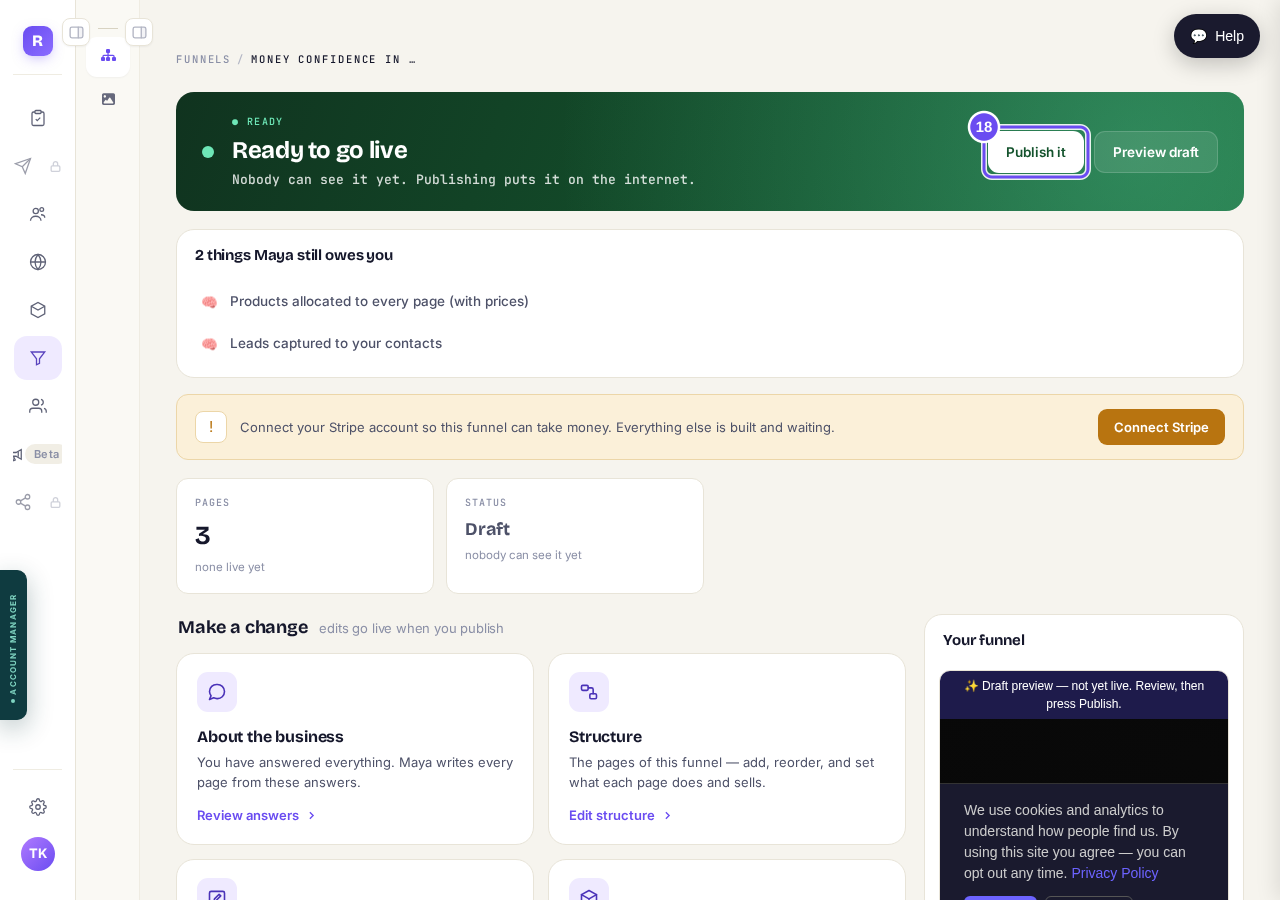
Press "Publish it".
Take me there


