
How do I choose the currency my business sells in?
Your main currency is the one new prices and products start in, and the one Maya quotes prices in. A coach in the UK can charge in US dollars if they want to. Under a minute.
Updated 6 October 2026
Open Settings, then Maya
Maya is near the top of the Settings menu. The page is called Maya's Brain.
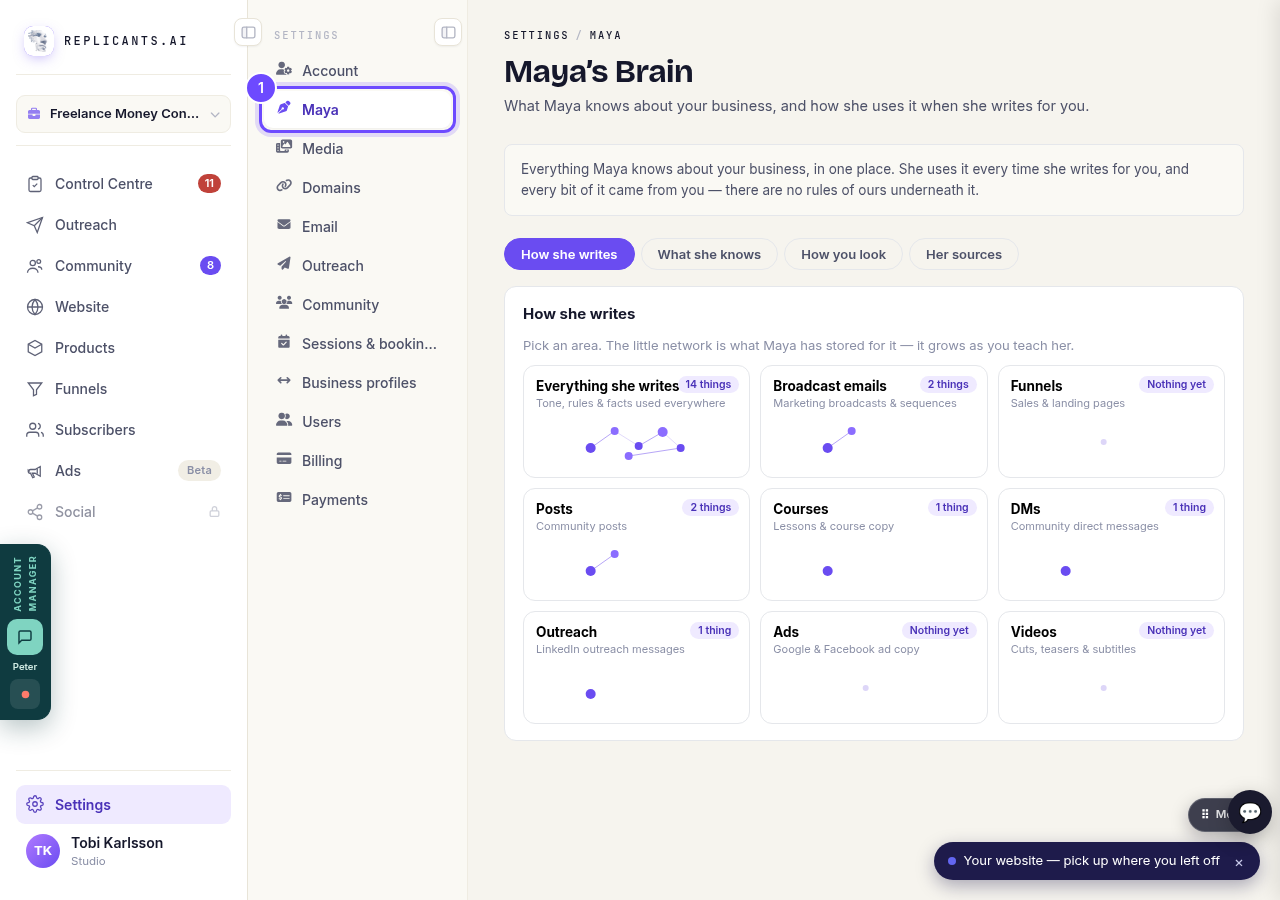
Maya, in the Settings menu.
Open Maya's BrainPress Everything she writes
It is the first card under How she writes.
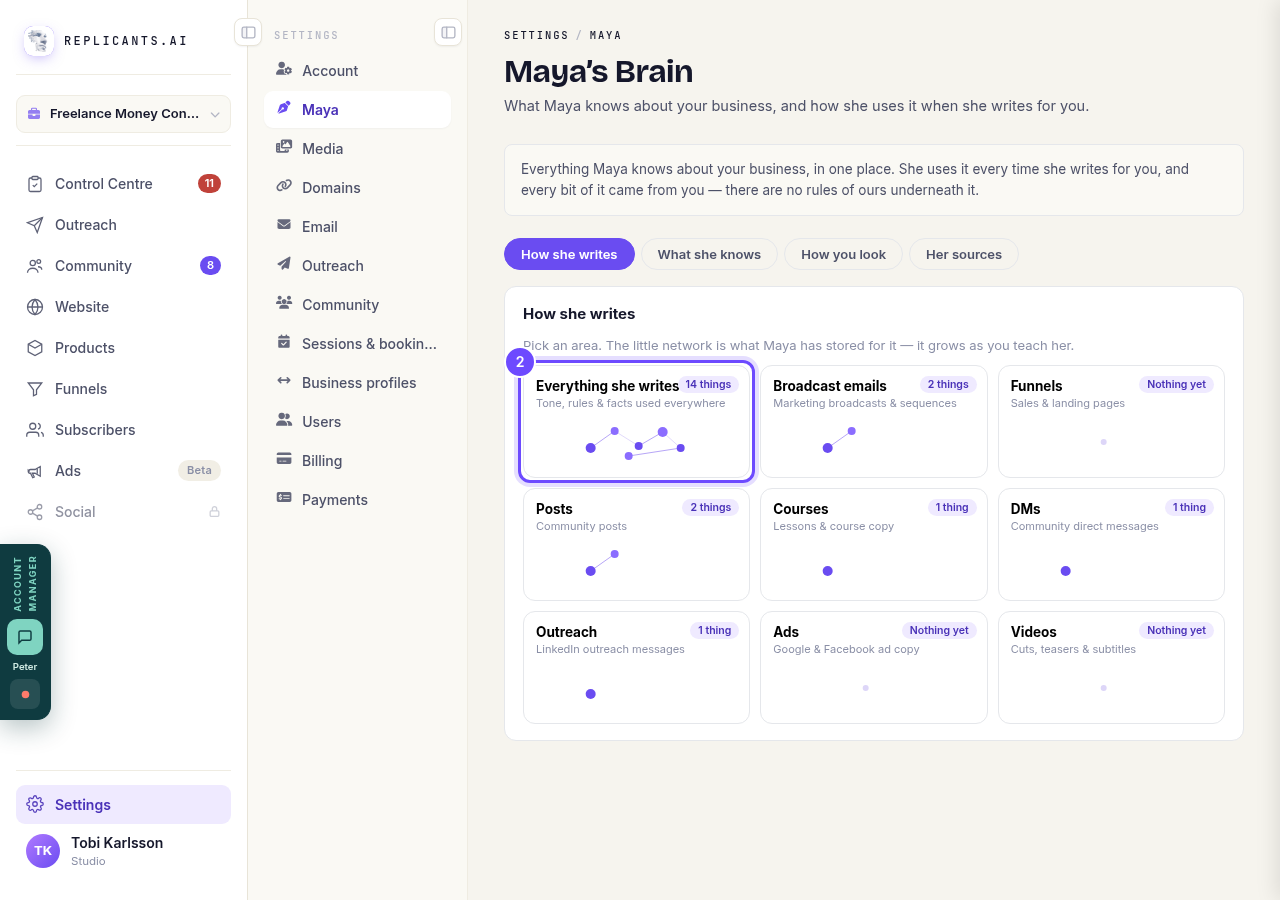
Everything she writes, the first card.
Choose your Main currency
Pick it from the list. It saves straight away, and a line confirms that new prices start in it from now on.
If it says Not chosen yet, it is following the currency your Stripe account pays you in, the prices you have already set, or your country, in that order.
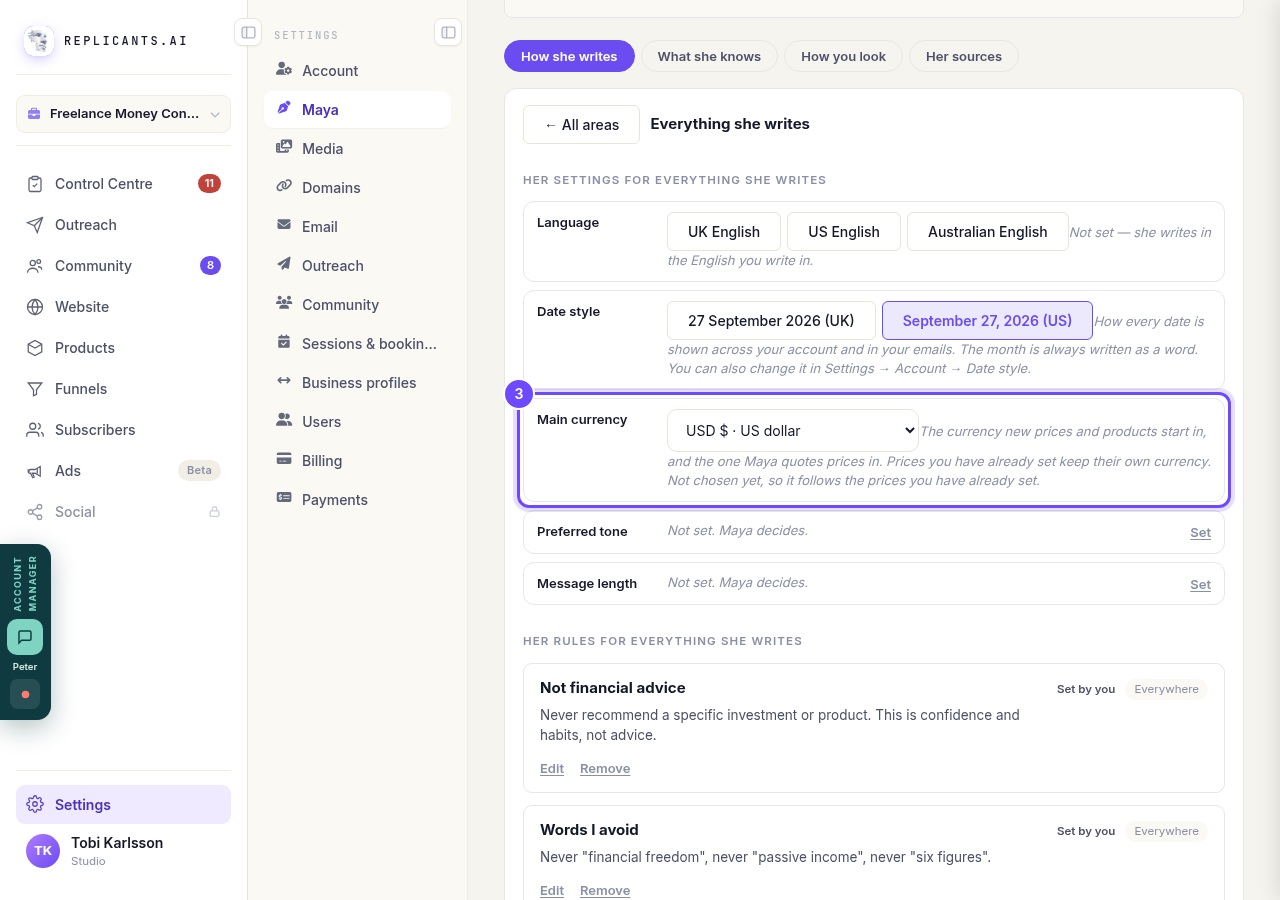
Main currency, under Her settings for everything she writes.


Related articles
How do I change the Stripe account my money goes into?
Settings, then Payments. Let go of the account that is joined now, then join up again and sign in as the one you want the money in.
How do I take payment for something I sell?
Your own Stripe account has to be joined to Replicants before anything you sell can charge a card. The money lands in your Stripe account, never ours.