
How do I take payment for something I sell?
Your own Stripe account has to be joined to Replicants before anything you sell can charge a card. The money lands in your Stripe account, never ours.
Updated 15 September 2026
Take me there
Open Settings and find Payments
Settings is the last row of the outer left-hand menu, and it opens a page of cards rather than a list. Payments is one of them.
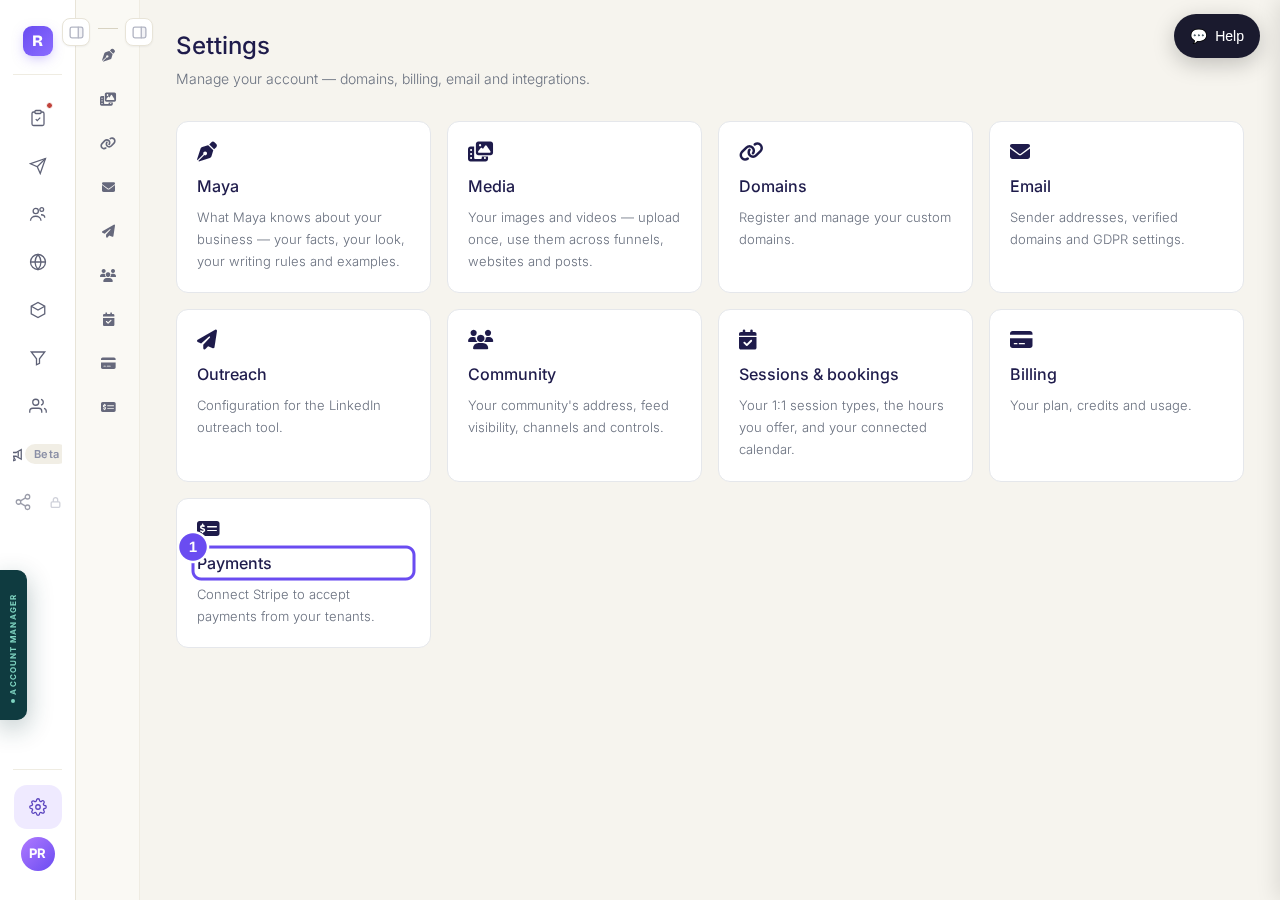
Settings opens cards. Payments is the one you want.
Take me thereRead the screen before connecting
Stripe reads Not connected. Each thing you sell runs in test or live mode. In test mode a made-up card goes through and nobody is charged; in live mode real money moves. That choice is on the item, not here.
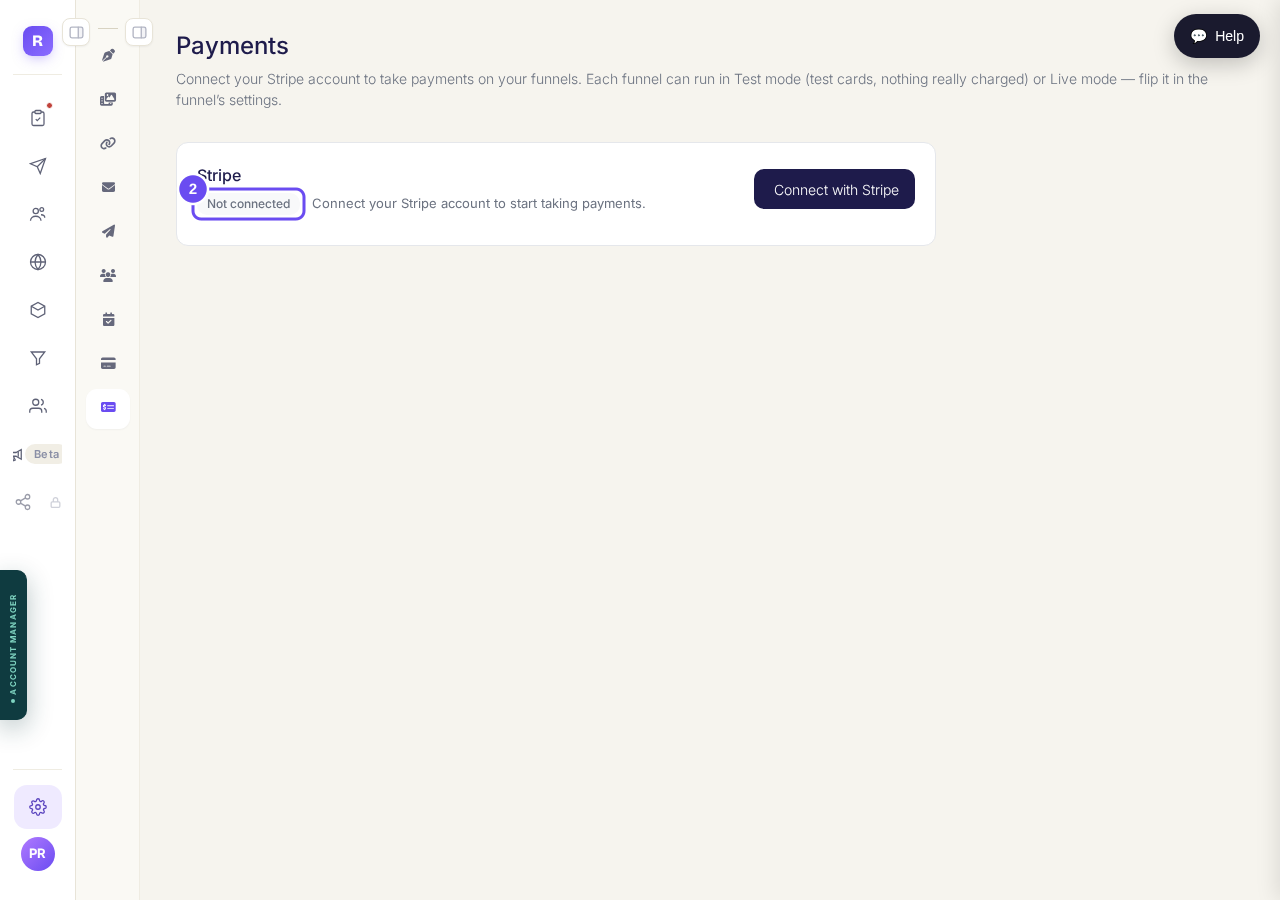
Not connected, and a note about test money against real money.
Press Connect with Stripe
Stripe opens in a new tab and asks its own questions: your business, your bank details, who you are. Answer them and come back. This page turns to connected on its own. Pulled away halfway? Press the button again.
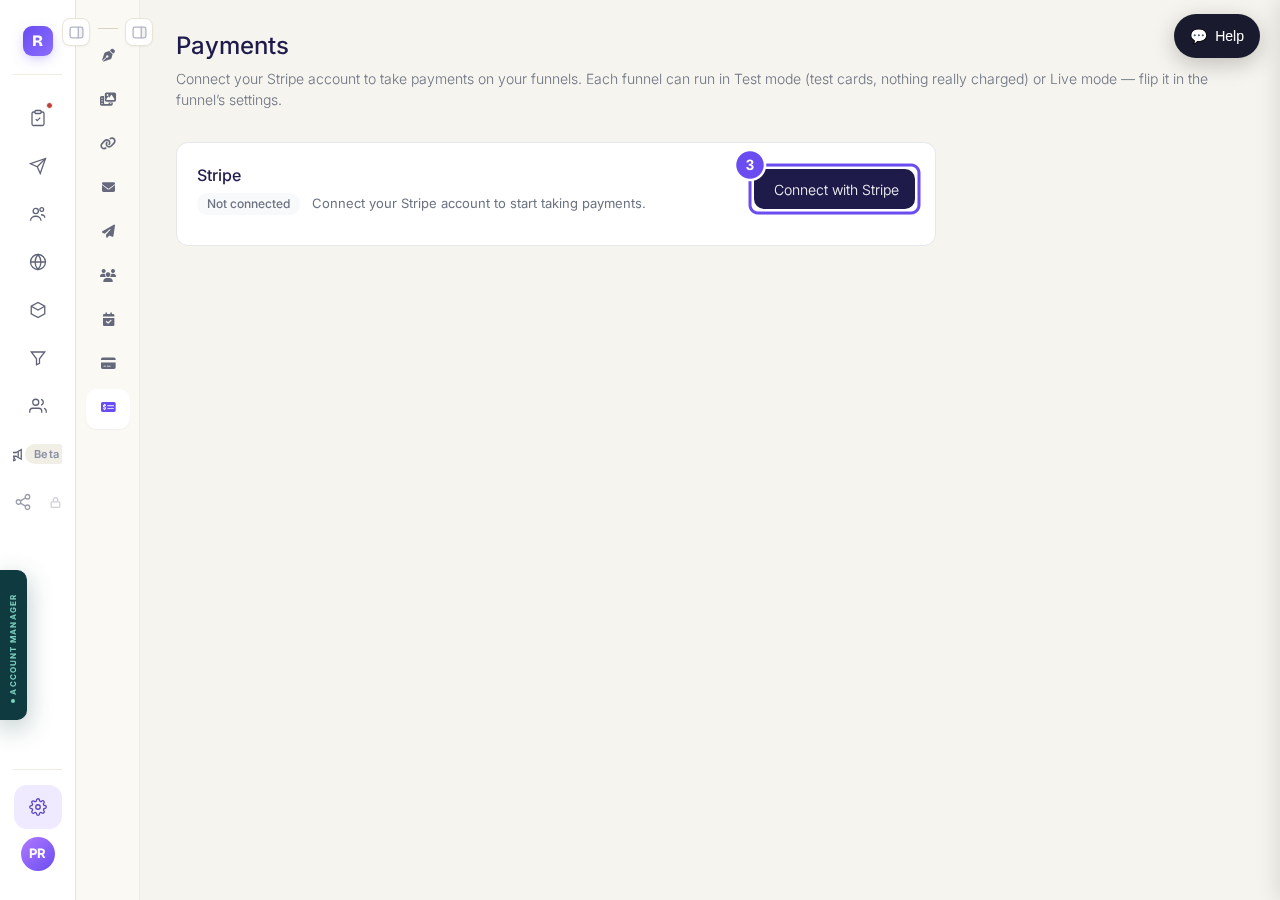
One button. The rest of the questions belong to Stripe.
Take me there
I cannot find the screen I am looking for. How are the menus laid out?