
How do I change the Stripe account my money goes into?
Settings, then Payments. Let go of the account that is joined now, then join up again and sign in as the one you want the money in.
Updated 18 September 2026
Take me there
Open Settings and find Payments
Settings is the last row of the outer left-hand menu, and it opens a page of cards rather than a list. Payments is one of them, on every account, whatever else you have.
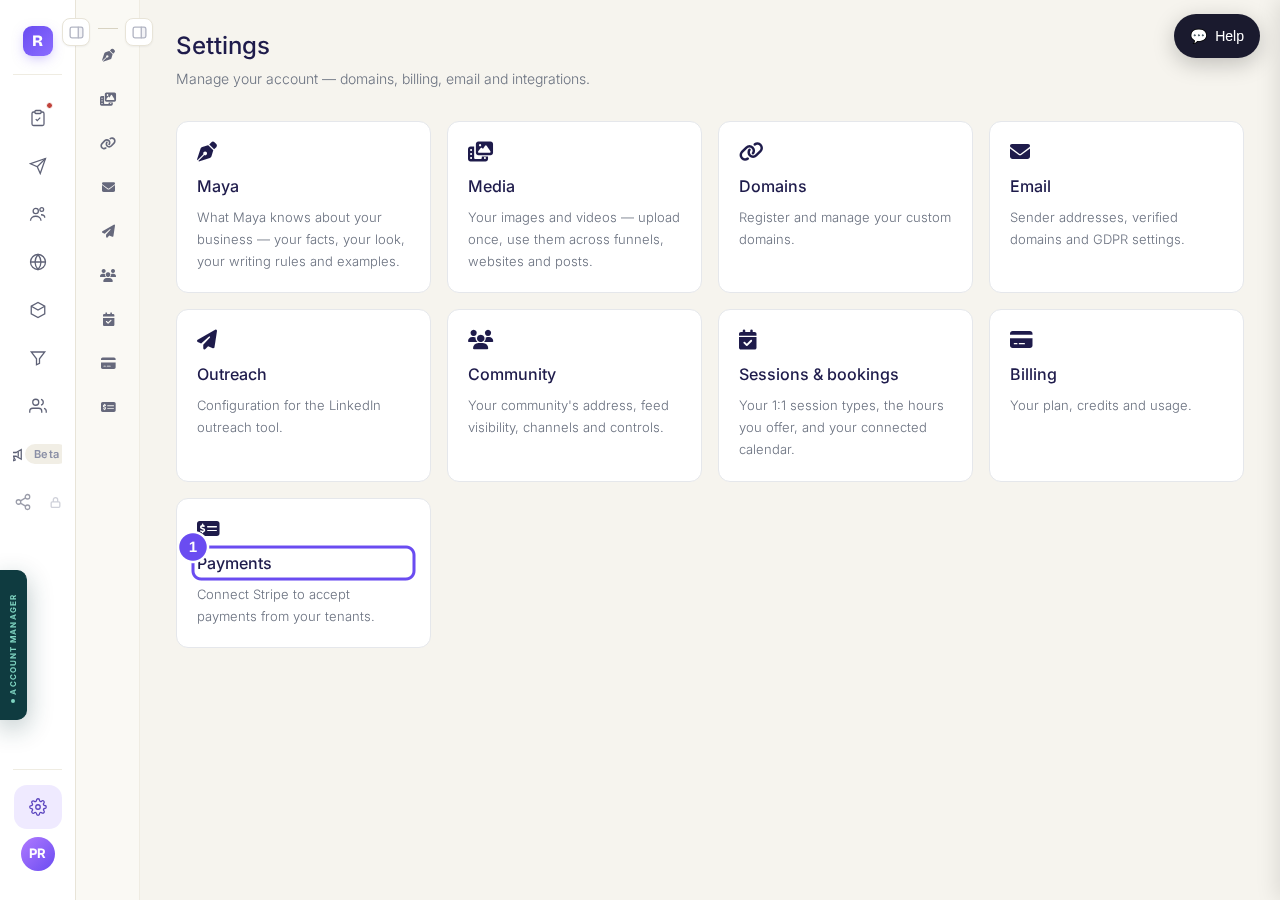
Settings opens cards. Payments is the one you want.
Take me therePress Disconnect on the account joined now
The card gives you a line about the account that is joined, and a button that lets go of it. It asks before it does anything, in these words: Disconnect your Stripe account? Funnels will stop taking payments until you reconnect. Say yes and the card goes back to Not connected.
Whatever that status line says above the buttons, Disconnect is still the way off the account. A line reading Action needed is about paperwork Stripe wants; it does not stop you letting go.
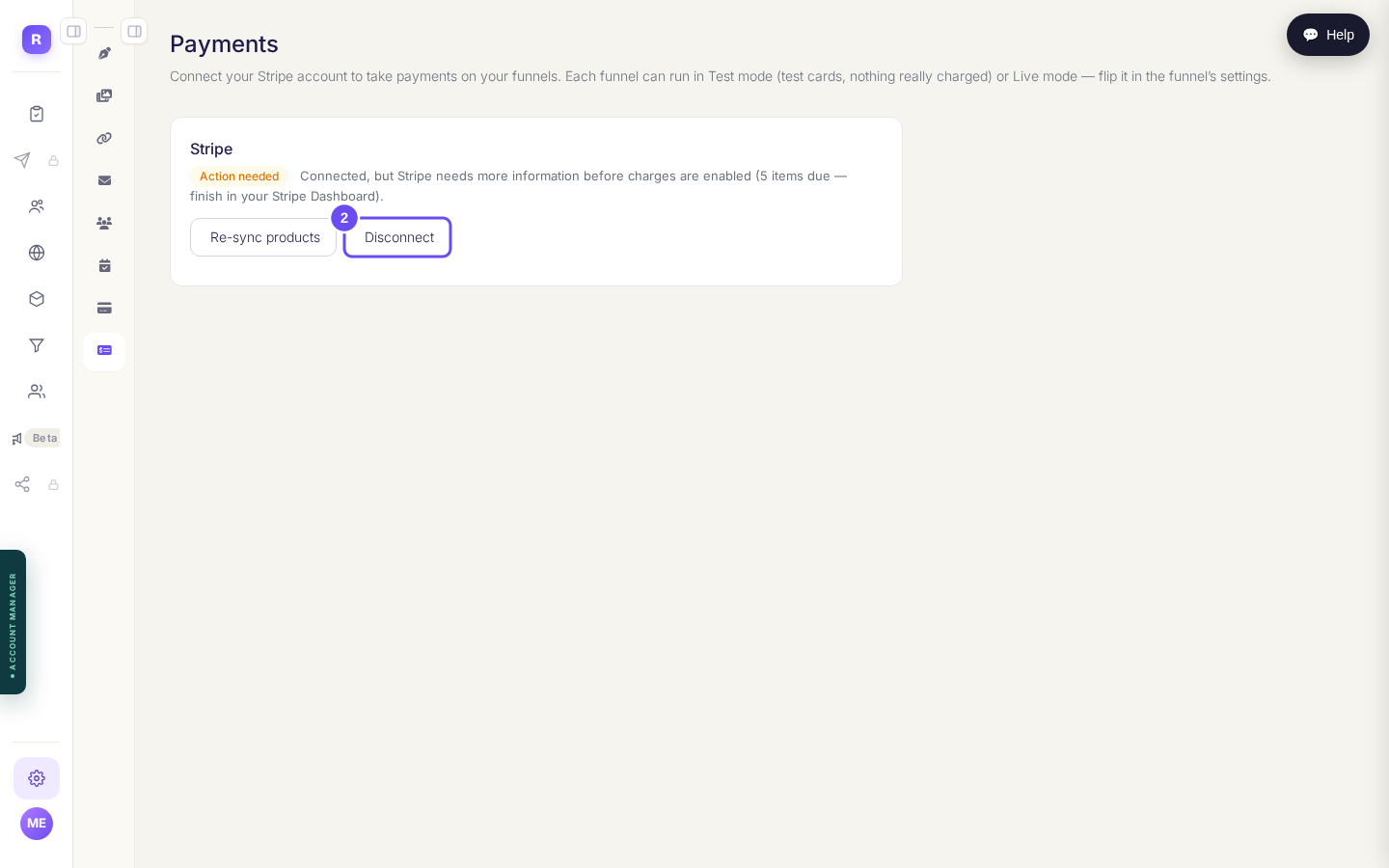
The joined account, with Disconnect beside it. Your status line may read differently from this one.
Take me therePress Connect with Stripe and sign in as the other account
Same button as the first time you set this up. Stripe opens in a new tab and asks you to sign in: sign in as the account you want the money in, answer its questions, and come back. This page turns to connected on its own. Pulled away halfway? Press the button again.
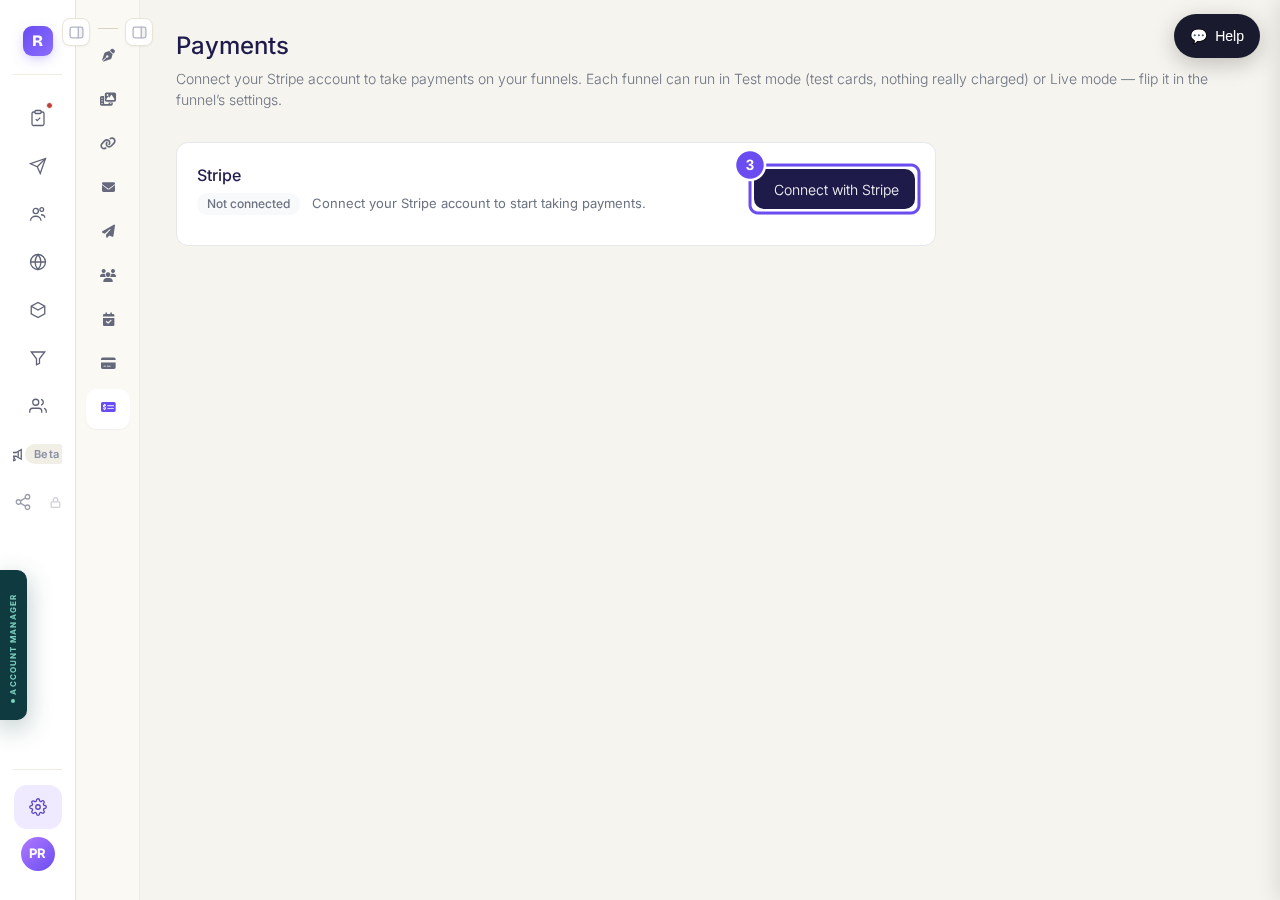
One button. The rest of the questions belong to Stripe.
Take me there
Anything you set a price on under the old account keeps the price it was given there, and the Re-sync products button will not move it: that button only fills in prices that are missing. Nothing on the screen says so, and the first sign of trouble is a buyer's payment failing. If you already have products or courses with prices on them, press Help and say what you are trying to do rather than switching and hoping.
I am setting this up for the first time. How do I join up Stripe at all?
Related articles
How do I take payment for something I sell?
Your own Stripe account has to be joined to Replicants before anything you sell can charge a card. The money lands in your Stripe account, never ours.