
What does my course's Overview show once it is live?
Once your course is live, its Overview shows how the week went, who needs you today and where students get stuck. A one-minute look keeps you on top of it.
Updated 18 October 2026
Press Manage on your course
It is under Products in the main menu; on a phone, press the menu button, Products, then Courses.
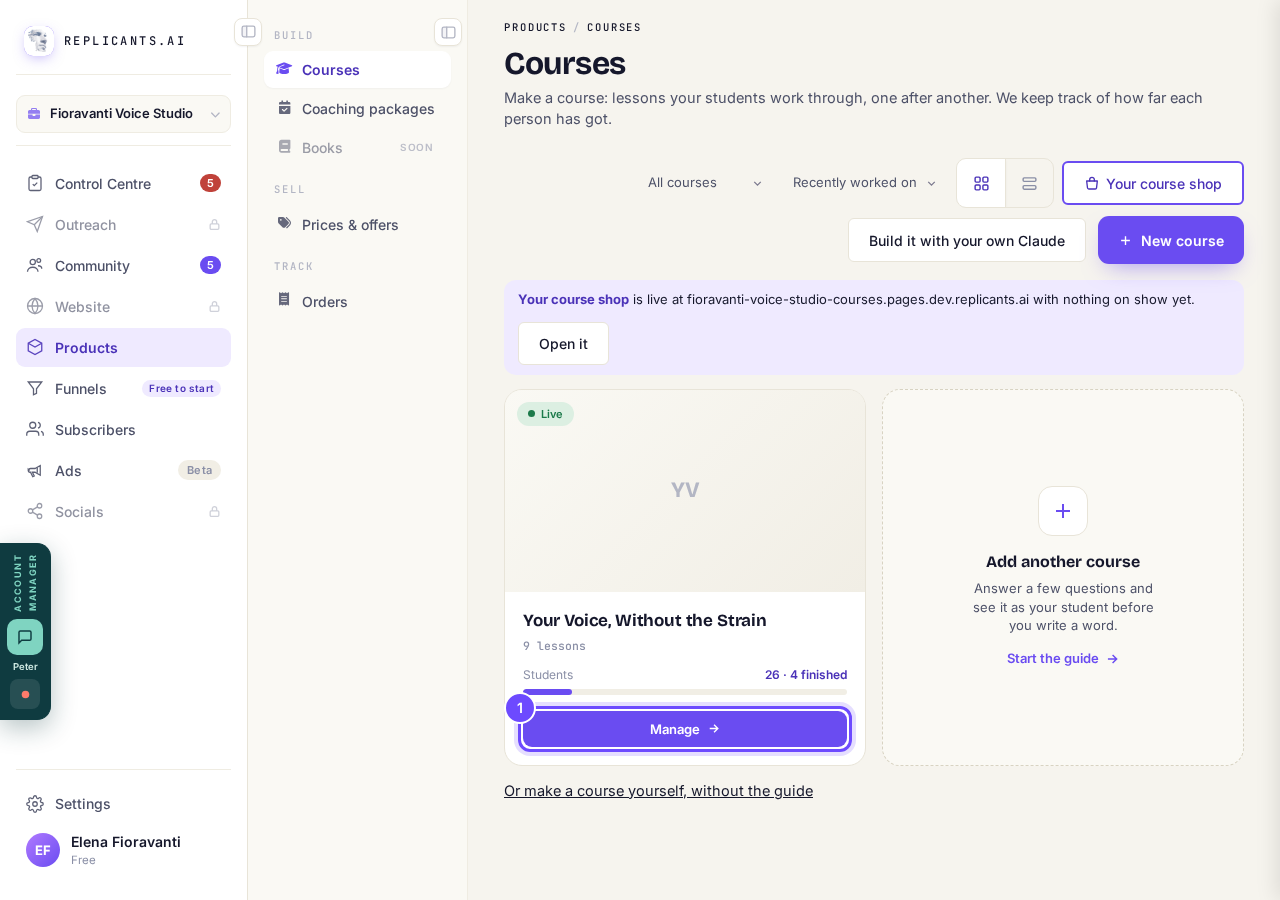
Manage, on the course's card.
Read the week in the first line
A week with nobody new, nobody learning and nobody finishing says A quiet week.
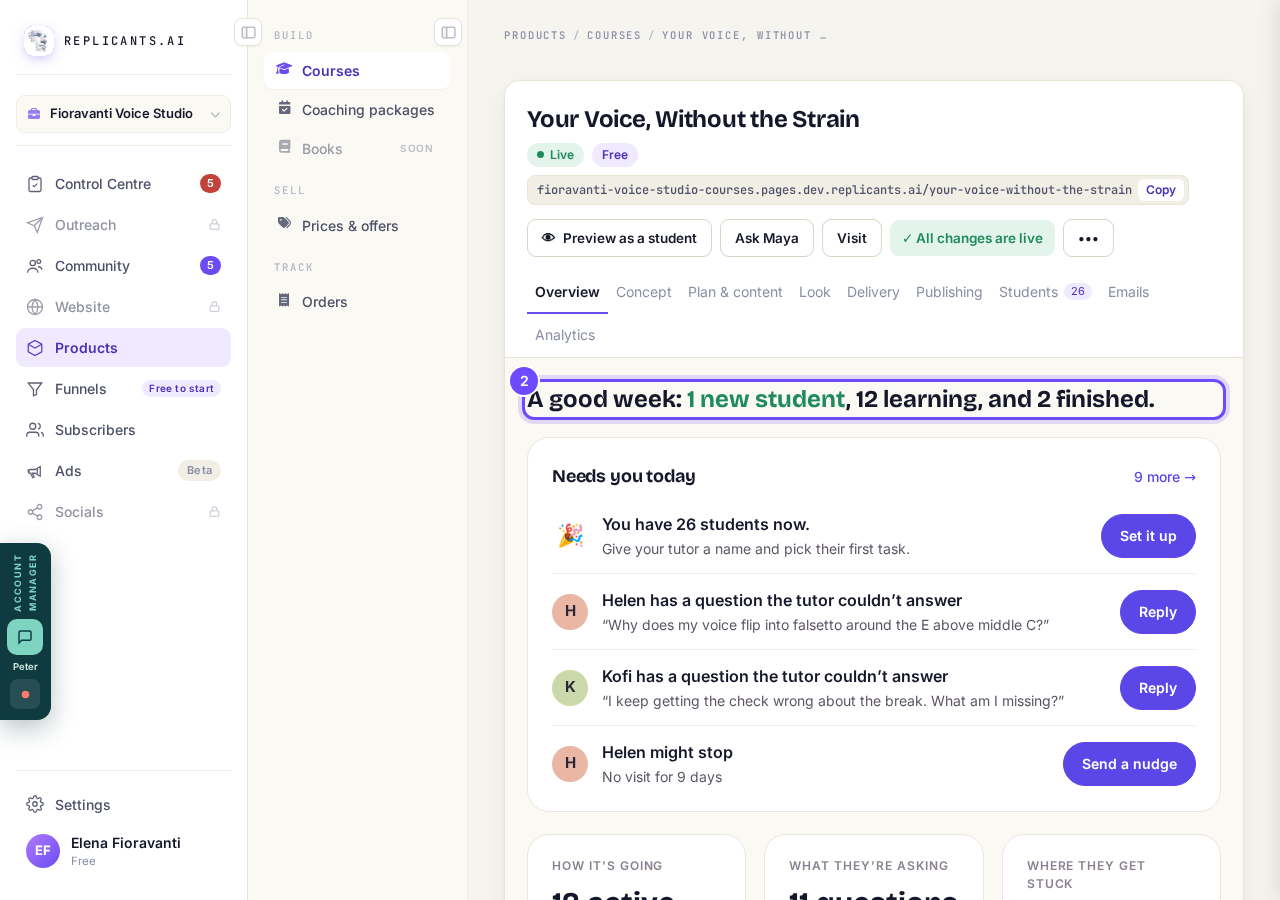
The week in one sentence.
Press the button on each row of Needs you today
Course problems come first, then students; students show three at a time, with more for the rest.
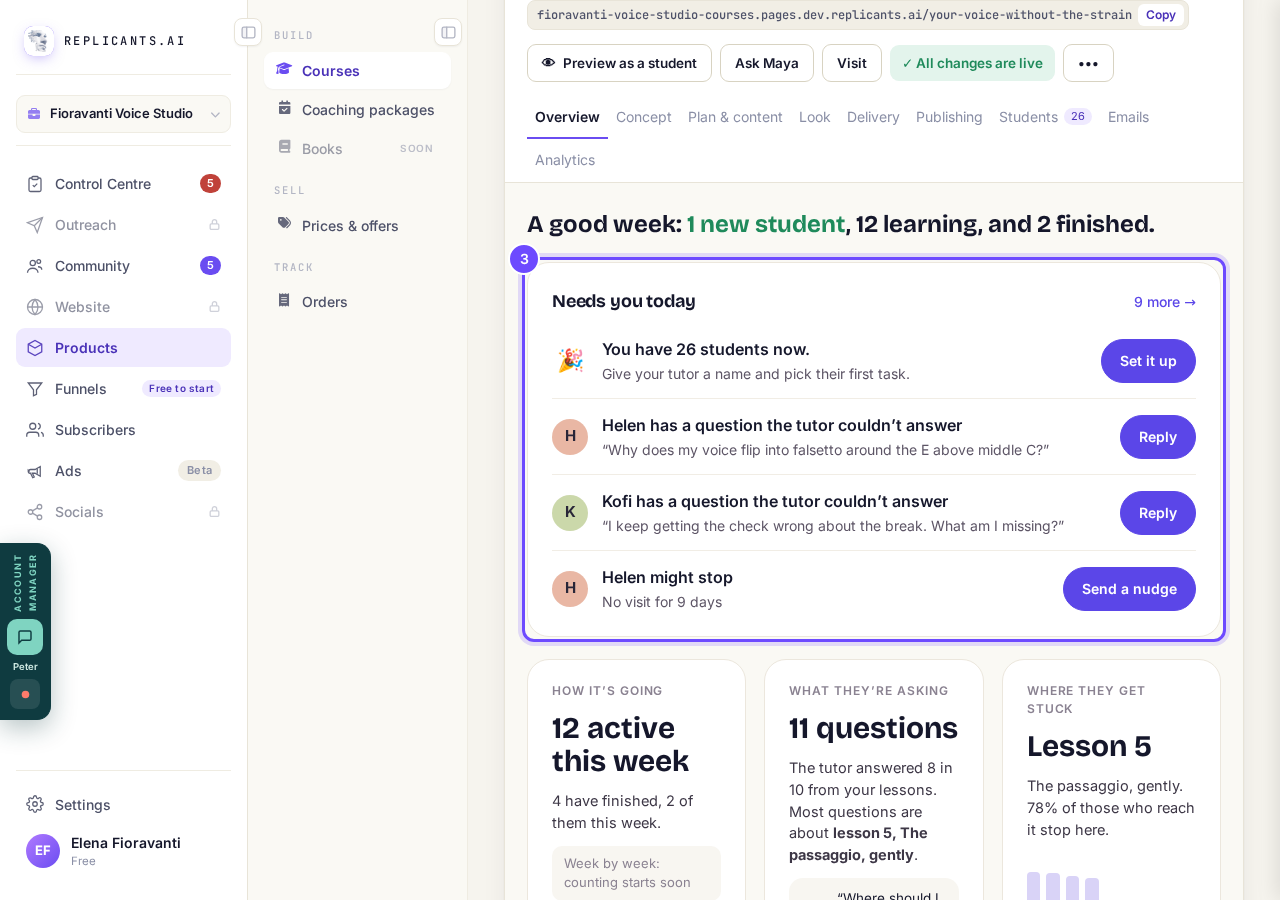
Needs you today: one row, one button.
Press a link on one of the three cards
How it's going, What they're asking (the last 30 days) and Where they get stuck each open the full page behind them.
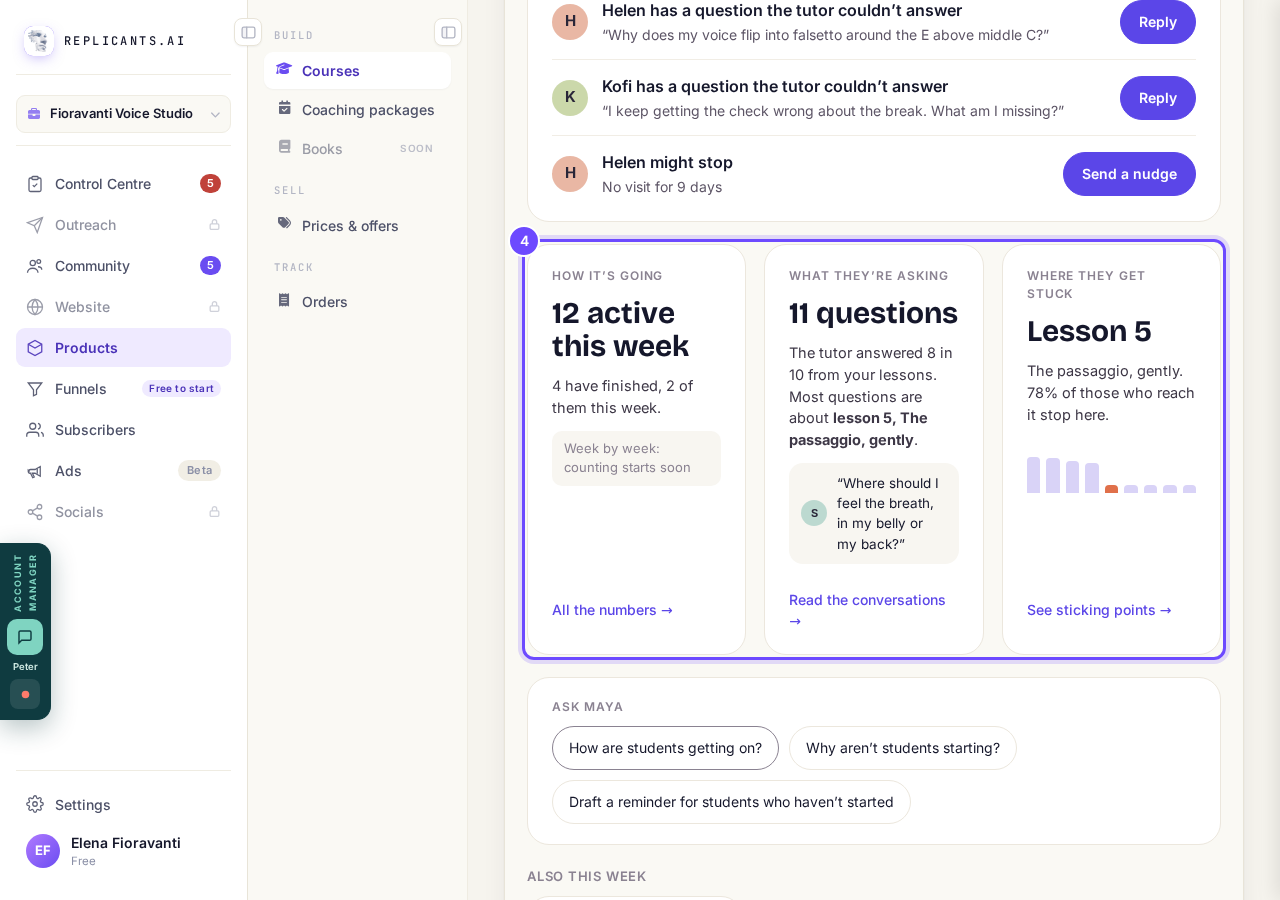
How it's going, What they're asking, Where they get stuck.
Tap a question under Ask Maya, or an extra under Also this week
Also this week shows only what there is: study pairs, quick checks, plans, calls and new lesson comments.
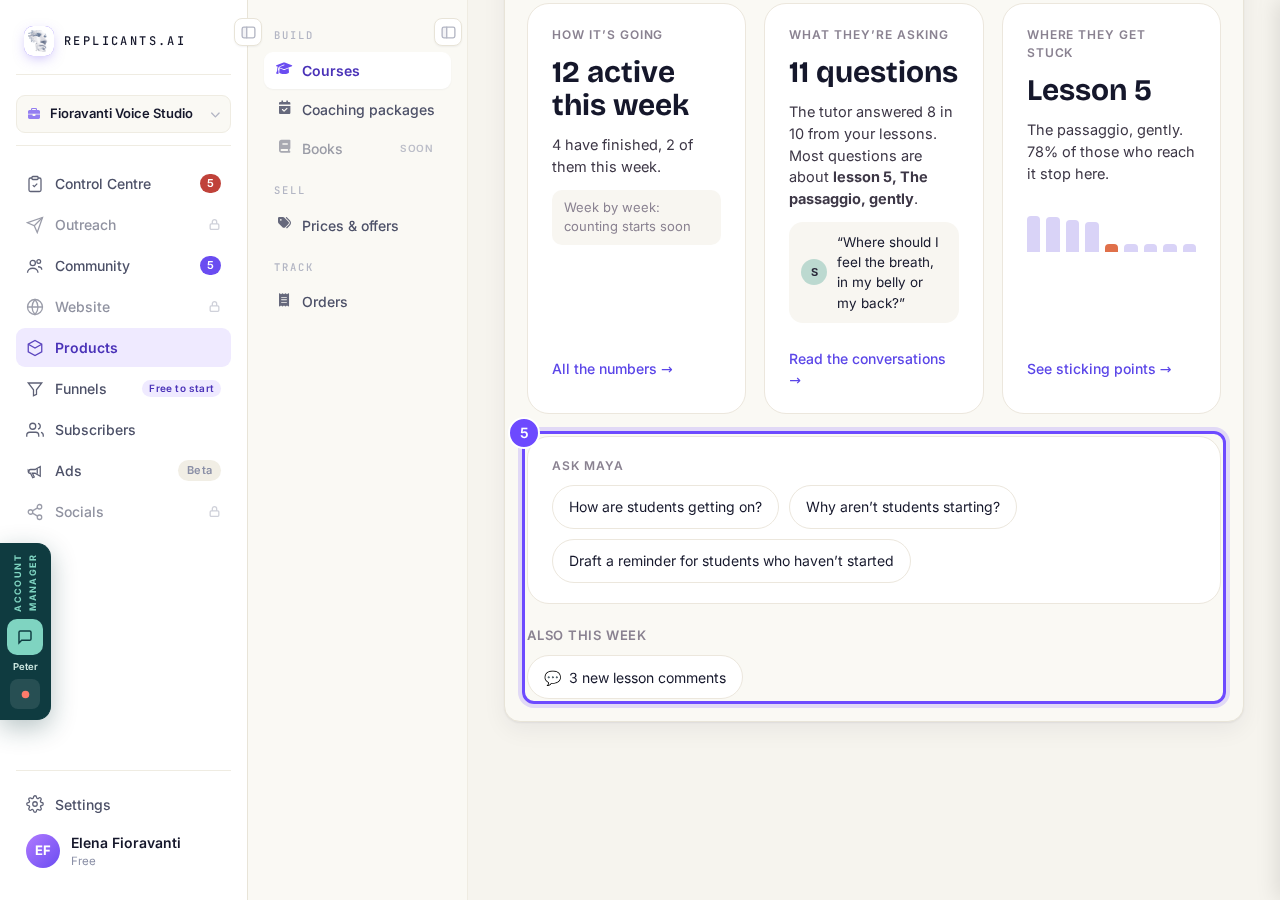
Ask Maya and Also this week.


Every row Needs you today can show
| The row says | The button |
|---|---|
| Real payments are off. | Turn them on |
| Stripe isn't connected. | Connect Stripe |
| Nobody can buy this course yet. | Set a price, or Put it on sale |
| A refund this week | See the order, or See who |
| Quick checks are waiting for you | Review |
| A lesson is empty, so students can't see it | Add content |
| Your first student has arrived, or You have N students now | Set it up |
| Nobody can book a call yet | Open your times, or Set how many |
| A student has a question the tutor couldn't answer | Reply |
| A student might stop | Send a nudge |
| Call with a student today | Join at the call's time |
Where they get stuck says Too early to say until five students reach a lesson, and the weekly chart says counting starts soon, or counting since a date, until there is history. Money taken shows only on a paid course.
How do I see which students might stop?
Related articles
Can I see a real course before I build mine?
Yes. Claire's free course, Small Steps, is a real course you can join as a student in about five minutes.
Can I turn my workbook, notes or recordings into a course?
Yes. Add your workbook, notes, slides or recordings at the start of a new course and Maya reads them; the questions arrive already answered, and your plan is built from them.
How does my course help students finish?
Your course has a tool for students who drift off, get stuck or feel alone, and you switch them all on or off in one place: Delivery, at the top of your course. Looking through them takes about five minutes.