
Where do clients book a 1:1 with me, and do they get reminders?
In a space with 1:1 calls, set the hours you take calls. Members of the space book them from inside it, and they are emailed when they book, the day before and an hour before.
Updated 19 October 2026
Open your space and press Booking
Open Community, then Spaces, and press the space. Booking is along the top of it.
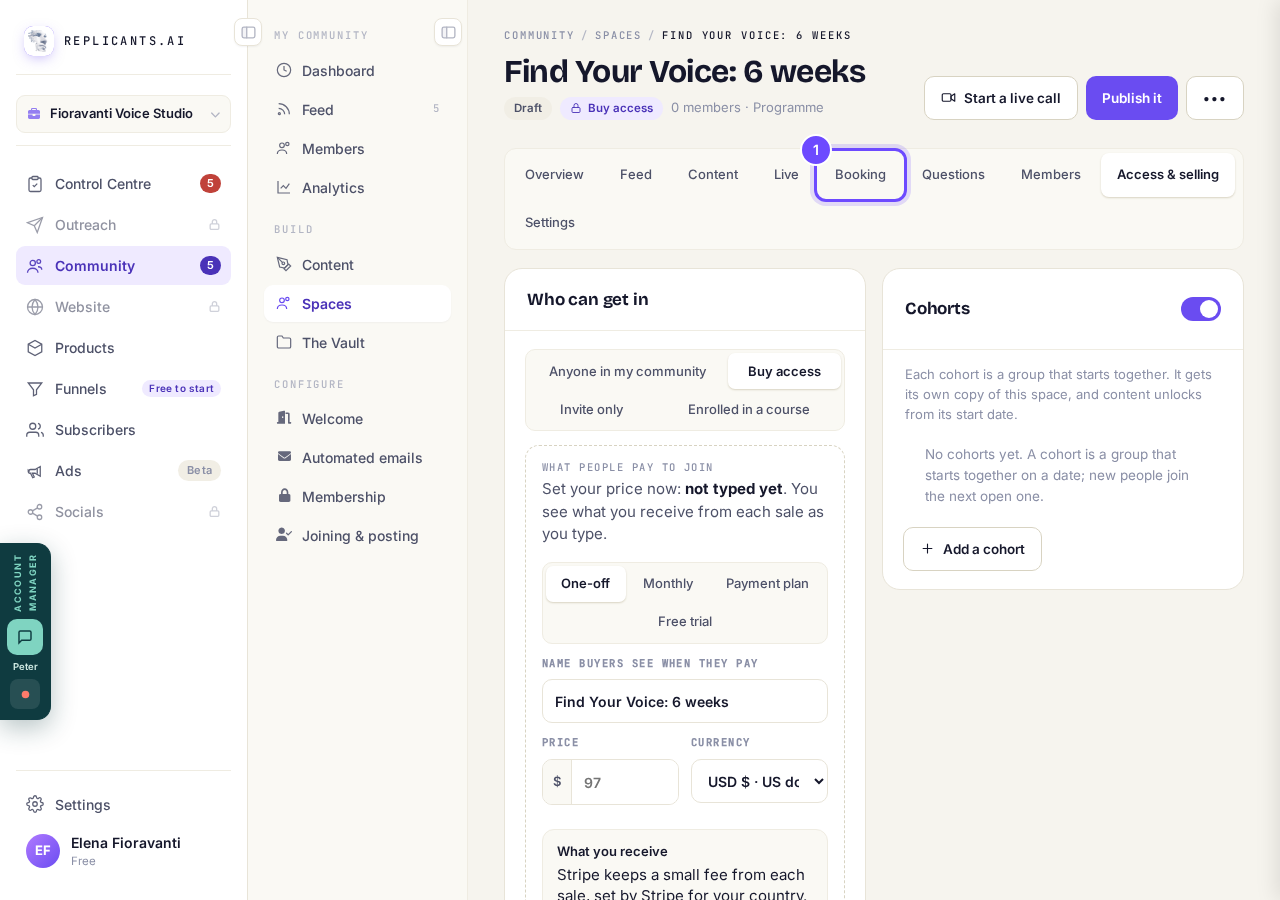
Booking, at the top of the space.
Press Edit beside a day
1:1 calls: your weekly hours lists every day. A day with no hours says Not available.
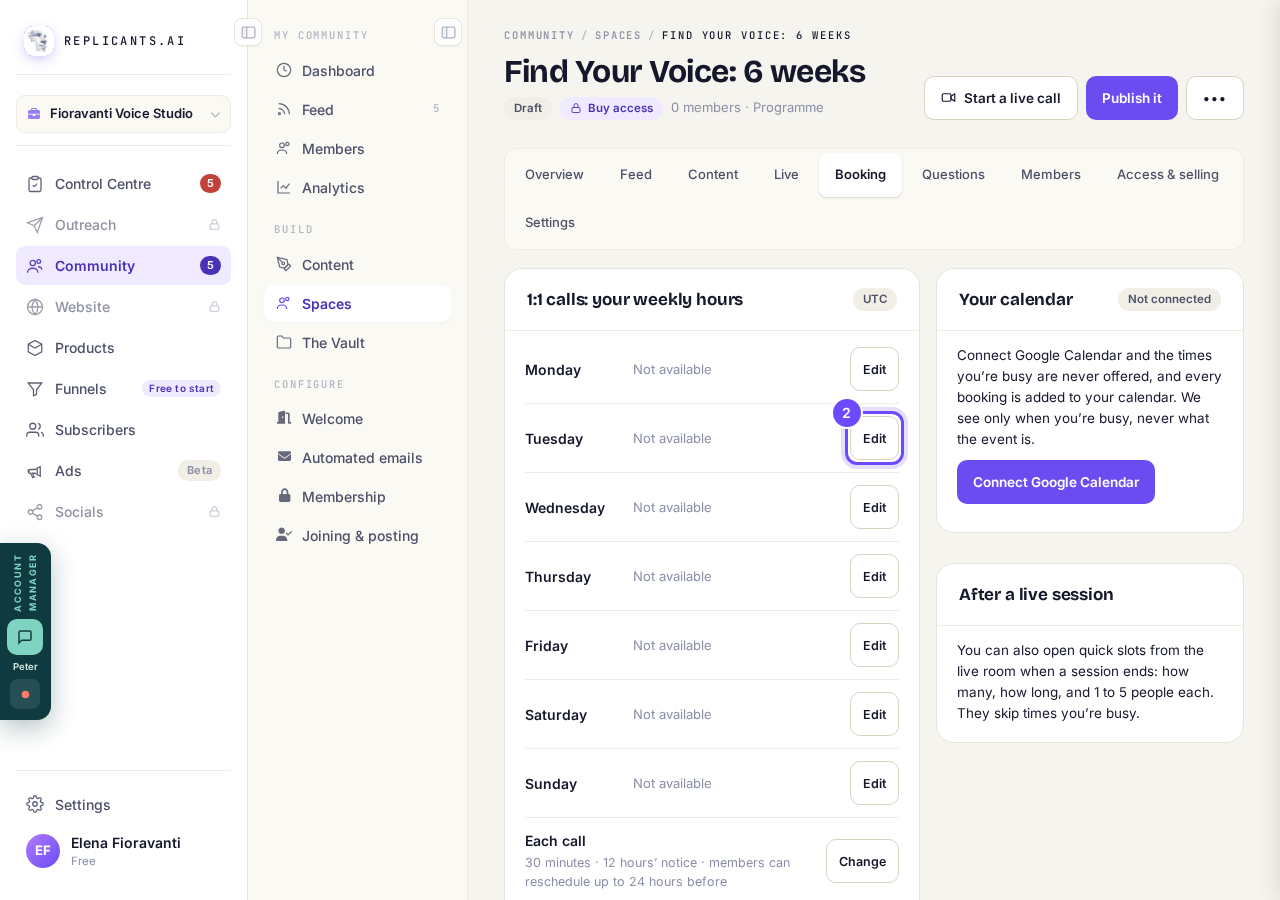
Edit, beside Tuesday.
Type when you start and finish, then save
Leave both times empty on a day you do not take calls; a second stretch is for a day with a break in it. Press Save Tuesday, or whichever day it is.
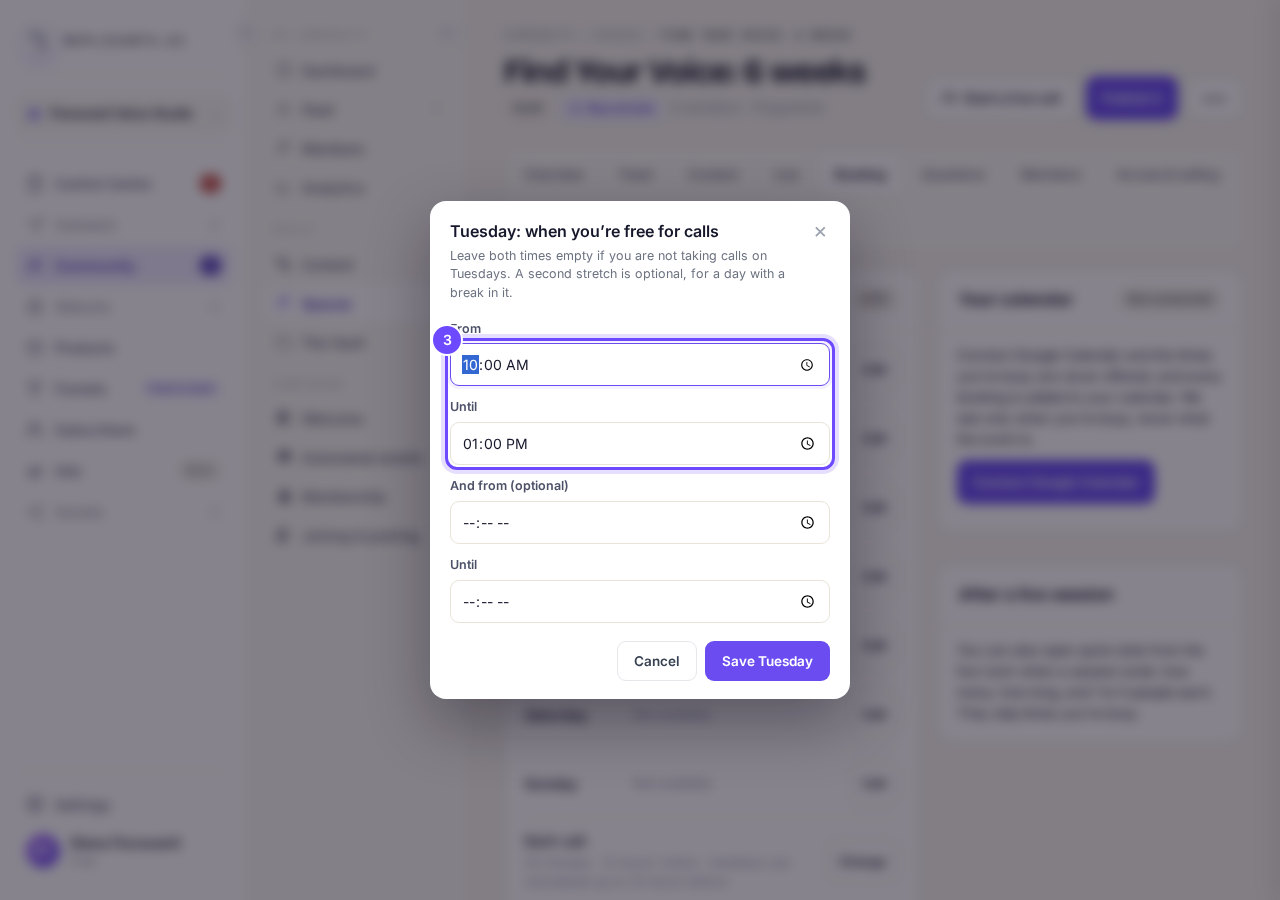
The times for Tuesday.
Press Change beside Each call
Choose How long, Notice you need, how close to the call members can move or cancel it, Calls each person in the space can book and Your clock.
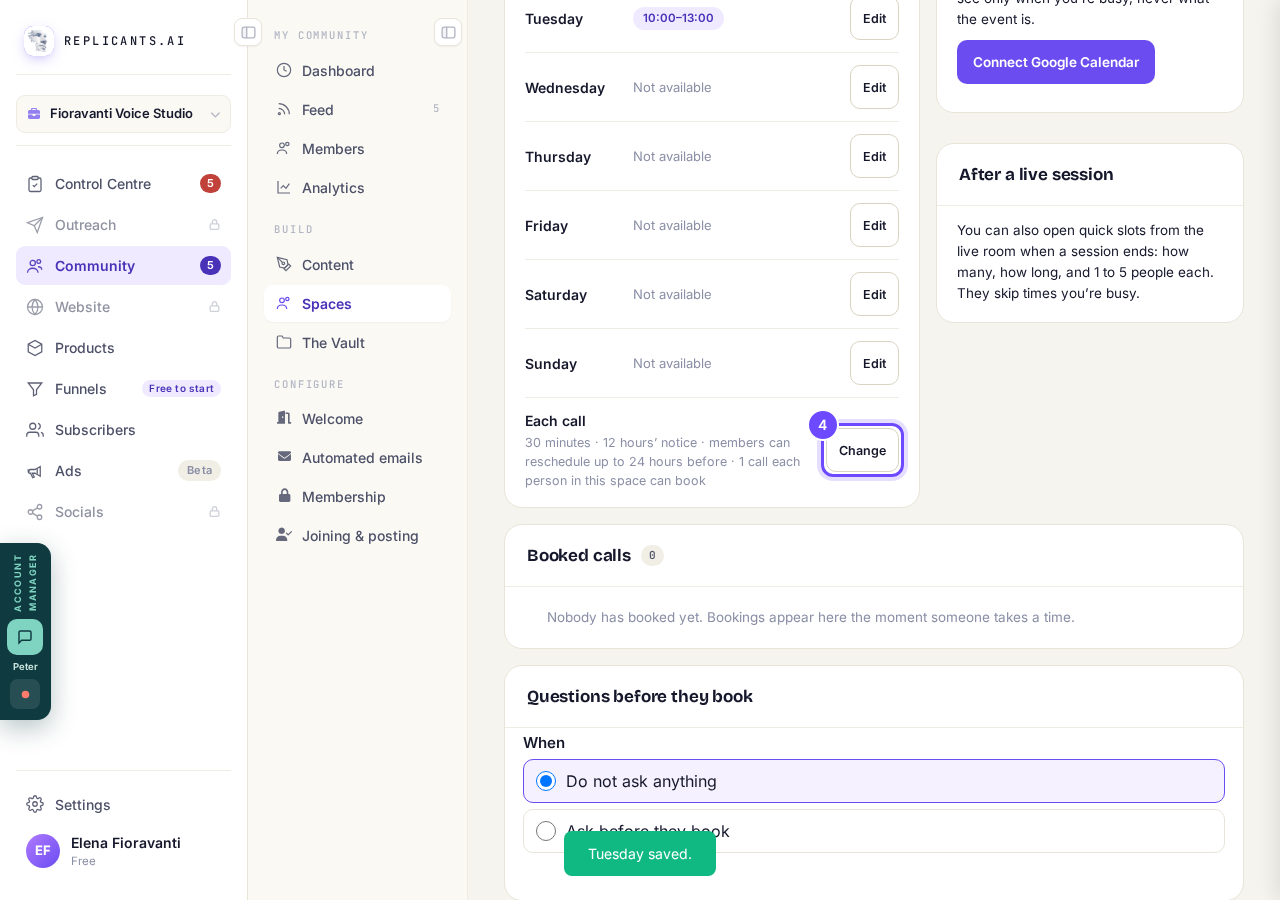
Each call, with Change.
Check the hours members can book
Your hours show beside the day, and members of the space can book them straight away with Pick a time. In a space Maya set up, the hours wait until you press These hours are right: let members book.
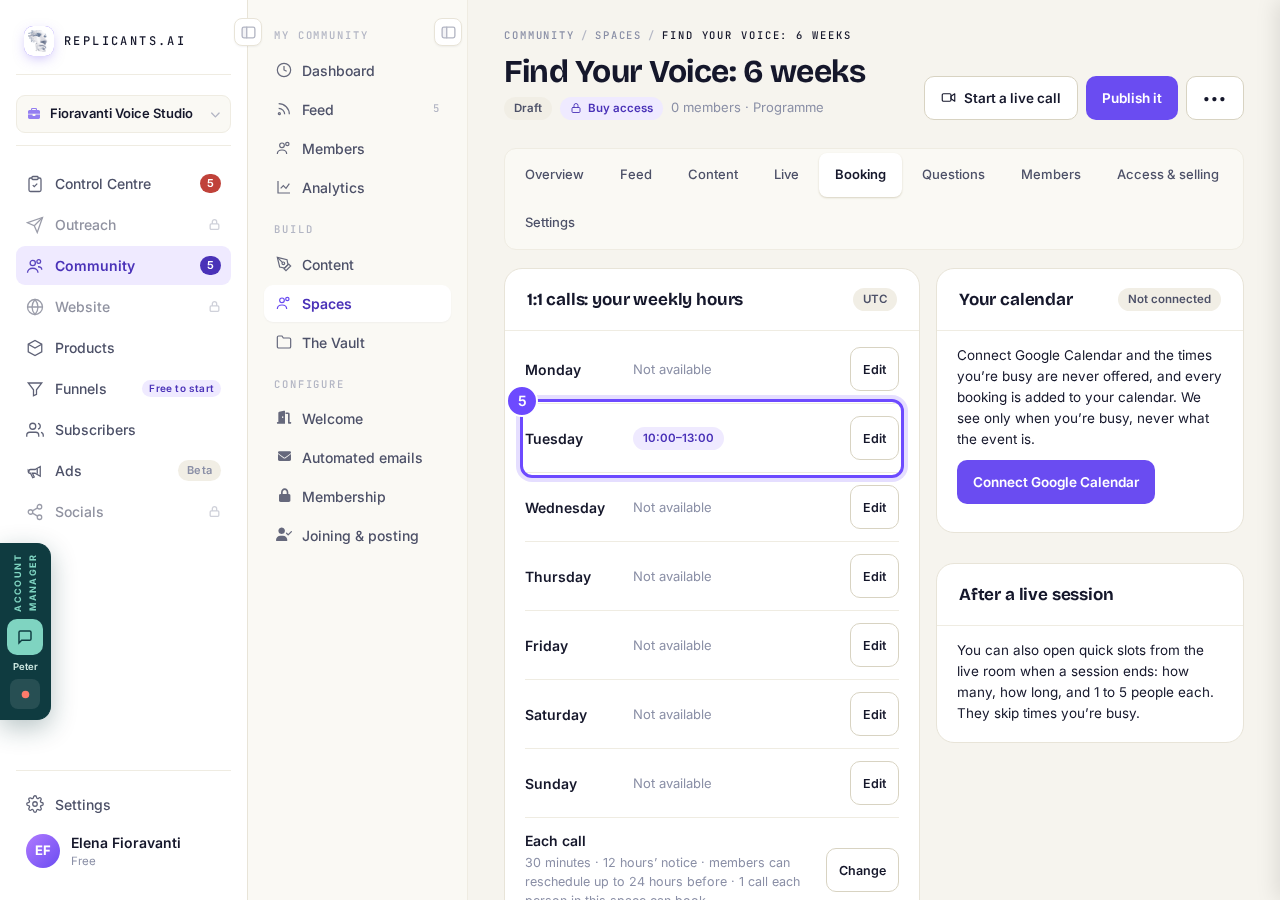
Tuesday, 10:00 to 13:00.
Connect Google Calendar if you use it
Times you are busy in Google are never offered, and every booking is added to your calendar. We see only when you are busy, never what the event is.
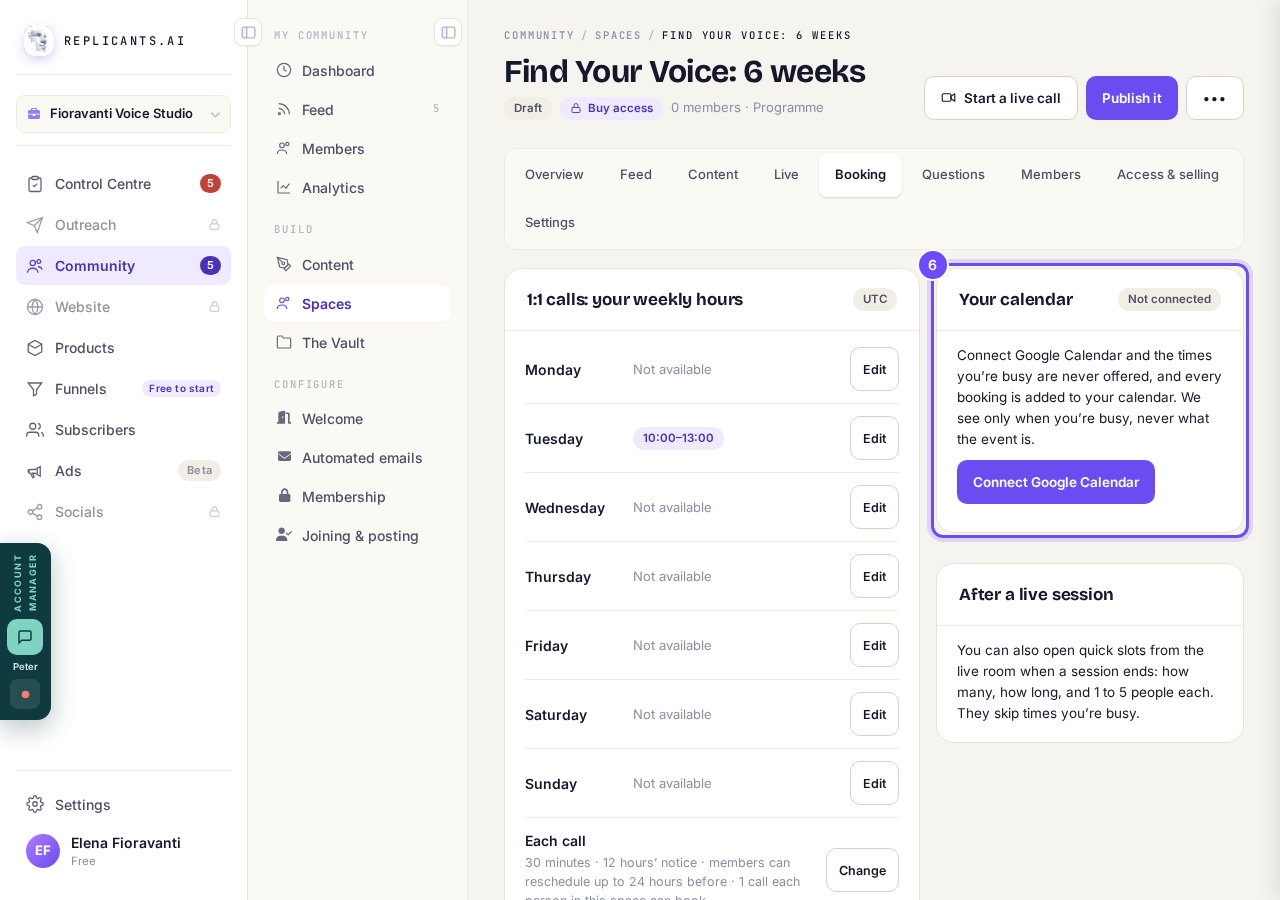
Your calendar, beside your hours.


More about 1:1 calls
Is there a link I can send someone to book?#
People book from inside the space, so share the space: Bring people in on its Overview has Copy link. Once they are in, they press Pick a time.
Which emails do they get?#
1:1 booking confirmed the moment they book, 1:1 reminder, the day before and 1:1 reminder, an hour before, and an email if the call moves or is cancelled. They share one switch, 1:1 booking emails, under Before a call or event in Automated emails.
Can I offer calls straight after a live session?#
Yes. When a session ends, the live room can open quick slots: how many, how long, and 1 to 5 people each. They skip times you are busy.
How do I set up a weekly live call for my group?
Related articles
Can I approve new members before they get into my community?
Yes. Switch on approval and anyone who asks to join waits in a Requests list in Members until you let them in, the way a private LinkedIn or Facebook group works. People you invite, and people who pay, still go straight in. About five minutes to set up.
Can I change a member's post before I approve it?
No. A post waiting for your approval can only be approved or rejected, so you cannot change a member's words. If a few words need changing, approve it and add a comment, or message the member and reject it.
Can I change the words in the posts Maya wrote before I approve them?
Yes. Open the post from Drafts on your Feed, press Edit, change the words and press Save changes. What you save is what goes out when you approve it. About a minute.