
How do students talk about each lesson?
Every lesson has its own Discussion underneath it, where students ask a question or share a win while it is fresh, and you answer them all from one page. It starts switched on.
Updated 18 October 2026
Press Delivery at the top of your course
Open your course from Products, then Courses, then Manage, and press Delivery in the row of words under its name. On a phone, slide that row to the left to find Delivery.
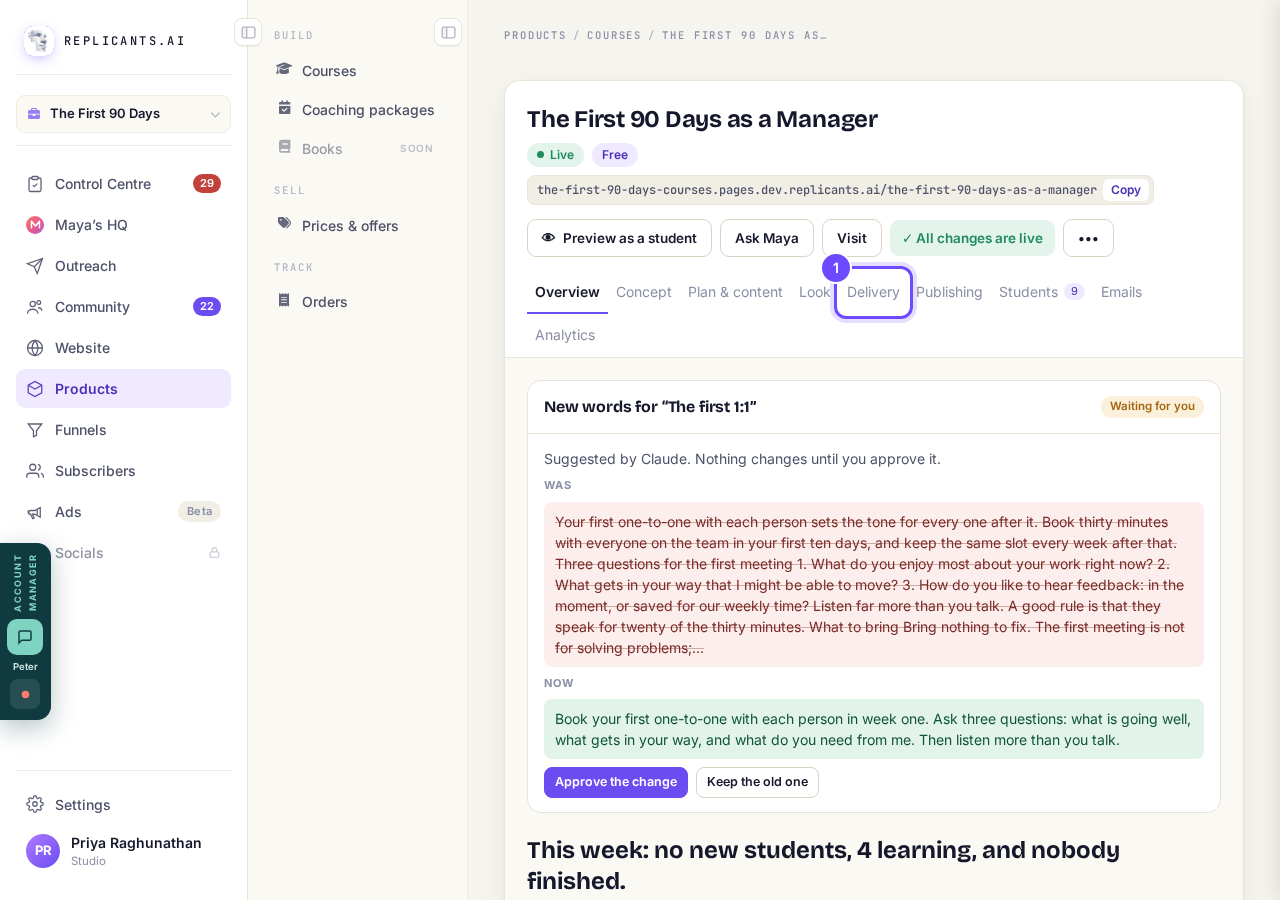
Delivery, at the top of your course.
Check Talk about each lesson is switched on
Find Talk about each lesson under What students get; switched off, the Discussion is not shown at all. If the top of your course shows Publish changes with An improvement to course pages is waiting, press it once so your students get today's tools.
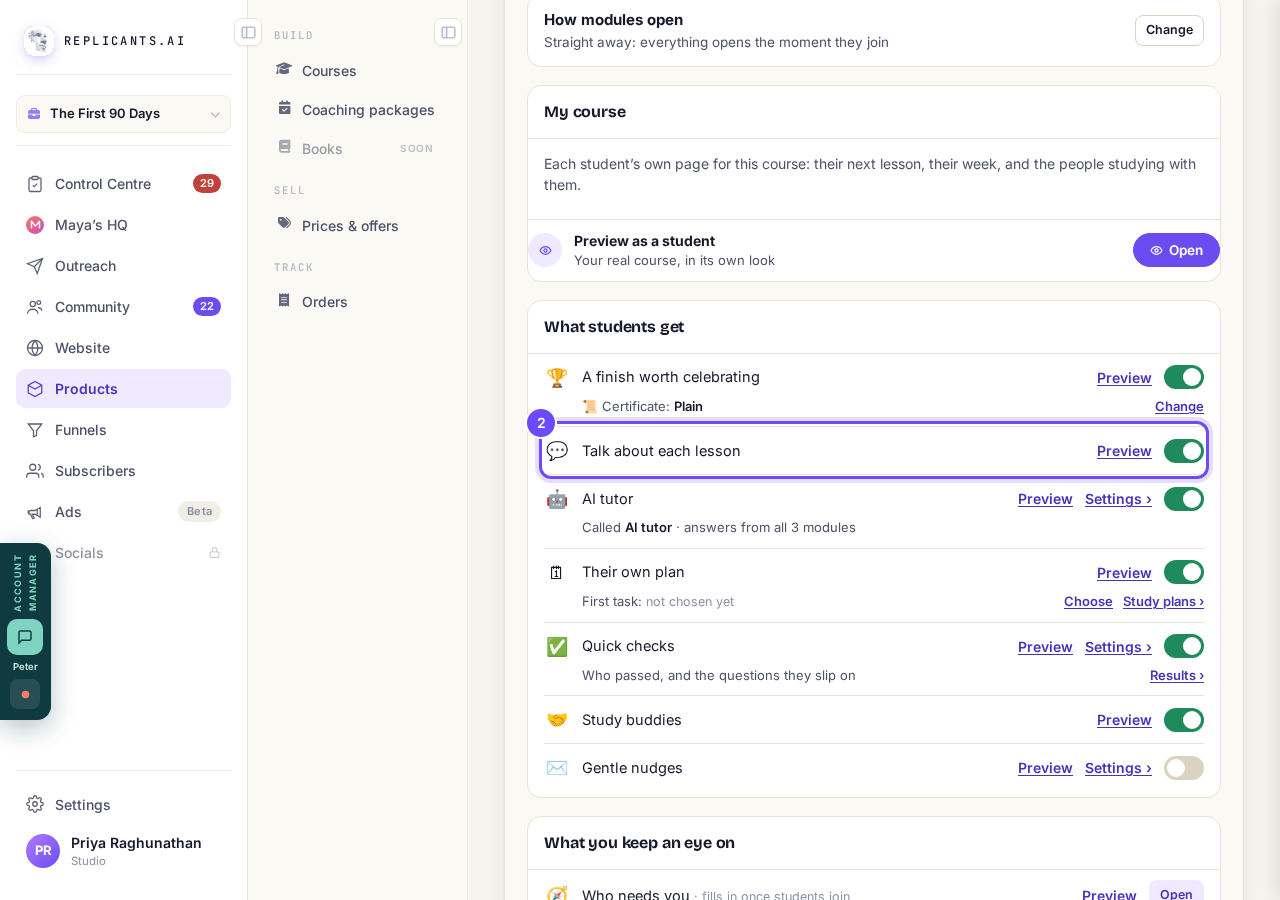
Talk about each lesson, switched on.
Press Preview, then Open beside Preview as a student
You see the Discussion under your real lesson with sample comments, where students press Post, or Reply under a comment, one level deep.
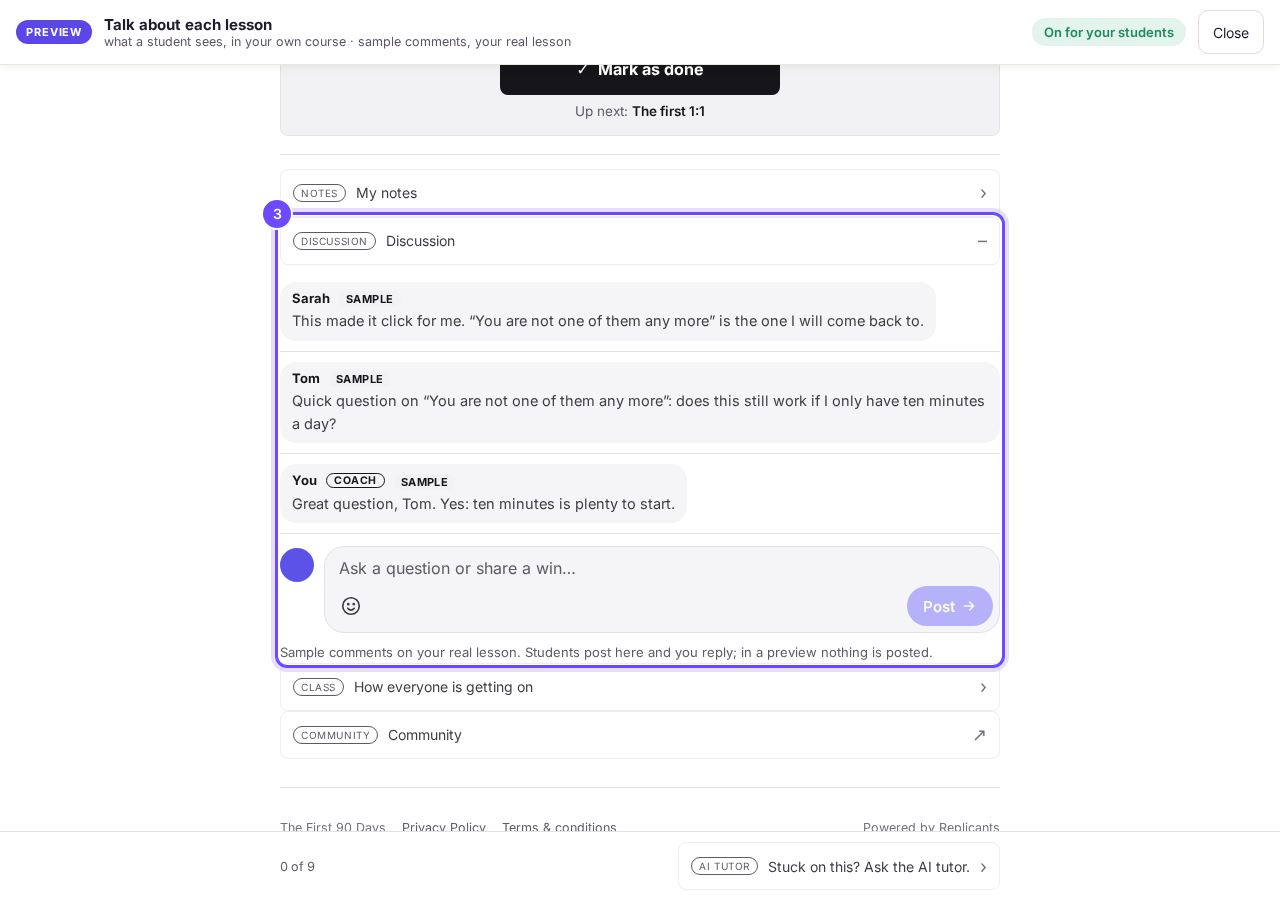
The Discussion under a lesson.
Press Analytics, then All comments on the Lesson talk card
Lesson talk opens on Not answered when comments are waiting for you; All comments shows every one.
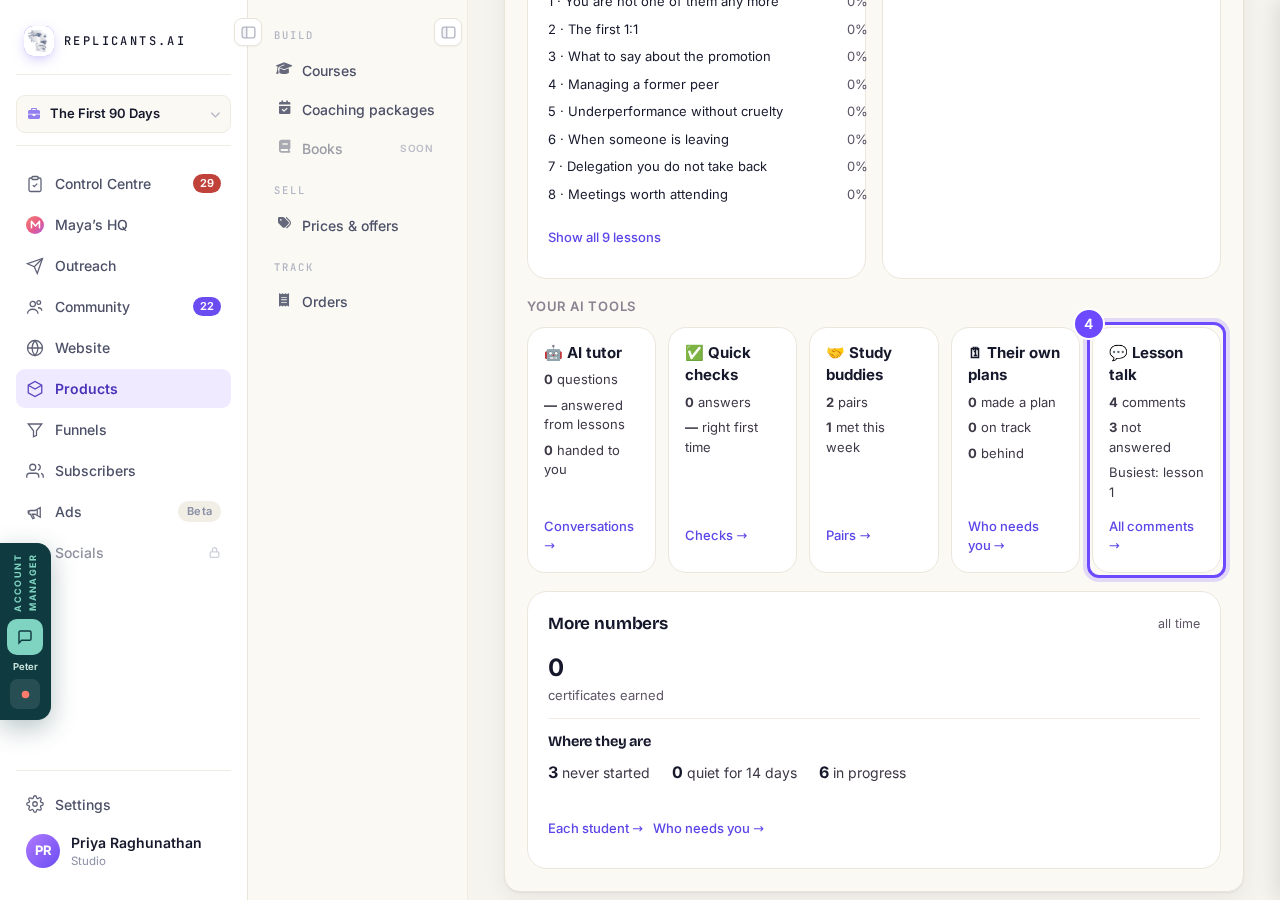
Lesson talk, with All comments.
Press Reply, write your answer and press Send
Your reply goes under the student's comment, from you, and everyone on the course who can open that lesson can read it.
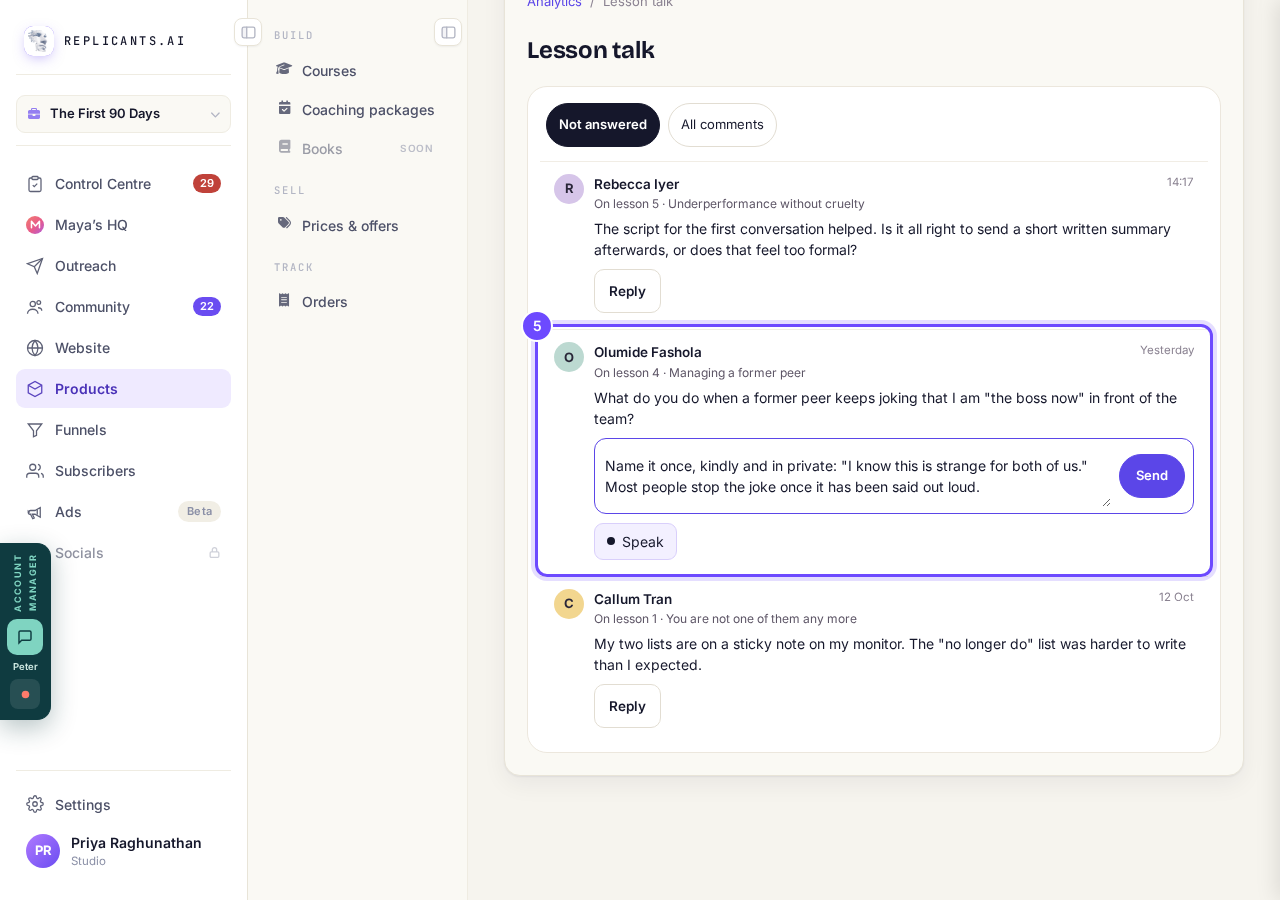
Reply, then Send.


Who can read a lesson's Discussion?#
The people on the course who can open that lesson, and you. It does not appear in your community feed.
Can I check comments before they appear?#
Yes, if your community holds comments for approval: they wait on your community's Dashboard under Comments awaiting approval. The student sees nothing in the Discussion until you approve it.
Is How everyone is getting on part of this?#
No. It sits beside the Discussion but is its own setting, so switching lesson talk off does not hide it.
A reply cannot have its own replies; to carry on with one student, message them from Students. Comments and replies use no AI.
What do students get when they finish my course?
Related articles
Can I see a real course before I build mine?
Yes. Claire's free course, Small Steps, is a real course you can join as a student in about five minutes.
Can I turn my workbook, notes or recordings into a course?
Yes. Add your workbook, notes, slides or recordings at the start of a new course and Maya reads them; the questions arrive already answered, and your plan is built from them.
How does my course help students finish?
Your course has a tool for students who drift off, get stuck or feel alone, and you switch them all on or off in one place: Delivery, at the top of your course. Looking through them takes about five minutes.