
Can I build a funnel before I pay?
Yes. Every account can open Funnels and build one finished page free. For the rest of the funnel, and to put it live, start the 14-day free trial.
Updated 27 September 2026
Open Funnels
Press Funnels in the menu. It says Free to start. On a phone, press ☰, then Funnels, then Funnels again.
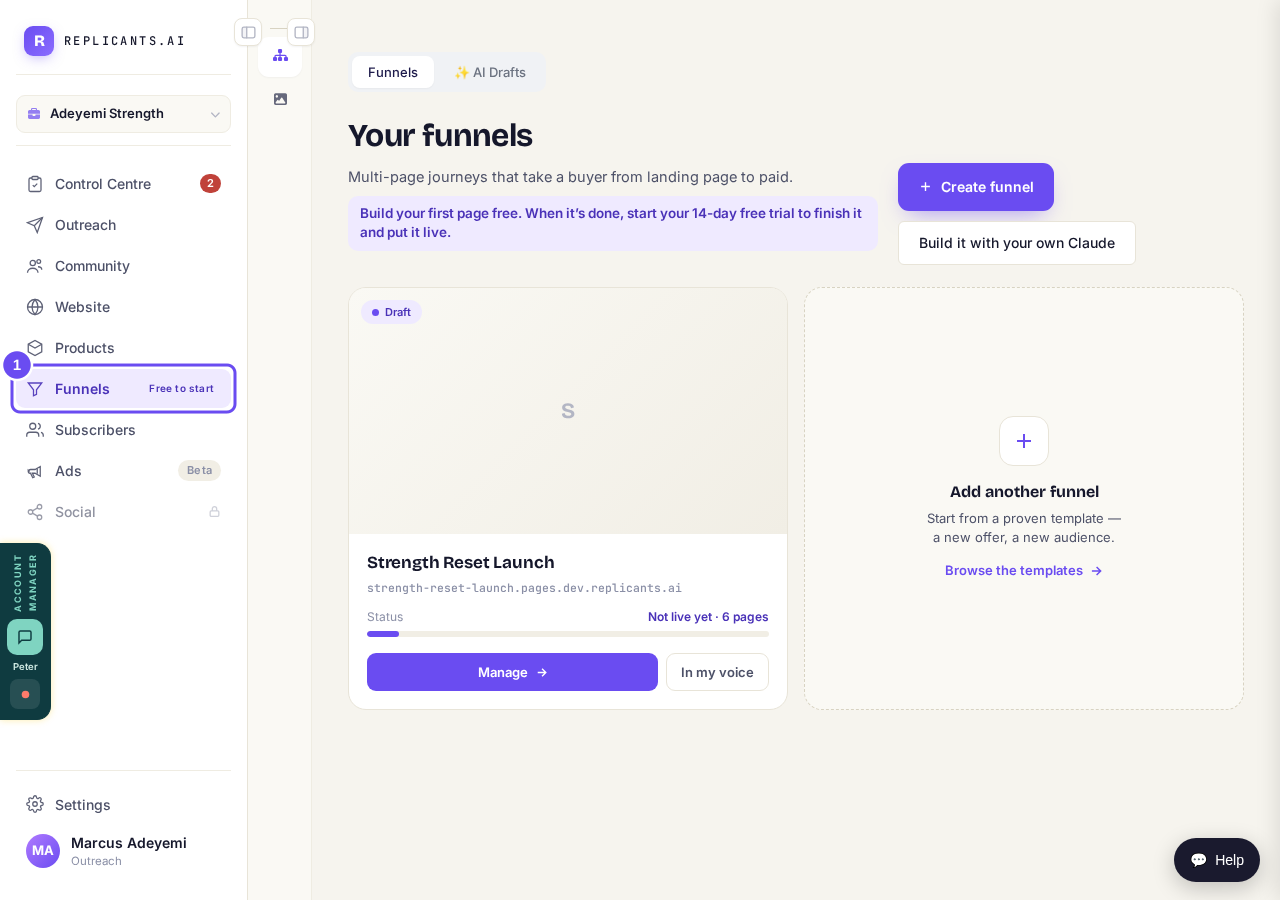
Funnels, marked Free to start.
Press Create funnel
Press Create funnel, then Start from scratch. Type a name and press Create. Maya asks about your business, then writes your first page from your answers.
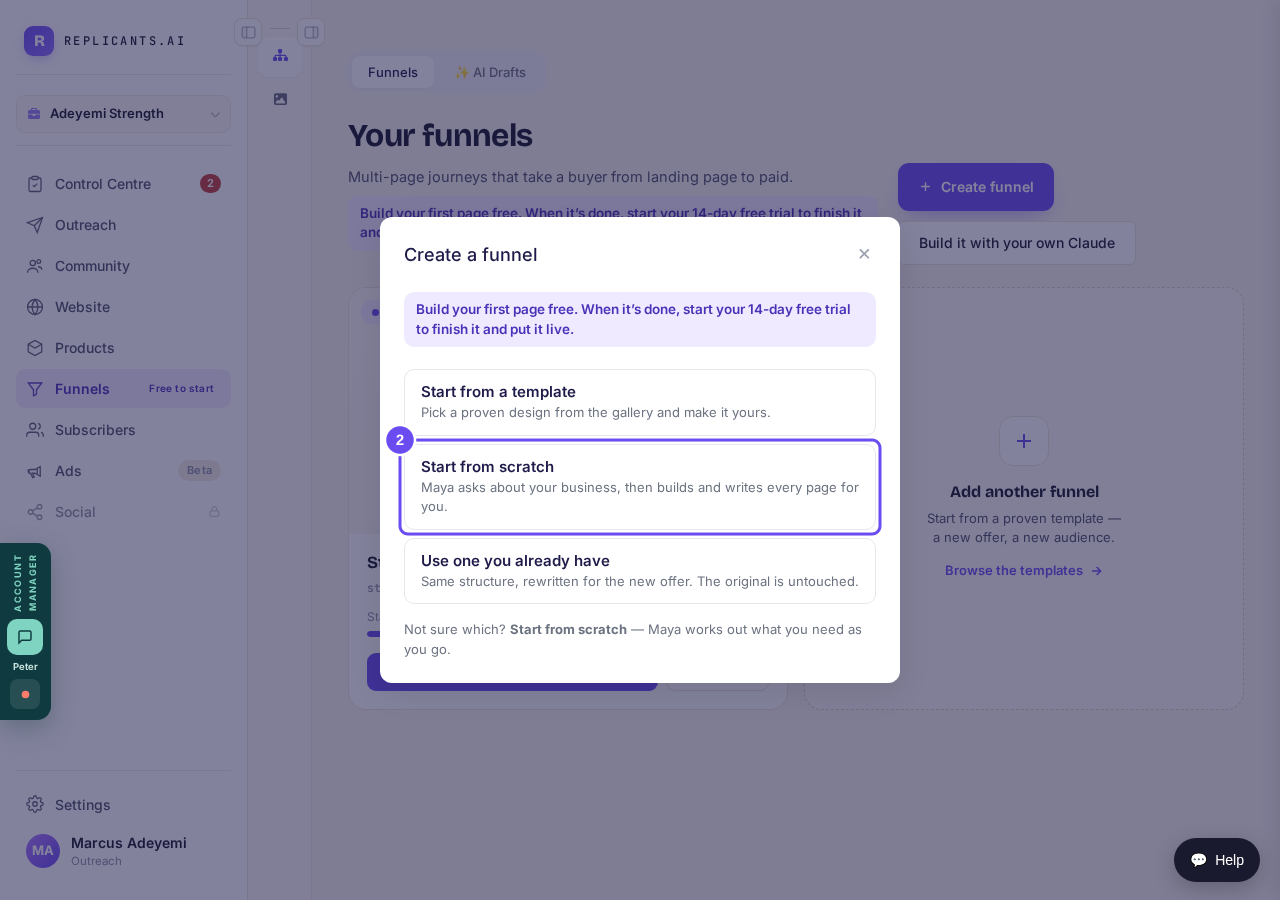
Start from scratch, or start from a template.
Read your first page
When Maya is done, press Show me my page. You'll see Your sales page is ready. Press Not yet to look it over, then press Approve and Yes, approve it.
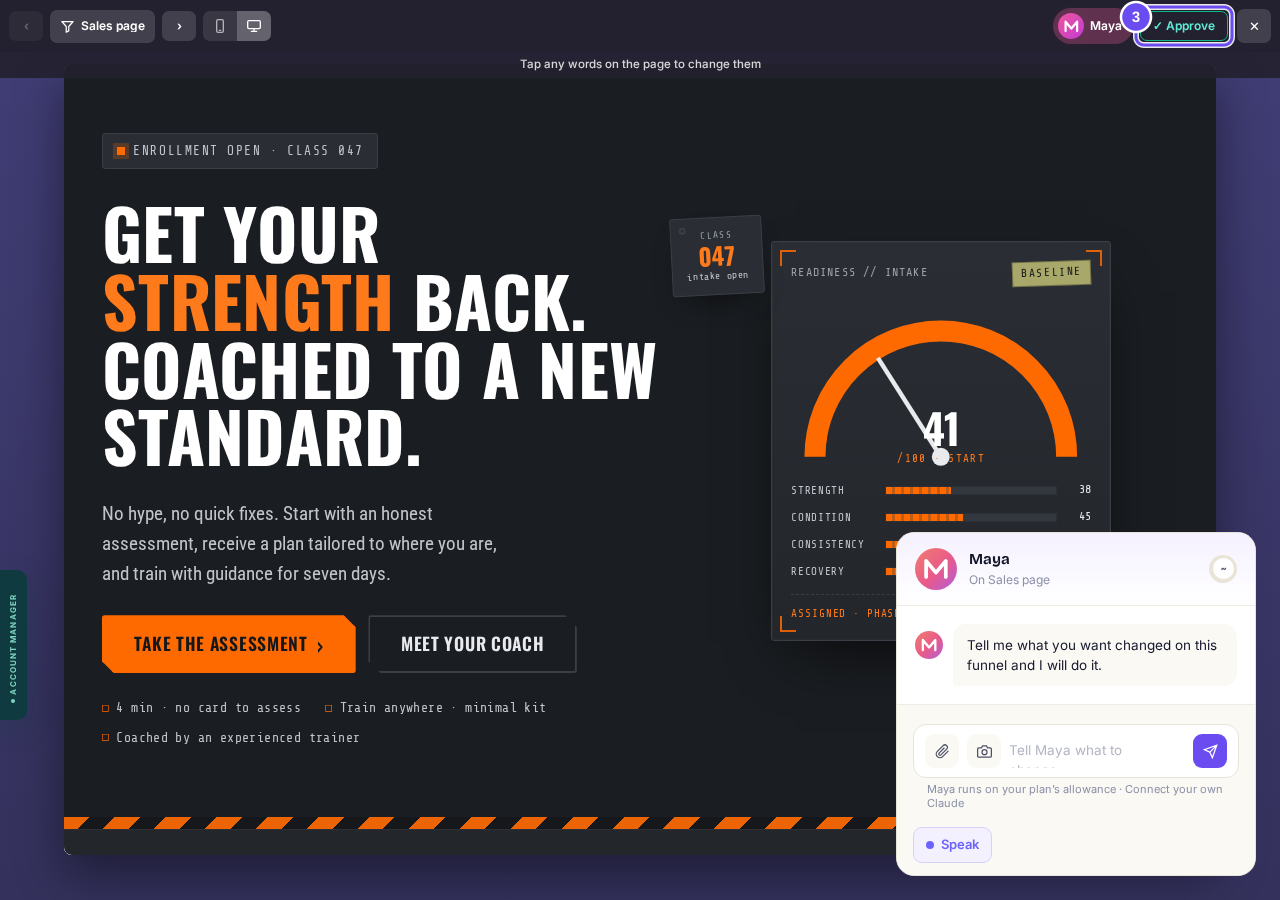
Your first page, with Approve at the top.
Start the trial for the rest
Press Start my free 14 days to build the other pages and put your funnel live. Press Not yet to stop here.
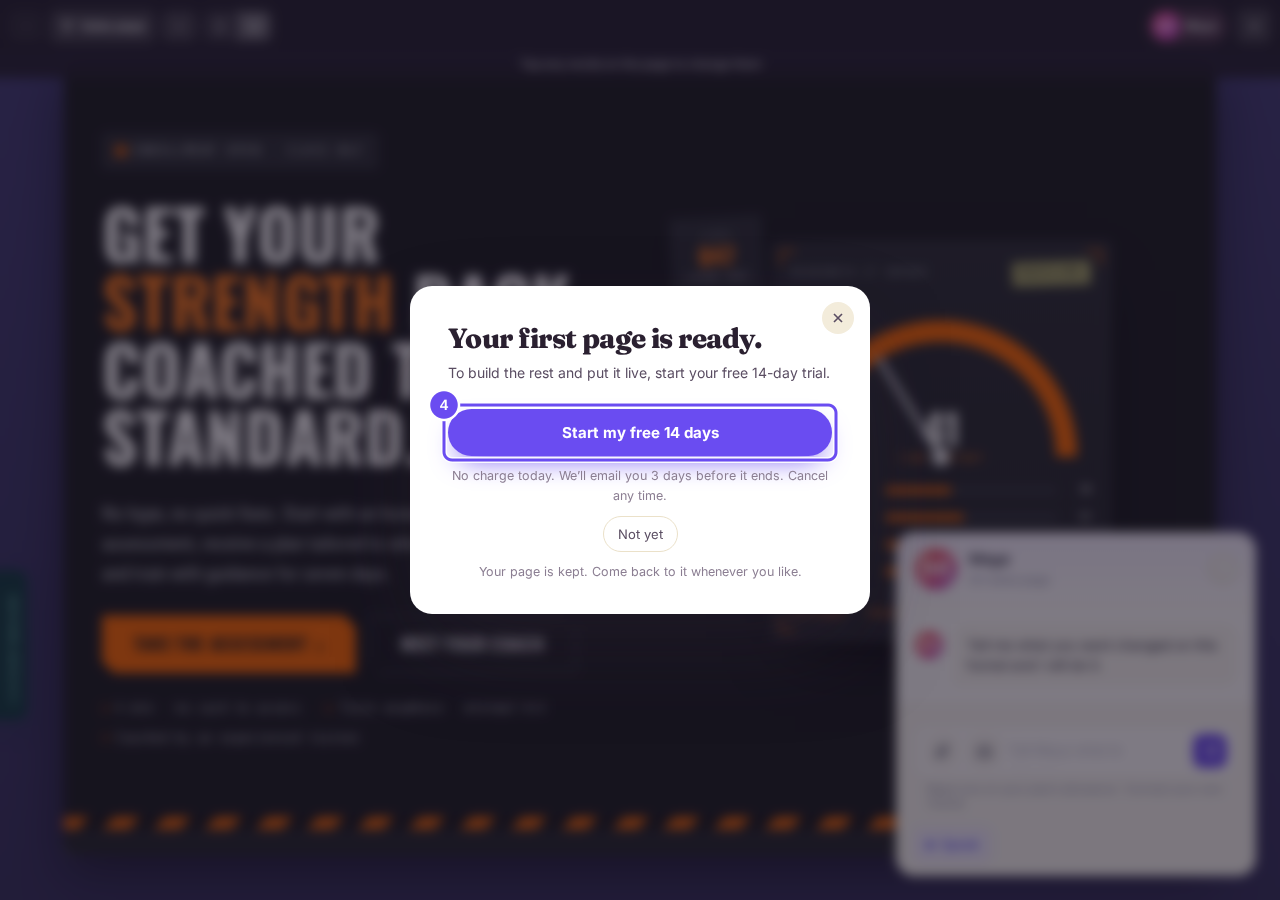
The trial, when you're ready for the rest.


How do I get Maya to build my sales funnel?
Related articles
How do I change the receipt my buyers get?
Every buyer gets a receipt with your business name at the top. You can give it your own heading and a message from you.
How do I get Maya to build my sales funnel from scratch?
Maya writes the whole funnel from what she knows about your business: the page that sells it, the order form, and the thank-you page. She reads what she already has first and only asks you for the gaps. You answer in your own words, read page one before she writes the rest, and press Publish. Without a plan, page one is free and the 14-day free trial covers the rest.
How do I put my funnel on my own domain?
Your funnel can live on a domain you own, like yourname.com. It needs one before it takes real payments. Once the domain is connected, it takes a minute.