
I don't have any course content yet. How does Maya help me build it?
Answer six short questions (seven for a paid course), out loud or by typing, and Maya plans your whole course in about a minute. Then, when you ask, she writes the lessons too.
Updated 18 October 2026
Press Build a new course, then Continue
Go to Products, then Courses, press New course, then press Build a new course and Continue →.
The screen opens with Bring my course across ticked, so pick Build a new course first.
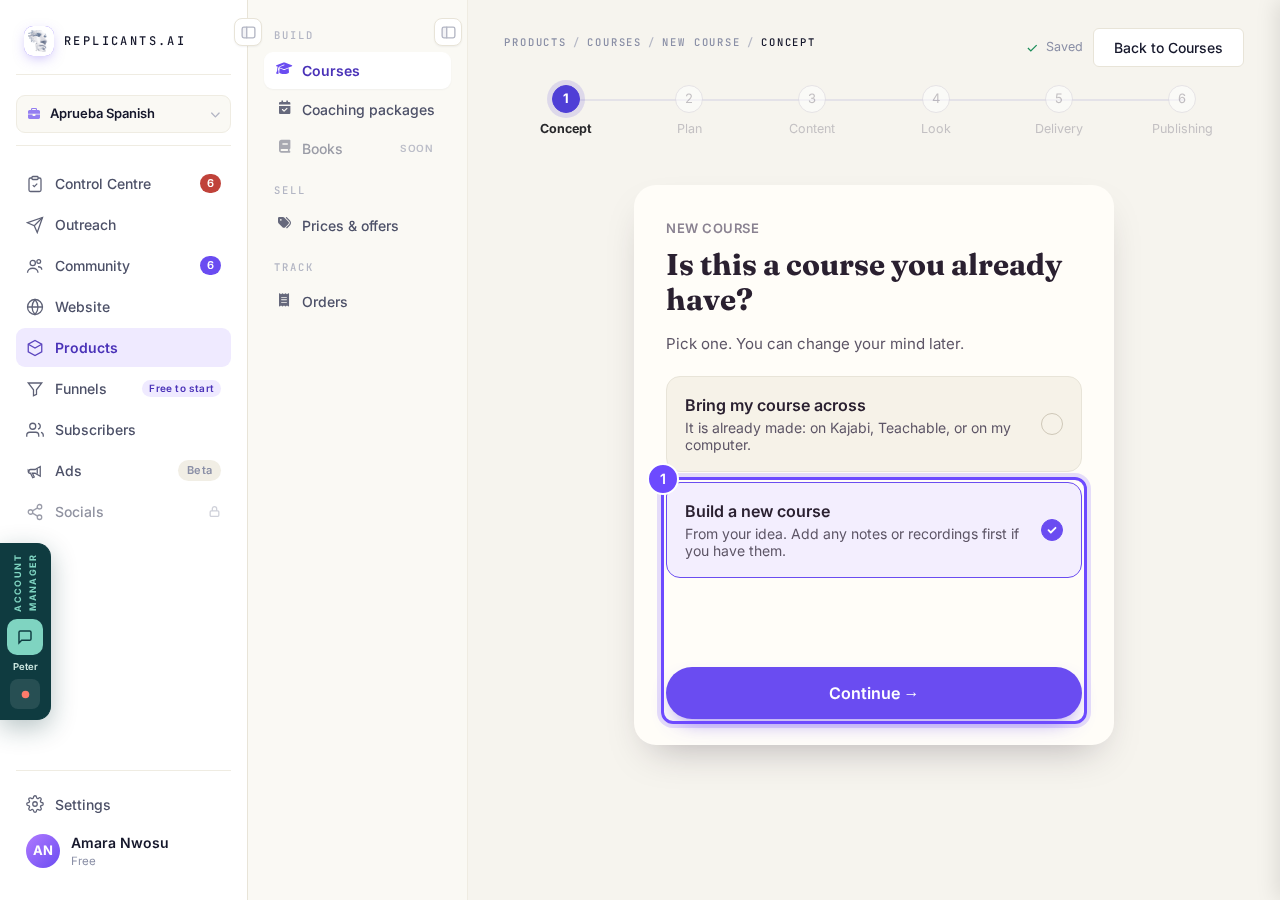
Build a new course, then Continue.
Tick Nothing yet
Tick Nothing yet (it says It's all in my head), then press Ask me the questions →.
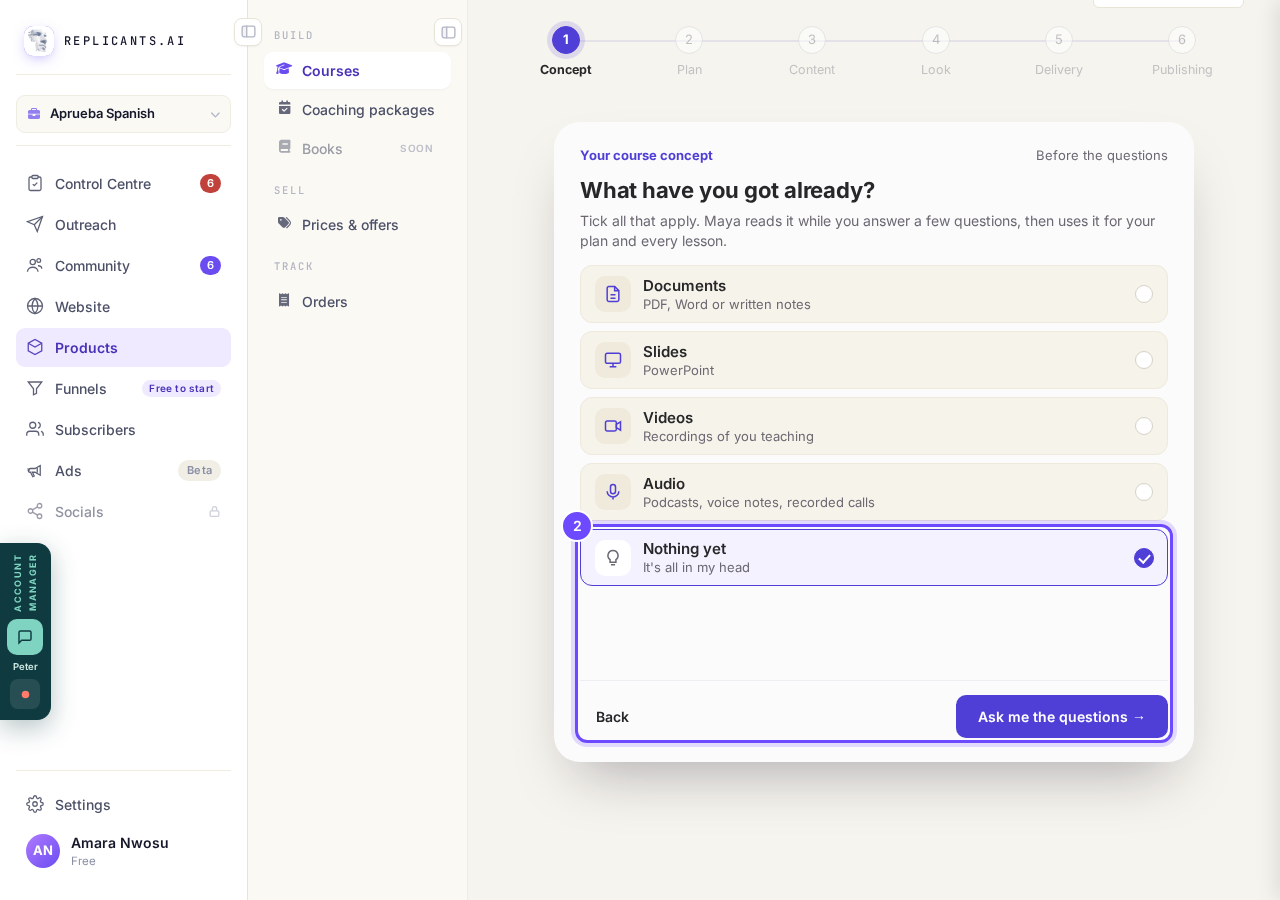
Nothing yet, then Ask me the questions.
Answer each question, then press Yes, that's right
Press Speak and talk, or type under or type it and press Done, then press Yes, that’s right.
Maya shows your answer back under Here’s what we understood, and you can tap the words to change them.
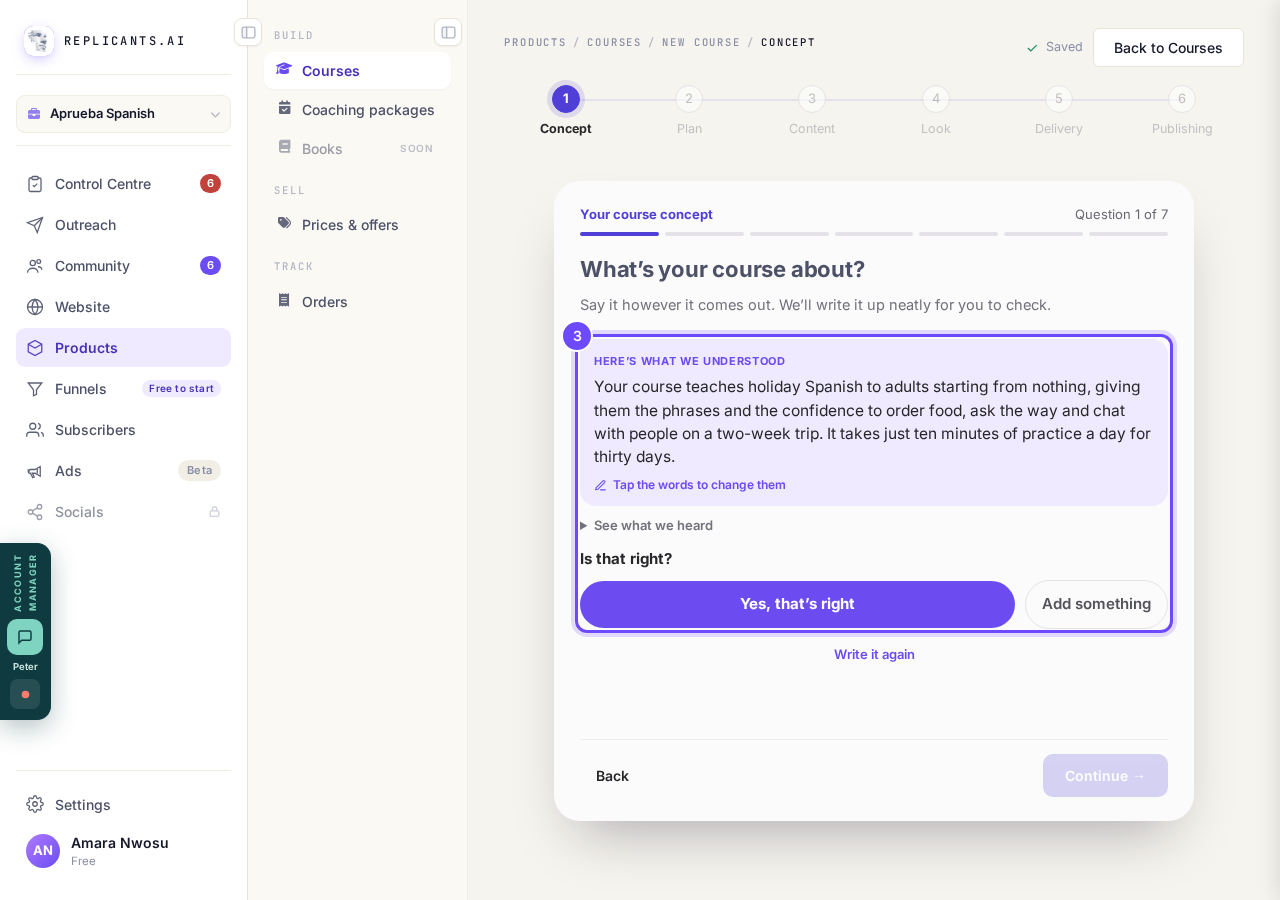
Here’s what we understood, and Yes, that’s right.
Choose how people get it, then press Write my plan
Pick Paid, Free, Community members or After a wait, then press Write my plan →.
The last two show only if you have a community, and Paid adds one question about the price.
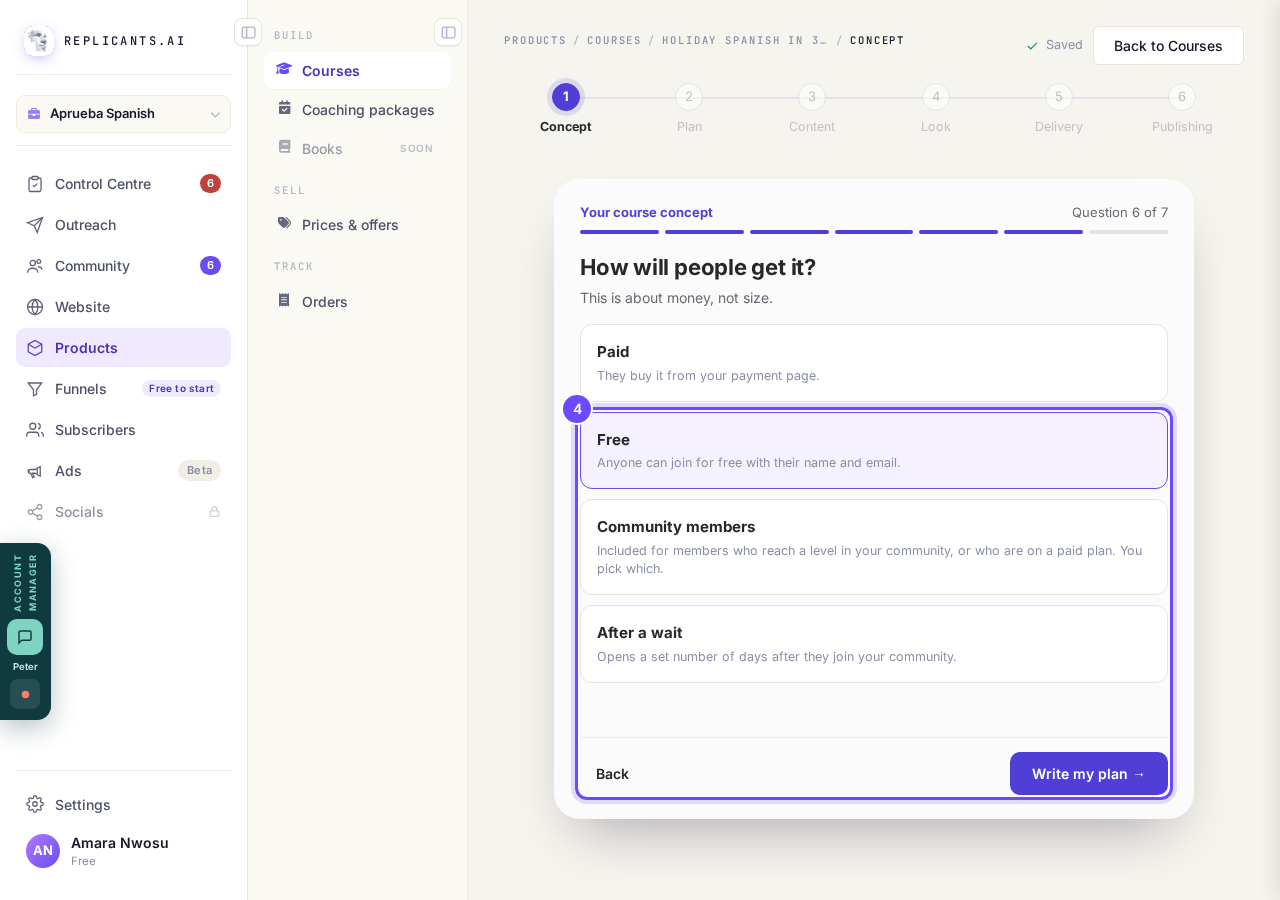
Free, then Write my plan.
Wait about a minute while Maya plans
Wait while the screen says Maya is writing your plan, or press Go to my courses to leave it running.
Your course then opens with every module and lesson named; the lessons are empty.
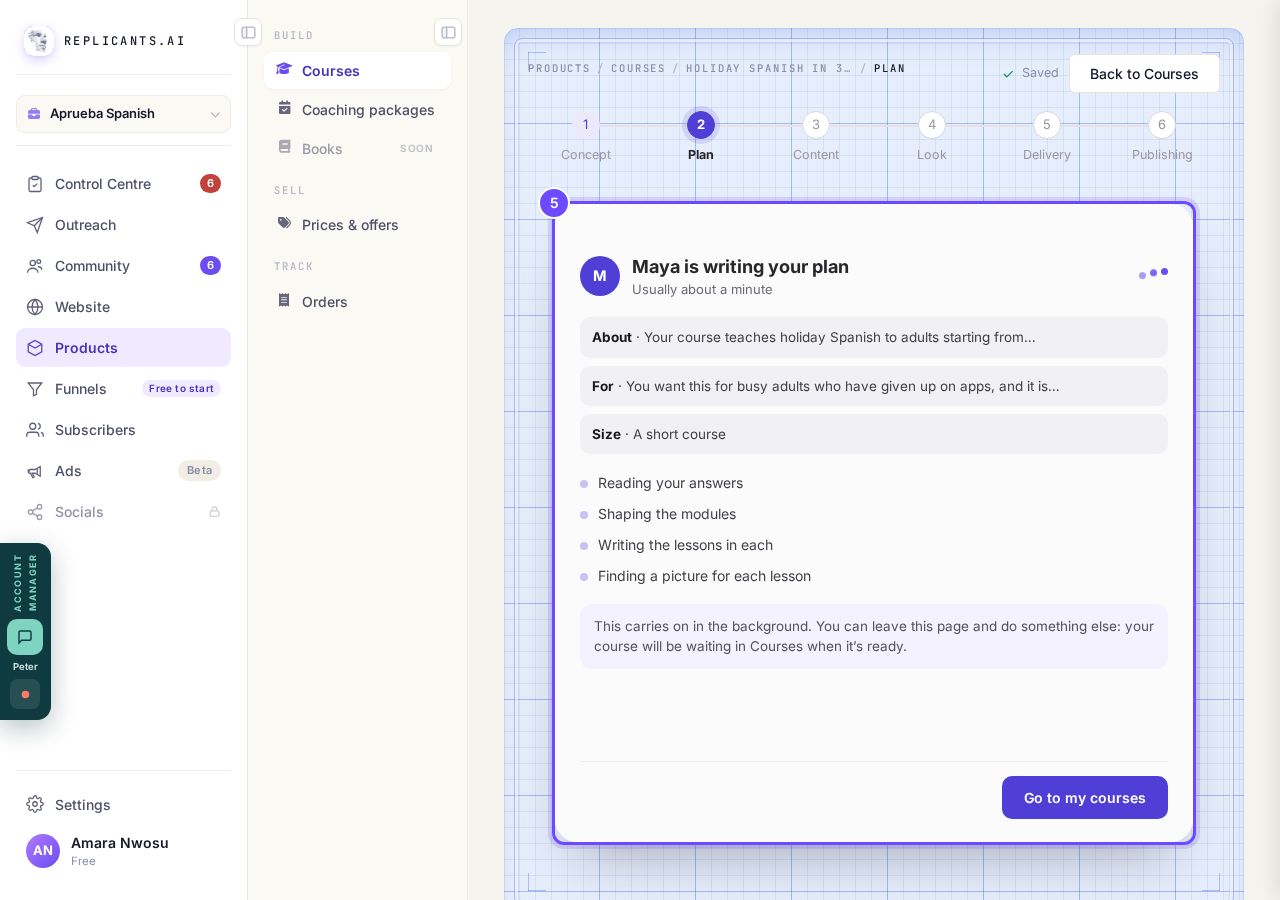
Maya is writing your plan. You can leave this page.
Ask Maya to write your lessons
Press Ask Maya at the top, then Write all with the number of your empty lessons.
She asks first, takes about a minute a lesson, and never changes anything you have already written.
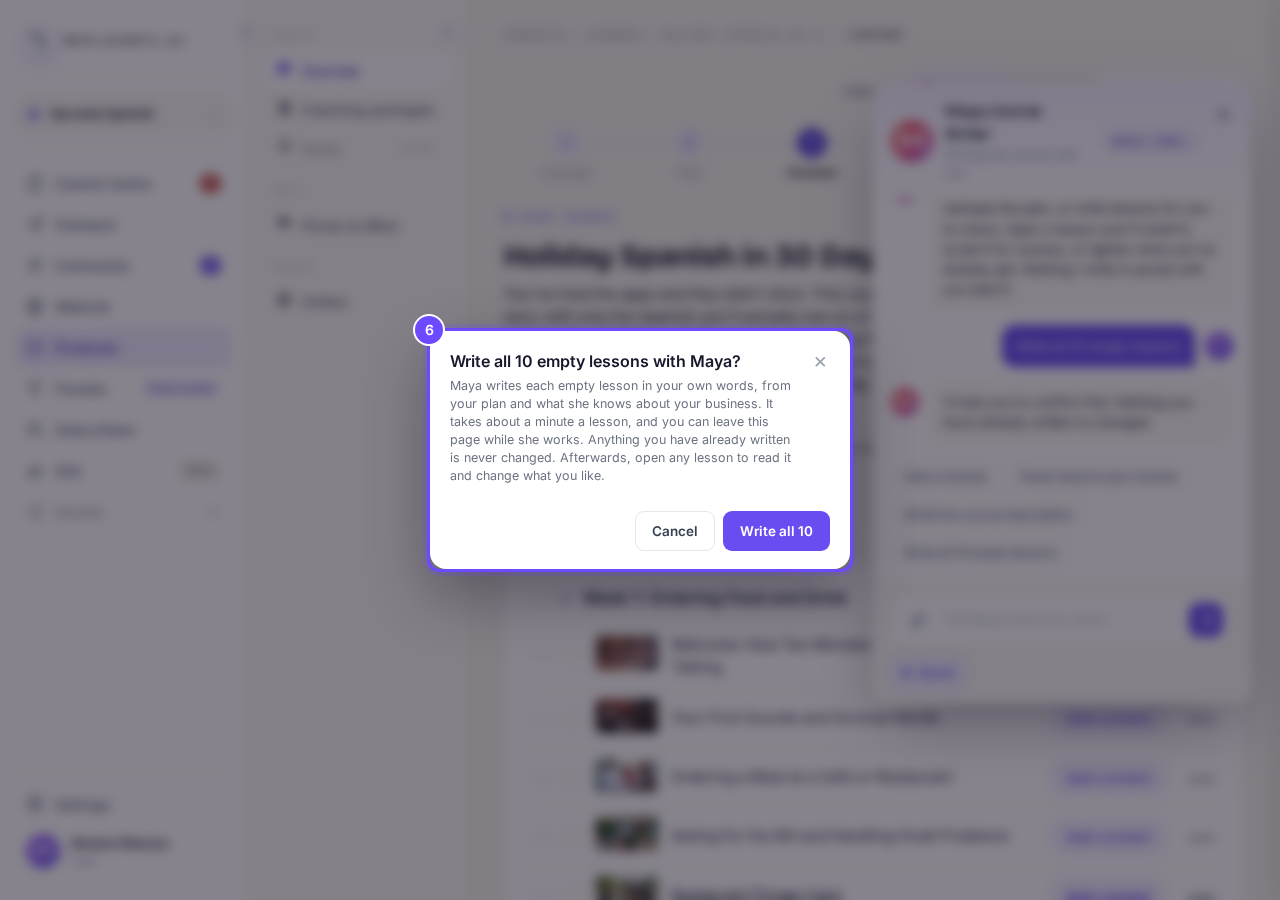
Write all your empty lessons with Maya: she asks first.


That draft is set up as a course you are bringing across, so Maya will not write it a plan. Go to Courses, press Delete this draft on that course, and start again with New course. Maya's writing uses your account's AI allowance: if you reach today's AI limit, the screen says so and what she has written stays.
How do I get Maya to write my lessons?
Related articles
Can I see a real course before I build mine?
Yes. Claire's free course, Small Steps, is a real course you can join as a student in about five minutes.
Can I turn my workbook, notes or recordings into a course?
Yes. Add your workbook, notes, slides or recordings at the start of a new course and Maya reads them; the questions arrive already answered, and your plan is built from them.
How does my course help students finish?
Your course has a tool for students who drift off, get stuck or feel alone, and you switch them all on or off in one place: Delivery, at the top of your course. Looking through them takes about five minutes.