
Why did Outreach leave someone out, and where do I see who is being checked?
Before Outreach suggests anyone, Maya reads the full profile of each person who liked or commented on a post she watches, and decides whether they fit your community. **People being checked** shows who is waiting, who has been checked, and why each one was added or left out.
Updated 6 October 2026
Open Outreach
Your Outreach dashboard is where everything Maya does for you shows up.
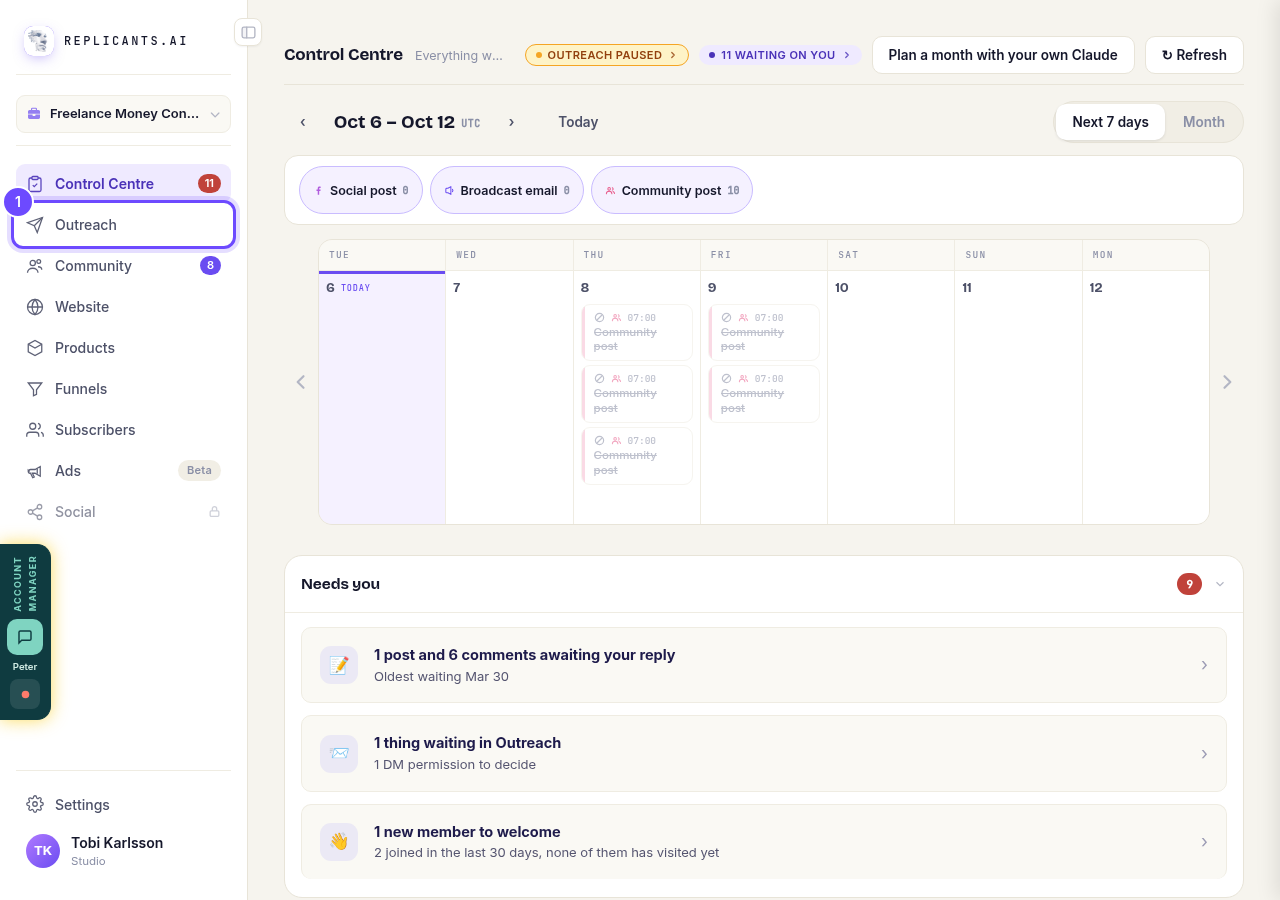
Press **Outreach**.
Open OutreachShow the details
Your numbers for the week, your sources, the posts Maya found and the people she is checking are tucked under this button.
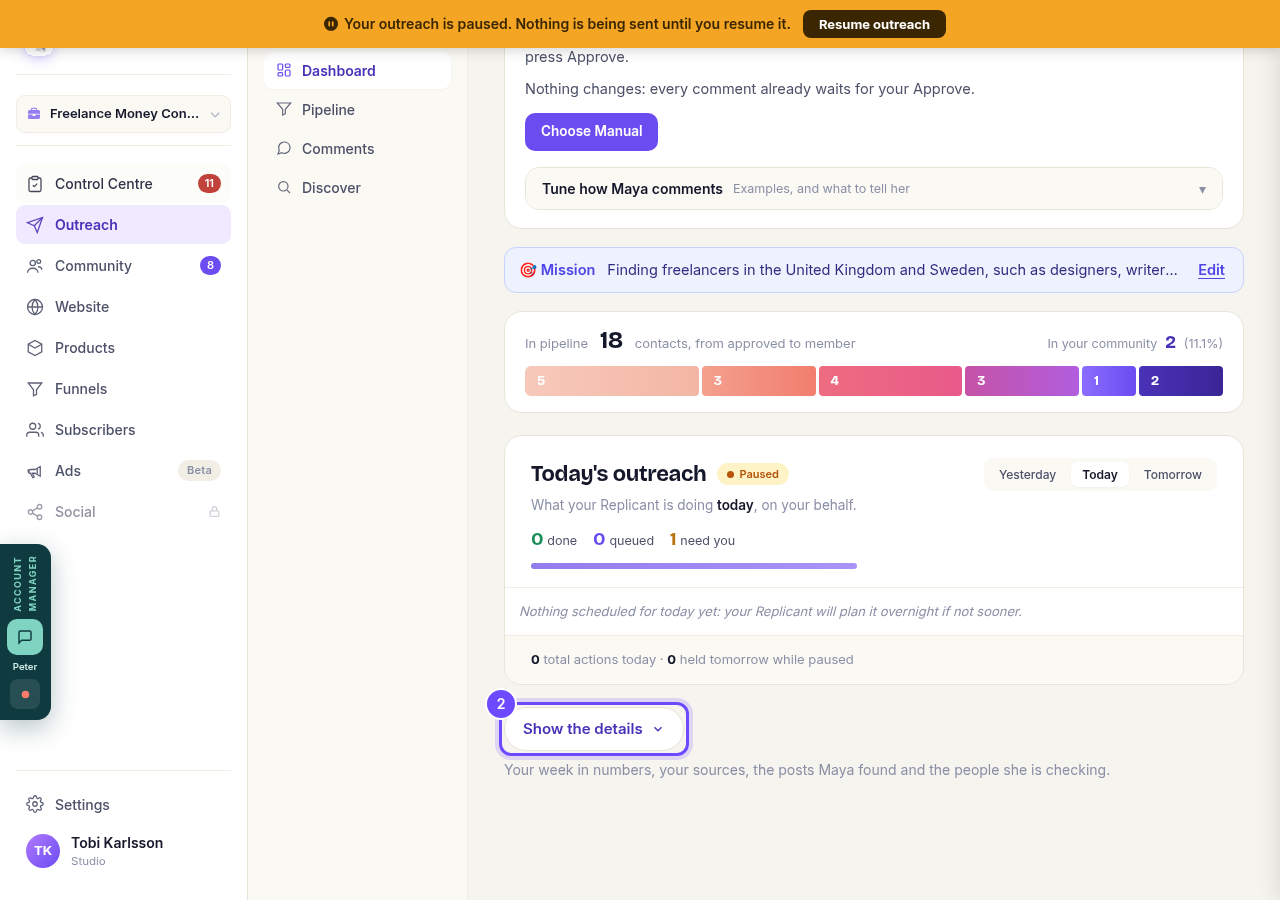
Press **Show the details**.
Find People being checked
It lists everyone who engaged with a post Maya collected. The three numbers show how many are waiting, how many were checked today, and how many were added this week.
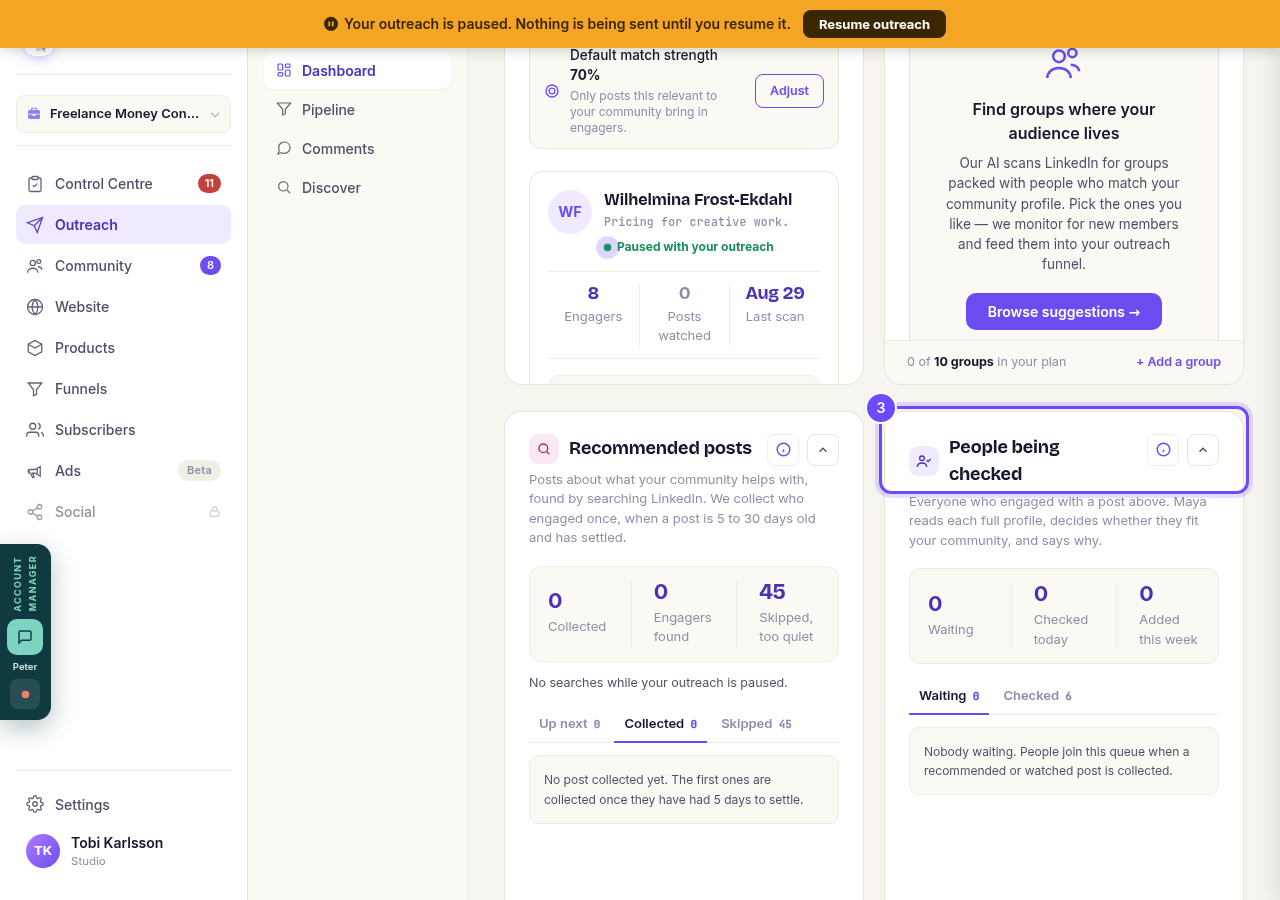
Look at **People being checked**.
See who is waiting
These people will be checked next, up to 80 a day during your working hours. While your outreach is paused, they are held.
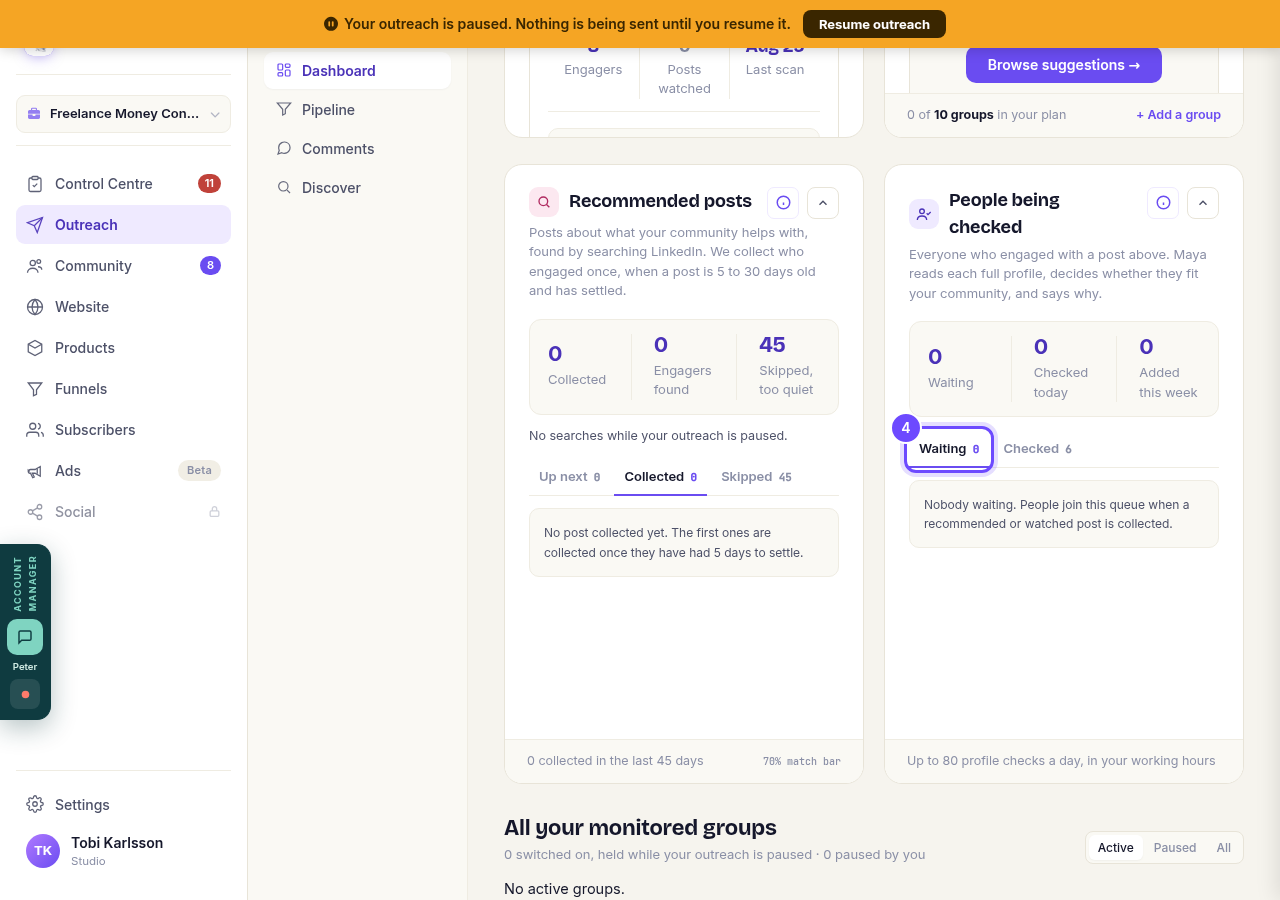
Press **Waiting**.
See who was checked
Everyone Maya checked in the last 14 days, newest first.
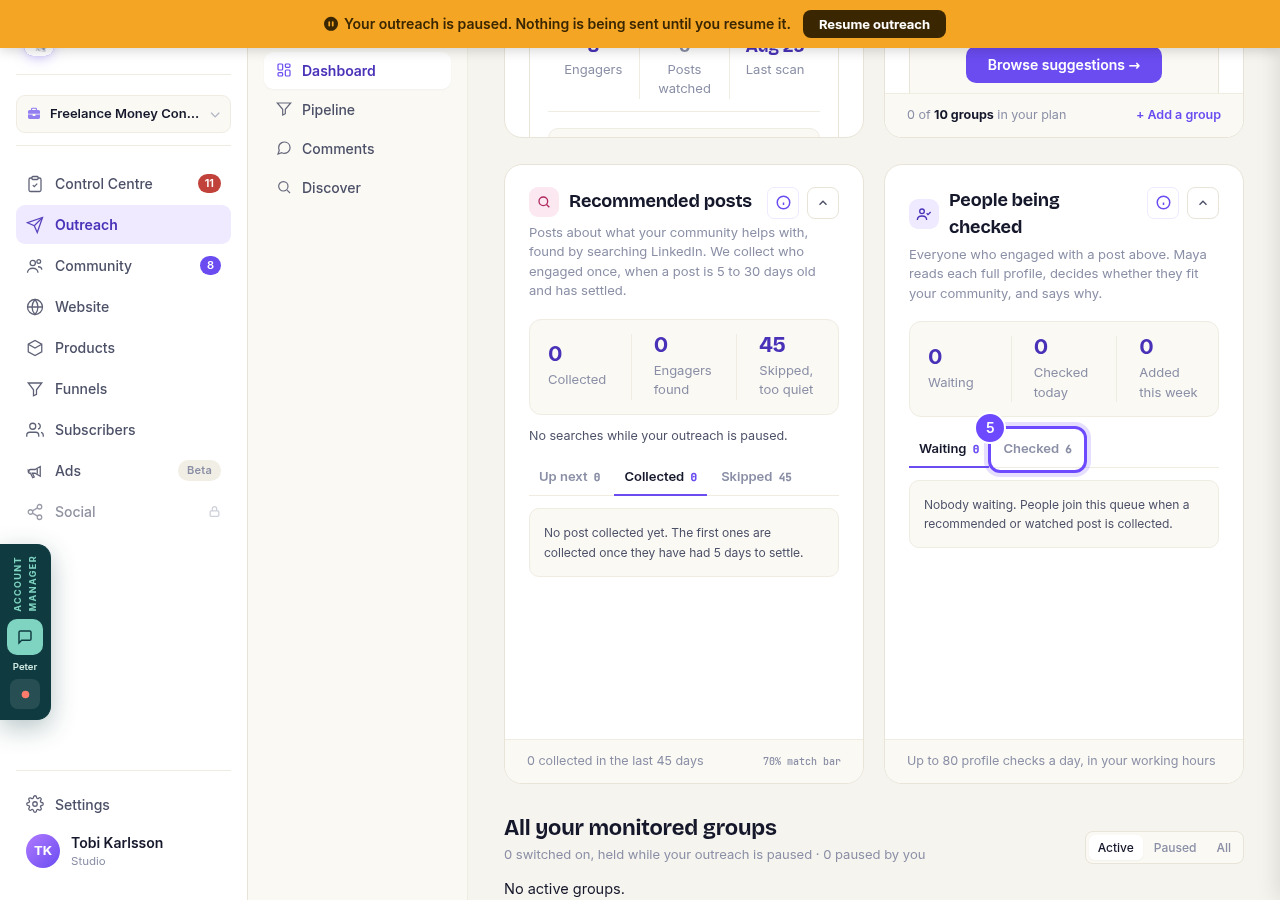
Press **Checked**.
Read the reason
Each person has a label: Added, Not a fit, Wrong country or Already a target. Under it, Maya says why. For example, someone who does the same work as you is a peer, not a client, so they are left out.
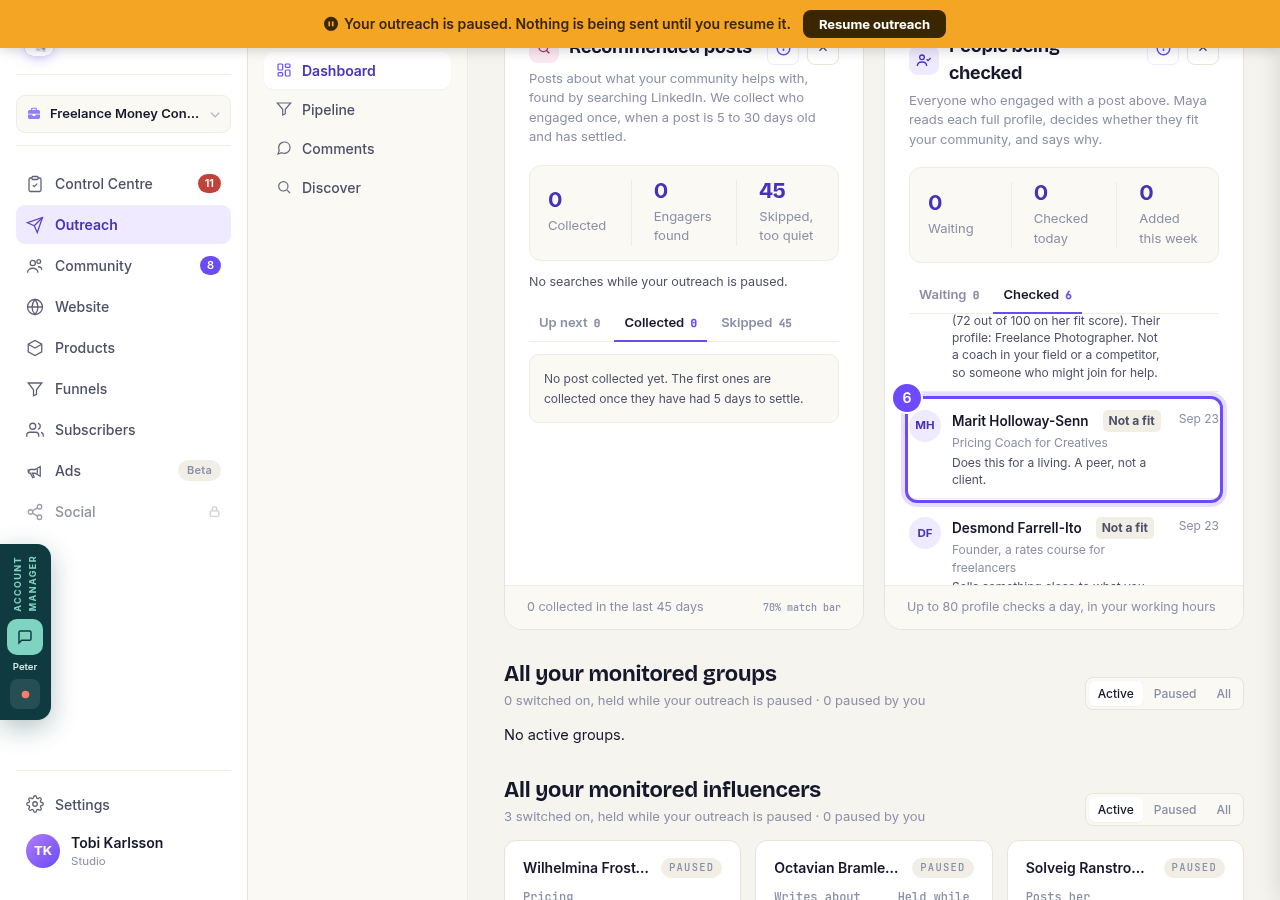
Read the line under the person's name.


Related articles
Can I use Outreach on Instagram or X?
Not yet. Today Outreach works on LinkedIn only, through your own account. Instagram and X are coming soon, and nothing you set up now is wasted.
Do my new connections get a welcome email automatically?
Yes. If you use Outreach, every new connection gets a welcome email by itself, as soon as we have their email address. The LinkedIn welcome message is the one that waits for your go-ahead. One screen shows you both, in about two minutes.
How does Outreach turn strangers into community members?
Outreach finds people who have recently shown an interest in the problem you solve, gets your name in front of them on LinkedIn, and brings the ones who say yes into your community. Most of it runs by itself. Your part is a few minutes a day approving comments, and then making new members feel welcome.