
I do not know where to start. What do I do first?
Start at Control Centre, the top of the menu. It shows anything waiting on you. Then open Community, the part that works on day one without you building anything.
Updated 15 September 2026
Come back to Control Centre each time
Control Centre answers one question: is anything waiting for me? If nothing is, it says so. Underneath is a week view of anything you have scheduled.
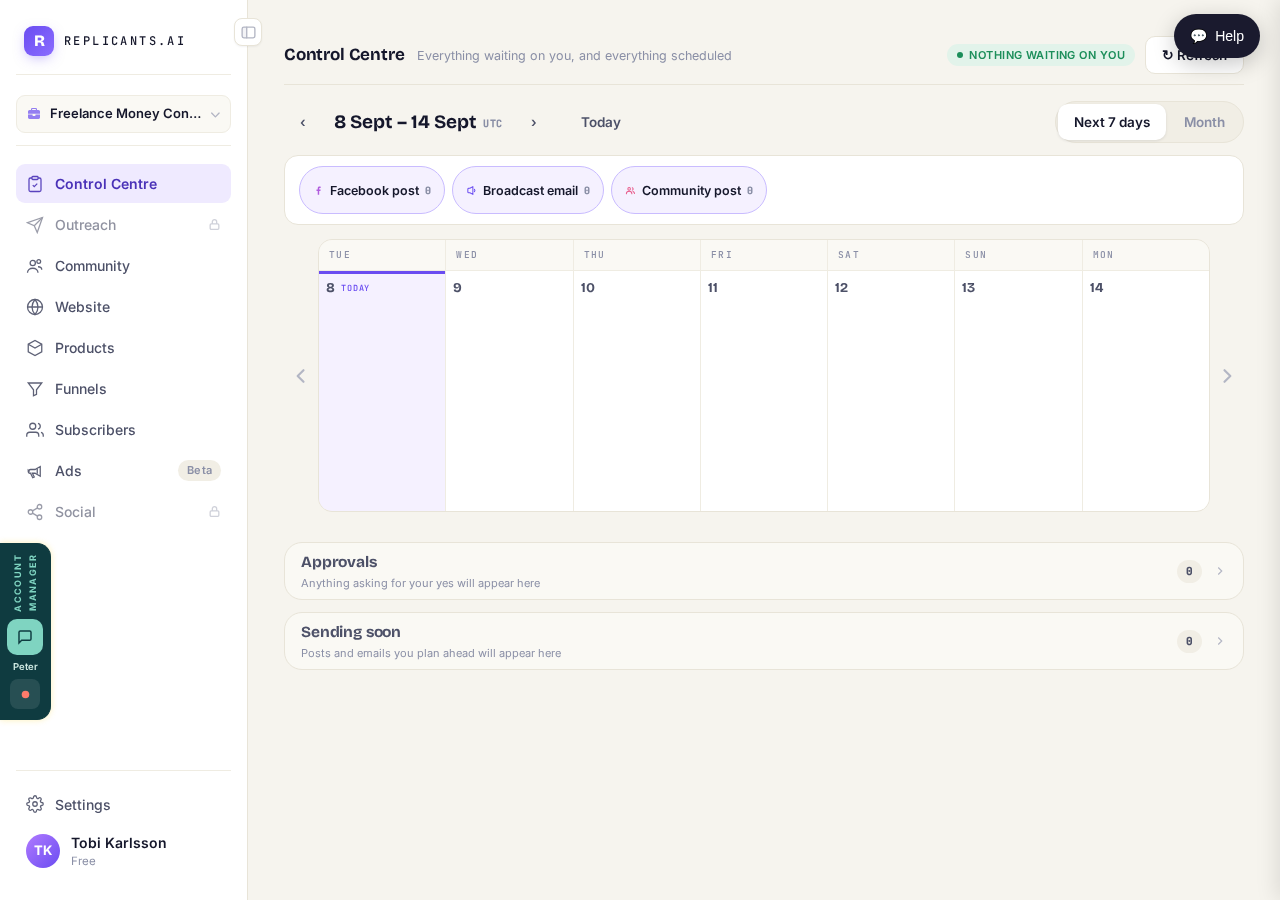
Anything asking for your yes appears here.
Read the menu as parts of your business
Each row down the left is one part of your business: what's waiting, finding people, your members, your site, what you sell, your list. A padlocked row isn't broken — it's a part you haven't needed yet.
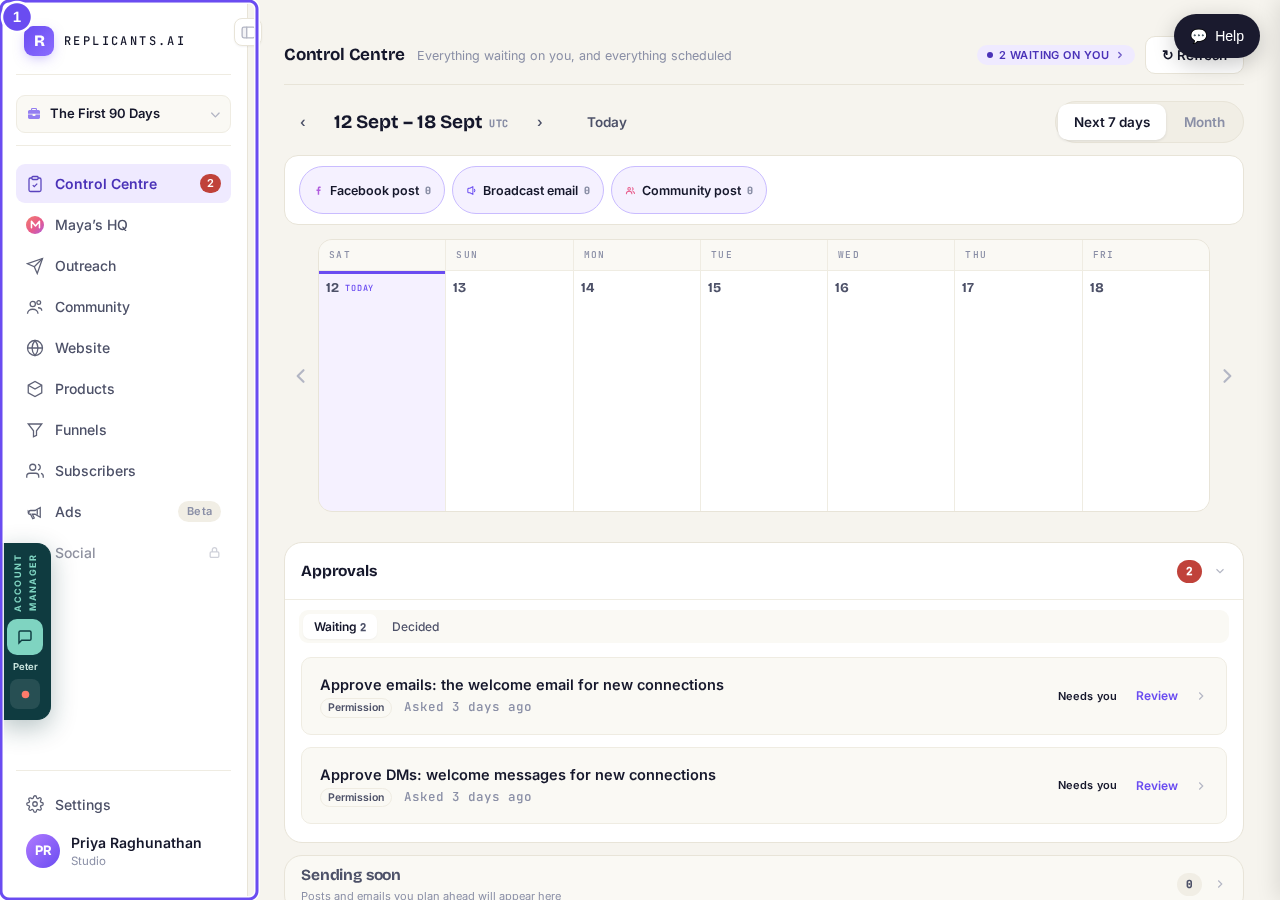
The same menu on every screen. Each row is one part of the business.
Open Community first
Press Community. It shows your member count, what's been posted this week, and the address it's served on. You tell Maya who it's for, and she names it, describes it and drafts the first conversations for you to approve.
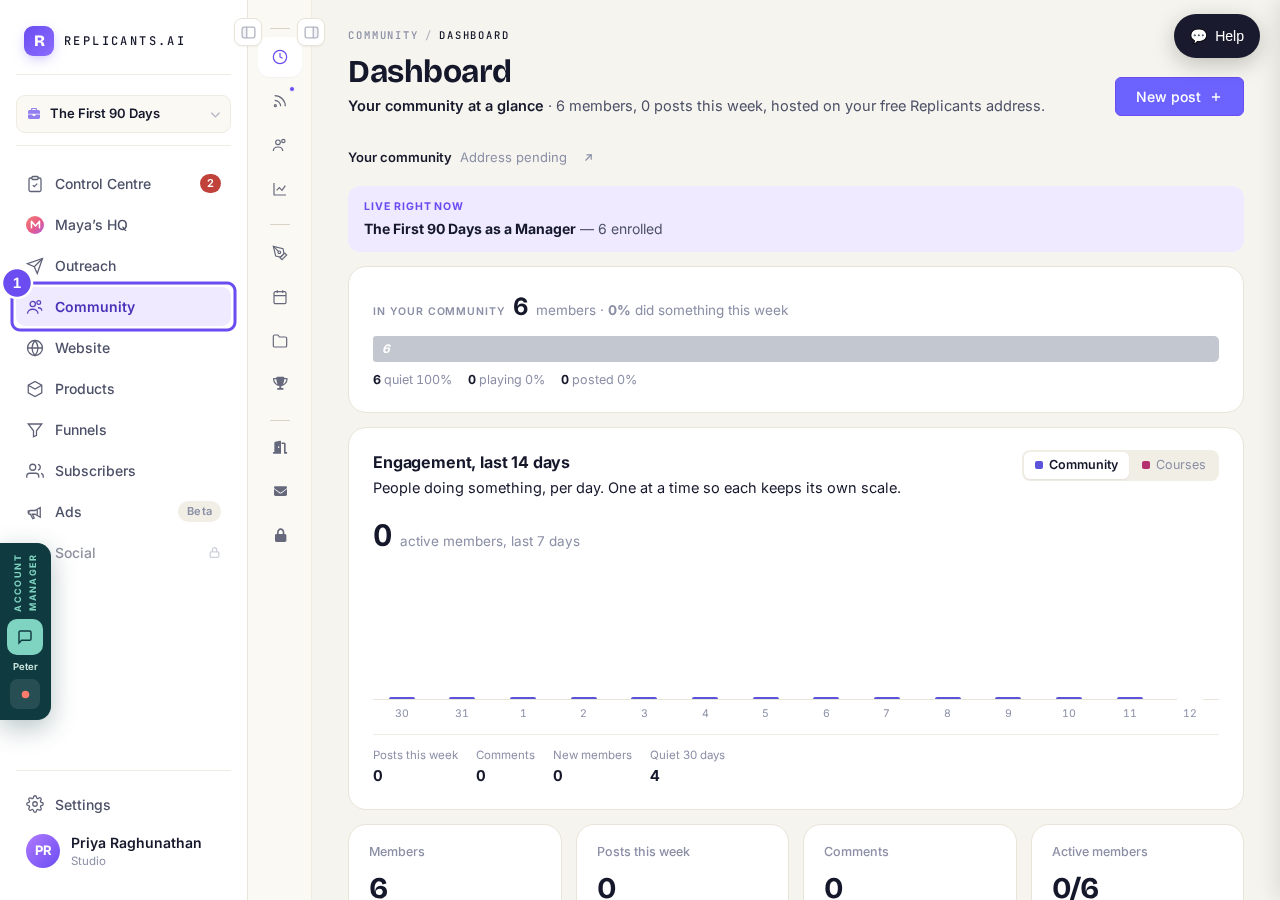
Press Community. The website is still there when you want it.
Take me thereChange the Welcome words by saying so
The Welcome page is the first thing a new member sees, and its words are already written. Say what you want different, in your own words or out loud, and they're rewritten. You can also start from nothing.
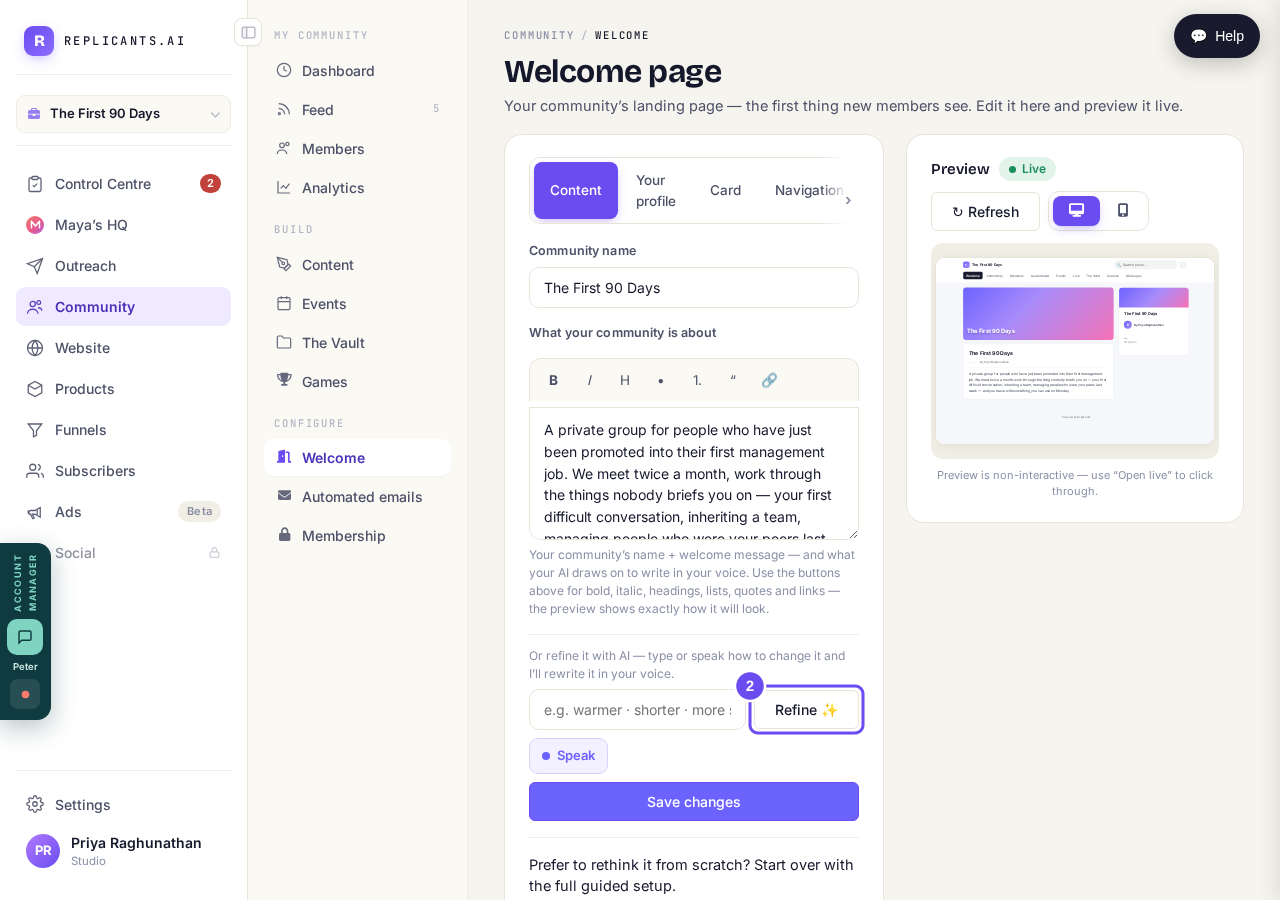
Say how you want it changed, or speak it. It comes back in your voice.
How do I name and shape my community?
Related articles
There is a plan in Maya's HQ with my name on it. What is it?
The plan we wrote for your community, and the six steps that build it. The heading reads Your plan and your community's name, not Maya's HQ.