
How do I set up my sending domain, so emails come from my own address?
A sending domain lets your emails come from your own address, such as hello@yourbusiness.com, instead of ours. You add two records at the company your domain is registered with, and we check them. About ten minutes, plus however long your records take to appear.
Updated 6 October 2026
Open Email settings
Press Set up your sending domain, or open Settings, then Email
On your Automated emails, under Send from, it says your emails currently send from our address, with a Set up your sending domain button. A course's Emails tab has the same button. Both open Settings, then Email.
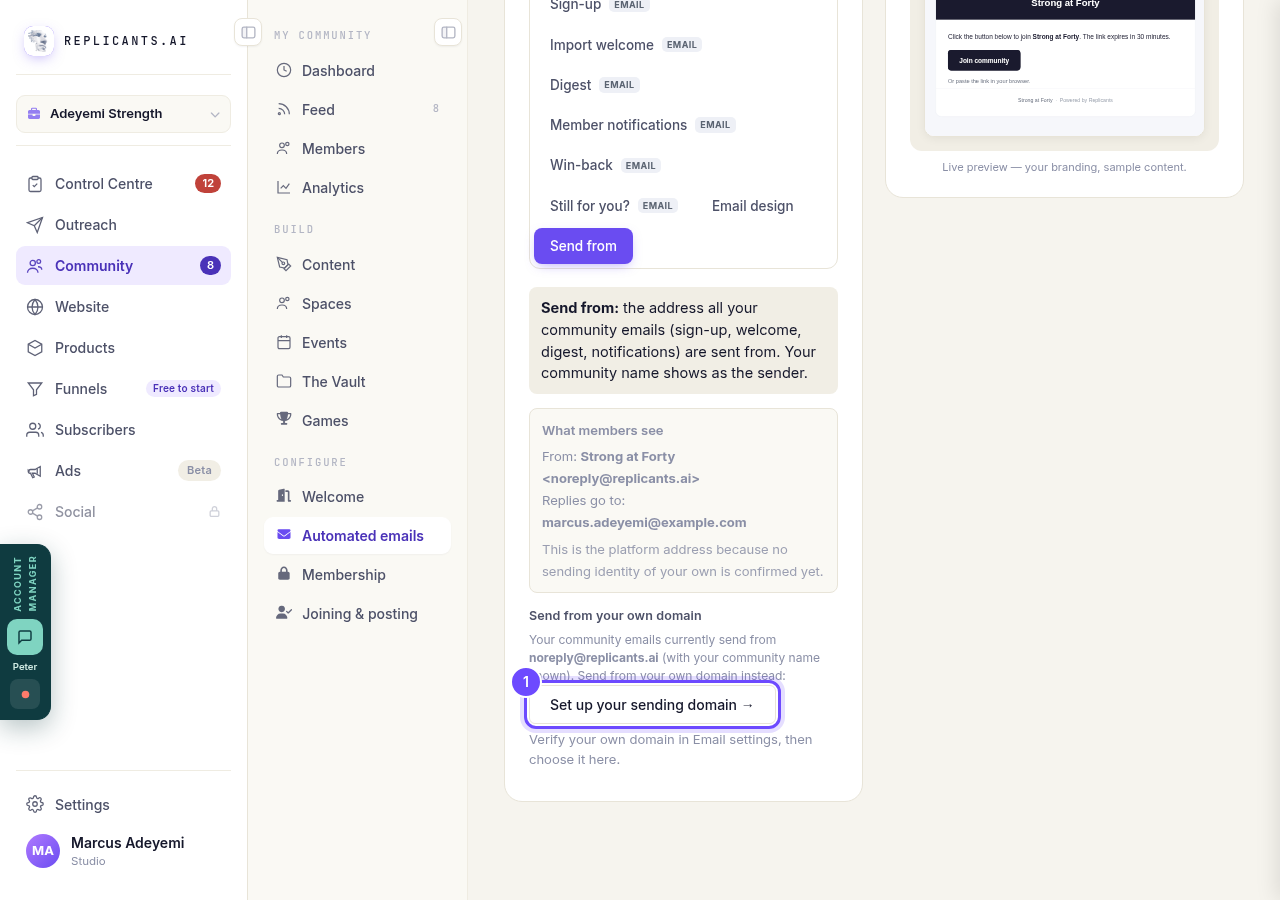
Set up your sending domain, under Send from.
Open Email settingsChoose how you want to do it
Set up email for a domain you host elsewhere is for a domain you already own. Register a new domain takes you to Settings, then Domains, to get one first; come back here once it is done and it shows as a choice.
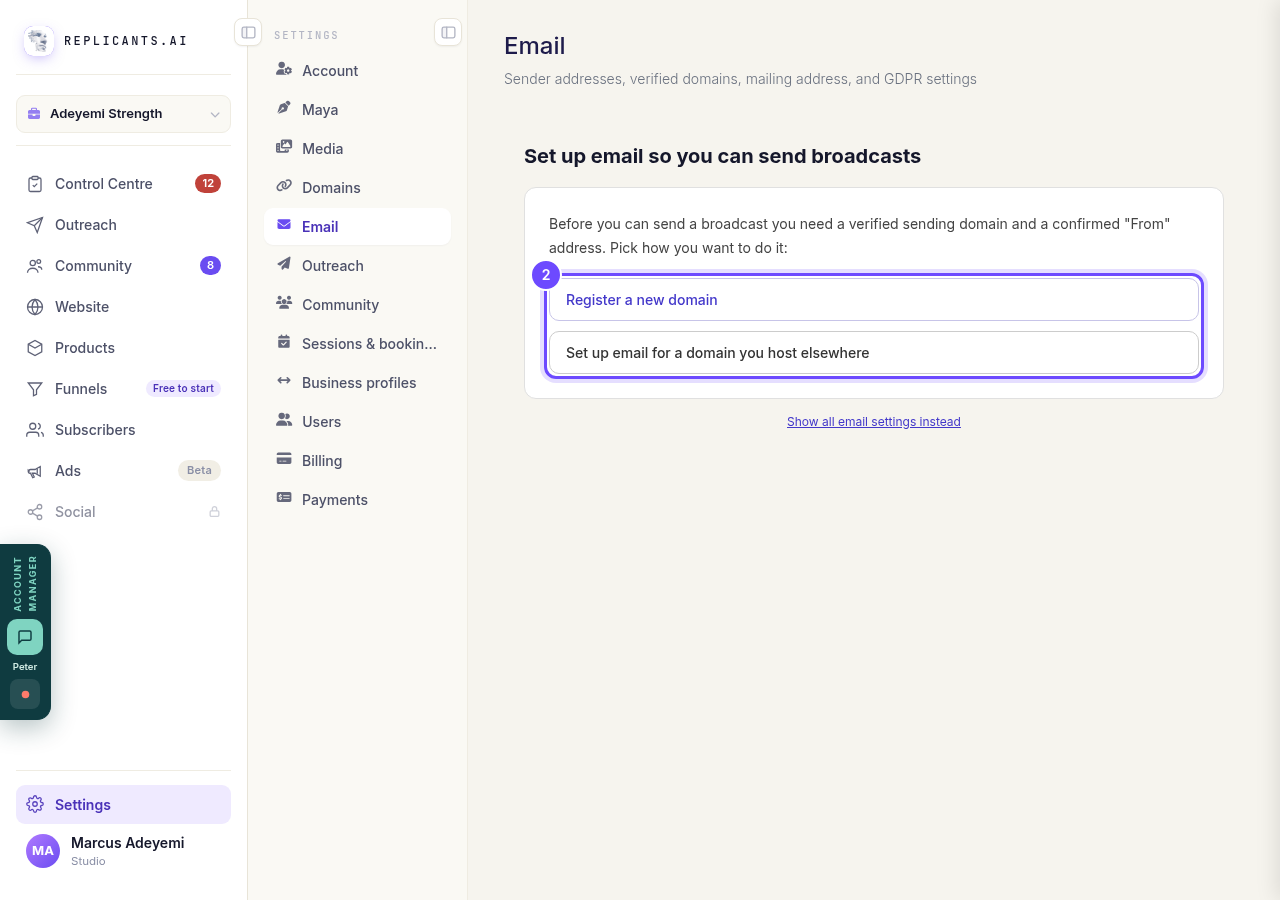
The two ways to start.
Type your domain and press Add domain
Type the domain only, such as yourbusiness.com, with no www or https. Then press Add domain.
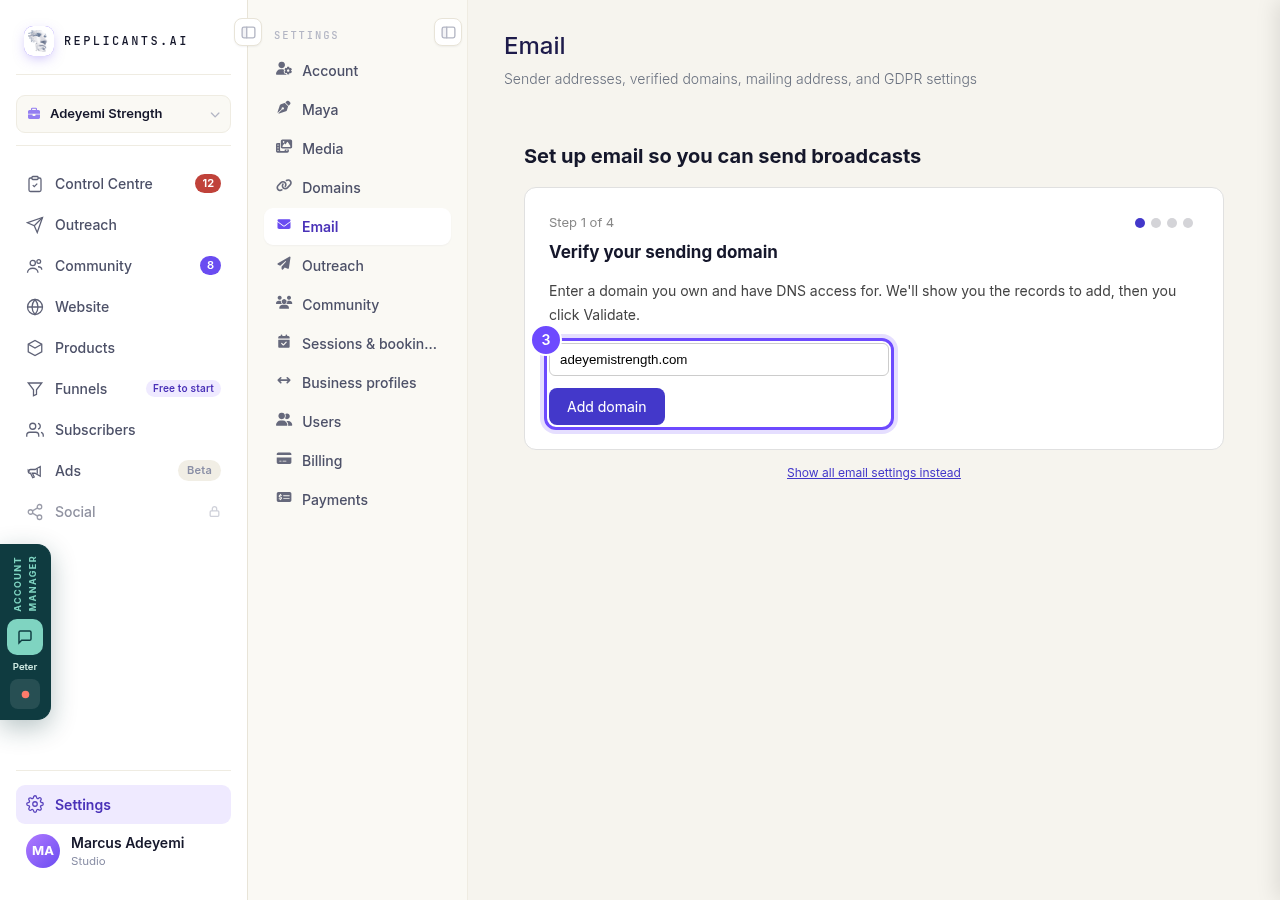
Your domain, then Add domain.
Press Show me what to add, and add the two records
Under Email authentication, press Show me what to add to see the two records you need, and copy each one into your domain's settings. The statistics record and the anti-spoofing record are optional. If your domain already has an anti-spoofing (DMARC) record, leave it as it is.
If someone else looks after your domain, choose where it is registered and press Email these to my web person, or Copy for developer.
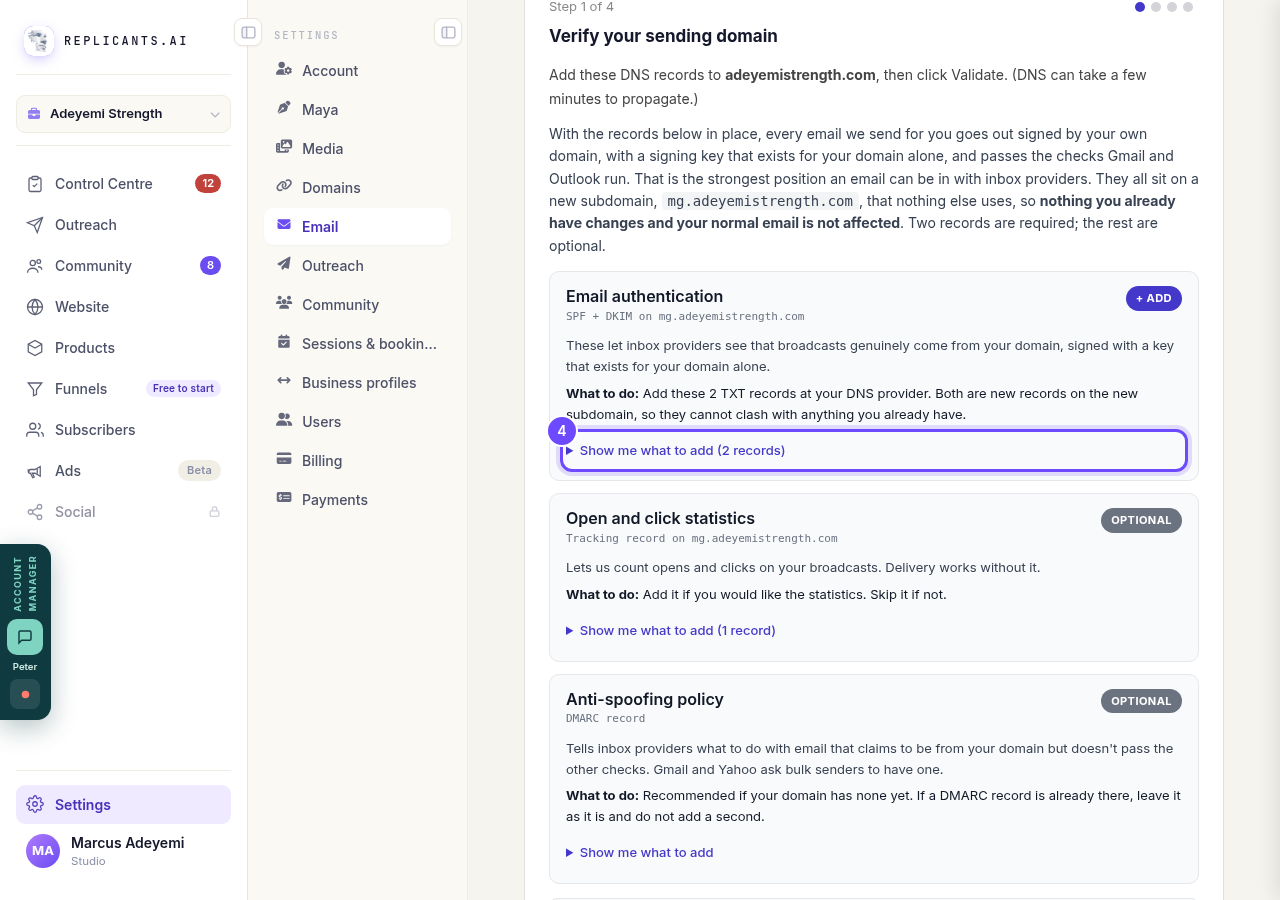
Show me what to add, under Email authentication.
Press Validate at the bottom
The button at the bottom says I've added them, Validate. We check the records with our email provider. New records can take a few minutes to appear; if it says they are not there yet, wait a little and press it again.
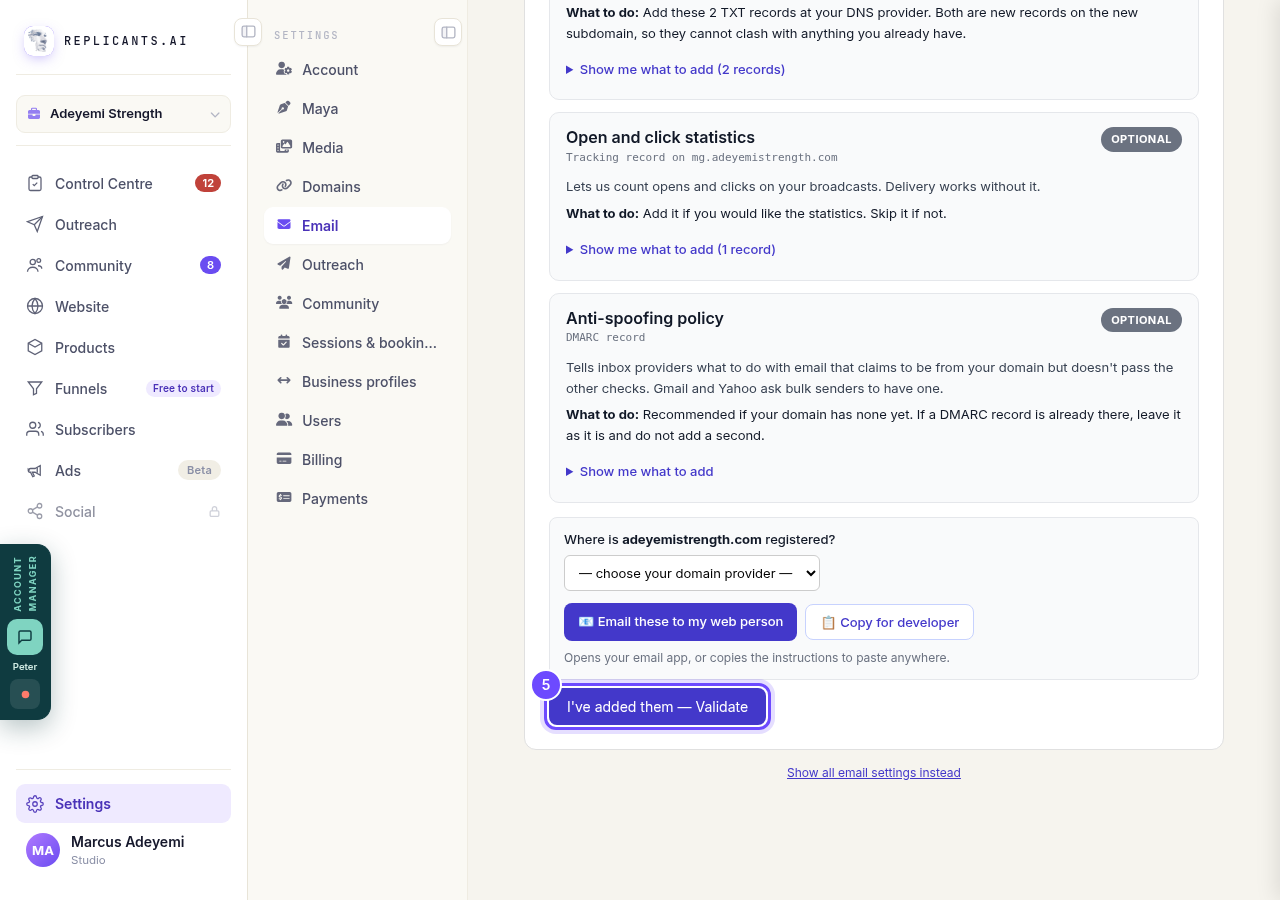
Validate, at the bottom.
Pick your From address and confirm it
Once your domain is verified, type the name people see and the start of your address, such as hello. Press Send confirmation link & continue, then click the link in the email we send to that address.
The last step asks for your mailing address, which the law asks every marketing email to carry. Then you are done.
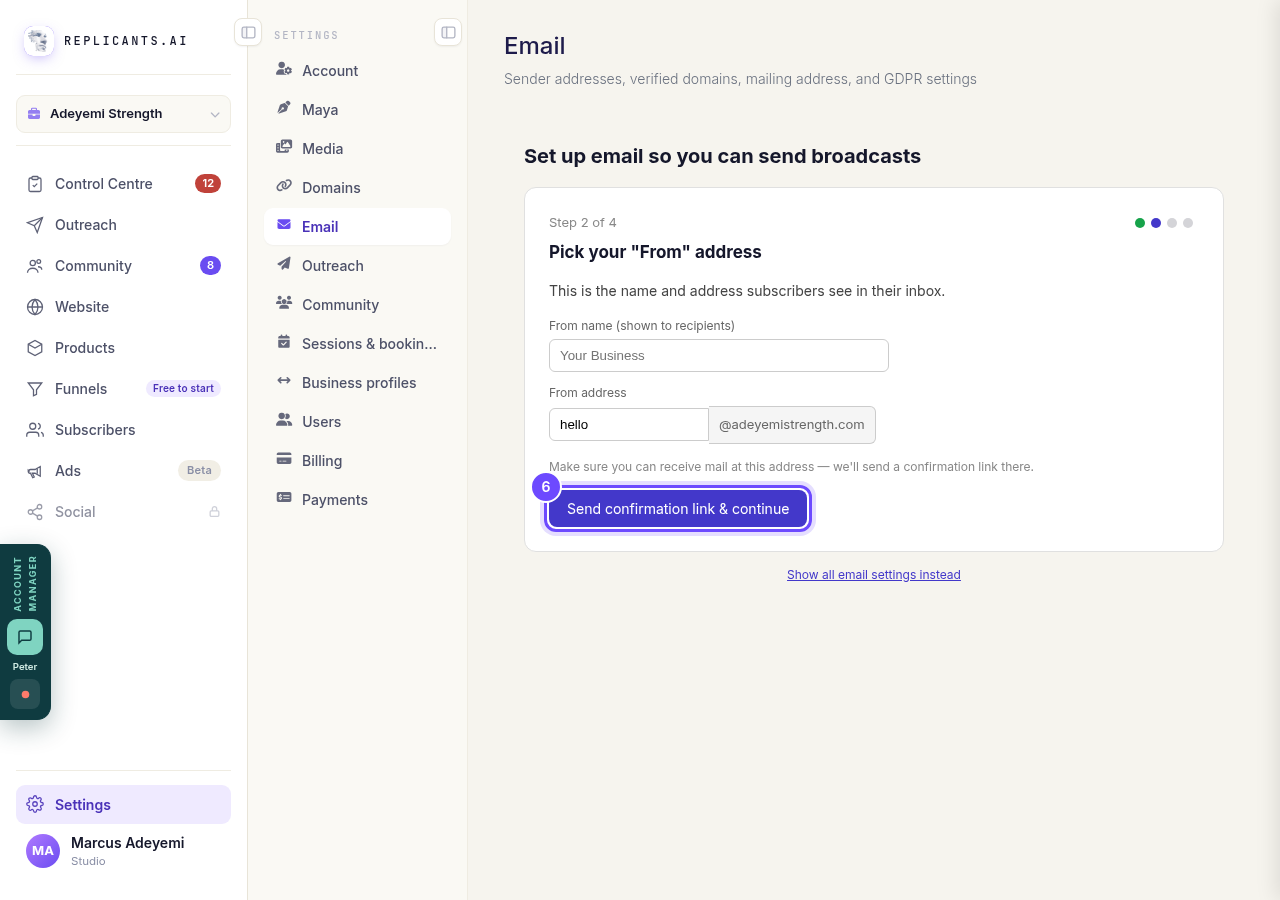
Pick your From address, then Send confirmation link & continue.


Related articles
How do I choose what time of day my emails arrive?
When you send a broadcast you can spread it over a few hours, and let each person get it at the time they usually read their email. It is all on the last screen, **Schedule**.
How do I create a new tag?
A tag is a label you put on people so you can find them again. You make one by ticking the people it belongs on and naming it, in Subscribers, on the Contacts page.
How do I delete a contact?
Tick them on Contacts, press Delete, then type DELETE to confirm. Delete can't be undone. To hide someone and keep their details, Archive them instead.