
How do I see and correct what Maya knows about my business?
Everything Maya knows about your business is on one page, called Maya's Brain. You can read every fact she uses, fix anything that is wrong, choose which of your posts and courses she may quote, and pick the English she writes in.
Updated 6 October 2026
Open Settings
Maya's Brain lives in Settings.
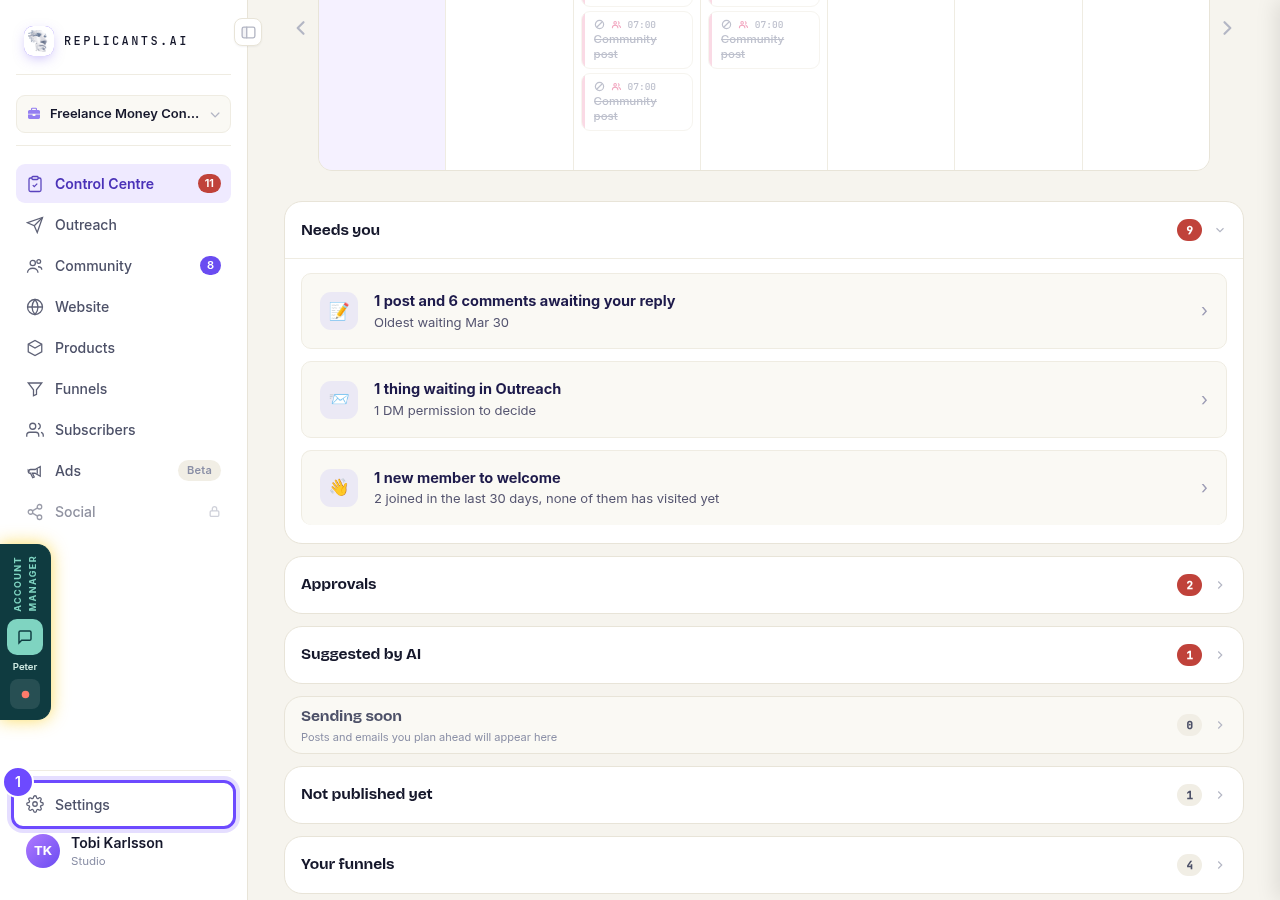
Press **Settings** at the bottom of the menu on the left.
Open Maya
This opens Maya's Brain: what she knows about your business and how she uses it when she writes for you.
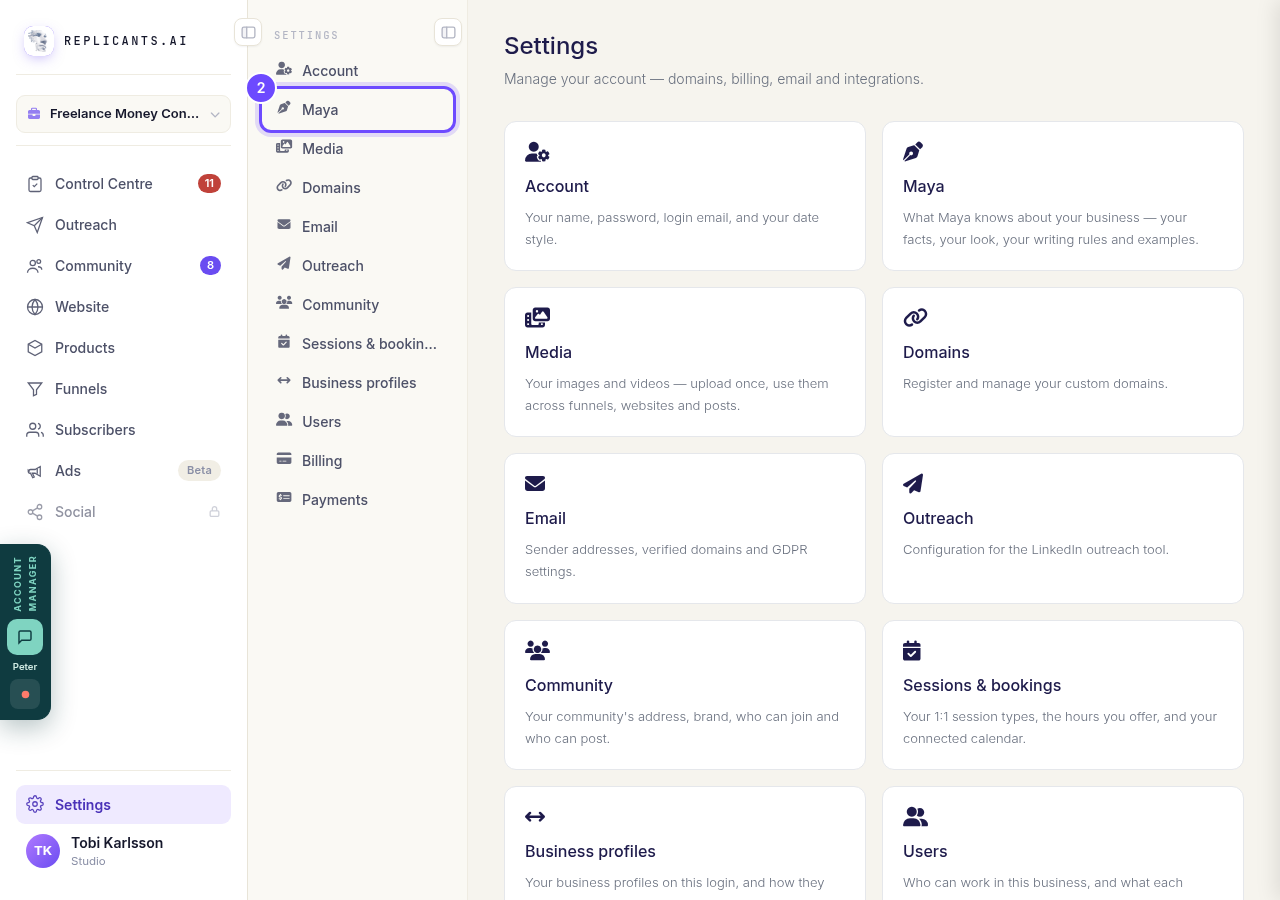
Press **Maya**.
Open Maya's BrainOpen What she knows
This is every fact Maya has about you: your business name, what you do, who you help, your story, your tone and more. Every bit of it came from you.
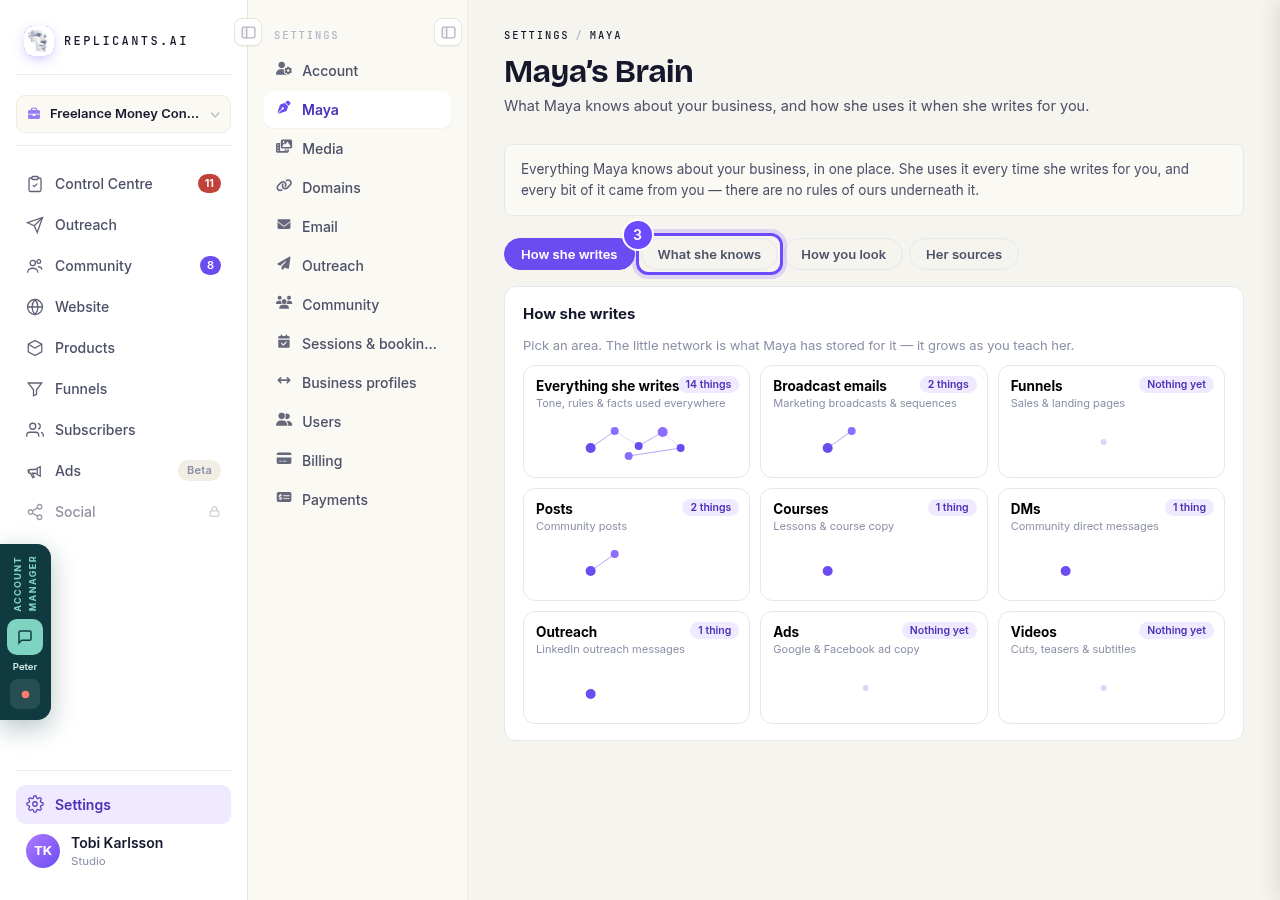
Press **What she knows**.
Press Edit
Find the fact that is wrong or out of date. Anything she has not been told yet is listed further down, ready for you to answer.
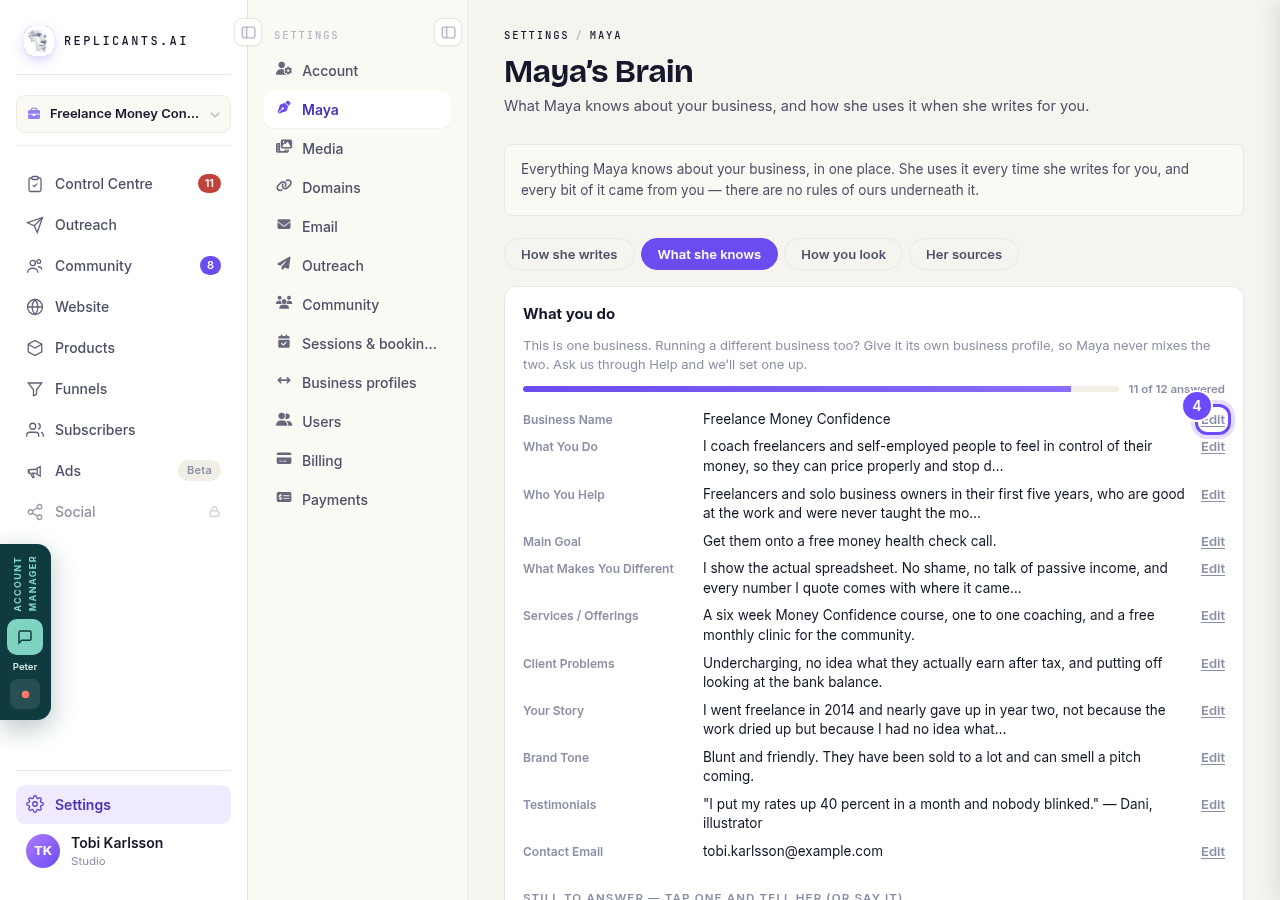
Press **Edit** next to the fact.
Change it and save
The box opens with the words she has now. You can type, or press Speak and say it. Maya uses the new words from now on.
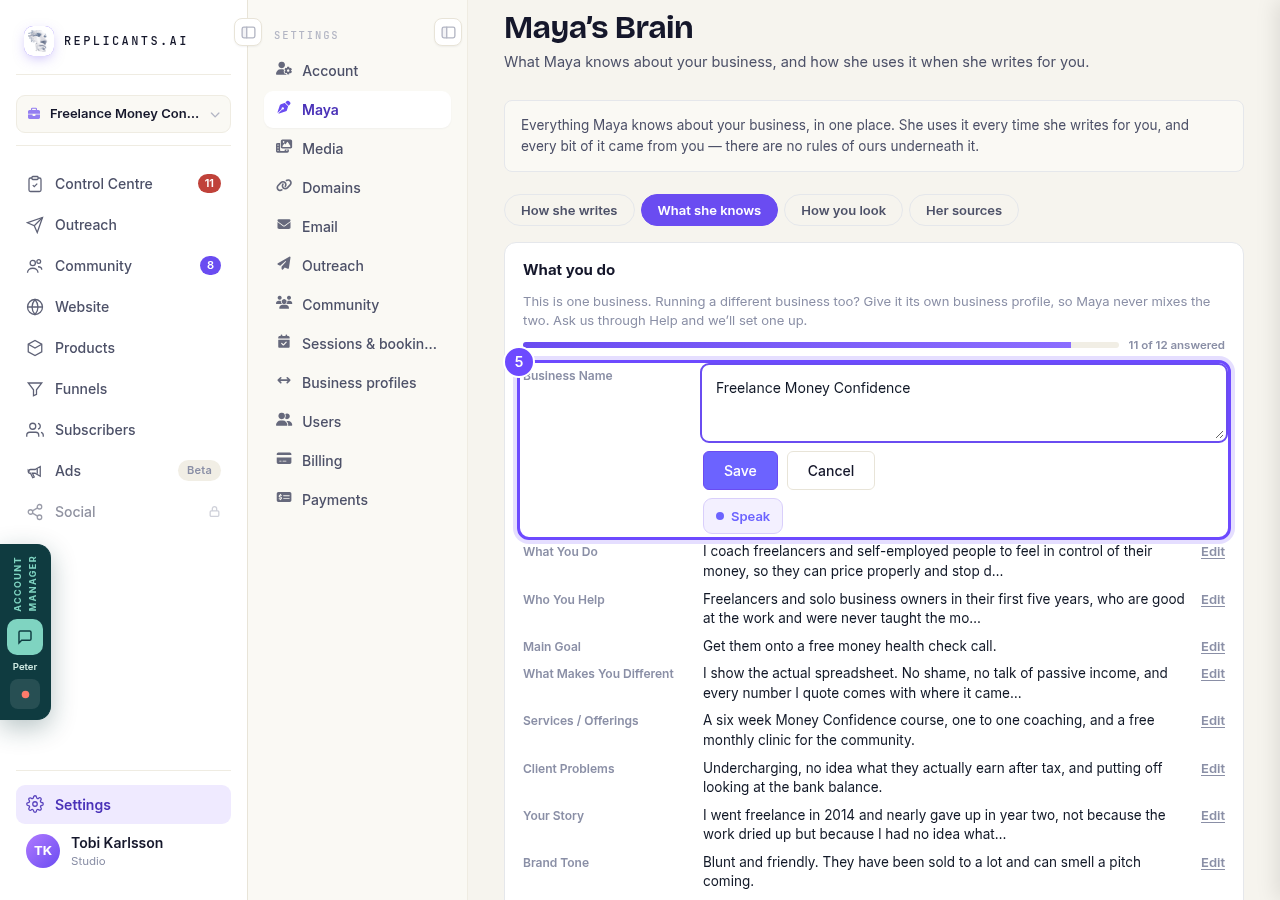
Change the words, then press **Save**.
Open Her sources
When Maya writes for you she can quote your own material back, with the source named. This is where you choose what she may draw on.
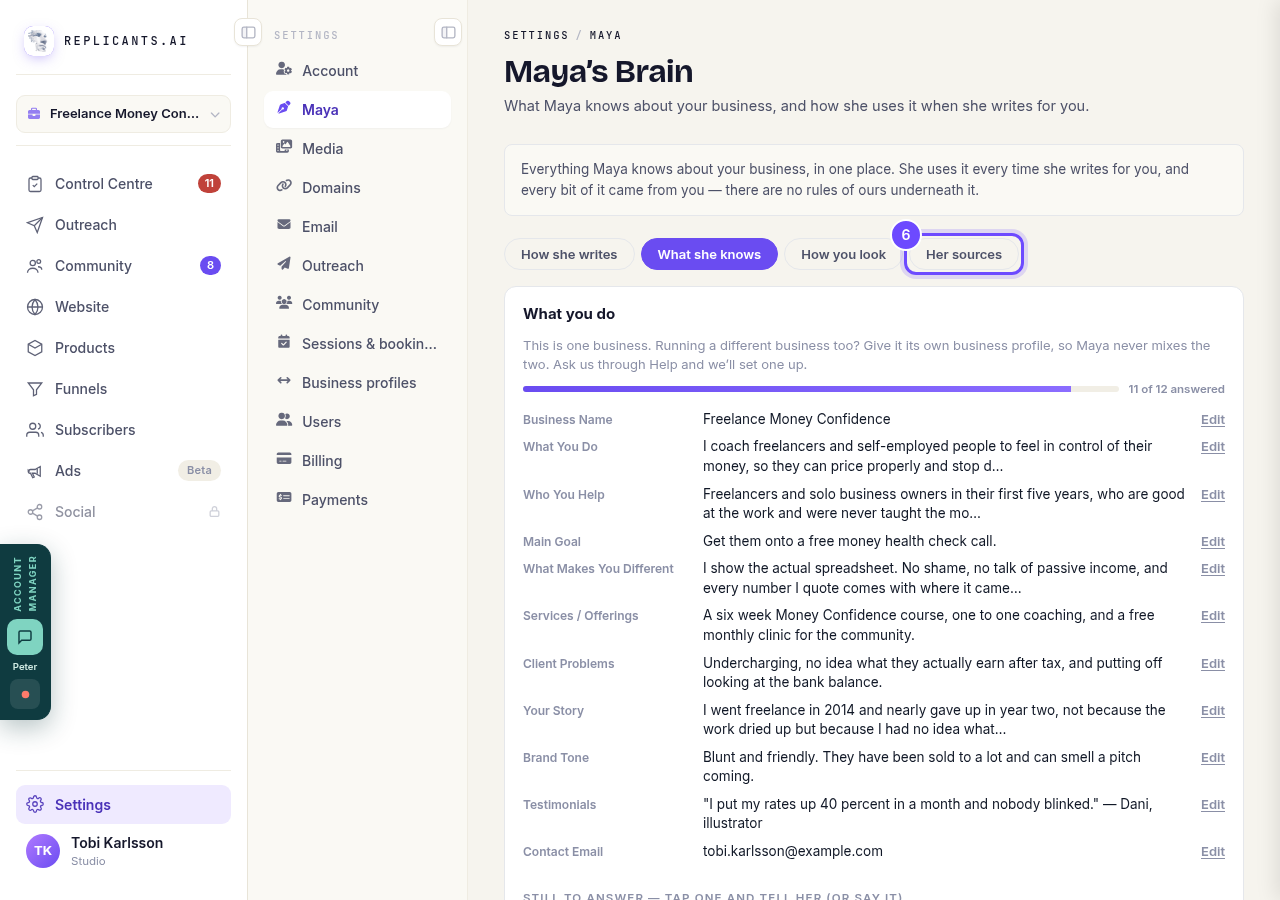
Press **Her sources**.
Choose what she can quote
On means she may quote your published posts. Only your own posts are used, never a member's. Courses have their own switch just below. To keep out one channel or one course, tap that line. Changes apply straight away.
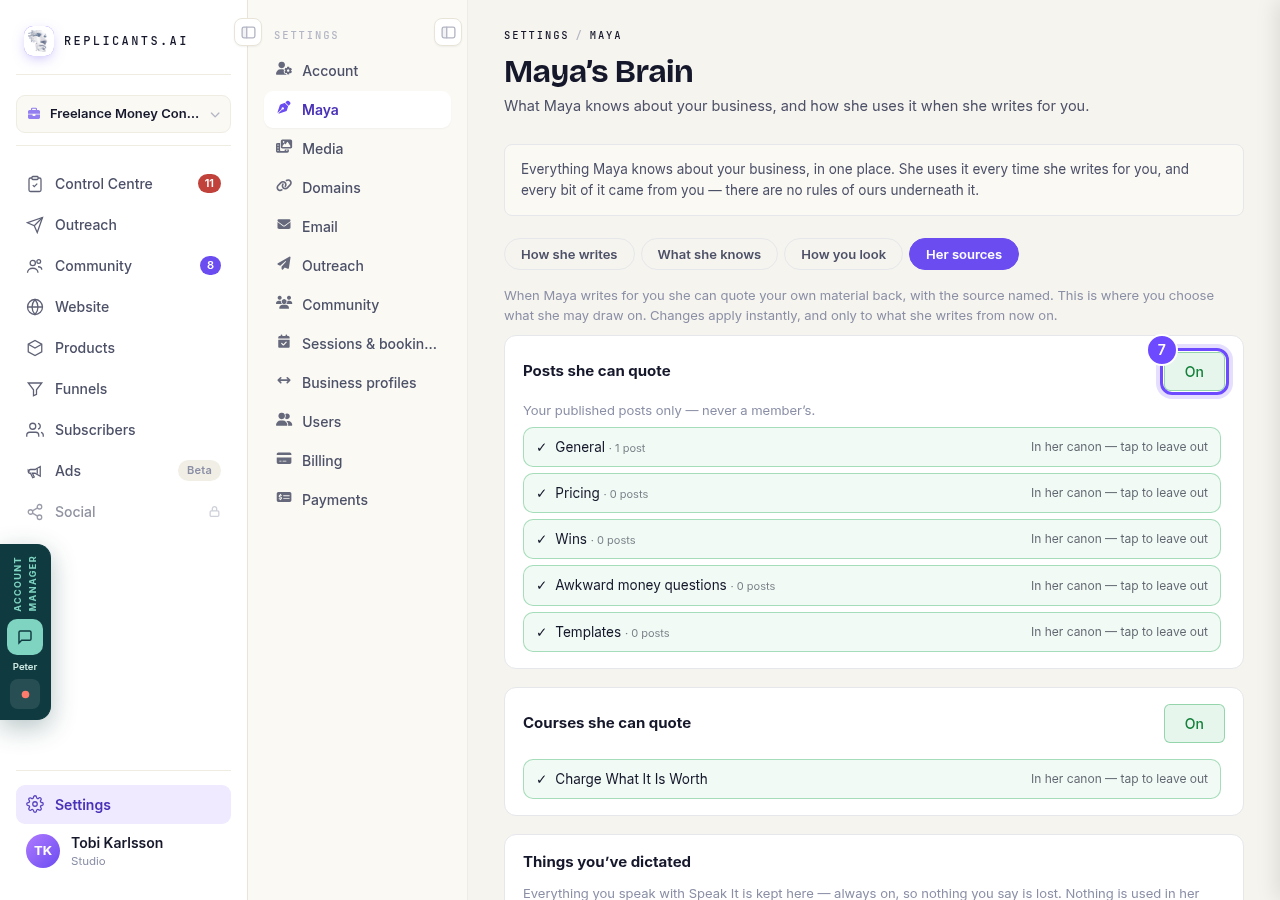
Press **On** to turn it off.
Open How she writes
This holds the settings and rules she follows when she writes.
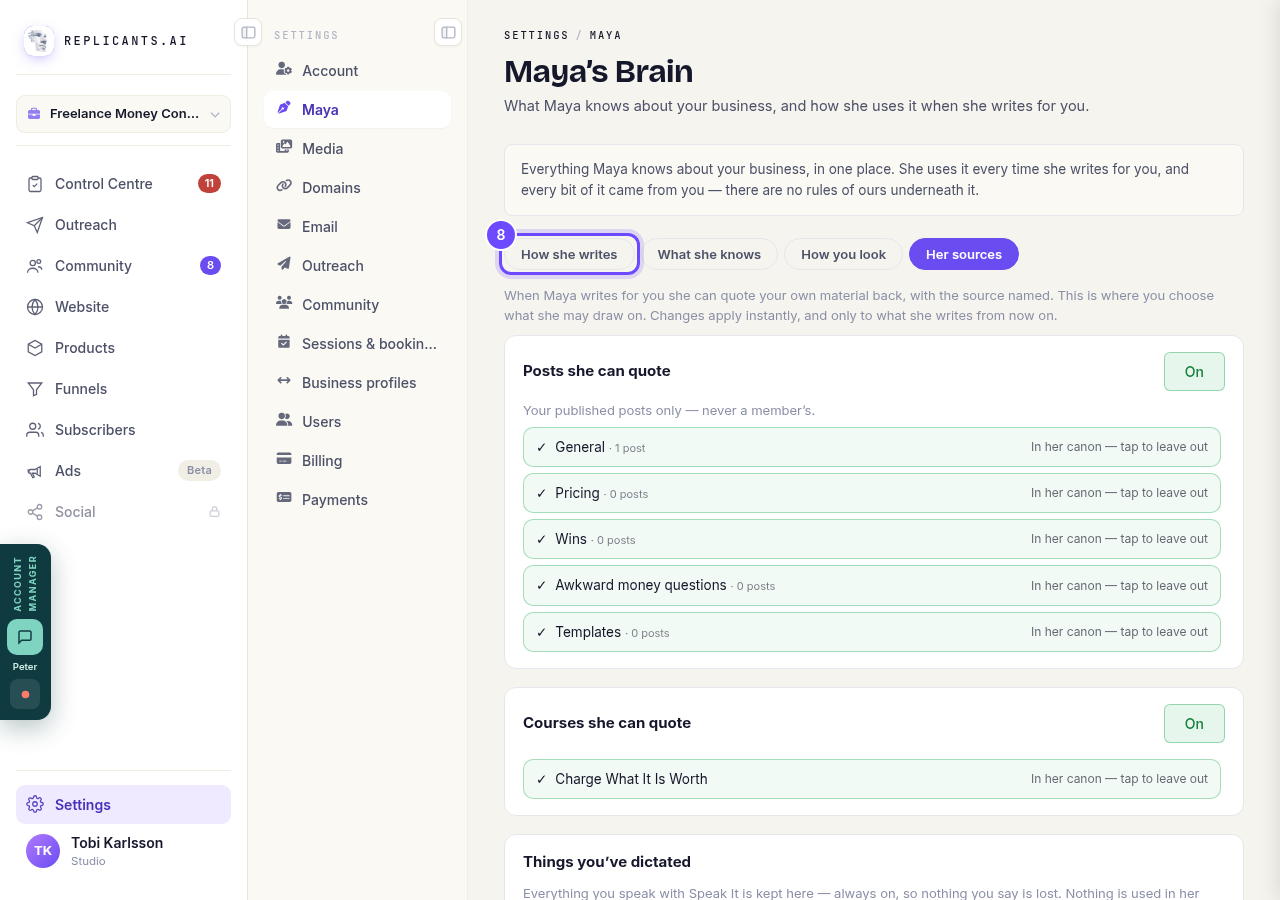
Press **How she writes**.
Open Everything she writes
This card holds the settings she uses in everything she writes for you.
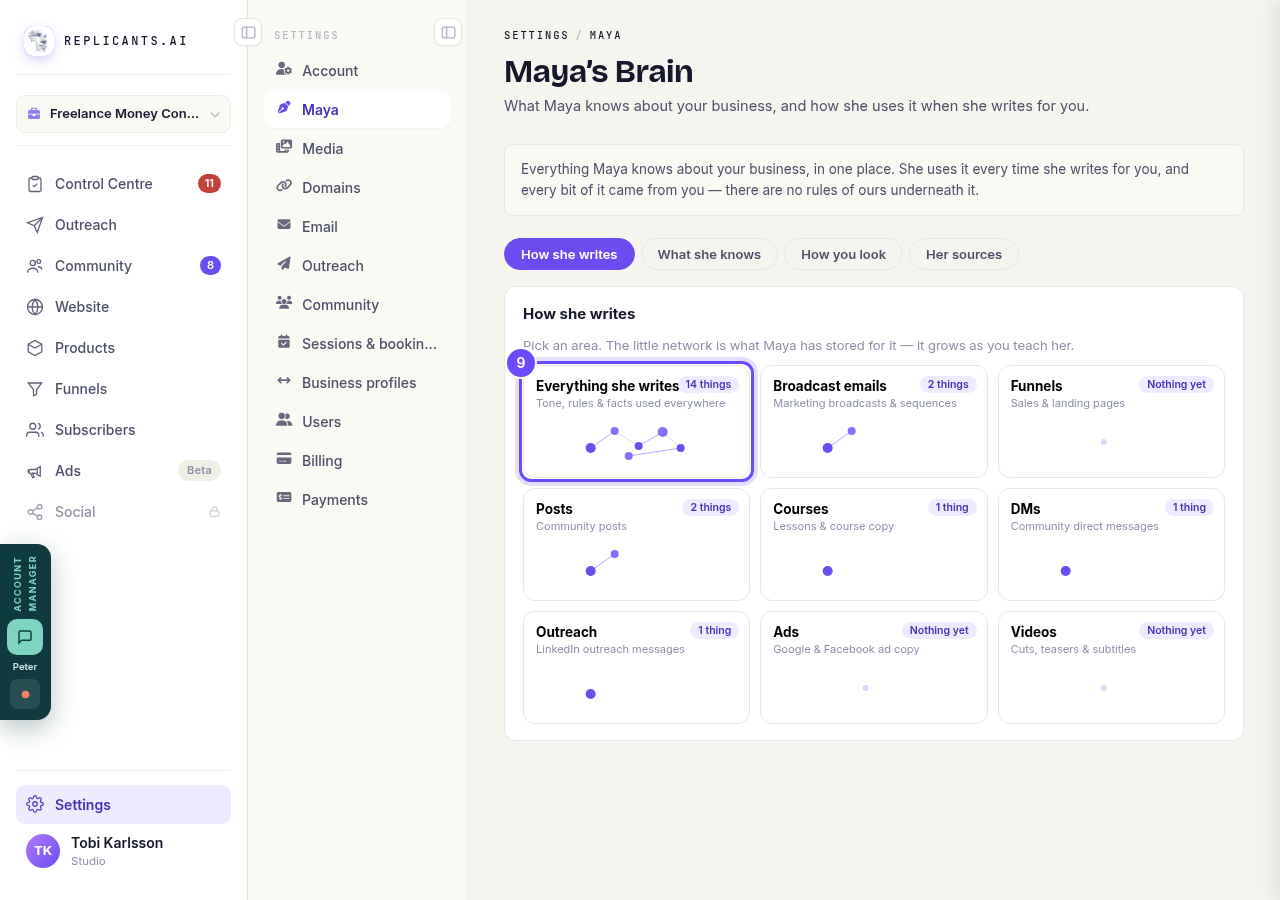
Press **Everything she writes**.
Pick your English
This sets the spelling Maya uses everywhere, like color or colour. If you leave it unset, she writes in the English you write in.
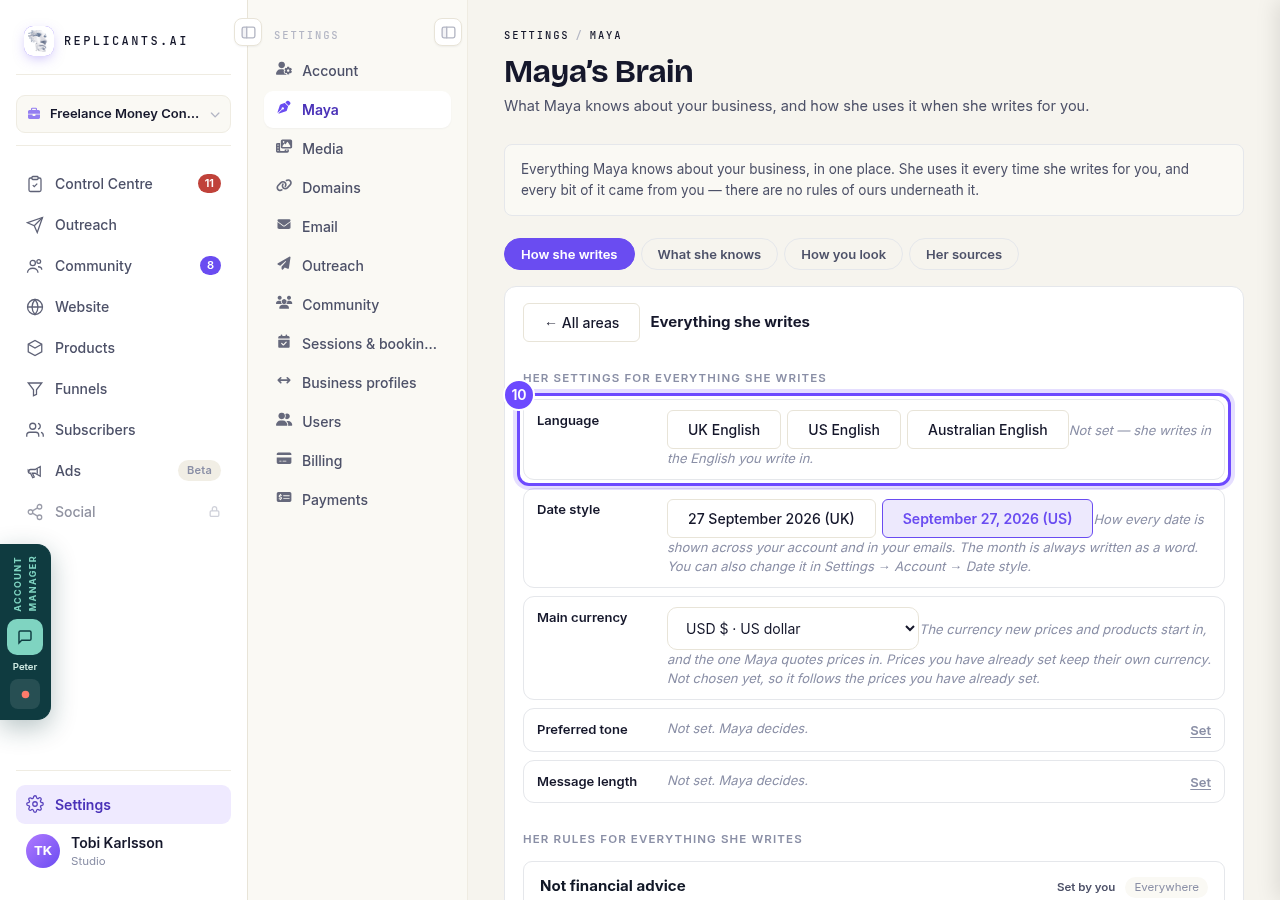
Press **UK English**, **US English** or **Australian English**.


Related articles
I do not know where to start. What do I do first?
Start at Control Centre, the top of the menu. It shows anything waiting on you. Then open Community, the part that works on day one without you building anything.
There is a plan in Maya's HQ with my name on it. What is it?
The plan we wrote for your community, and the six steps that build it. The heading reads Your plan and your community's name, not Maya's HQ.