
How do I run a community when I have no time?
Most of it already runs without you. This is what is switched on, what you can hand over, and the fifteen minutes twice a week that actually need a person.
Updated 16 September 2026
Know what is already running, because you did not switch it on
Every community has points, levels and badges going from the day it exists, for every member, whether you look or not. The tile says "always on, every member", and "6 of 6 features".
The welcome email goes out the moment somebody joins, carrying their way in. The digest goes to members who asked for it, at the frequency they chose. None of that needs you.
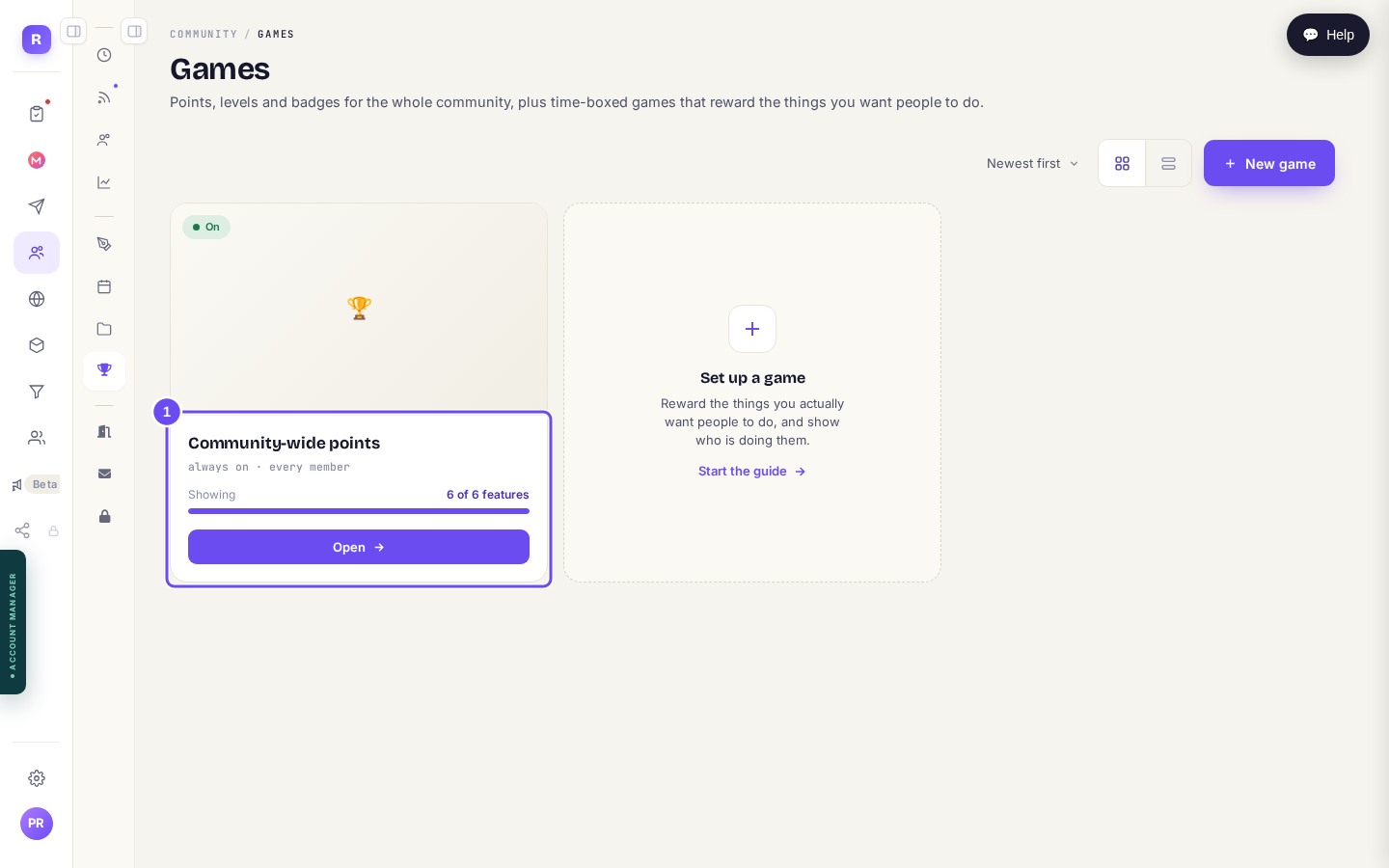
Always on, every member, whether you set anything up or not.
Hand growth over entirely
This is the biggest single saving, and the one people leave switched off. Outreach finds people who look like the ones you want, makes contact, and invites them, continuously, without being asked again.
You set it up once. After that the dashboard tells you what it did today and what is queued, and the only thing it ever asks of you is approval.
Check what outreach is doingWrite a month in one sitting
Consistency is not a character trait, it is a scheduling decision. Write four or five posts in one go and set the dates, and the room then looks alive on the weeks you are flat out.
Everything you have queued gathers in one place, Sending soon, posts and emails together, so you can see at a glance whether next week is covered.
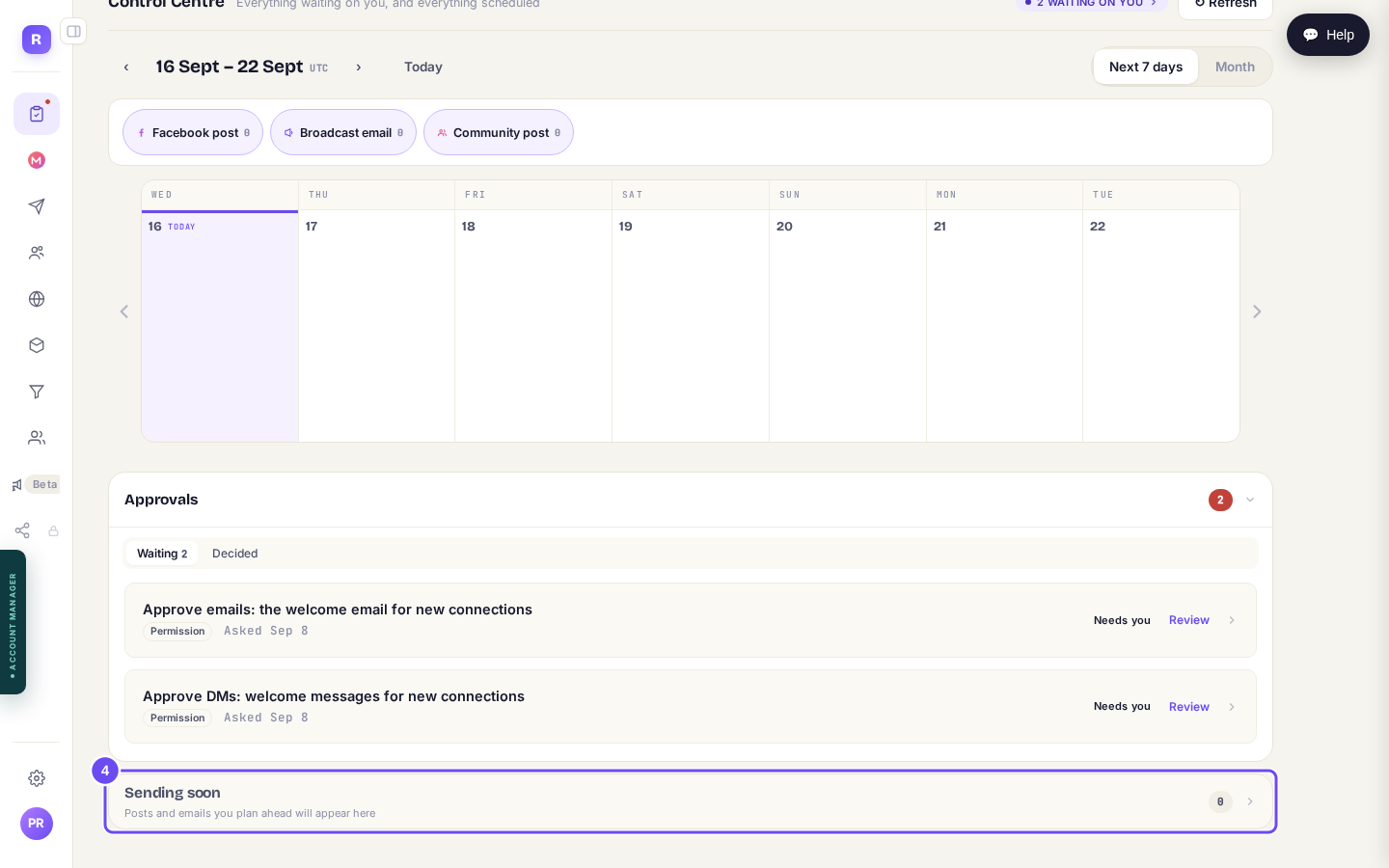
Posts and emails you have planned ahead, on one screen.
The fifteen minutes that actually matter
Here is the part no automation should take from you, and it is smaller than you fear. The dashboard lists who is waiting on a reply, with a count. At zero, the card is not even there.
Press Suggest reply on any row and you get a draft written from what that member actually said, in your voice. Change it, or send it. Correct it once and it remembers: the correction becomes a standing rule, so the next draft starts closer.
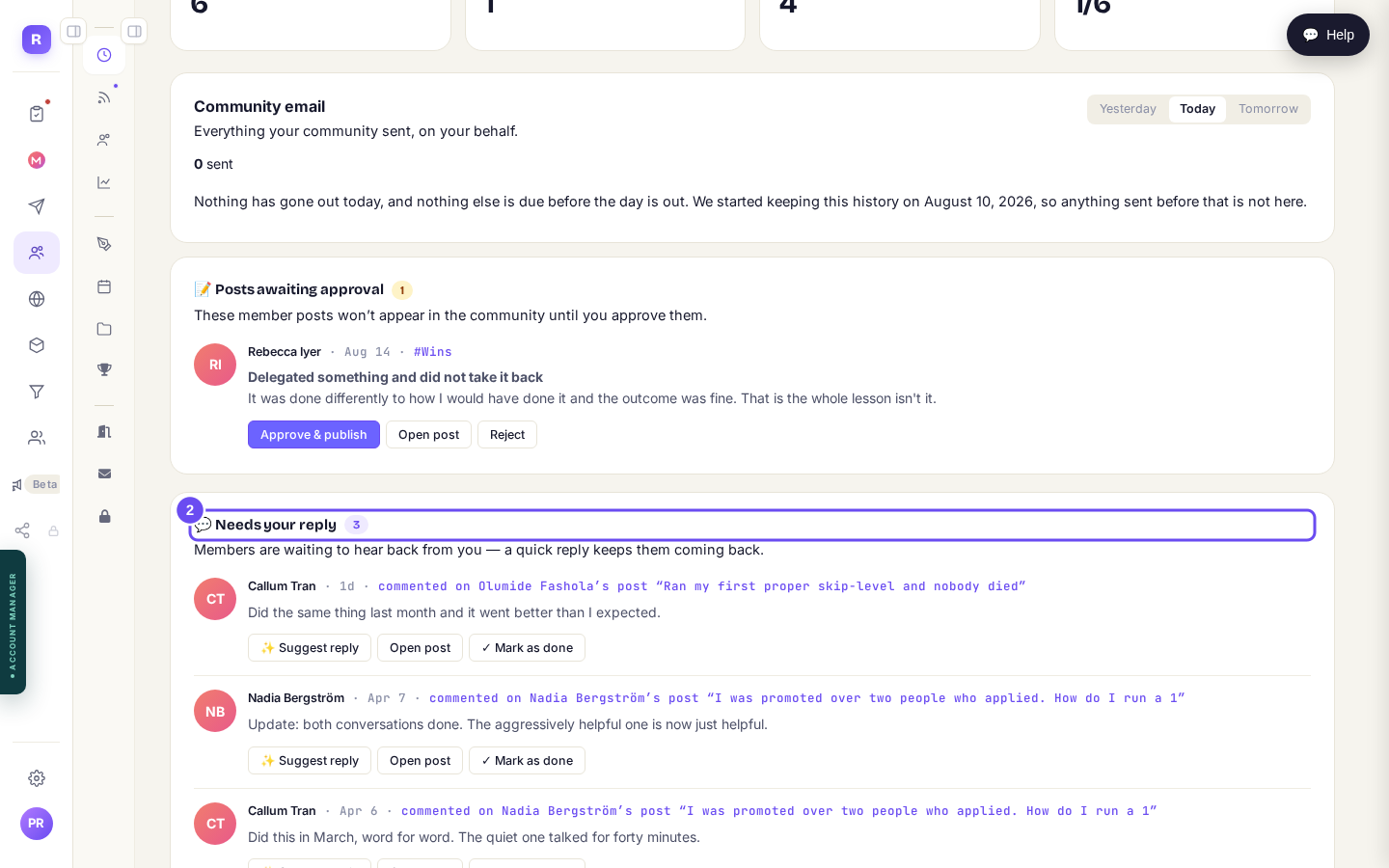
A count, so you know whether today needs five minutes or none.
See who is waiting on meStop watching the room
If you are checking the community because you are worried what might appear, turn on approval instead. Posts and comments then wait for you rather than going up unseen, and they collect in one queue with a count.
Both switches sit together in Settings, and they are independent. You can hold comments while letting posts through, or the other way round.
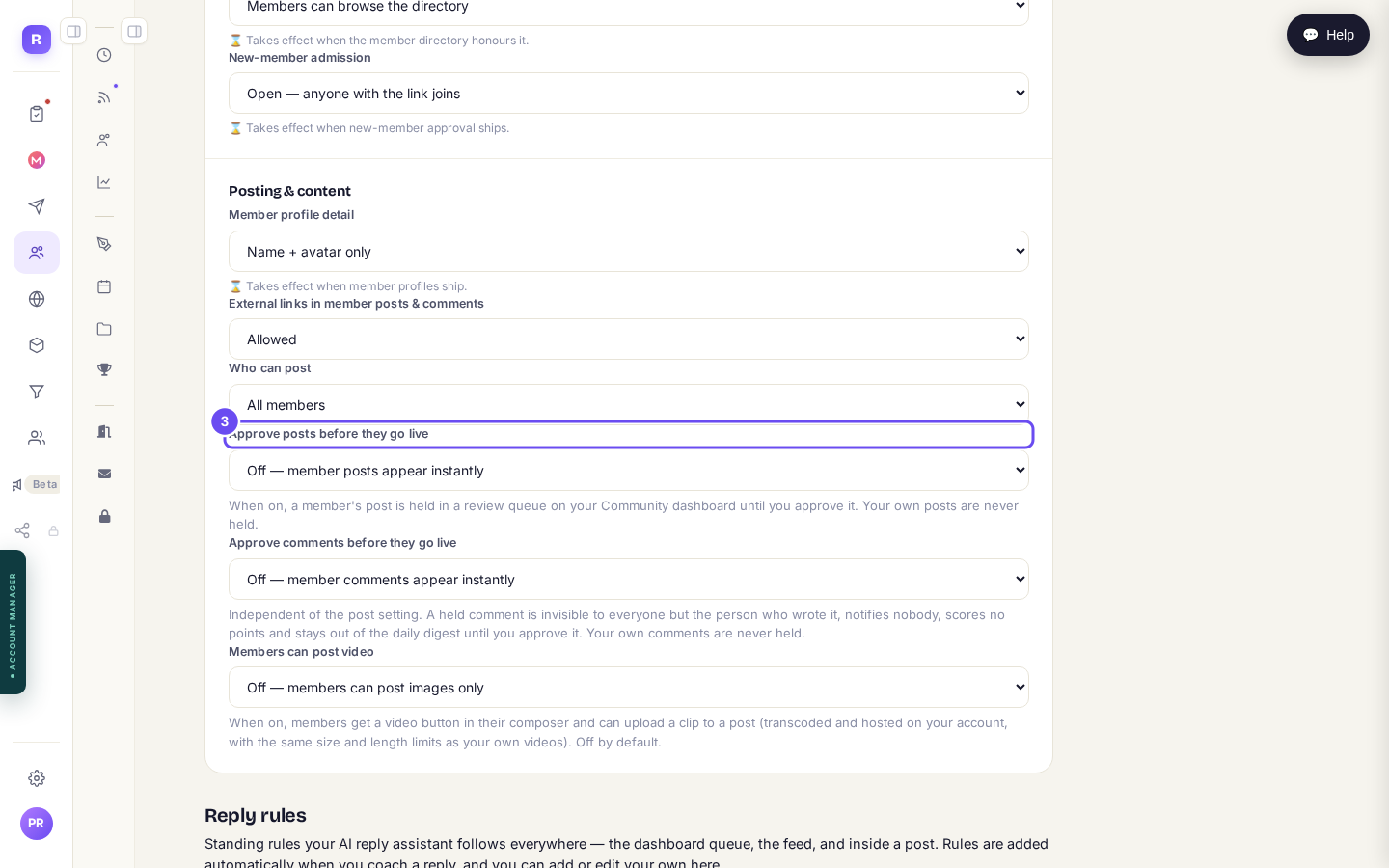
Off, and it appears at once. On, and it waits for you.
Set my approval rules
Automation brings back people who already care. It does not create the caring.
Points do not make somebody love your community, and a scheduled post is not a relationship. They buy you room to do the part that is genuinely yours. If nobody has ever engaged, the problem is not your calendar, and this guide will not fix it.
Related articles
Can I just tell Claude to do it?
Everything in these guides is a screen you can click. This is the other way in: connect your own Claude to your account and describe what you want instead of building it.
Can I sell the community itself?
Guide 1 puts a price on part of the room and keeps the door open. This one is the other decision: making the room itself the thing somebody buys. Pick the shape before you build anything, because the shape decides what a stranger sees.
How do I make money from the community I already have?
You do not have to close the door to charge. Keep your community free to join, and put the thing worth paying for behind a tier, so the room still brings people in while it starts earning.