
How do I put a video behind the top of my website?
Add a Video BG section to your page and pick one of your own videos. It plays behind your words at the top.
Updated 27 September 2026
Press Edit beside the page
Open Website, press Manage, then press Edit beside the page under Pages. The editor opens in a new tab.
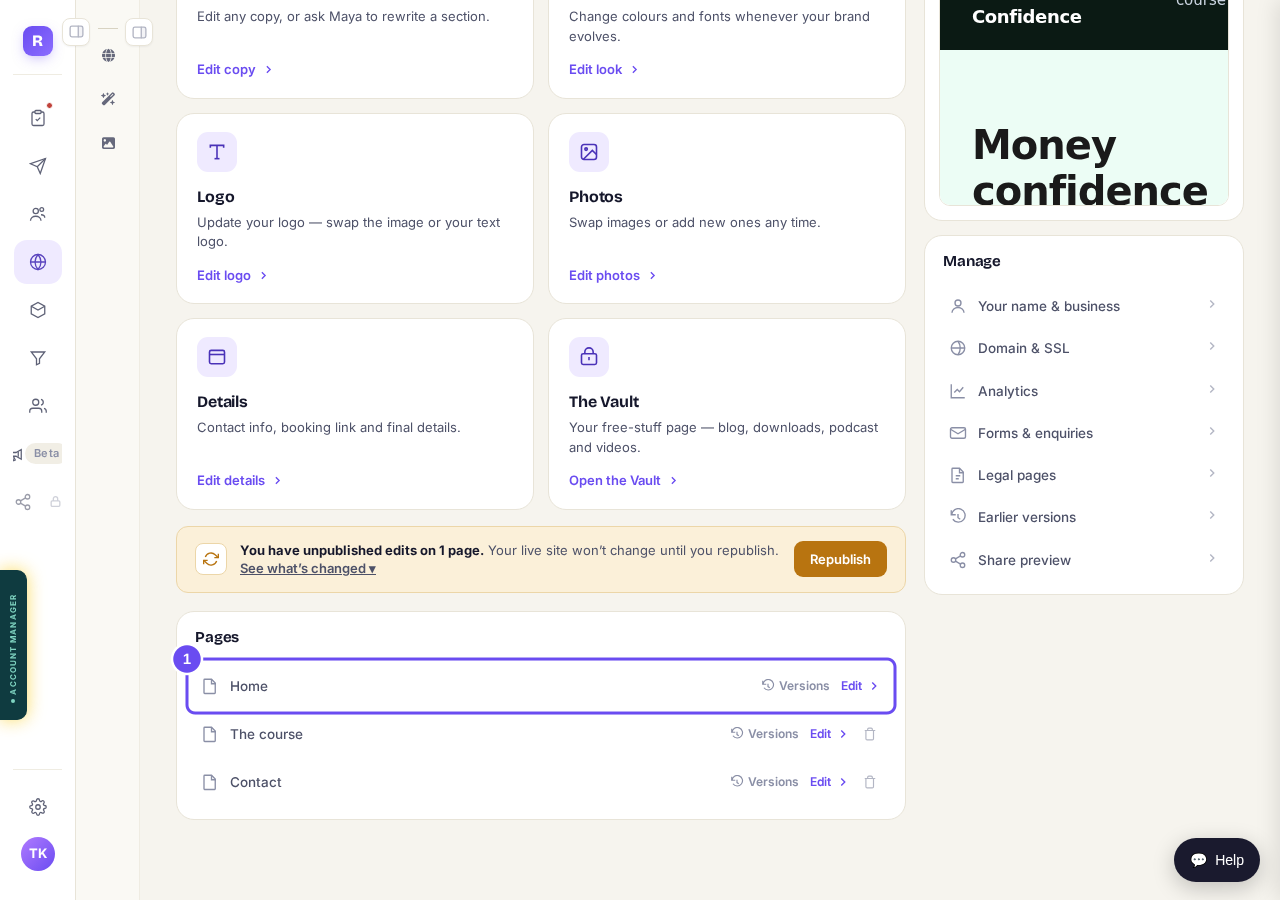
Your pages, each with an Edit link.
Take me therePress Advanced
Press Advanced at the top right of the editor.
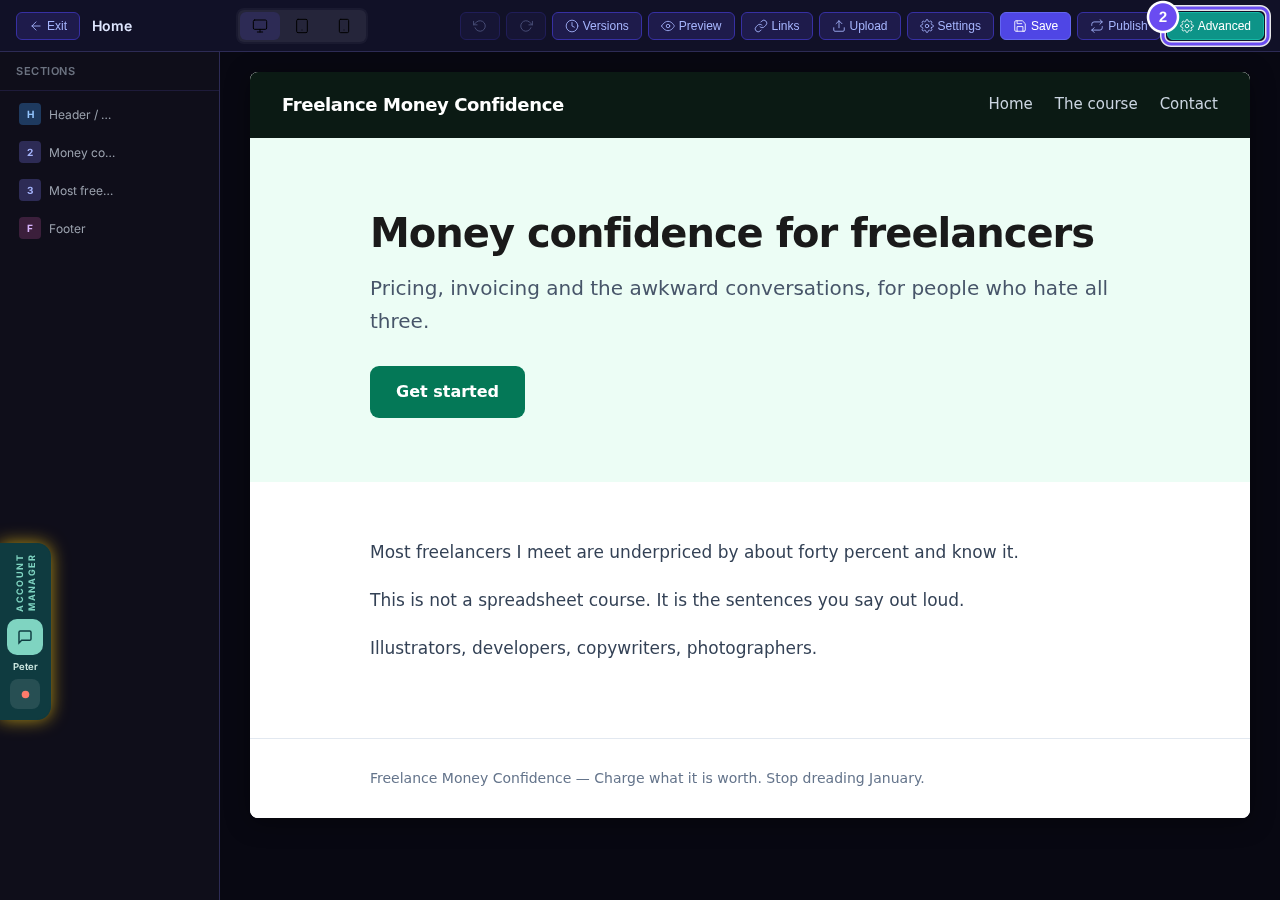
The Advanced button, top right.
Add a Video BG section
Press the top section of your page, then press Video BG in the list on the left. If it asks Match section styling?, press Keep original.
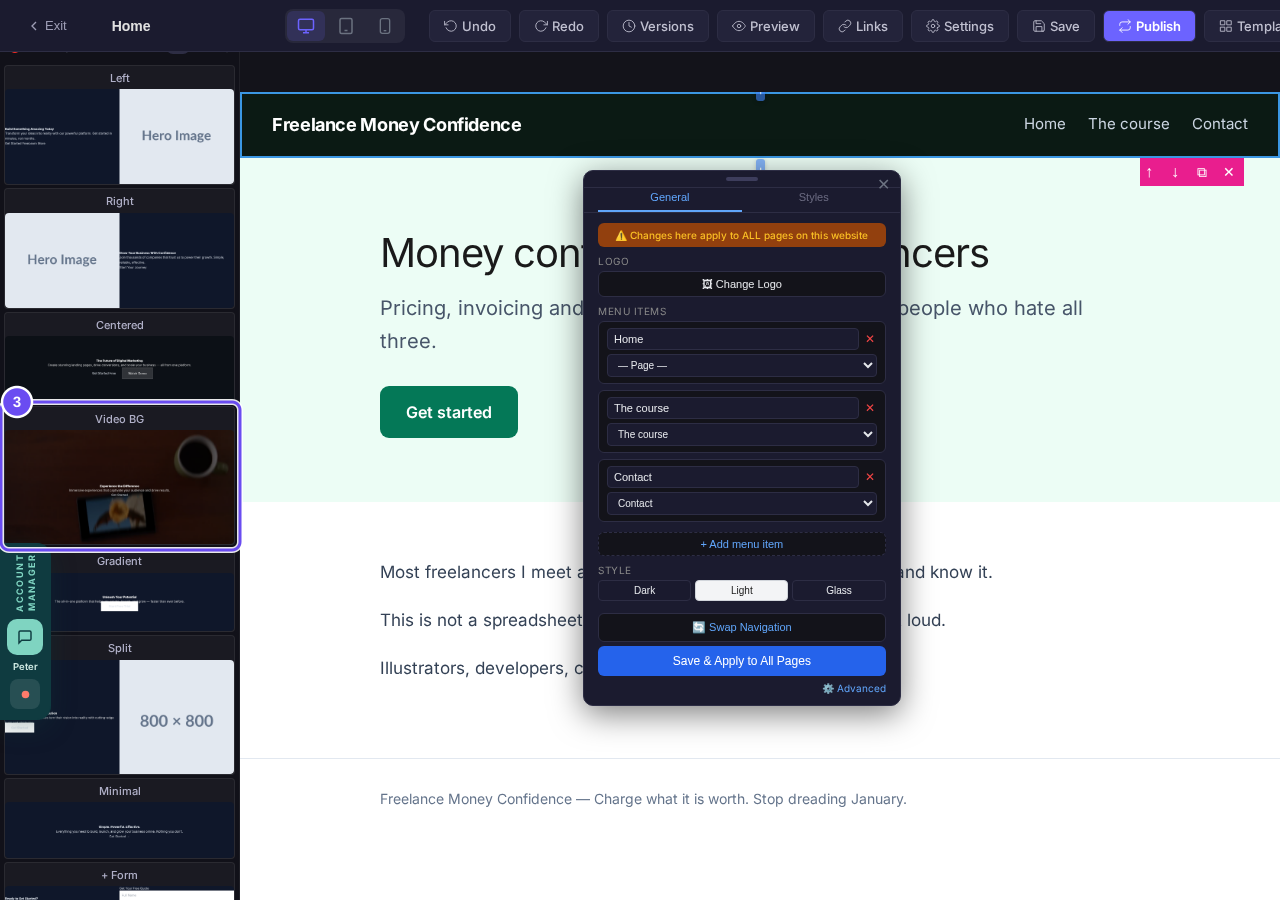
Video BG, in the list of sections.
Double-click it and pick your video
Double-click the new section. Your Media Library opens on Videos. Press your video, or press Upload to add one. Videos can be up to 2 GB or 90 minutes long, as mp4, mov, webm or m4v.
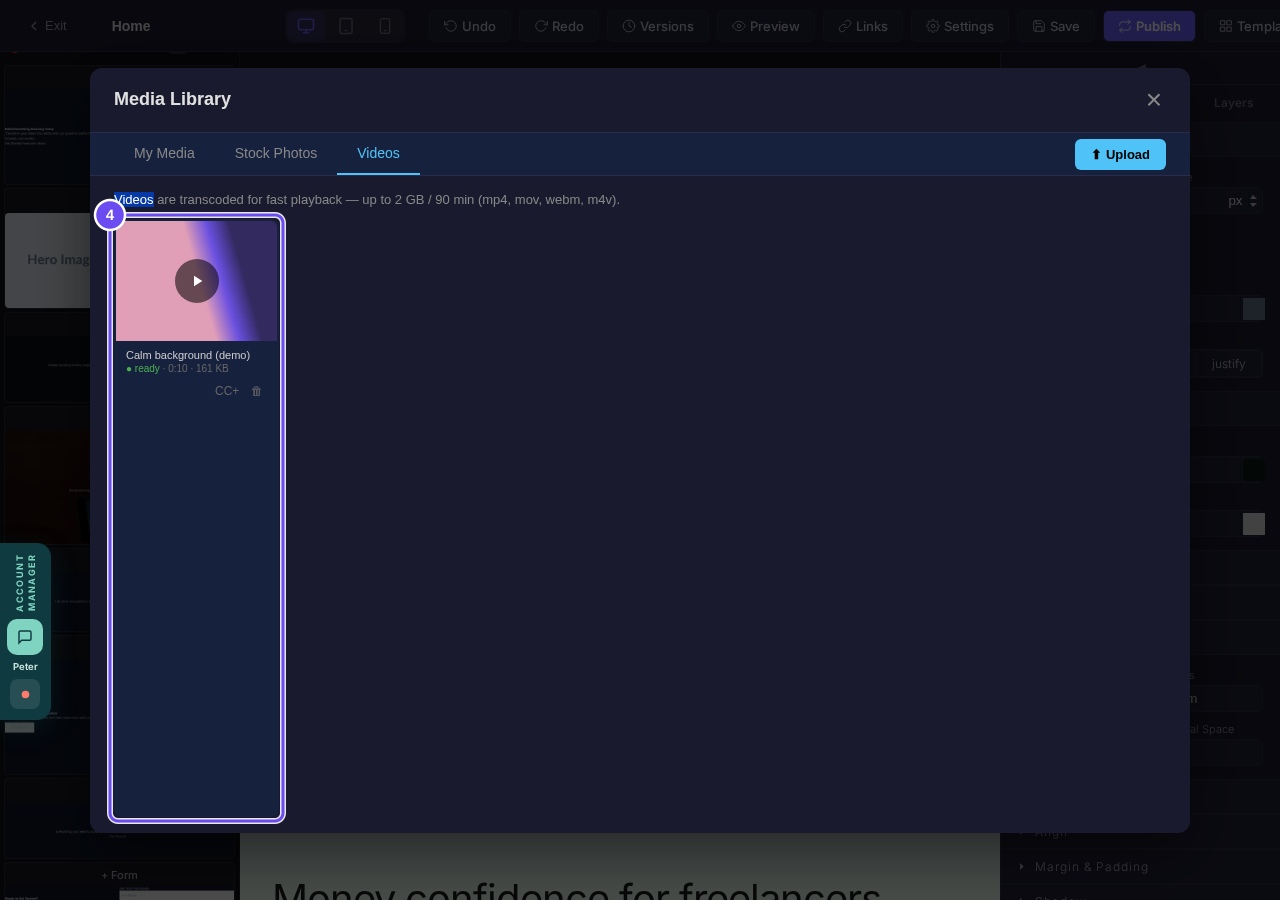
Your videos, in the Media Library.
Press Save
Your video now plays behind the section's words. Press Save at the top, then Publish when you want it on your live site.
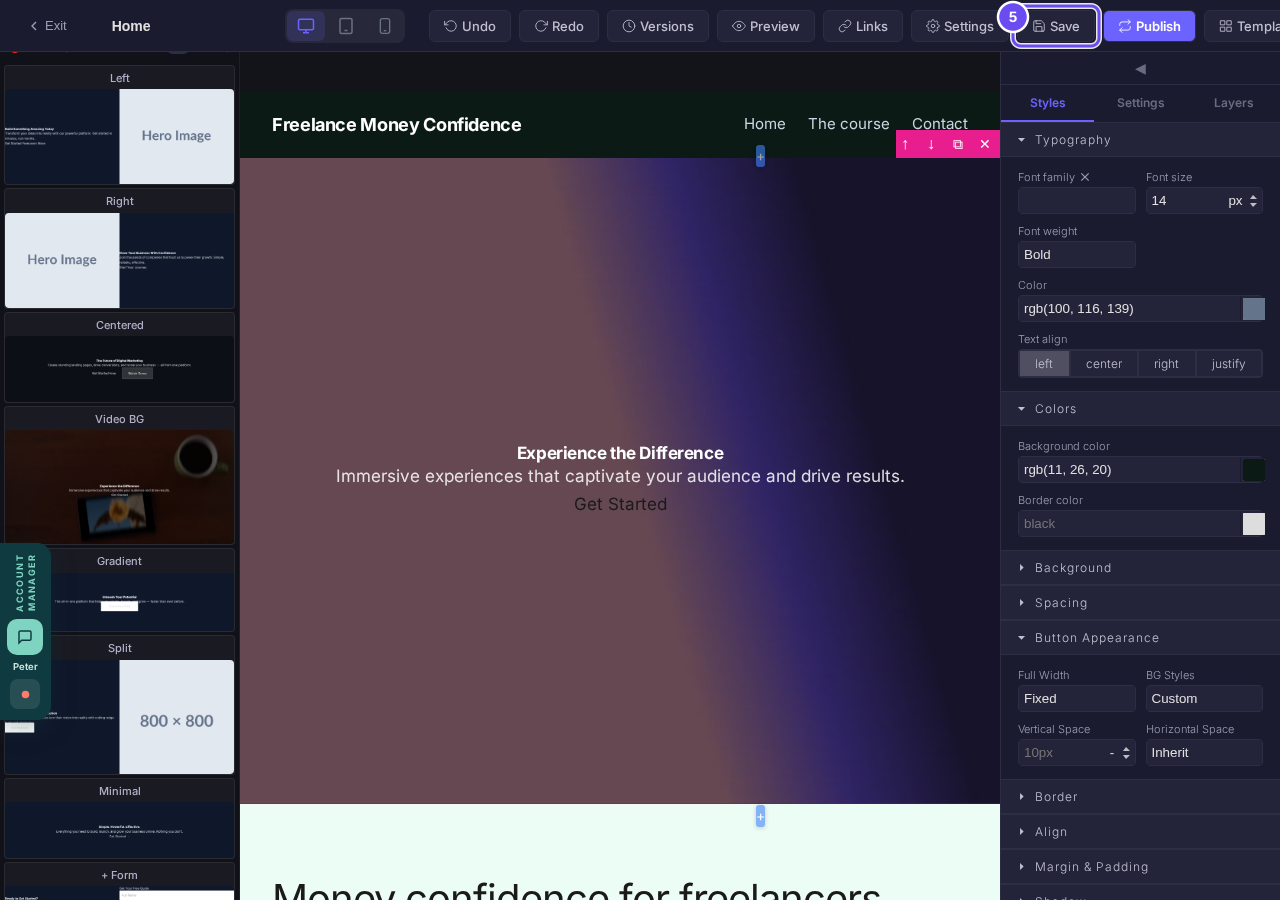
Your video behind the words, and Save at the top.
Related articles
How do I change how my website looks?
Everything you can change sits on one board. Open Websites, press Manage, and look under "Make a change" for a door per kind of change.
How do I change one thing on my page, like a photo or a paragraph?
Every page is a stack of sections, and each one changes on its own. Open the page, find the section, change it — then publish.
How do I publish my website?
Publishing lives inside the page you're editing, not on the Websites screen. Open the page, change it, press Save, then Publish.