
What size should my pictures be, and where do they go after I upload them?
No single right size — a picture is cropped differently on a phone and on a computer. Send something big with the subject near the middle.
Updated 15 September 2026
Open Settings, then Media
Open Settings, then Media. Everything you've ever uploaded is here, reusable across your websites, courses and posts without uploading it twice. The library opens on Images, so a PDF looks missing until you look under Documents.
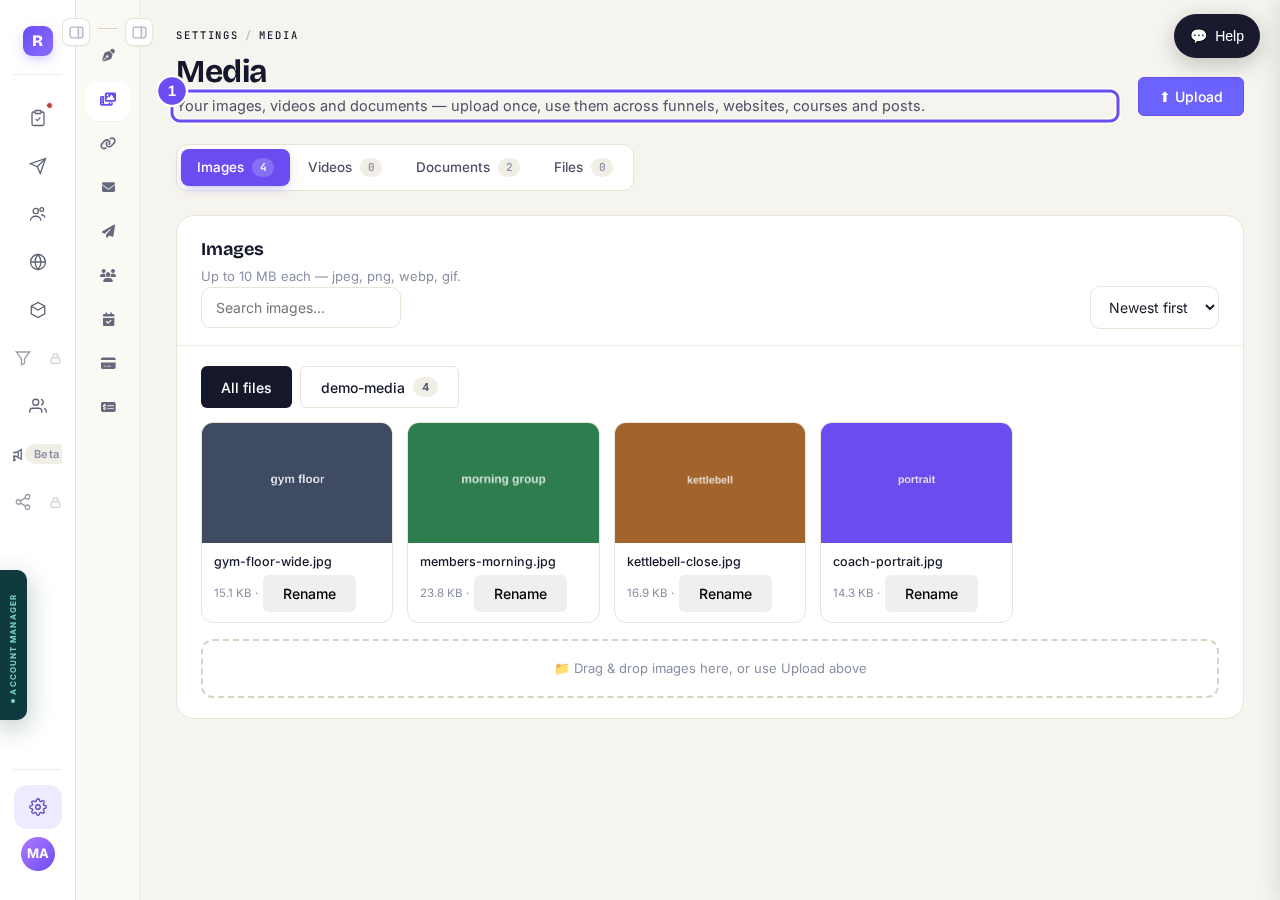
Images, videos, documents, files. Your PDF is under Documents.
Take me thereSend something big, then set the crop
Up to 10 MB each, as jpeg, png, webp or gif. For a banner or cover, send at least 1600 pixels across with the subject near the middle. After choosing it, move and zoom to set the crop.
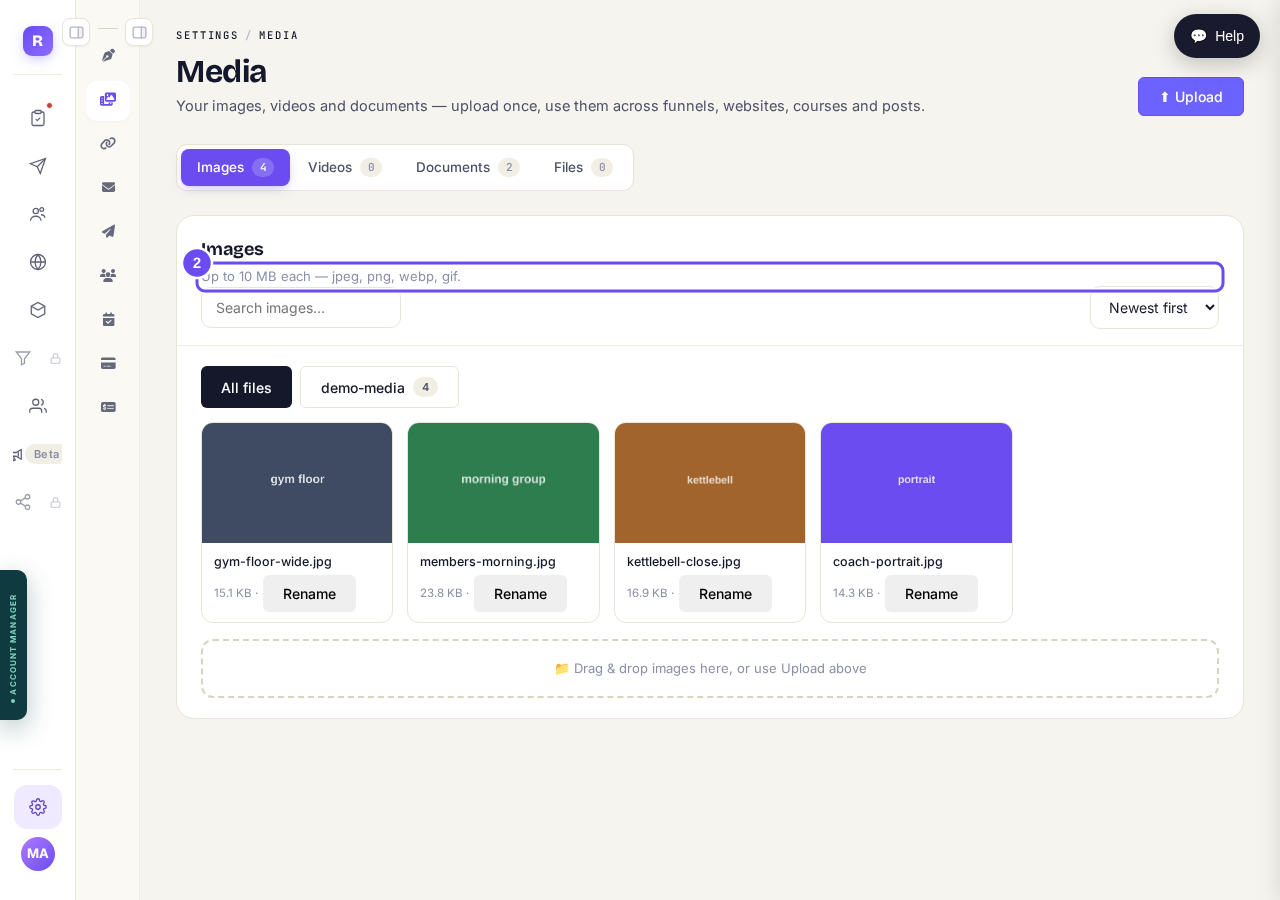
Up to 10 MB each, and it is resized for the web on the way in.
Take me there
How do I change one thing on my page, like a photo or a paragraph?
Related articles
How do I change how my website looks?
Everything you can change sits on one board. Open Websites, press Manage, and look under "Make a change" for a door per kind of change.
How do I change one thing on my page, like a photo or a paragraph?
Every page is a stack of sections, and each one changes on its own. Open the page, find the section, change it — then publish.
How do I publish my website?
Publishing lives inside the page you're editing, not on the Websites screen. Open the page, change it, press Save, then Publish.