
How do I use Outreach?
Outreach watches influencers and groups your audience already follows, picks out who's worth talking to, and drafts messages each morning. You approve them.
Updated 15 September 2026
Create a community first
Outreach stops here until a community exists: it finds people by matching against who your community is for. About two minutes of work.
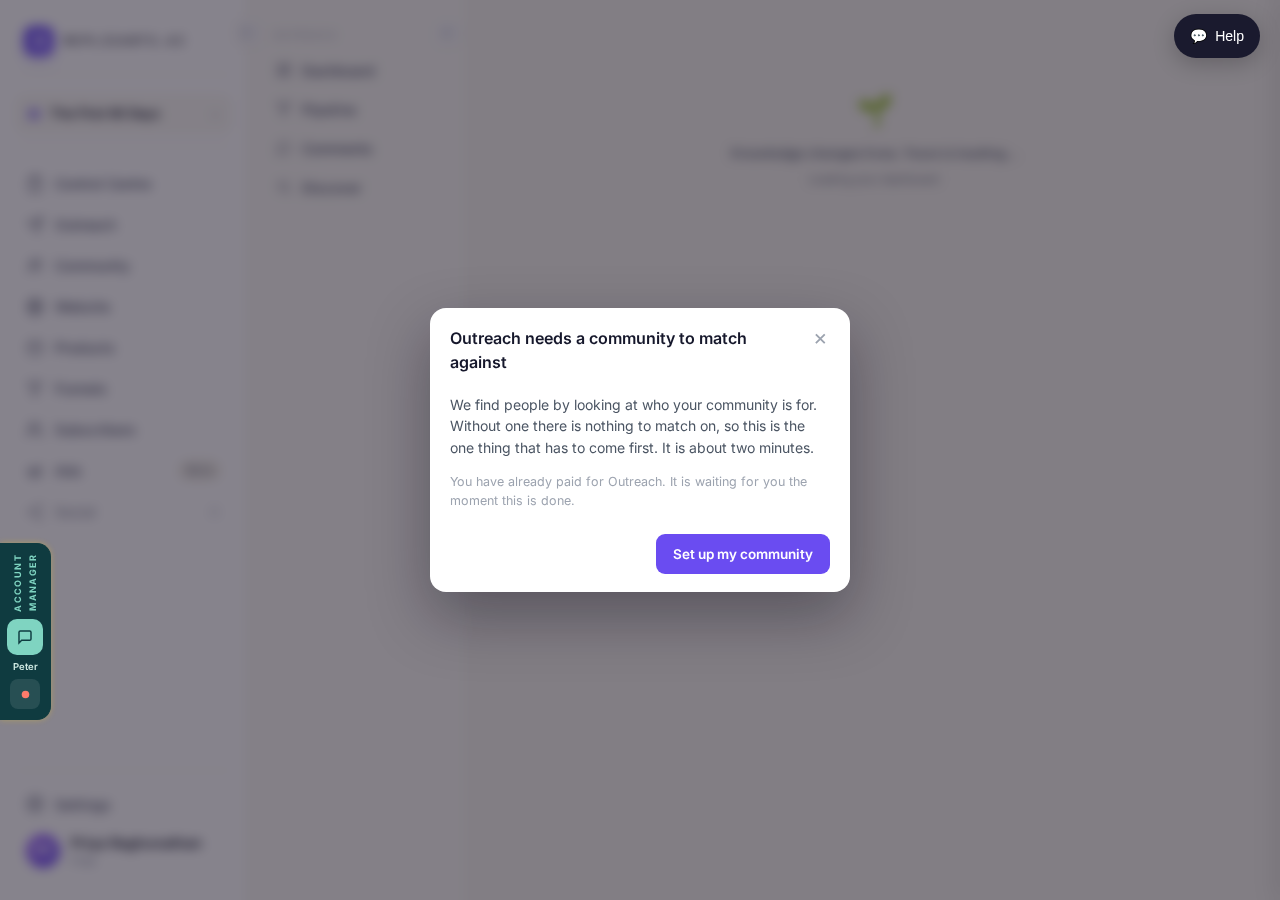
Outreach stops here until a community exists to match against.
Take me therePick the influencers and groups to watch
Name a few accounts your audience already pays attention to, and a few groups where they post. This screen decides who Outreach ever looks at.
Two things to fill in: people your audience follows, and where they post.
Take me thereInstall the Chrome extension
Step one of four in the setup. Thirty seconds, once, on desktop Chrome signed in to the same account. It's there because Outreach works through your own LinkedIn.
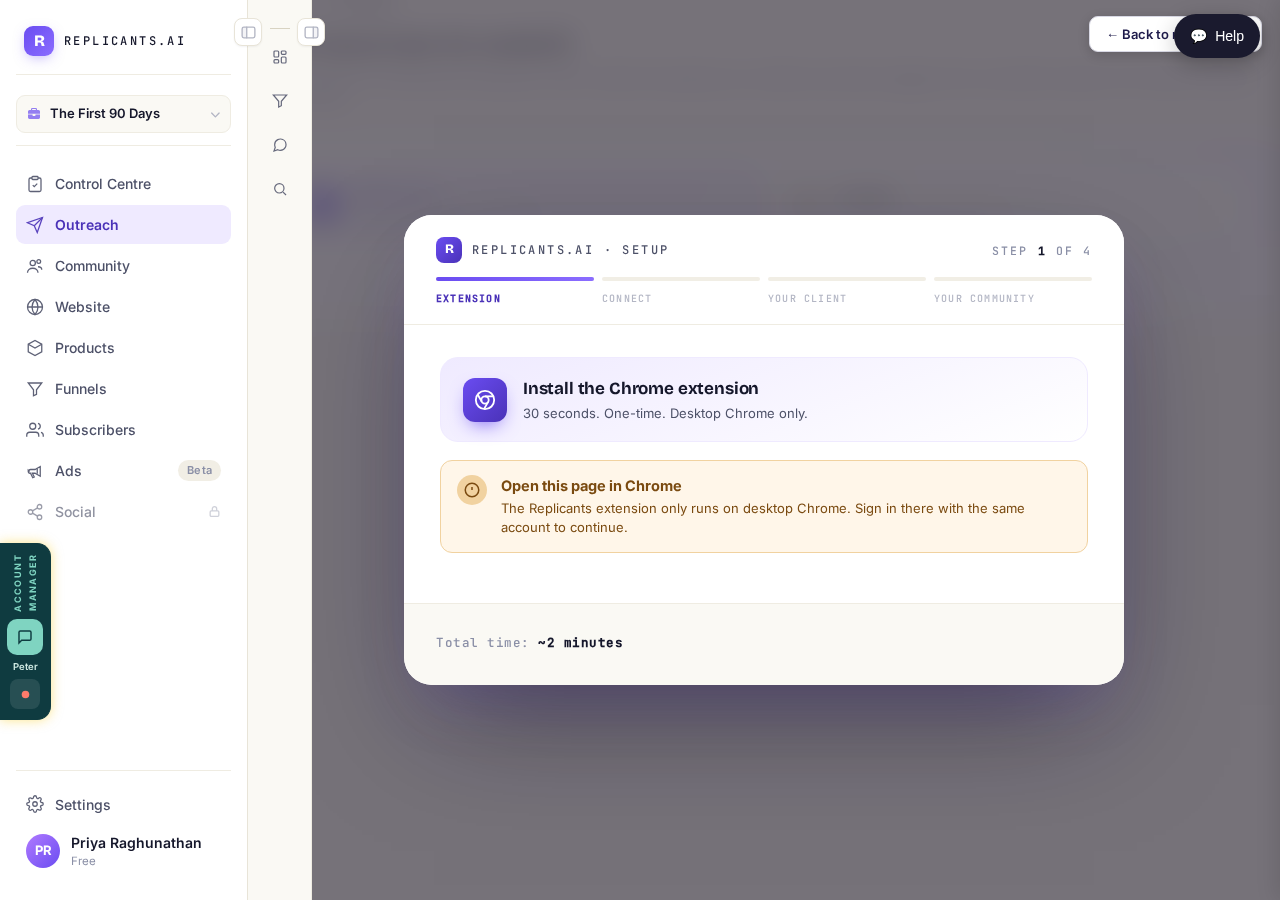
Step 1 of 4. Desktop Chrome only, and only once.
Related articles
Can I use Outreach on Instagram or X?
Not yet. Today Outreach works on LinkedIn only, through your own account. Instagram and X are coming soon, and nothing you set up now is wasted.
How do I check a comment before it goes out?
Comments are written for you, then wait. Nothing is posted in your name until you read it and press Approve. About five minutes a day.
How do I find the right people to reach?
Outreach only finds people through sources you pick: influencers your audience follows, and groups they post in. Ten minutes, once.