
What is the Pipeline screen showing me?
Pipeline is the second Outreach screen. It lays everyone found across five columns, so you can see who's at which stage. A screen for looking, not doing.
Updated 15 September 2026
Read the coloured strip first
The strip under the heading is everyone you have in one line, each colour sized by how many sit at that stage. The columns below are the same people by name.
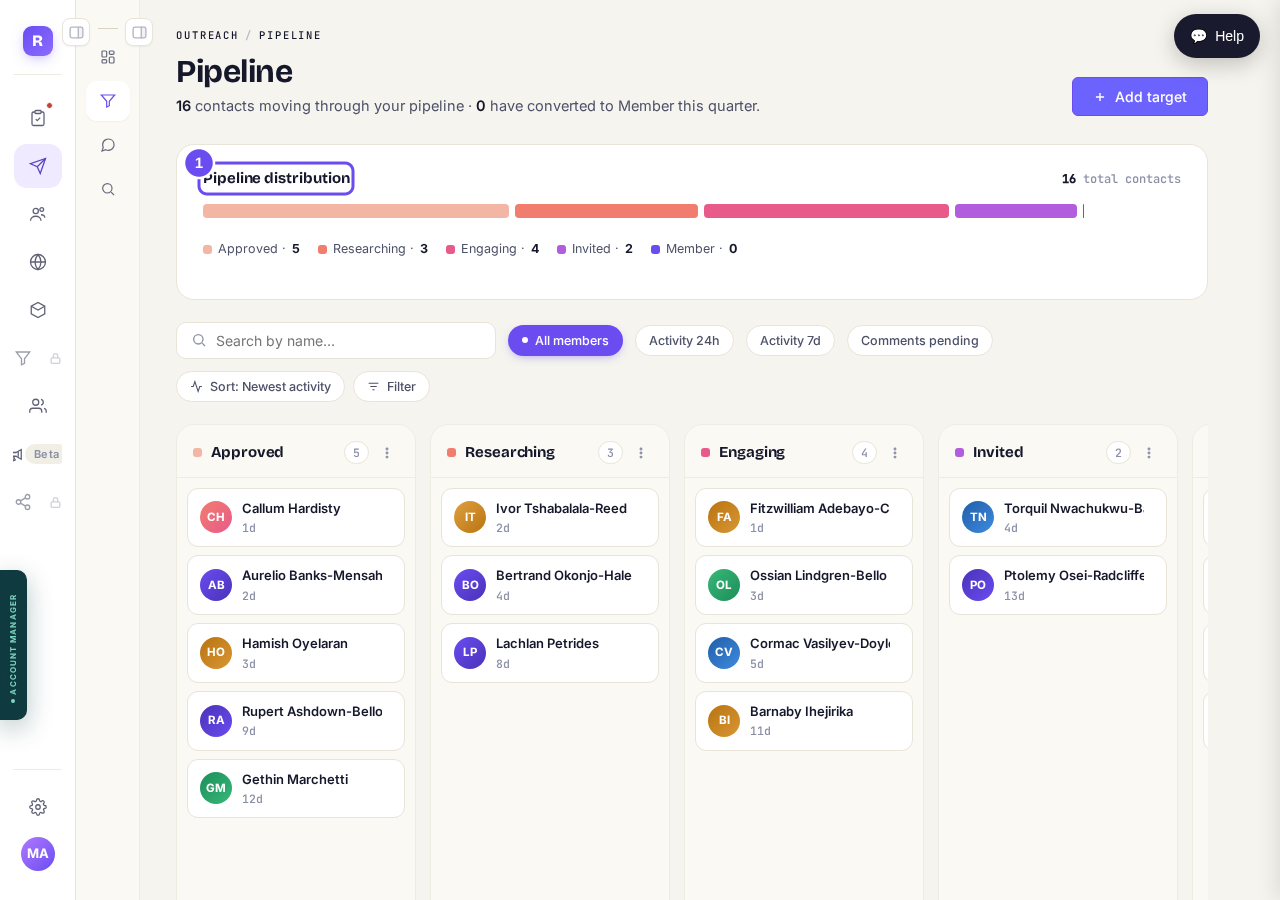
Everyone you have, in one line, coloured by stage.
Take me thereRead the five columns left to right
Approved means you said yes, nothing begun. Researching, their posts are being read. Engaging, comments going out. Invited, asked to join. Member, accepted. People move over weeks, not hours.
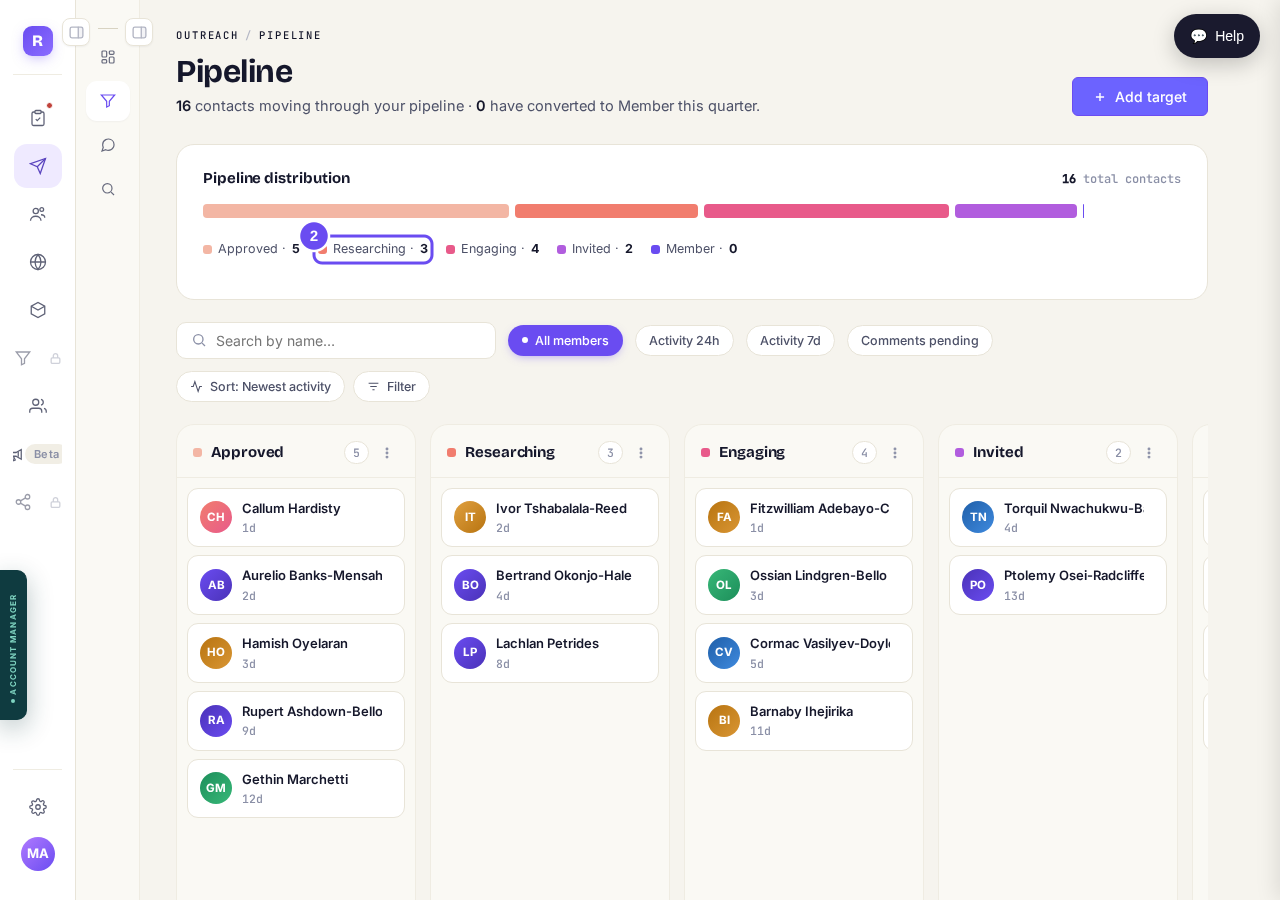
Approved, Researching, Engaging, Invited, Member.
See what a card tells you
A card is a name and one line of timing. In Researching and Engaging it counts down to the invitation, then reads Ready to invite. Pressing it opens nothing. Use View member on the Comments screen.
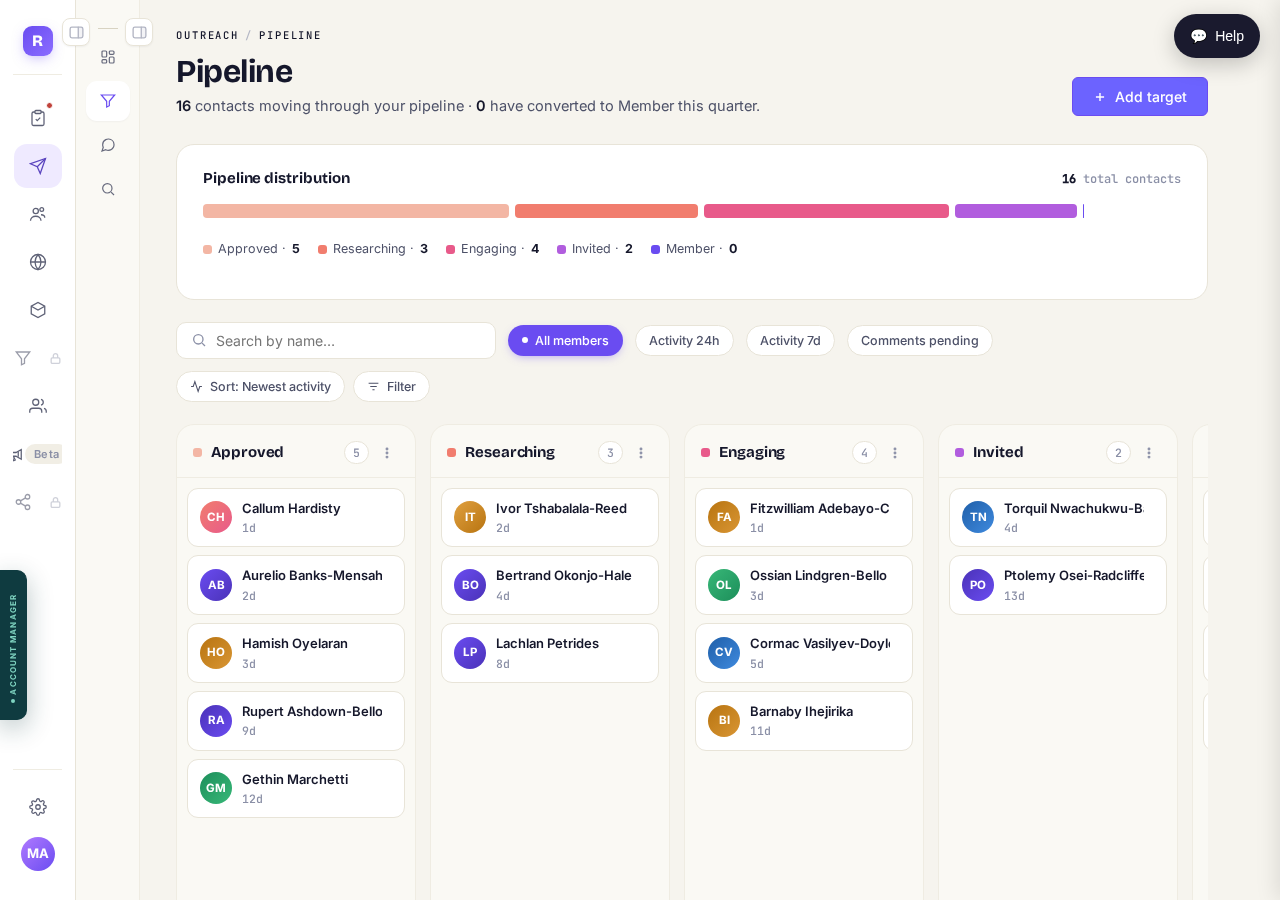
A name, and how long until the invitation.
Take me thereNarrow the board with the four buttons
All members shows everyone. Activity 24h and 7d keep only people active in that window. Comments pending leaves only people waiting on your yes. Sort reorders by activity; Filter narrows to one location.
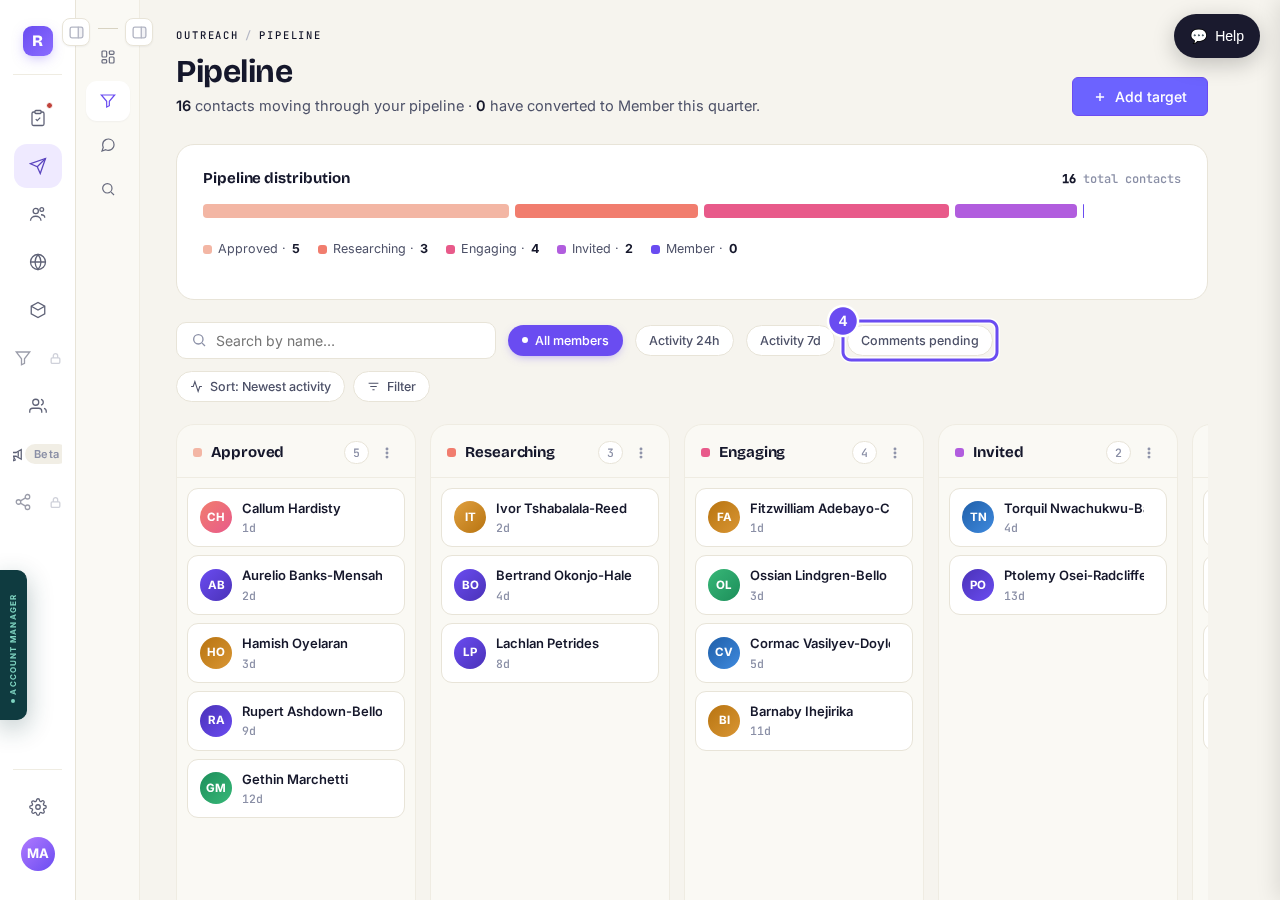
Comments pending turns the board into your held-up list.
Search for one person by name
Type a name in the box on the left and the columns thin around it. It matches names only. Empty the box to bring everybody back.
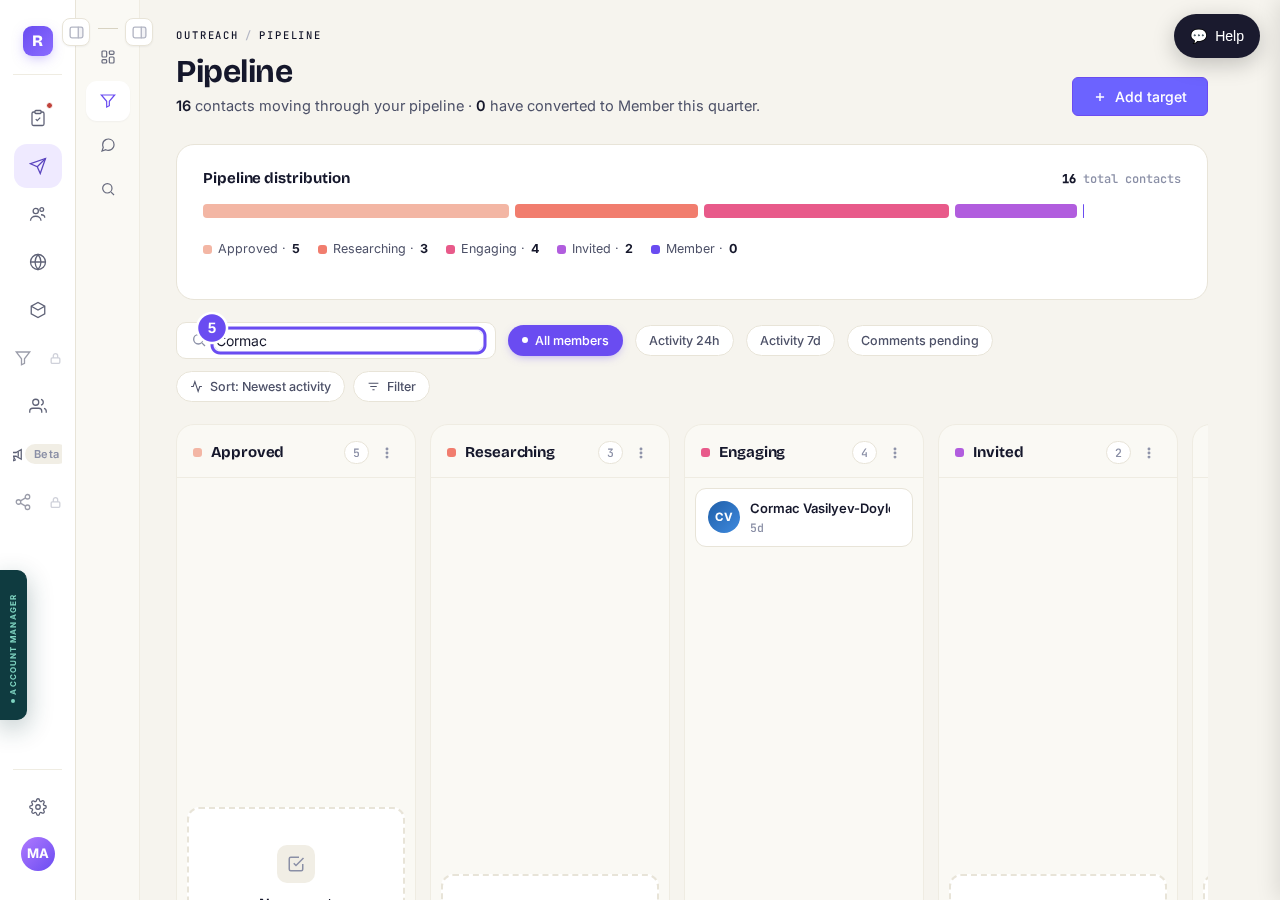
One name typed in, and the board keeps only them.
Why has my outreach stopped, and how do I start it again?
Related articles
Can I use Outreach on Instagram or X?
Not yet. Today Outreach works on LinkedIn only, through your own account. Instagram and X are coming soon, and nothing you set up now is wasted.
How do I check a comment before it goes out?
Comments are written for you, then wait. Nothing is posted in your name until you read it and press Approve. About five minutes a day.
How do I find the right people to reach?
Outreach only finds people through sources you pick: influencers your audience follows, and groups they post in. Ten minutes, once.