
What is the Outreach preview, and what happens if I start my free trial?
Once your community is set up, Outreach opens for free and shows you who it would reach, then waits, paused. Nothing is charged and nothing happens on LinkedIn. Pressing Start my free trial is the only thing that switches it on, and that starts a 14-day free trial.
Updated 19 October 2026
Press See my results
Press Community, then Welcome. A card there says See who Outreach would find for your community; press See my results to open Outreach.

See who Outreach would find for your community.
Read the amber bar
Every Outreach screen shows Your outreach is set up and paused. Start your free trial to switch it on. Beside the time it says Paused · start your free trial to switch it on.
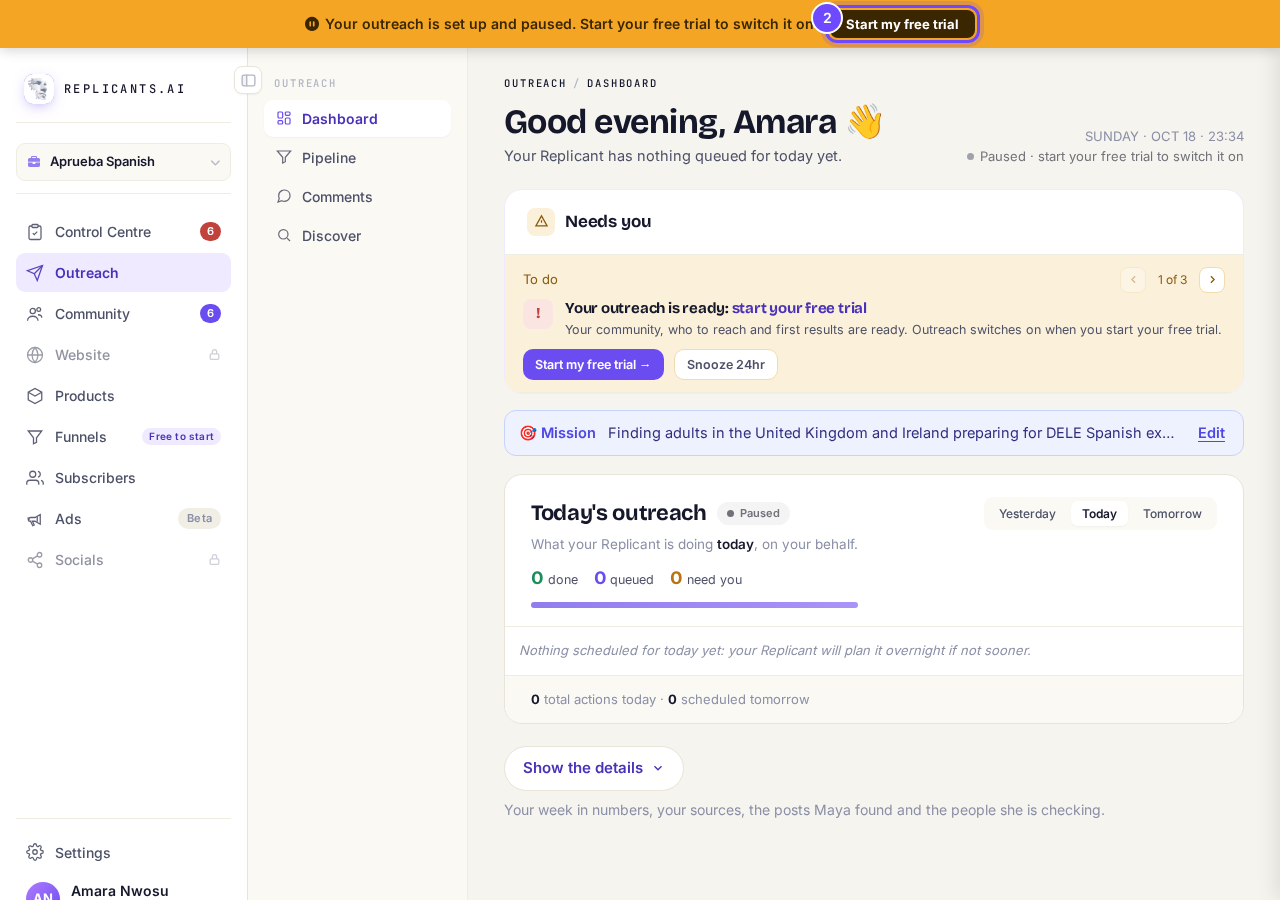
Set up and paused.
Press Show the details
Press Show the details for your week in numbers and the sources Outreach would watch, such as the influencers it picked for your community. The preview looks once, for free, and contacts nobody.
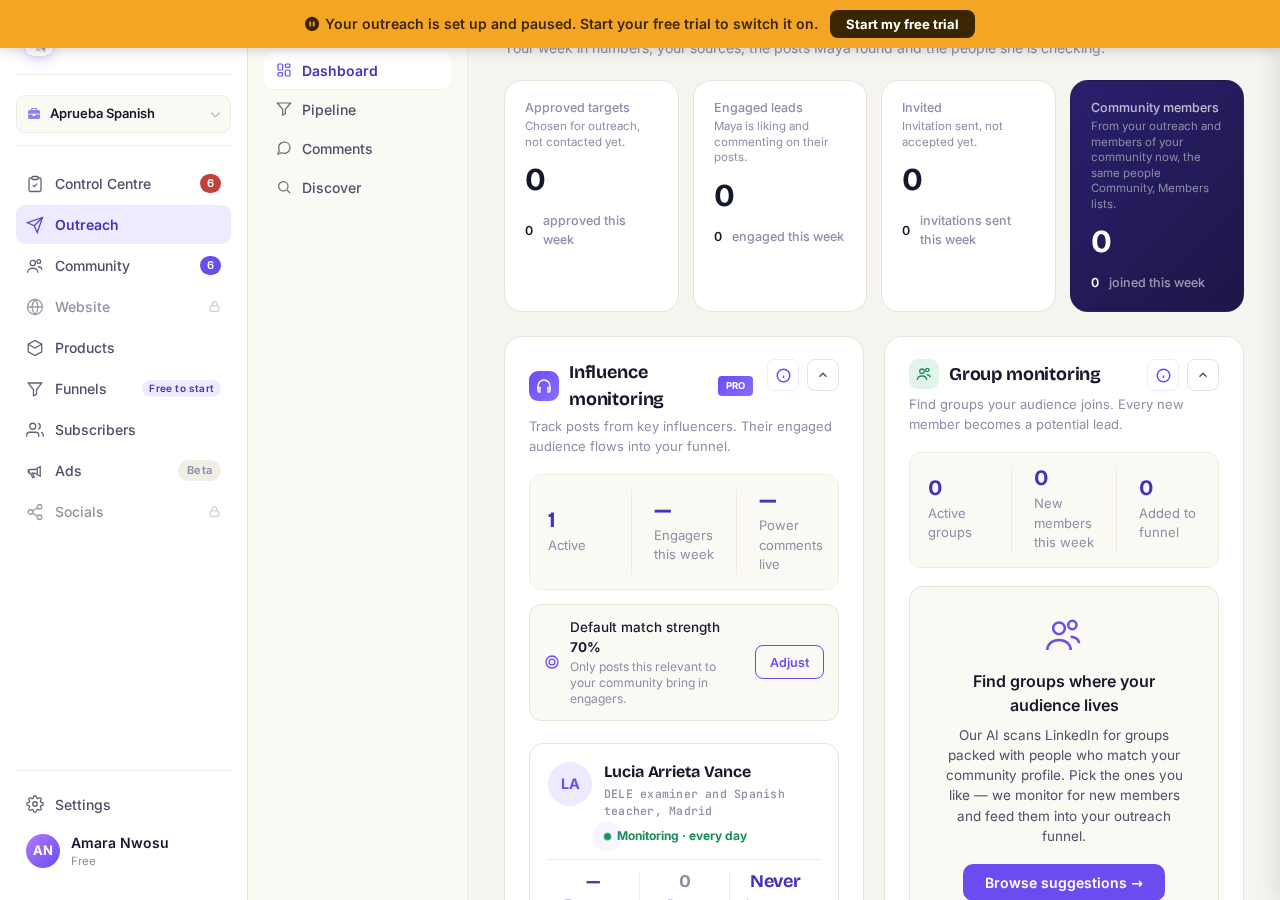
The sources the preview found.
Press Start my free trial
Press Start my free trial on the amber bar. The Outreach trial opens, saying your first 14 days are free and cancelling takes one press; Start now then asks for a plan size and a card. If you were offered a launch price, that offer opens instead.
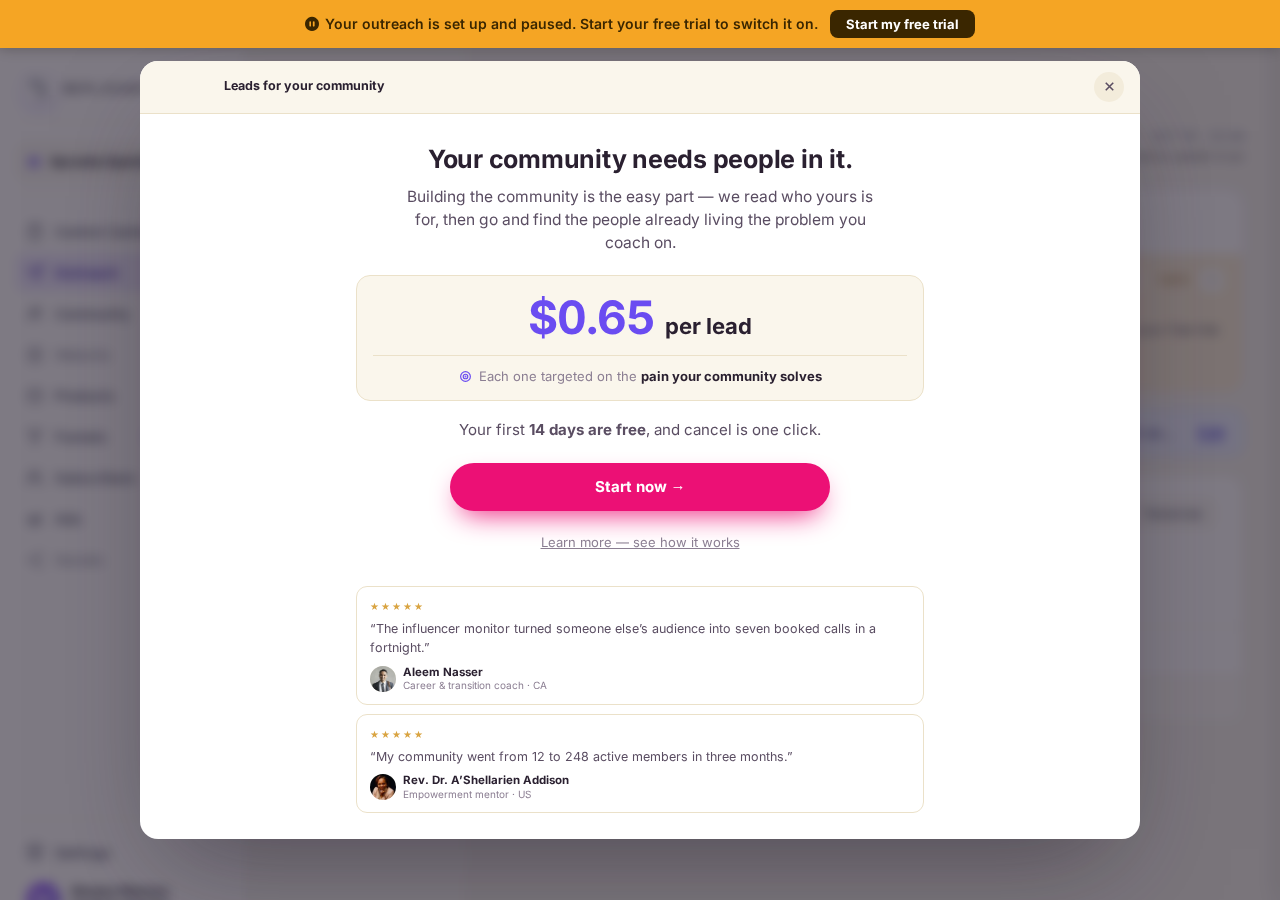
The Outreach trial: your first 14 days are free.


Questions coaches ask
Can I connect LinkedIn during the preview?#
No. LinkedIn is connected after the trial starts, because that is when Outreach can act for you.
How do I stop the trial before I pay?#
Open Settings, then Billing, and press Cancel on the Outreach card before the free days end. How to cancel Outreach.
Will the preview look again next week?#
No. It looks once. Outreach keeps looking only after your trial starts.
Pressing Outreach may show Your Outreach preview is on its way: your community qualifies, and the preview will be ready on a later visit. Press OK, or See the trial instead to start now.
What counts as a lead, what am I paying for, and when will people start joining?
Related articles
Can I use Outreach on Instagram or X?
No. Today Outreach works on LinkedIn only, through your own account.
Do I need a LinkedIn account to use Replicants?
No. Almost everything works without LinkedIn: your community, Courses, Products, Subscribers and email, Funnels and Website. Only Outreach needs it, because it finds people on LinkedIn and connects with them from your own profile.
Do my new connections get a welcome email automatically?
Yes. If you use Outreach, every new connection gets a welcome email by itself, as soon as we have their email address. No LinkedIn welcome message is sent to anyone today, so the email does that job. One screen shows you both, in about two minutes.